GeForce NOW
Needs 25+ Mbps internet, wired ideal.
Difficulty: EasyCost: Free tier / $9.99+ per monthEstimate

Best played by streaming from the cloud via GeForce NOW.
Overall rating: Not enough votes yet
Best played by streaming from the cloud via GeForce NOW.
GeForce NOW streams Wingspan from an RTX-class GPU straight to your Mac, with high-refresh play and nothing to install locally.
| Method | Quality | Difficulty | Cost | |
|---|---|---|---|---|
| GeForce NOWPick | Estimate | Easy | Free / $9.99 /mo | Get it ↗ |
| Parallels | Estimate | Medium | $99/yr | Get it ↗ |
| Boosteroid | Estimate | Easy | $9.95 /mo | Get it ↗ |
| Xbox Cloud Gaming | Estimate | Easy | $16.99 /mo | Get it ↗ |
Heads up: GeForce NOW streams the game but doesn't include a copy — you'll still need to own Wingspan on a supported store (AllKeyShop).
Wingspan is a relaxing, award-winning strategy card game about birds for 1 to 5 players. Each bird you play extends a chain of powerful combinations in one of your three habitats. Your goal is to discover and attract the best birds to your network of wildlife preserves.
Wingspan doesn't have a native Mac build, but streams through Boosteroid — play it on any Mac with a solid internet connection.
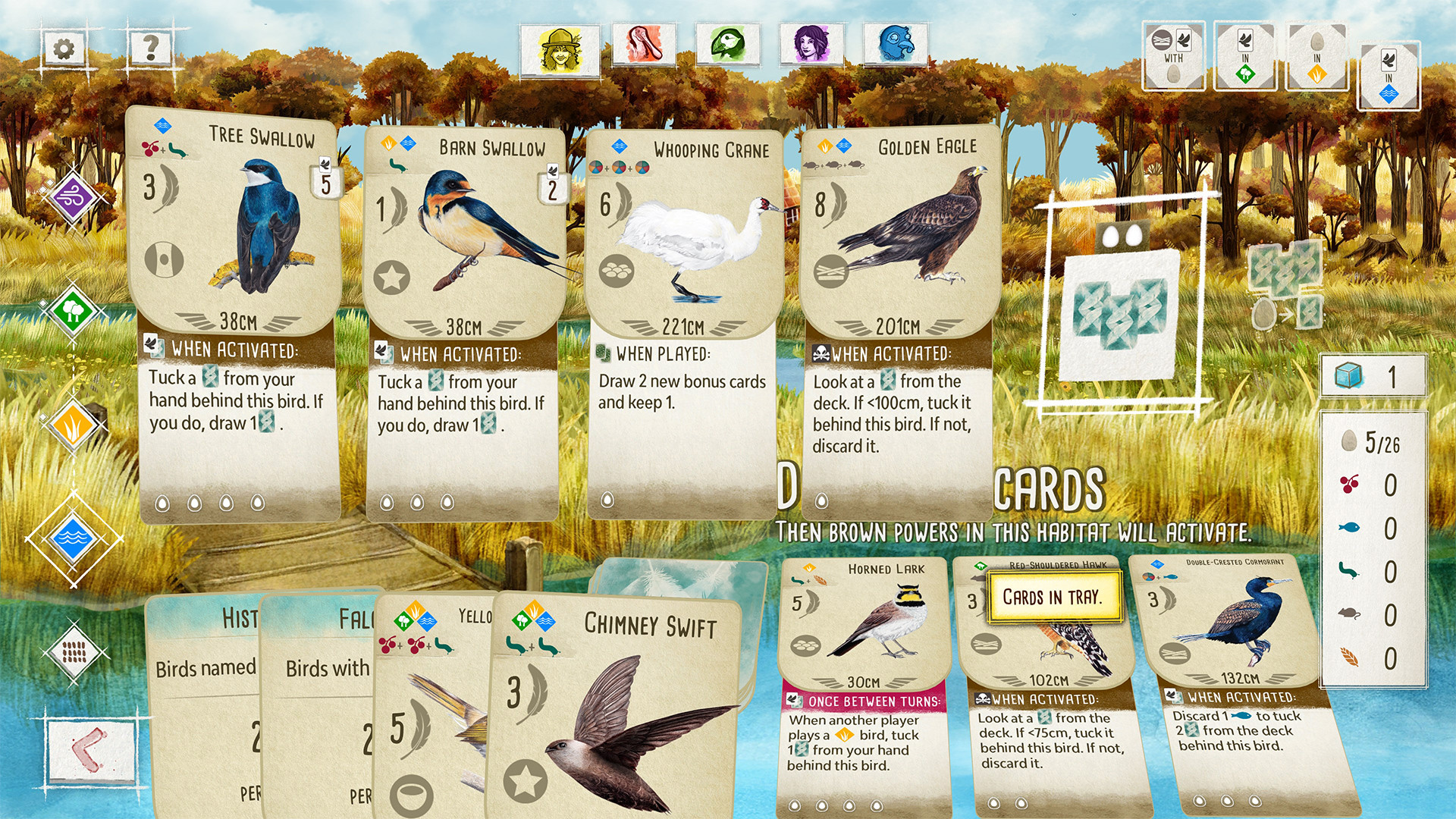
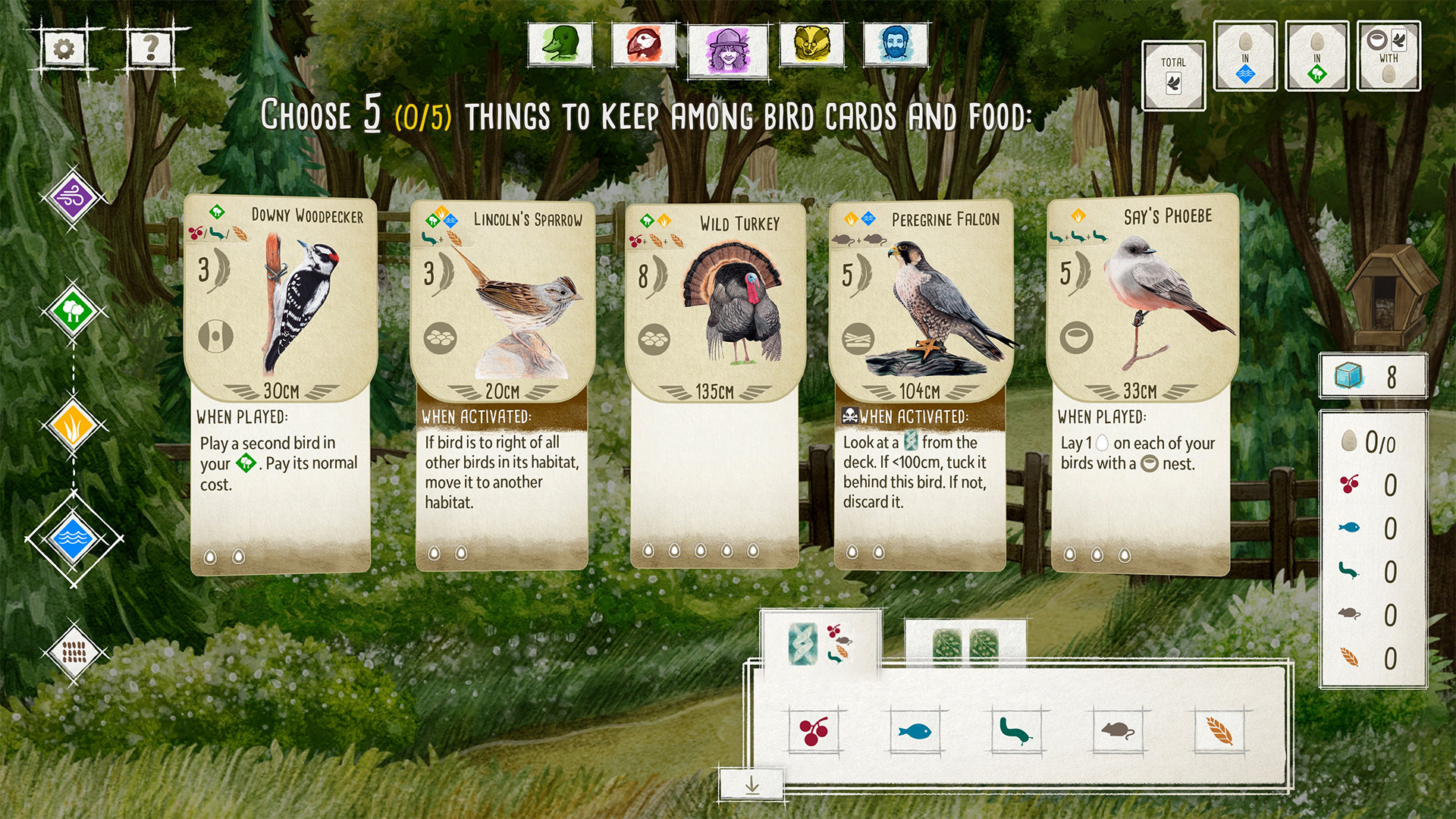
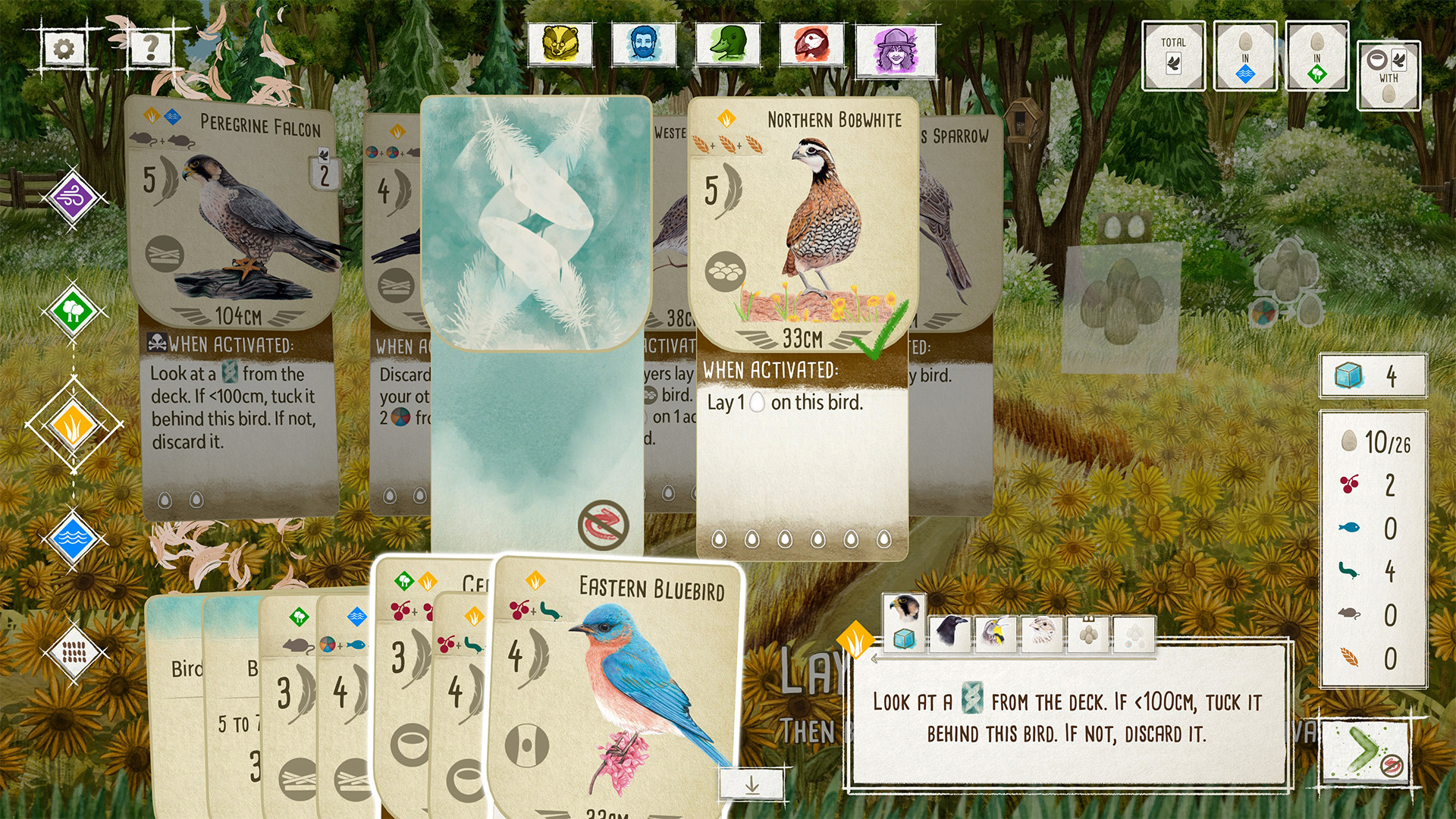
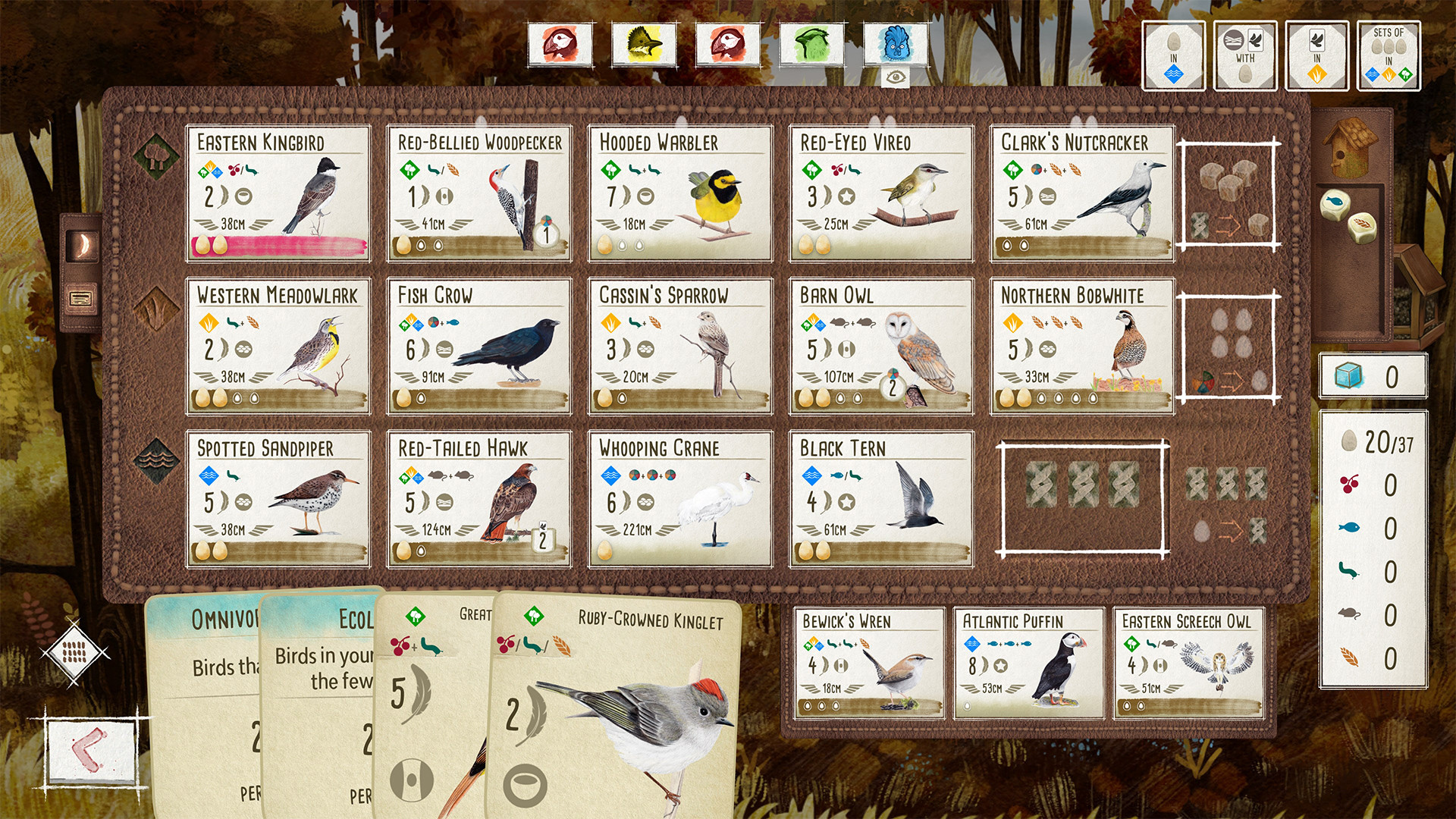
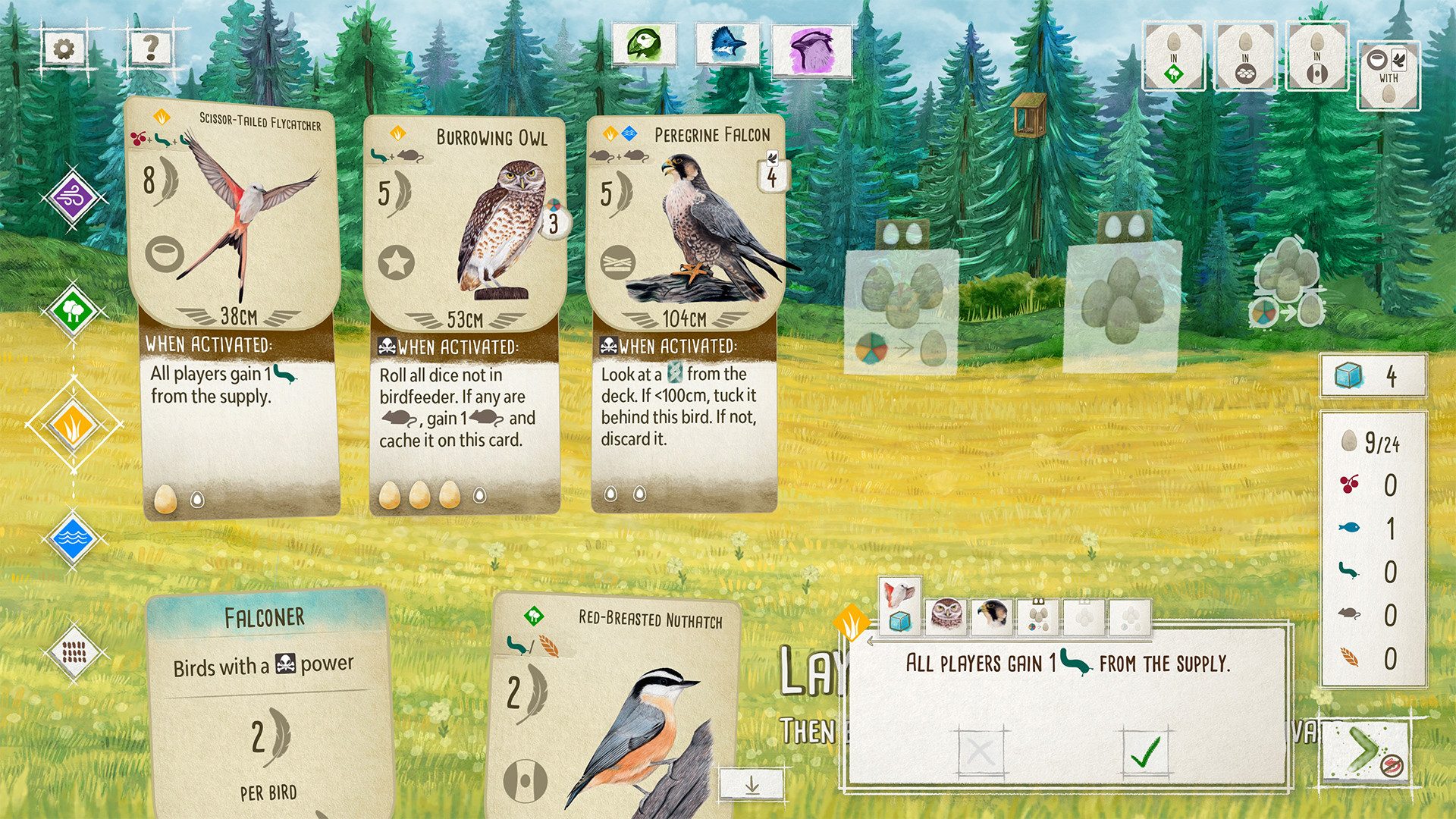
How Wingspan runs on your Mac, from our performance model and player reports.
See exactly how Wingspan will run on your Mac
Pick your chip and RAM for a personalised estimate.
Wingspan doesn't have a native Mac build, but streams through Boosteroid — play it on any Mac with a solid internet connection.
Boosteroid and Xbox Cloud Gaming and GeForce NOW are also available for cloud performance on a strong connection.
Needs 25+ Mbps internet, wired ideal.
Full Windows 11 ARM inside macOS.
Needs 25+ Mbps internet, wired ideal.
Needs 25+ Mbps internet, wired ideal.
How each supported method stacks up on setup effort, time and runtime overhead.
Live prices compared across trusted PC key sellers — updates every few hours.
Loading per-platform notes…
Idiot-proof walkthroughs for every method.
Streaming Wingspan through GeForce NOW is the fastest way to start playing on a Mac — there's nothing to install, no Windows VM, no compatibility layer. The game runs on a remote GPU and your Mac just receives the video, which means even a base M1 MacBook Air can play the most demanding AAA titles at high settings. The tradeoff is that you need a stable internet connection (ideally wired or 5GHz Wi-Fi with 25+ Mbps down) and a subscription.
Using Parallels to play Wingspan means running a full copy of Windows 11 ARM inside macOS. This is the most "it just works" approach for games that don't behave under CrossOver, and DirectX 11 is hardware-accelerated. You'll need a Windows license and roughly 80 GB of disk space.
Streaming Wingspan through Boosteroid is the fastest way to start playing on a Mac — there's nothing to install, no Windows VM, no compatibility layer. The game runs on a remote GPU and your Mac just receives the video, which means even a base M1 MacBook Air can play the most demanding AAA titles at high settings. The tradeoff is that you need a stable internet connection (ideally wired or 5GHz Wi-Fi with 25+ Mbps down) and a subscription.
Streaming Wingspan through Xbox Cloud Gaming is the fastest way to start playing on a Mac — there's nothing to install, no Windows VM, no compatibility layer. The game runs on a remote GPU and your Mac just receives the video, which means even a base M1 MacBook Air can play the most demanding AAA titles at high settings. The tradeoff is that you need a stable internet connection (ideally wired or 5GHz Wi-Fi with 25+ Mbps down) and a subscription.
For most Mac players the best way to play Wingspan is streaming it through GeForce NOW. Needs 25+ Mbps internet, wired ideal.
| Method | Quality | Difficulty | Cost |
|---|---|---|---|
| GeForce NOWPick | Estimate | Easy | Free tier / $9.99+ per month |
| Parallels | Estimate | Medium | $99/year + Windows licence |
| Boosteroid | Estimate | Easy | $9.95 / month |
| Xbox Cloud Gaming | Estimate | Easy | Game Pass Ultimate subscription |
Share what worked for you running Wingspan on Mac.
Loading comments…