Overall rating: Runs well with the right setup · 71% of 7 players say it runs well
Your setup
Detect your Mac to see whether Watch Dogs 2 will run.
Best played through CrossOver on Apple Silicon.
How to run Watch Dogs 2 on your Mac in 2026
Best path: CrossOver
CrossOver runs the Windows version of Watch Dogs 2 on Apple Silicon by translating DirectX to Metal. One-click install, no Windows virtual machine, full local performance.
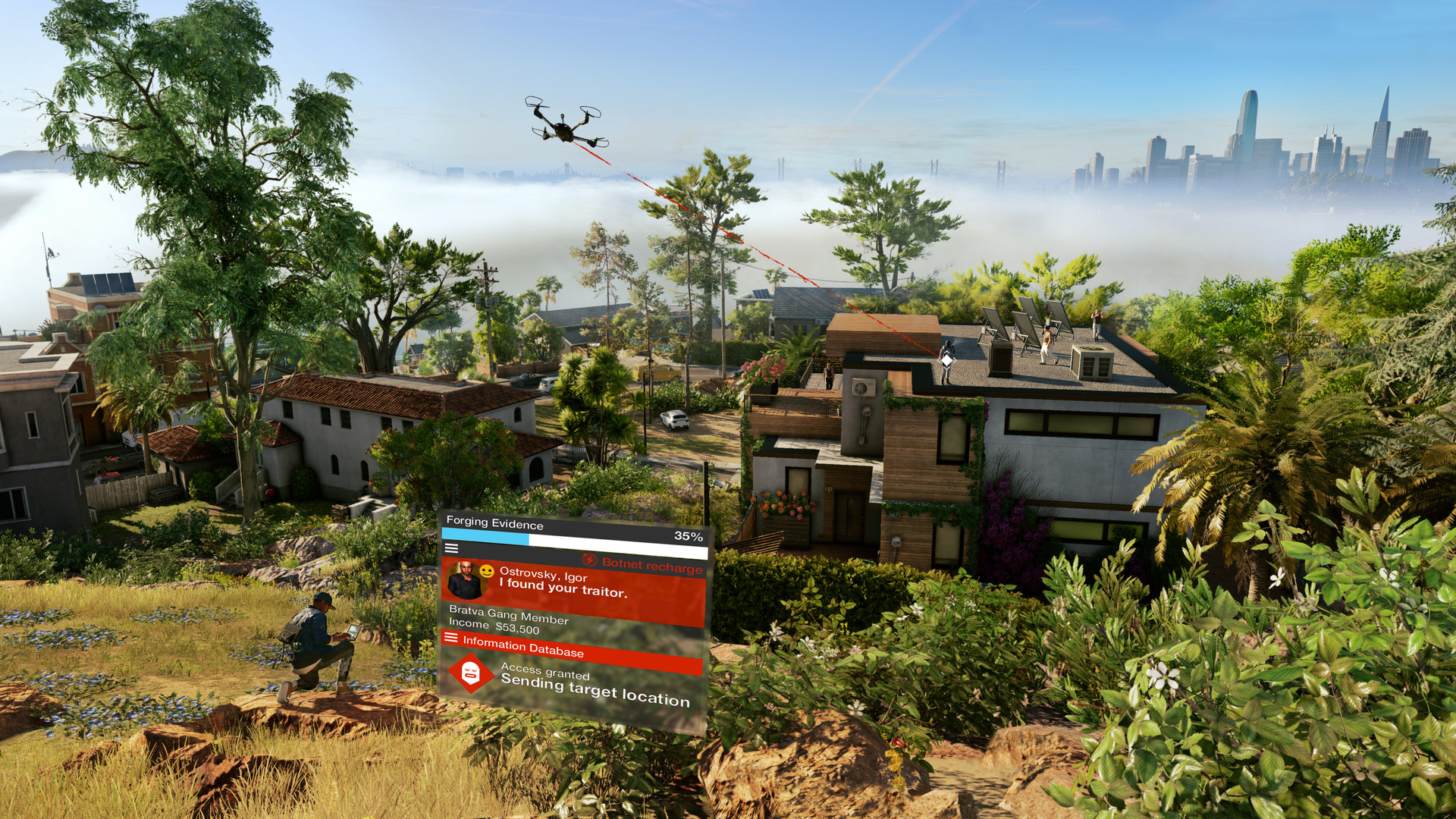
Welcome to San Francisco. Play as Marcus, a brilliant young hacker, and join the most notorious hacker group, DedSec. Your objective: execute the biggest hack of history.
Watch Dogs 2 has no Mac version. The single player campaign runs well through CrossOver, with players on M1 to M4 chips reporting 35 to 60 frames per second at medium to high settings. Online play is not available under CrossOver because of Easy Anti-Cheat. For online play, stream the game on GeForce NOW.
How Watch Dogs 2 runs on your Mac, from our performance model and player reports.
See exactly how Watch Dogs 2 will run on your Mac
Pick your chip and RAM for a personalised estimate.
Best way to play it on Mac
Watch Dogs 2 has no Mac version. The single player campaign runs well through CrossOver, with players on M1 to M4 chips reporting 35 to 60 frames per second at medium to high settings. Online play is not available under CrossOver because of Easy Anti-Cheat. For online play, stream the game on GeForce NOW.
The campaign and offline modes run under CrossOver, but this game's anti-cheat blocks online multiplayer. For multiplayer, use cloud streaming instead.
Parallels
Full Windows 11 ARM inside macOS.
Difficulty:MediumCost:$99/year + Windows licenceEstimate
How each supported method stacks up on setup effort, time and runtime overhead.
Method
Setup Difficulty
Time Investment
Performance Overhead
CrossOverTranslationTop pick
Setup
Moderate
Time
15 min
Overhead
Medium
Xbox Cloud GamingCloud
Setup
Simple
Time
5 min
Overhead
Low
GeForce NOWCloud
Setup
Simple
Time
5 min
Overhead
Low
ParallelsVM
Setup
Moderate
Time
30 min
Overhead
High
Where to buy Watch Dogs 2
Live prices compared across trusted PC key sellers — updates every few hours.
Platform-by-platform reliability
Loading per-platform notes…
Step-by-step setup guides
Idiot-proof walkthroughs for every method.
How to run Watch Dogs 2 on Mac with CrossOver
Good· Compatibility
Running Watch Dogs 2 through CrossOver translates its Windows DirectX calls into Metal on Apple Silicon — no reboot, no Windows license, no virtual machine. Most setup time is spent on first-time bottle configuration and installing the game launcher (Steam, Epic, etc.) inside CrossOver. Once that's done, launching feels close to native. Expect 15–30 minutes of setup on the first run.
Name it after the game (e.g. Watch Dogs 2) and choose Windows 10 64-bit
Open the bottle's Settings and set:
- Graphics: D3DMetal (not DXVK)
- Synchronization: ESync
- High Resolution Mode: Off
Step 2 — Install the game launcher
Inside CrossOver, click Install Application → search for Steam (or Epic Games Launcher if you own it there)
Install it into the same bottle you just created
Launch Steam, log in, and let it fully update before proceeding
Step 3 — Install and launch Watch Dogs 2
Open Steam (or your launcher) inside CrossOver
Install Watch Dogs 2 through the launcher as normal
Launch the game — use the launcher's Play button, not CrossOver directly
First launch may take 30–90 seconds to show a window. Don't force-quit unless it hangs for several minutes.
Step 4 — If you hit issues
Black screen / stuck in small window: go to Settings → Graphics in-game, set Screen Type to Fullscreen, then restart
Resolution resets on every launch: find the game's config/settings file and set the resolution values manually, then mark the file Read-Only to prevent the game overwriting it
Crashes on startup: try switching the bottle's Synchronization from ESync to MSync, or vice versa
Using Parallels to play Watch Dogs 2 means running a full copy of Windows 11 ARM inside macOS. This is the most "it just works" approach for games that don't behave under CrossOver, and DirectX 11 is hardware-accelerated. You'll need a Windows license and roughly 80 GB of disk space.
How to run Watch Dogs 2 on Mac with Xbox Cloud Gaming
Estimate· Streaming
Streaming Watch Dogs 2 through Xbox Cloud Gaming is the fastest way to start playing on a Mac — there's nothing to install, no Windows VM, no compatibility layer. The game runs on a remote GPU and your Mac just receives the video, which means even a base M1 MacBook Air can play the most demanding AAA titles at high settings. The tradeoff is that you need a stable internet connection (ideally wired or 5GHz Wi-Fi with 25+ Mbps down) and a subscription.
Streaming Watch Dogs 2 through GeForce NOW is the fastest way to start playing on a Mac — there's nothing to install, no Windows VM, no compatibility layer. The game runs on a remote GPU and your Mac just receives the video, which means even a base M1 MacBook Air can play the most demanding AAA titles at high settings. The tradeoff is that you need a stable internet connection (ideally wired or 5GHz Wi-Fi with 25+ Mbps down) and a subscription.
Step-by-step
Sign up at GeForce NOW. The free tier works; Ultimate gives 4K/120fps.
Download the GeForce NOW Mac app (Apple Silicon native).
Link your Steam / Epic / Xbox account that owns Watch Dogs 2.