Native
Runs directly on Apple Silicon — no extra software.
Difficulty: EasyCost: Game price onlyExcellent

Strategy · 2009
Runs through Rosetta 2 from the Intel Mac build.
Overall rating: Runs great on Mac · 100% of 1 players say it runs well
Runs through Rosetta 2 from the Intel Mac build.
Warhammer 40,000: Dawn of War II - Anniversary Edition has a native Apple Silicon build — full Metal acceleration, best battery life, zero faff.
| Method | Quality | Difficulty | Cost | |
|---|---|---|---|---|
| NativePick | Excellent | Easy | Game price only | |
| GeForce NOW | Estimate | Easy | Free / $9.99 /mo | Get it ↗ |
Warhammer 40,000: Dawn of War II is a tactical squad-based strategy game that shifts away from traditional base-building in favor of intense, cover-based skirmishes and RPG-lite progression. Set in the grimdark future of the 41st millennium, you lead a small force of elite Space Marines through a series of tactical missions against Orks, Eldar, and Tyranids. The game focuses on individual unit abilities, environmental destruction, and the strategic use of equipment gathered during the campaign.
The game stands out for its high-stakes combat and cinematic scale. Unlike its predecessor, every unit loss is significant, and success depends on flanking maneuvers and suppression fire rather than industrial output. It captures the brutal, industrial gothic atmosphere of the Warhammer 40k universe with visceral combat and a compelling loot system that rewards careful mission planning.
A superb native port by Feral Interactive that runs flawlessly on Apple Silicon via Rosetta 2 with full support for modern resolutions. The Mac build is Intel-only (x86_64) and runs on Apple Silicon through Rosetta 2 translation — it's a Mac app, but not a true arm64 native one. Expect a ~10–15% performance tax versus a real native port.
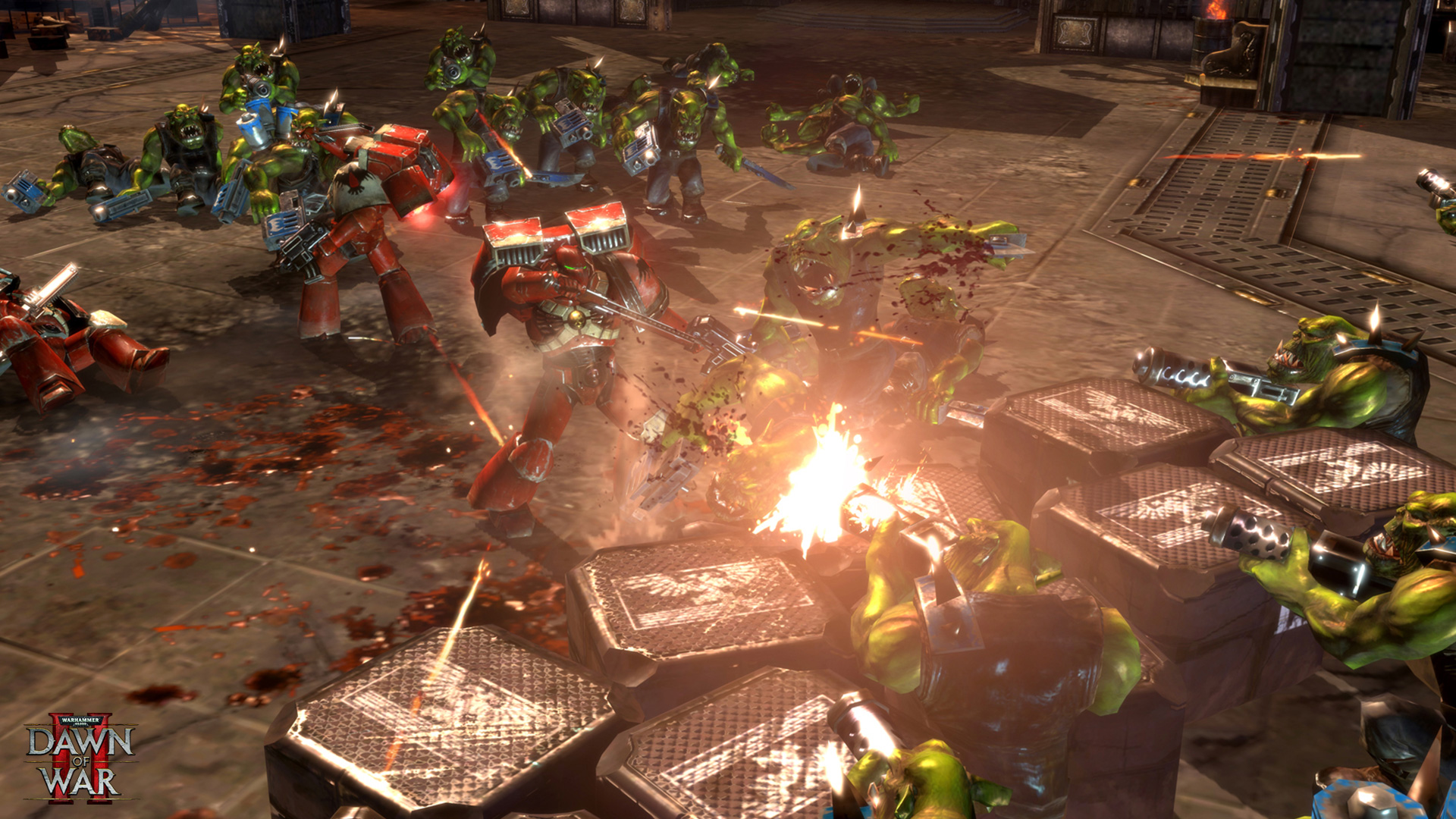
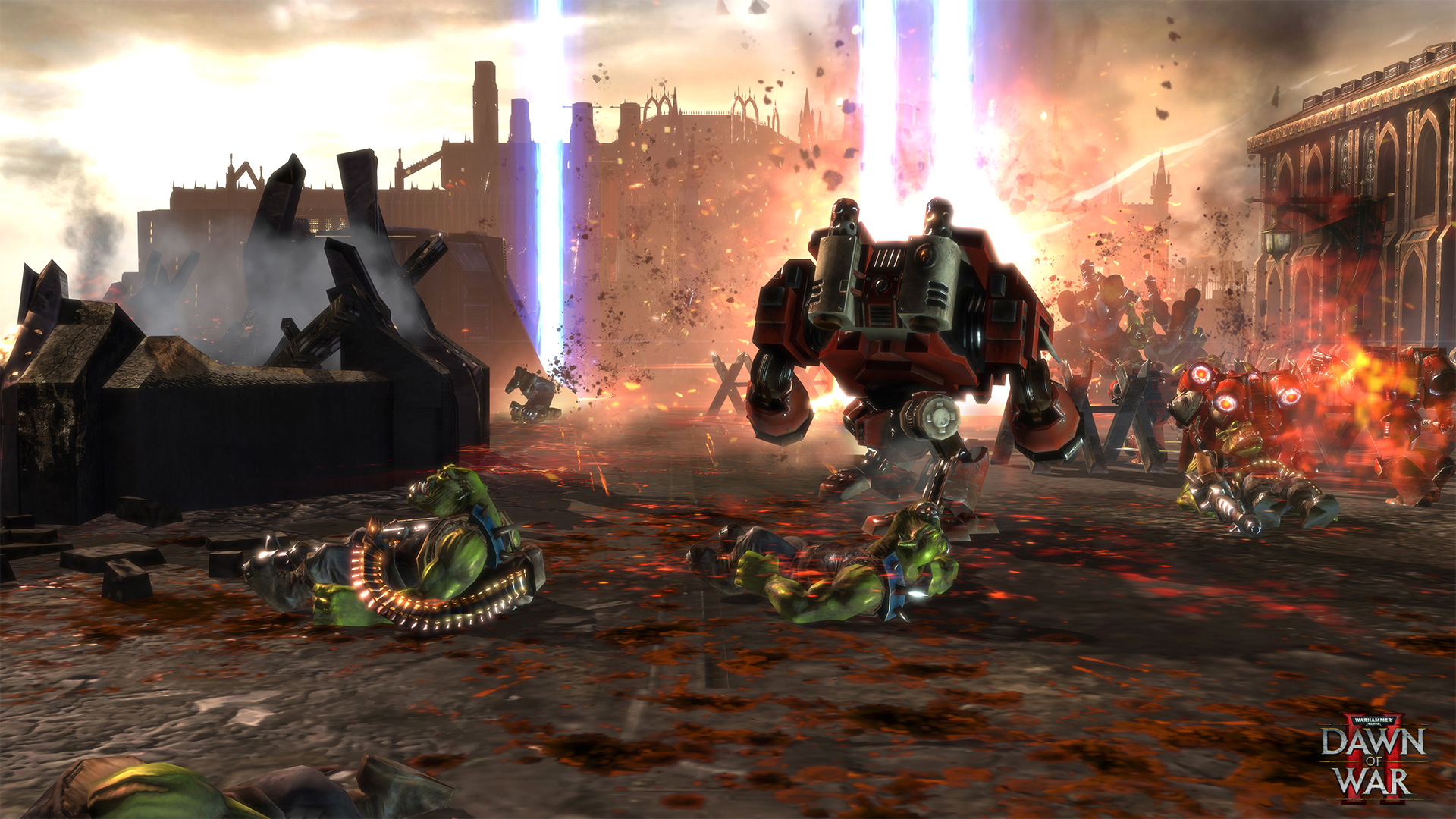
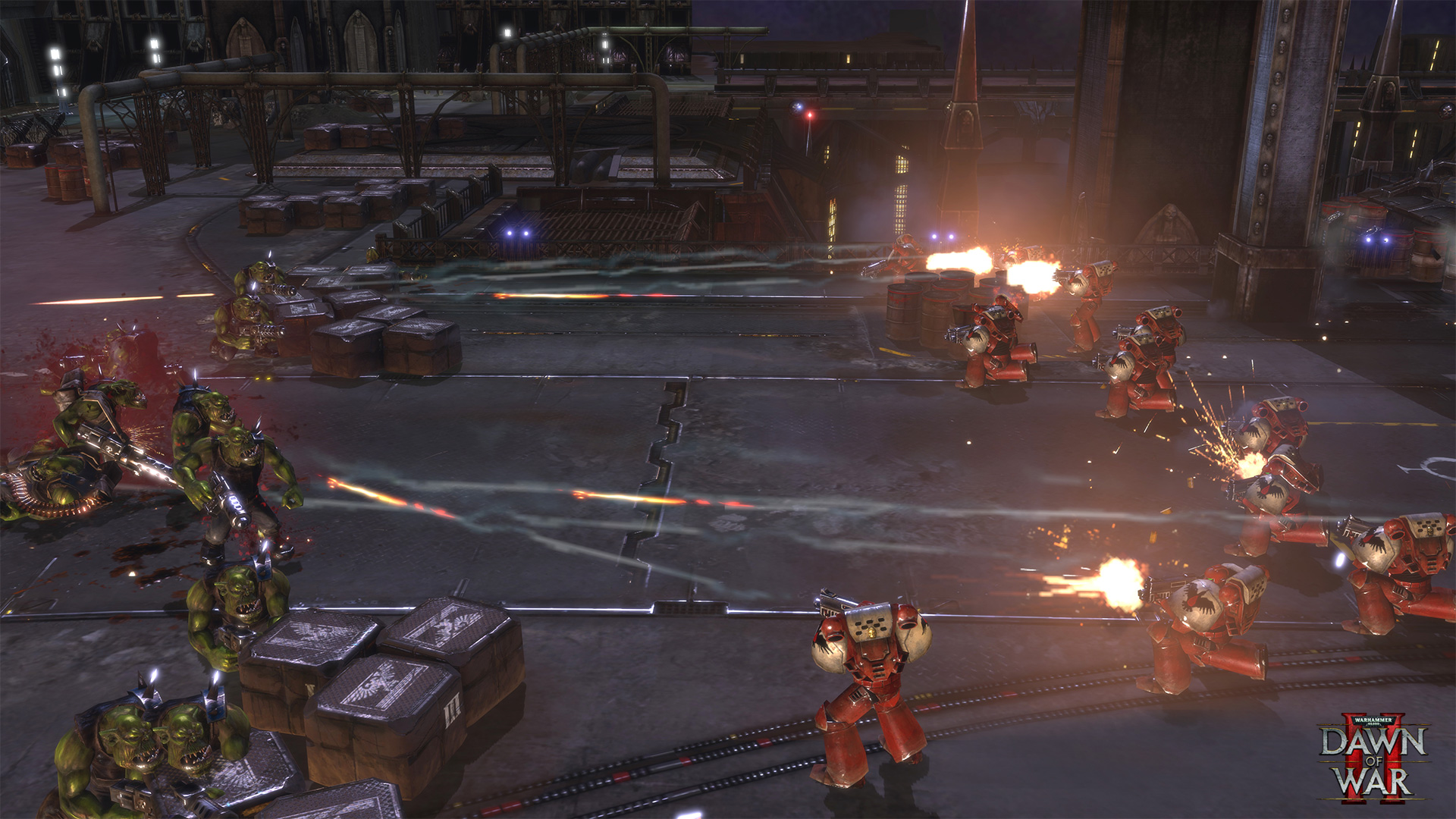
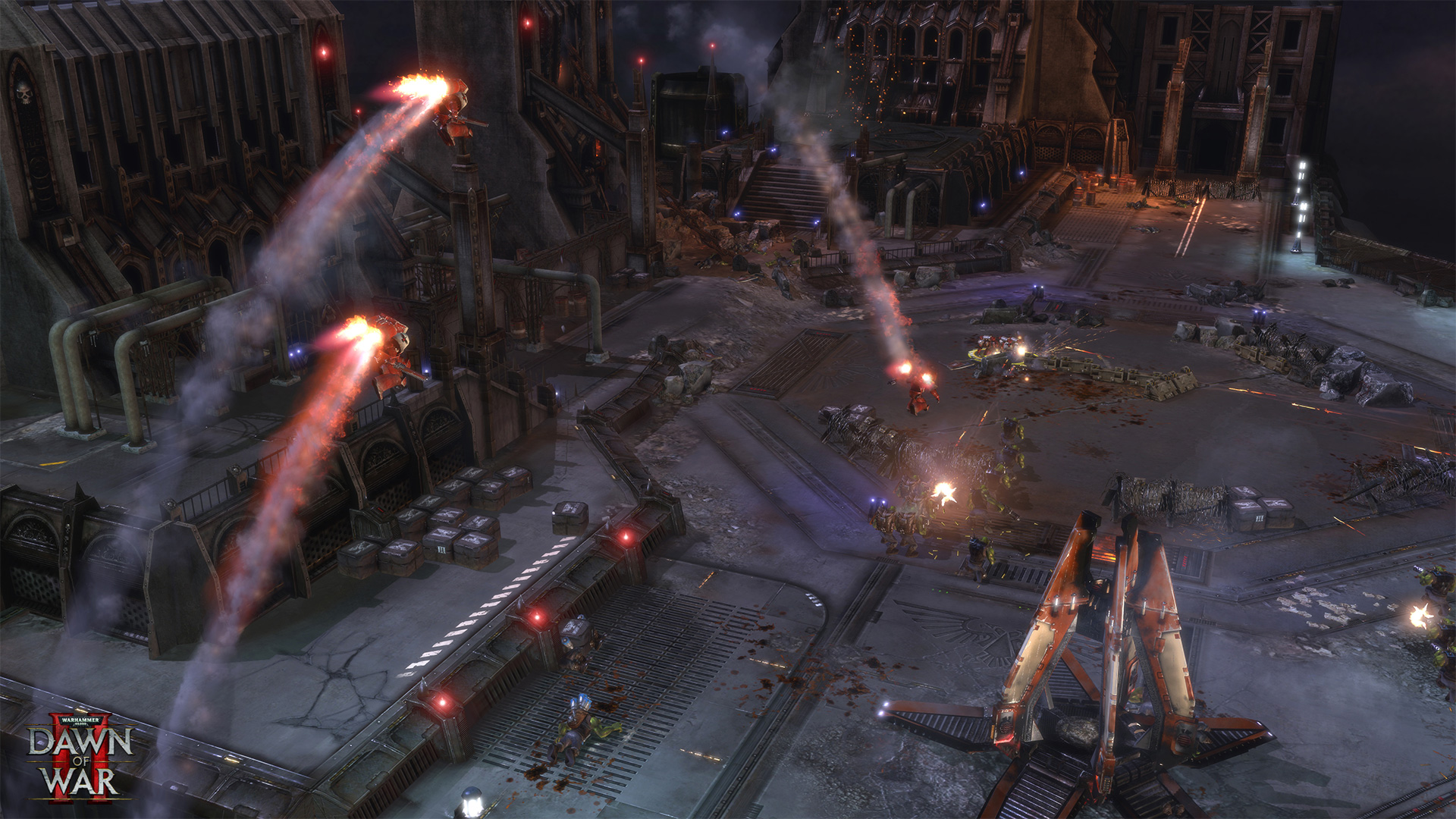
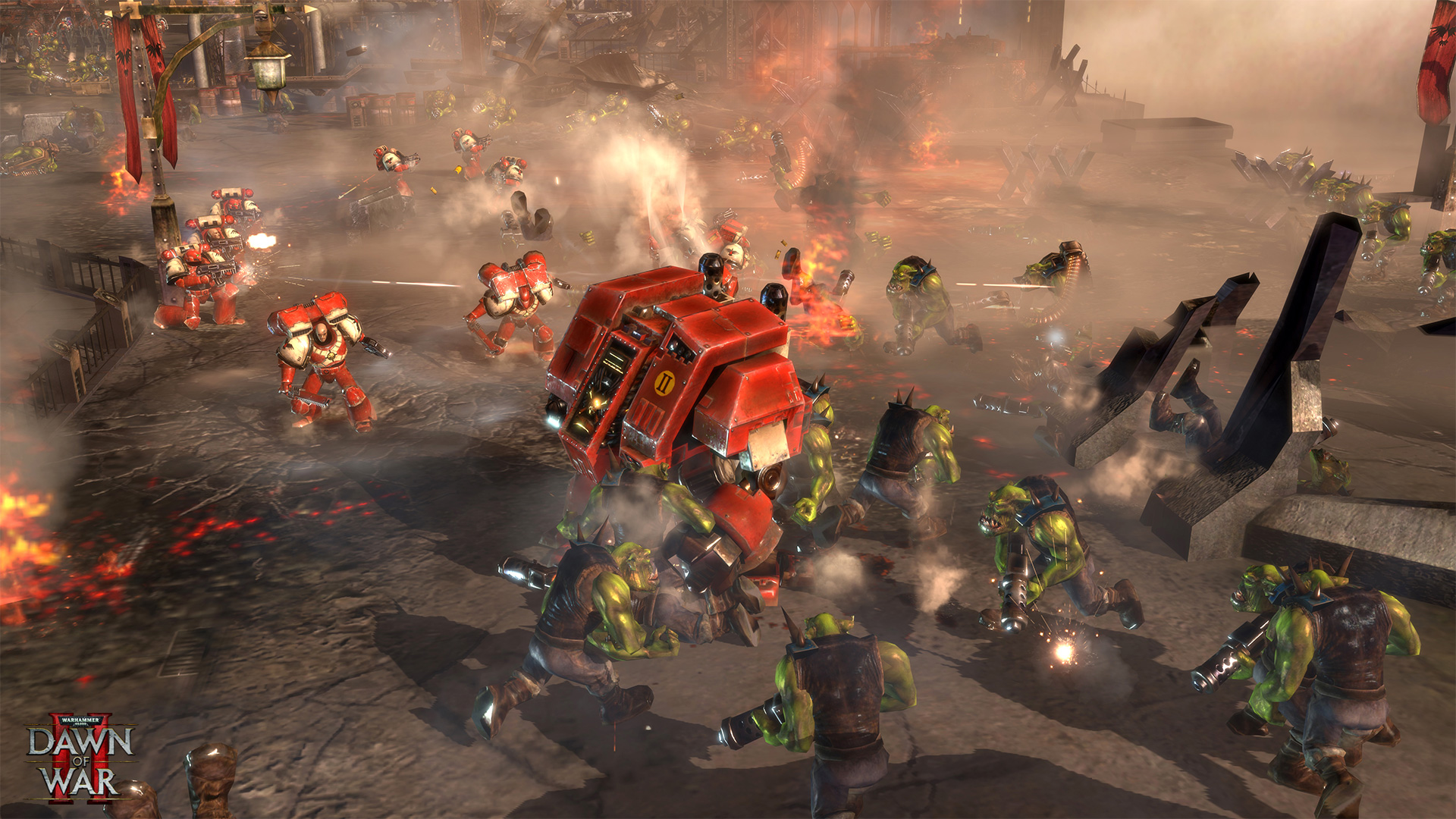
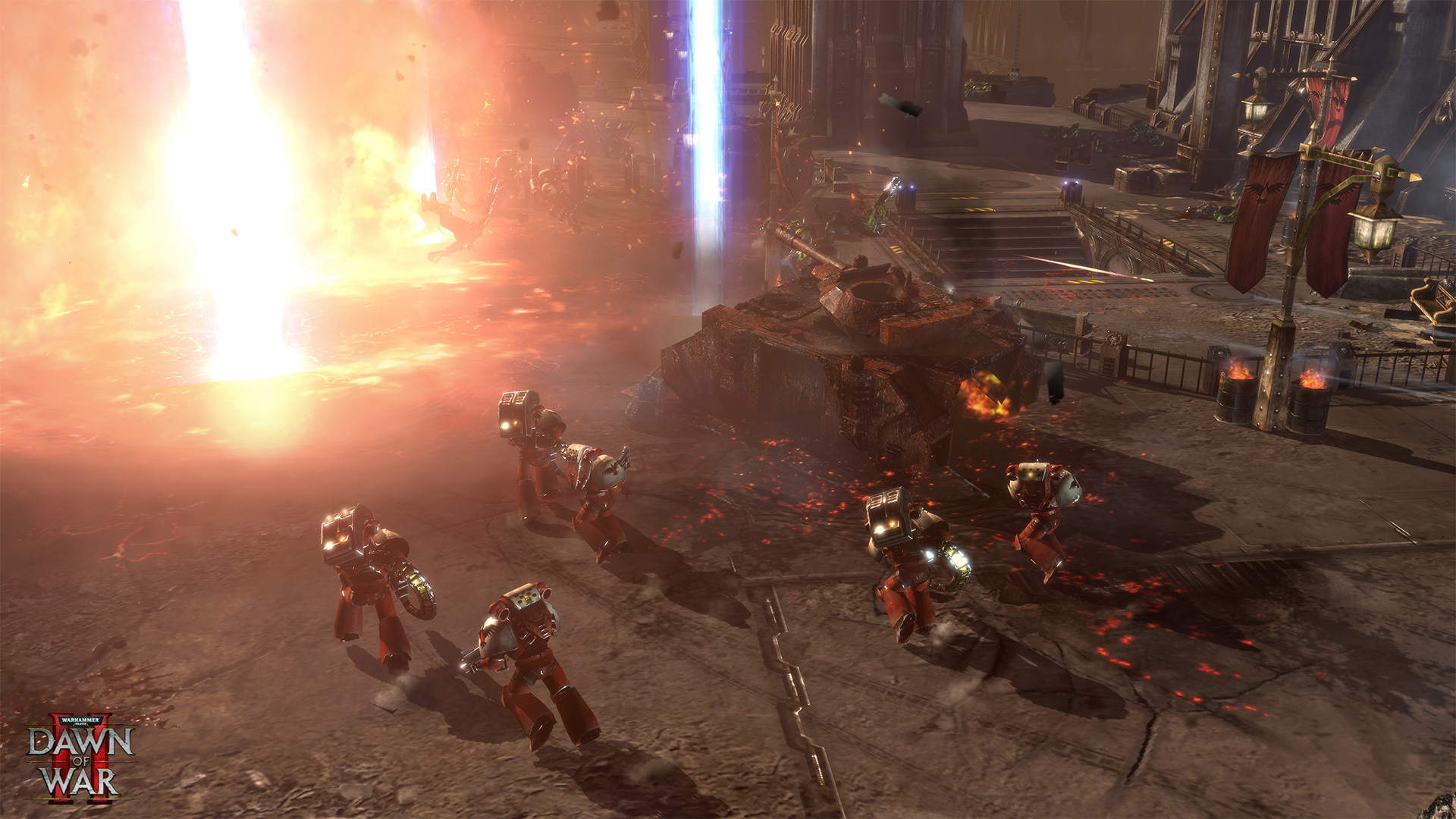
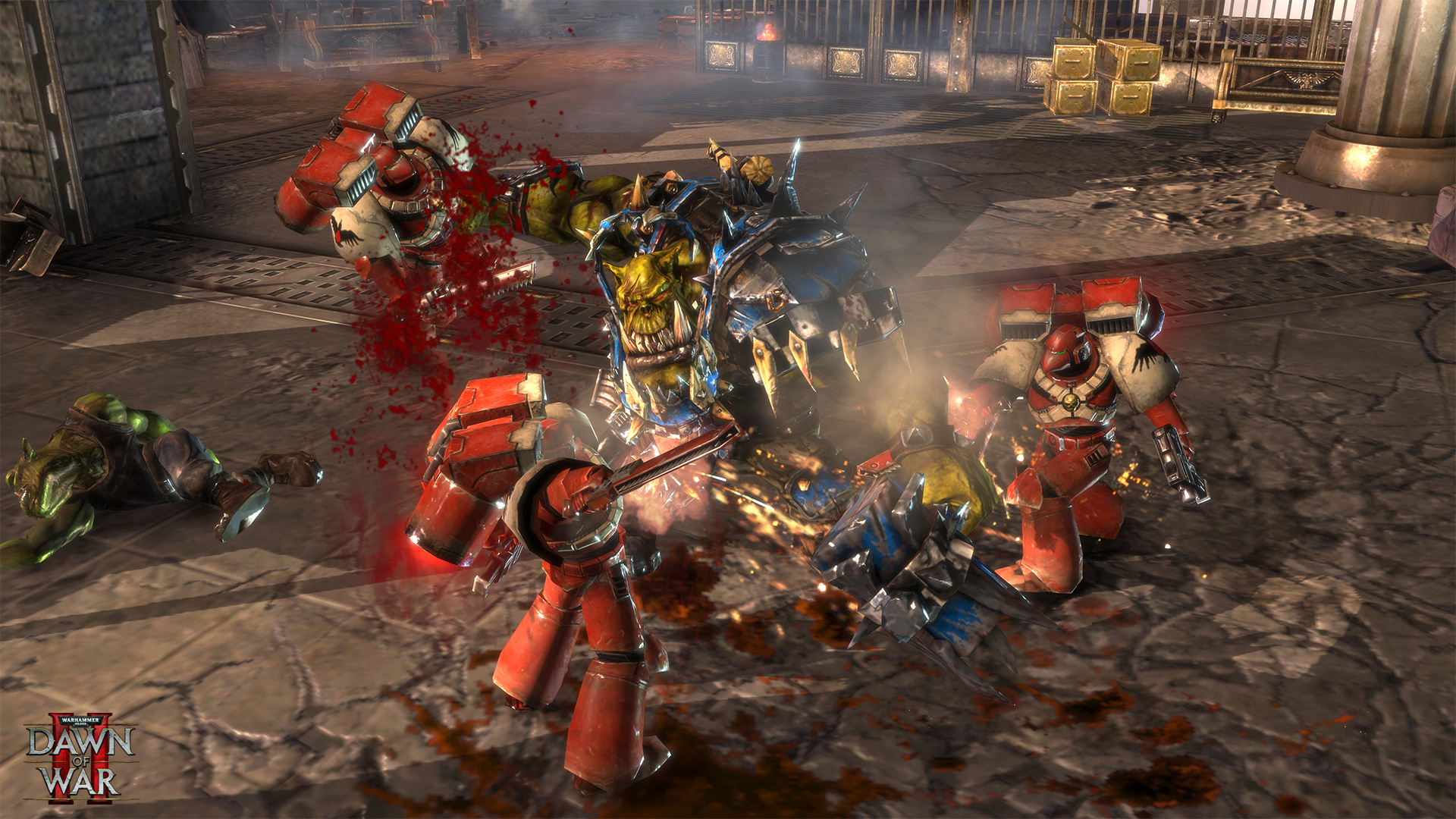
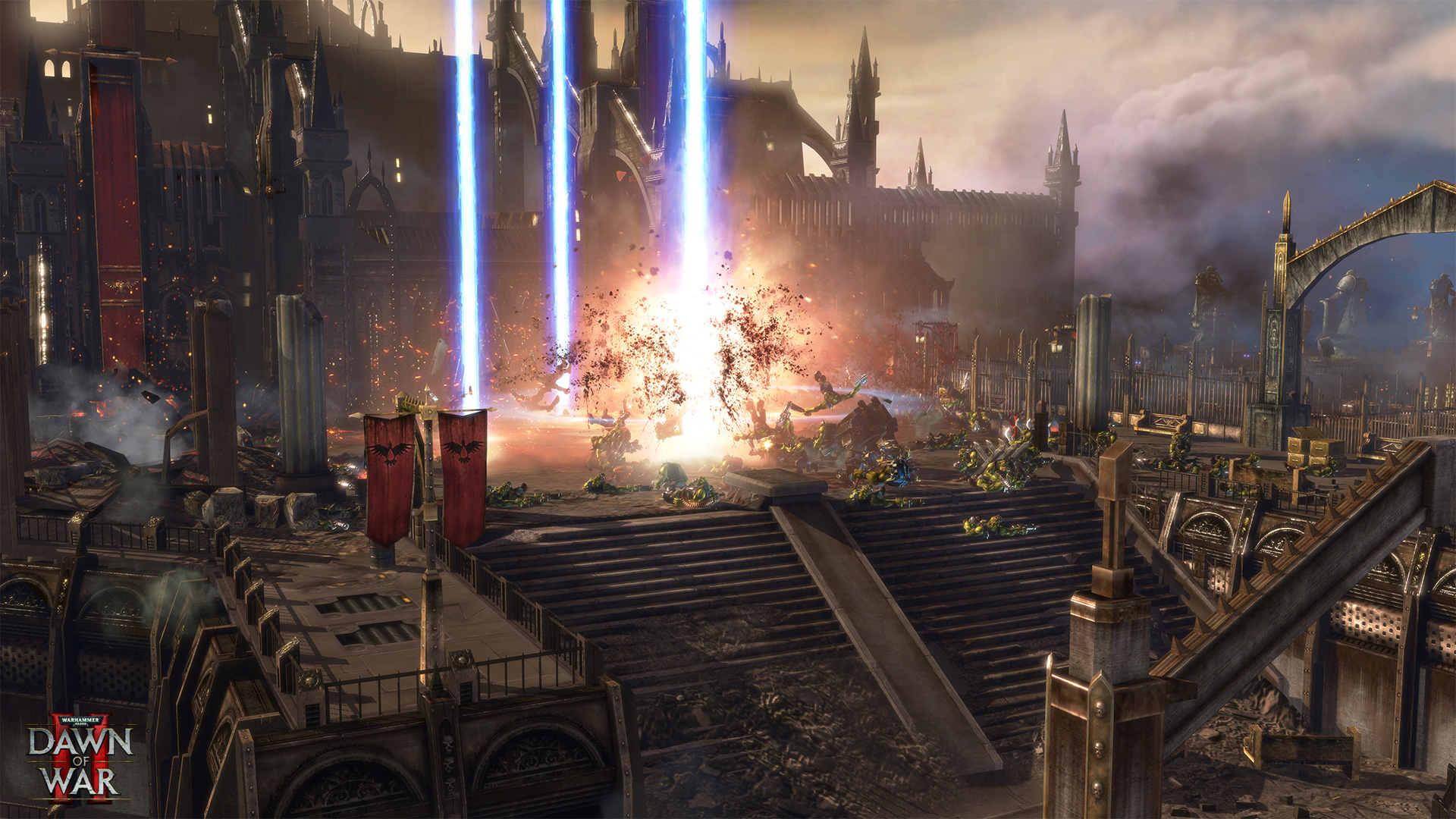
How Warhammer 40,000: Dawn of War II - Anniversary Edition runs on your Mac, from our performance model and player reports.
See exactly how Warhammer 40,000: Dawn of War II - Anniversary Edition will run on your Mac
Pick your chip and RAM for a personalised estimate.
A superb native port by Feral Interactive that runs flawlessly on Apple Silicon via Rosetta 2 with full support for modern resolutions. The Mac build is Intel-only (x86_64) and runs on Apple Silicon through Rosetta 2 translation — it's a Mac app, but not a true arm64 native one. Expect a ~10–15% performance tax versus a real native port.
Here are all the options available, ranked by what we recommend first.
Runs directly on Apple Silicon — no extra software.
Needs 25+ Mbps internet, wired ideal.
How each supported method stacks up on setup effort, time and runtime overhead.
Live prices compared across trusted PC key sellers — updates every few hours.
Loading per-platform notes…
Idiot-proof walkthroughs for every method.
Warhammer 40,000: Dawn of War II - Anniversary Edition has a native Apple Silicon build, which is the gold standard for playing on a Mac. You get full Metal acceleration, best battery life, and no compatibility weirdness. Just buy it from the Mac App Store or Steam for Mac and play.
Streaming Warhammer 40,000: Dawn of War II - Anniversary Edition through GeForce NOW is the fastest way to start playing on a Mac — there's nothing to install, no Windows VM, no compatibility layer. The game runs on a remote GPU and your Mac just receives the video, which means even a base M1 MacBook Air can play the most demanding AAA titles at high settings. The tradeoff is that you need a stable internet connection (ideally wired or 5GHz Wi-Fi with 25+ Mbps down) and a subscription.
The best way to play Warhammer 40,000: Dawn of War II - Anniversary Edition on your Mac is the Intel Mac build running through Rosetta 2. Runs directly on Apple Silicon — no extra software.
| Method | Quality | Difficulty | Cost |
|---|---|---|---|
| NativePick | Excellent | Easy | Game price only |
| GeForce NOW | Estimate | Easy | Free tier / $9.99+ per month |
Share what worked for you running Warhammer 40,000: Dawn of War II - Anniversary Edition on Mac.
Loading comments…