How to play Warcraft Rumble on Mac
Not officially supported, and we have no verified way to run it on a Mac.
Overall rating: Not enough votes yet
Not officially supported, and we have no verified way to run it on a Mac.
Warcraft Rumble
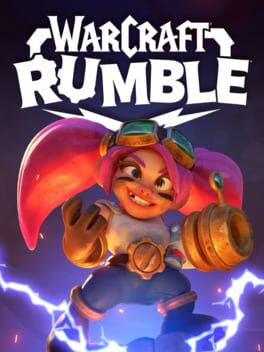
Warcraft Rumble is a fast-paced mobile action strategy game set within the beloved Warcraft universe. Players collect and command a roster of 'Minis'—miniature versions of iconic heroes, villains, and creatures—to engage in chaotic tactical battles across a massive single-player campaign and competitive PvP modes.
At its core, the game focuses on strategic unit placement and resource management. Players must capture objectives like Gold Nodes and Meeting Stones to deploy more powerful units while countering the enemy's specific troop types. With its vibrant art style, humorous tone, and deep customization through talents and leader abilities, it offers a bite-sized yet complex take on the real-time strategy genre.
Currently, Warcraft Rumble cannot be played natively on macOS; cloud streaming via Boosteroid is the only stable and viable way to play on Apple Silicon.
What the world thinks
Currently, Warcraft Rumble cannot be played natively on macOS; cloud streaming via Boosteroid is the only stable and viable way to play on Apple Silicon.
Want to play Warcraft Rumble on Mac?
Warcraft Rumble is currently unplayable due to developer anti-cheat restrictions. Enter your email below, and we'll instantly ping you the exact split-second a compatibility patch or CrossOver update changes this status.
Comments
Share what worked for you running Warcraft Rumble on Mac.
Loading comments…