How to play Tom Clancy’s Ghost Recon® Wildlands - Standard Edition on Mac
Not officially supported, and we have no verified way to run it on a Mac.
Overall rating: Not enough votes yet
Not officially supported, and we have no verified way to run it on a Mac.
Tom Clancy’s Ghost Recon® Wildlands - Standard Edition
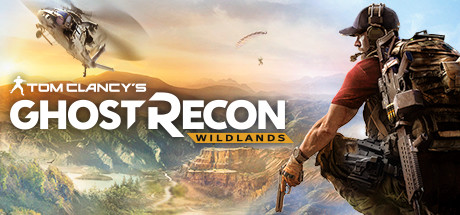
Ghost Recon Wildlands is a tactical open-world shooter set in a near-future Bolivia that has been seized by the Santa Blanca drug cartel. Players take on the role of a 'Ghost,' an elite US Special Operations soldier tasked with dismantling the cartel's operations through a mix of structural sabotage, high-value target extraction, and territorial liberation. The game offers a massive, seamless environment featuring diverse biomes ranging from salt flats to dense jungles.
What makes Wildlands stand out is its total player freedom. Whether you prefer surgical stealth at night, long-range sniping, or loud, synchronized vehicular assaults, the game supports any tactical approach. The core gameplay loop involves gathering intel on cartel lieutenants and choosing how to systematically destabilize their influence, either solo with AI teammates or in four-player co-op, all underpinned by a gritty, military-thriller atmosphere.
Due to aggressive Anti-Cheat software, Wildlands cannot run natively or via compatibility layers; streaming is currently the only viable option for Mac users.
What the world thinks
Due to aggressive Anti-Cheat software, Wildlands cannot run natively or via compatibility layers; streaming is currently the only viable option for Mac users.
Want to play Tom Clancy’s Ghost Recon® Wildlands - Standard Edition on Mac?
Tom Clancy’s Ghost Recon® Wildlands - Standard Edition is currently unplayable due to developer anti-cheat restrictions. Enter your email below, and we'll instantly ping you the exact split-second a compatibility patch or CrossOver update changes this status.
Comments
Share what worked for you running Tom Clancy’s Ghost Recon® Wildlands - Standard Edition on Mac.
Loading comments…