← Back
The Witcher 3: Wild Hunt cover art
Native

How to play The Witcher 3: Wild Hunt on Mac

RPG · 2015

Runs natively on Apple Silicon — no extra software needed.

Overall rating: Runs great on Mac · 94% of 17 players say it runs well

Your setup
Detect your Mac to see whether The Witcher 3: Wild Hunt will run.

Runs natively on Apple Silicon — no extra software needed.

How to run The Witcher 3: Wild Hunt on your Mac in 2026

Best path: Native Mac build

The Witcher 3: Wild Hunt has a native Apple Silicon build — full Metal acceleration, best battery life, zero faff.

MethodQualityDifficultyCost
NativePickExcellentEasyGame price only
CrossOverEstimateMedium$74 / $39/yrGet it ↗
ParallelsEstimateMedium$99/yrGet it ↗
BoosteroidEstimateEasy$9.95 /moGet it ↗
Game Porting ToolkitEstimateAdvancedFreeGet it ↗
Xbox Cloud GamingEstimateEasy$16.99 /moGet it ↗
GeForce NOWEstimateEasyFree / $9.99 /moGet it ↗

The Witcher 3: Wild Hunt

93
Metacritic

Explore a vast, war-torn fantasy world as Geralt of Rivia, a monster hunter for hire. Make difficult choices that shape the narrative and engage in challenging, skill-based combat against a variety of dangerous creatures.

The Witcher 3: Wild Hunt has a native macOS build for Apple Silicon, released by CD Projekt Red in 2024. It runs directly on M-series Macs with Metal graphics, no compatibility layer required. Streaming via GeForce NOW or Boosteroid remains a fallback for Intel Macs.

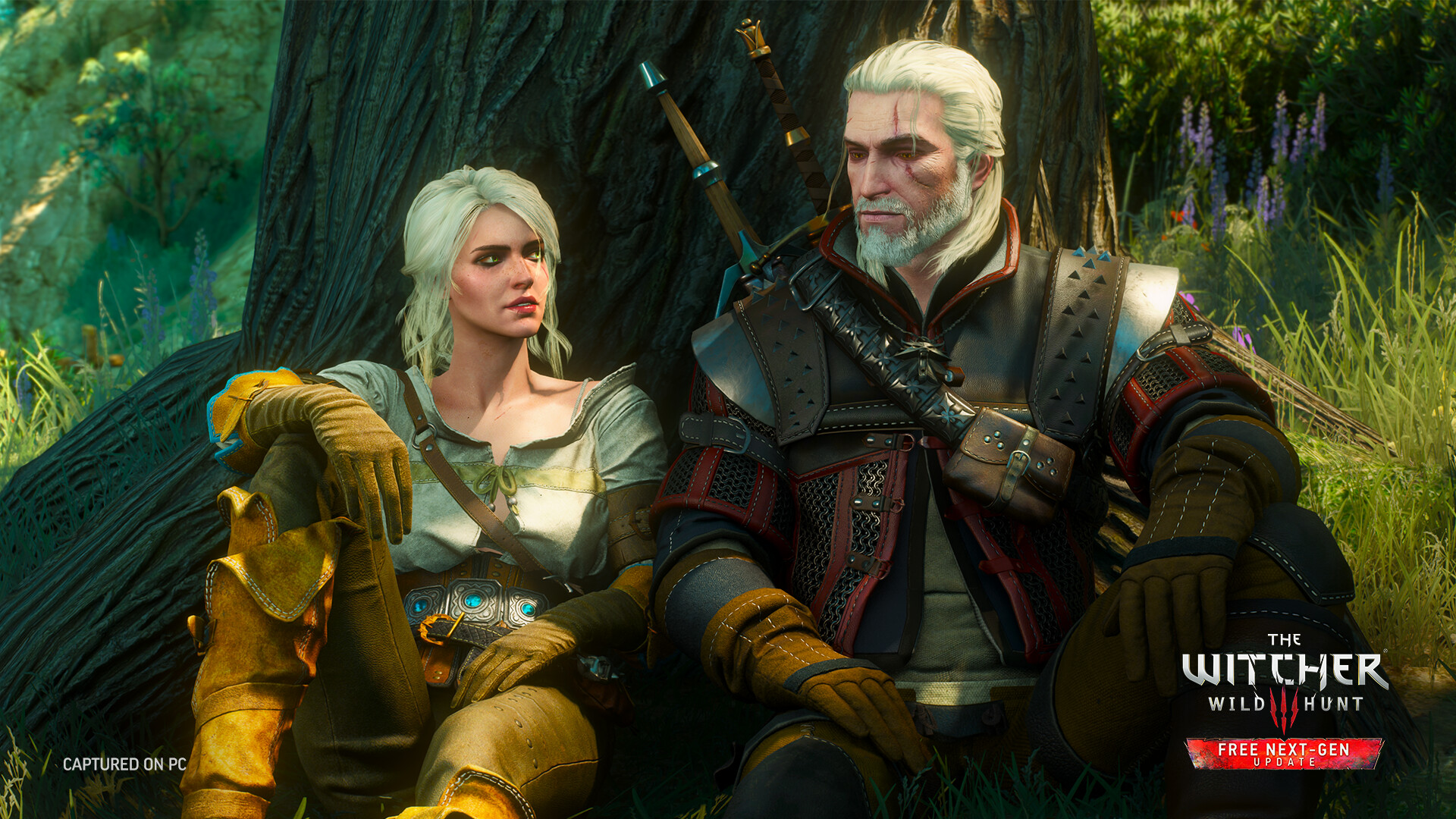
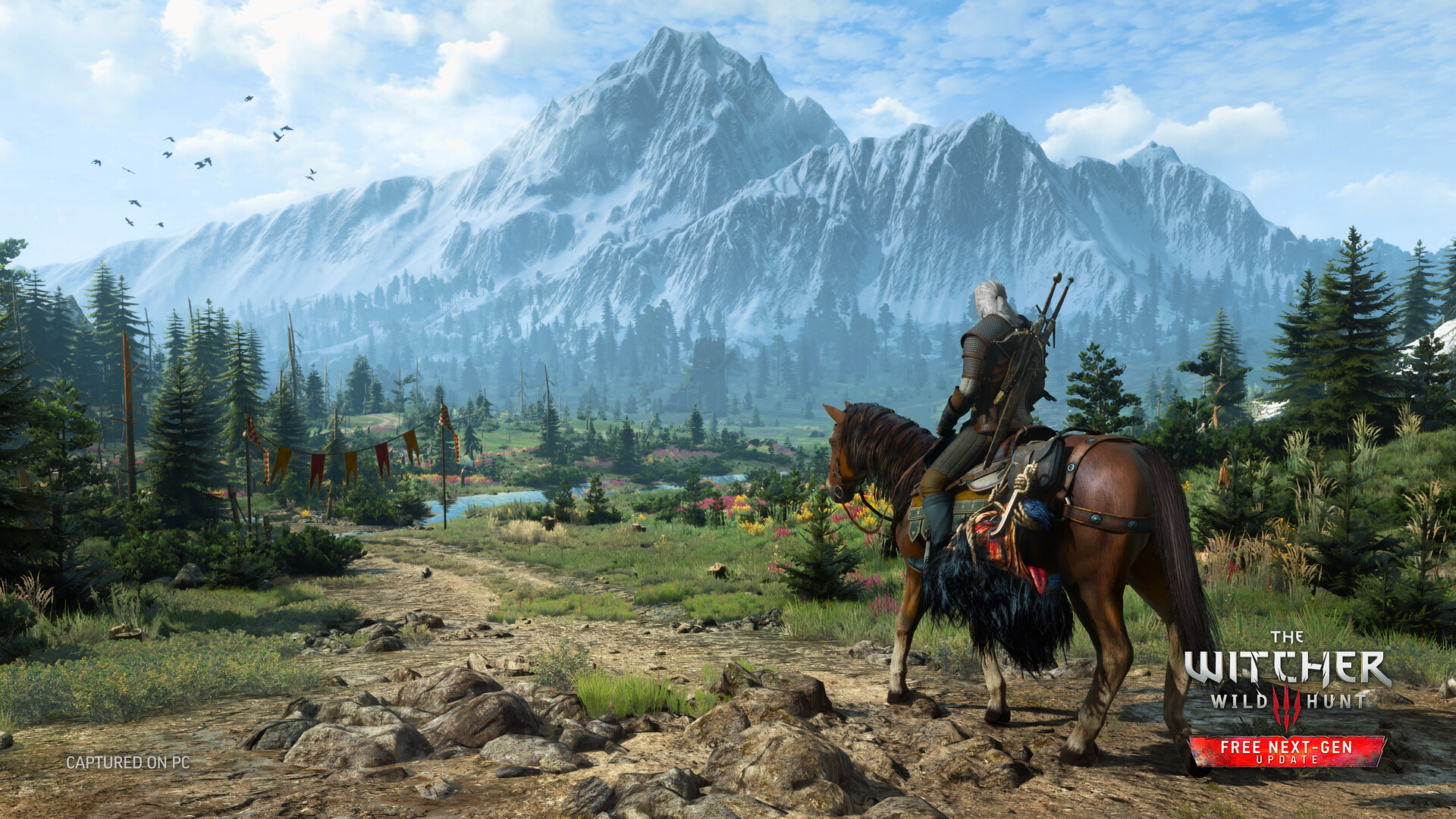
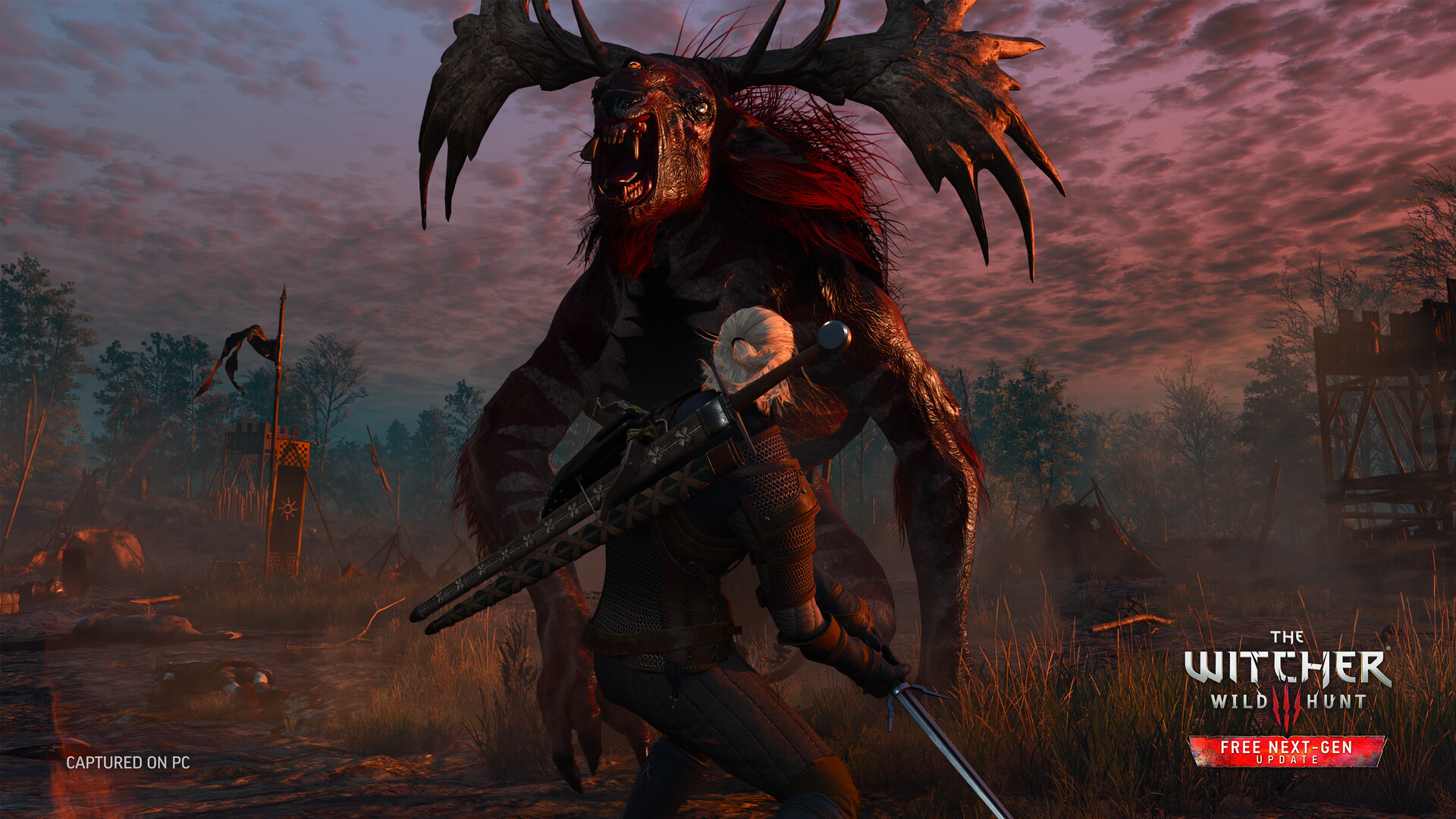
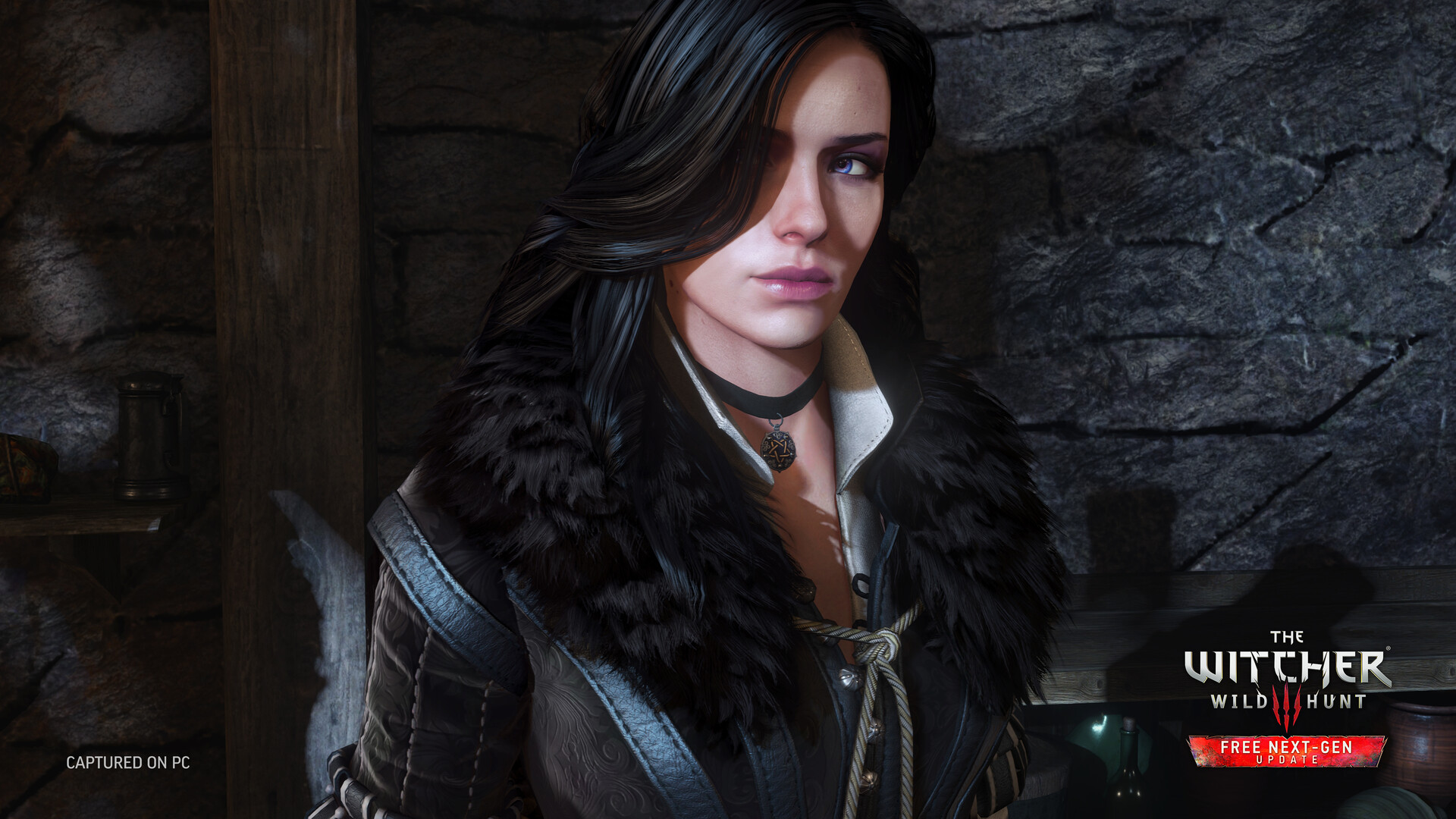
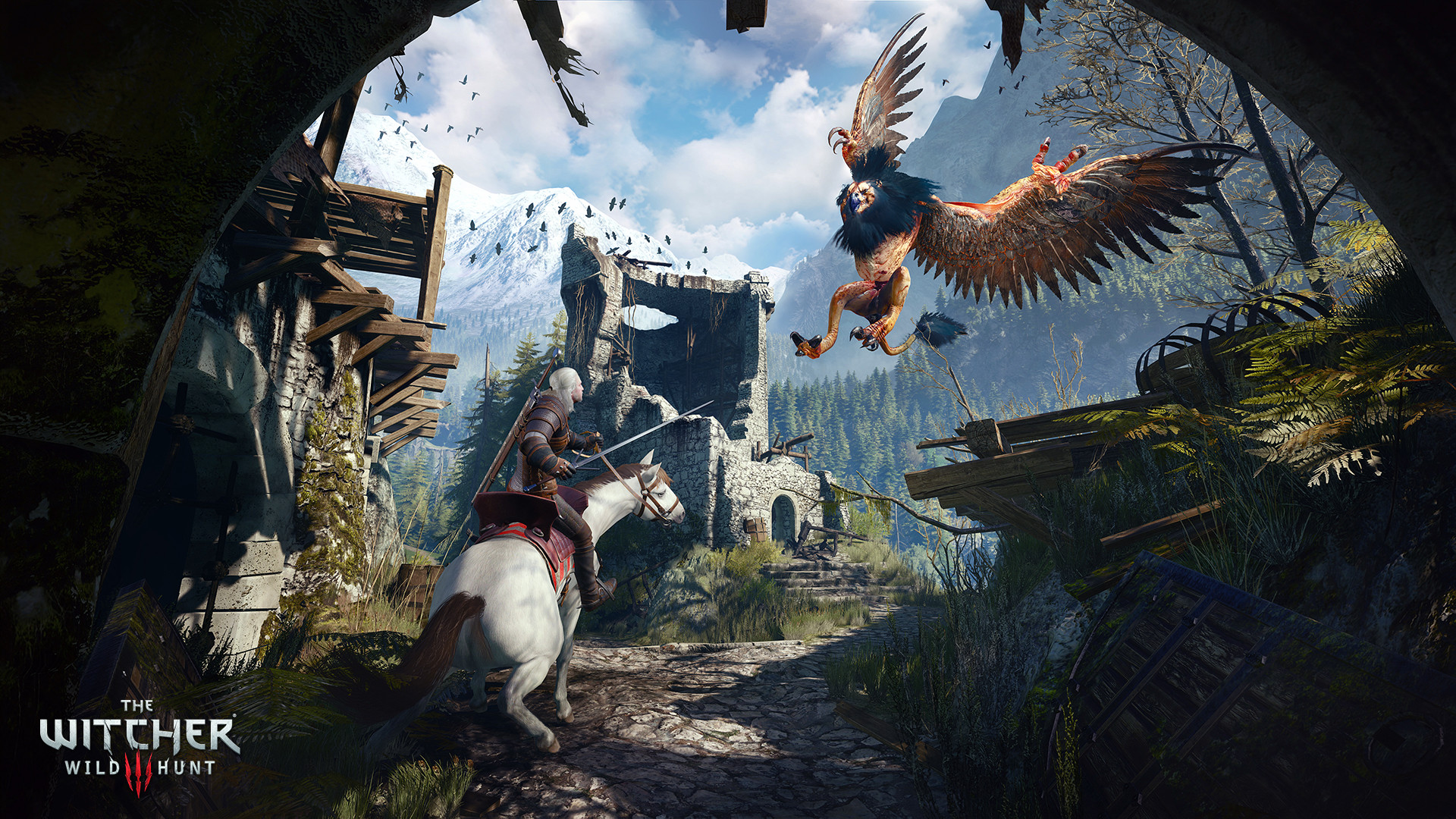
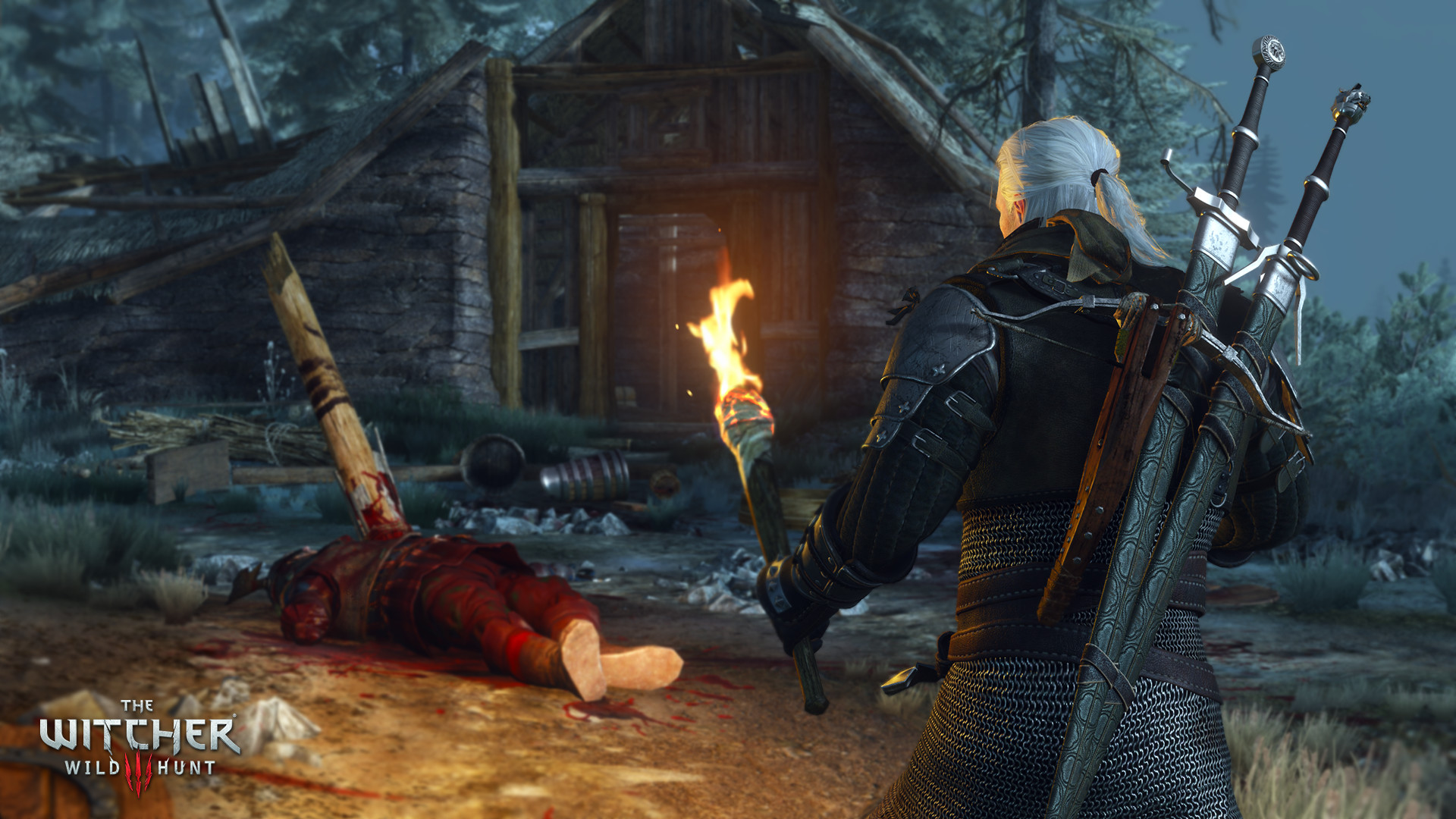
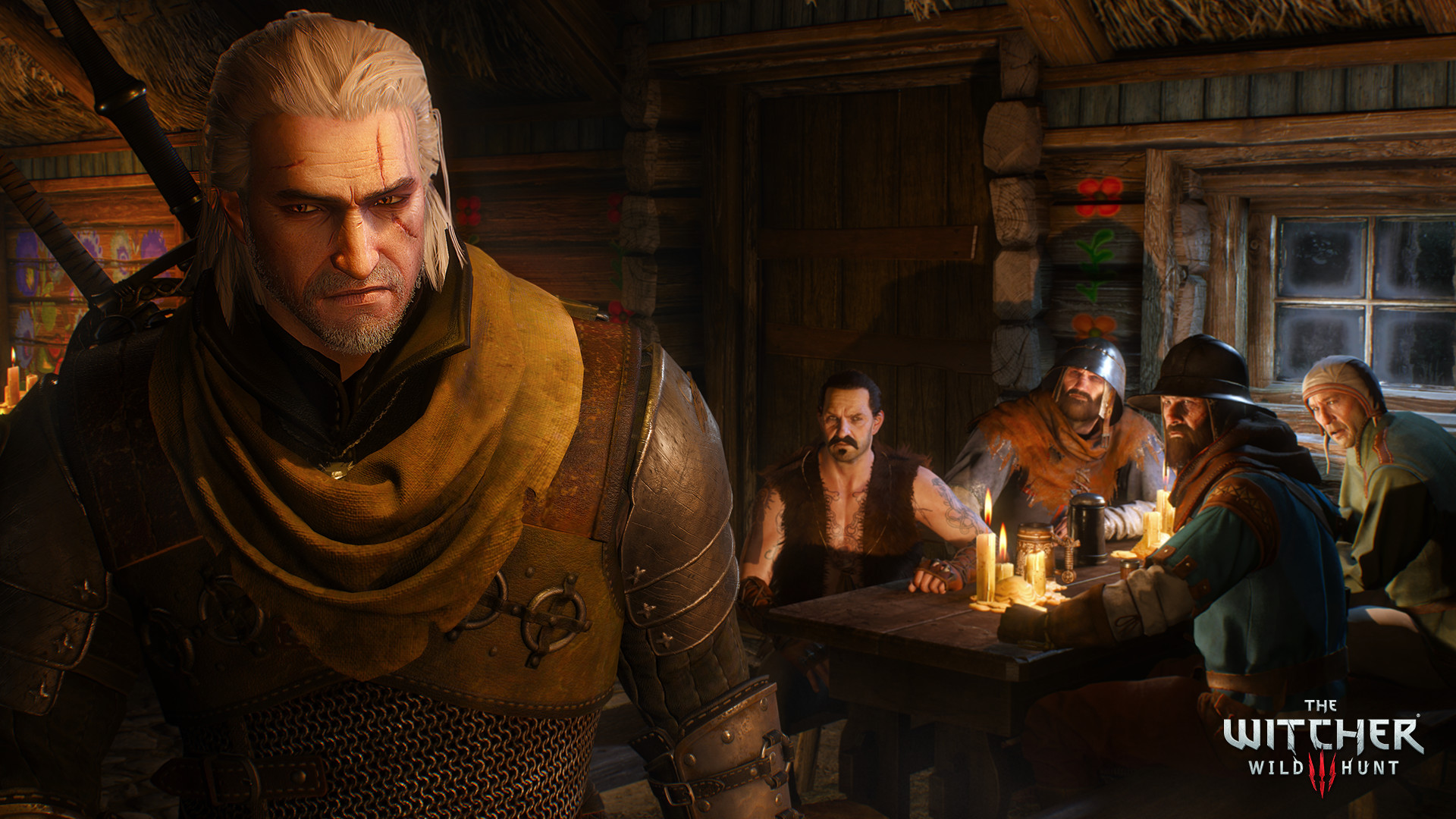
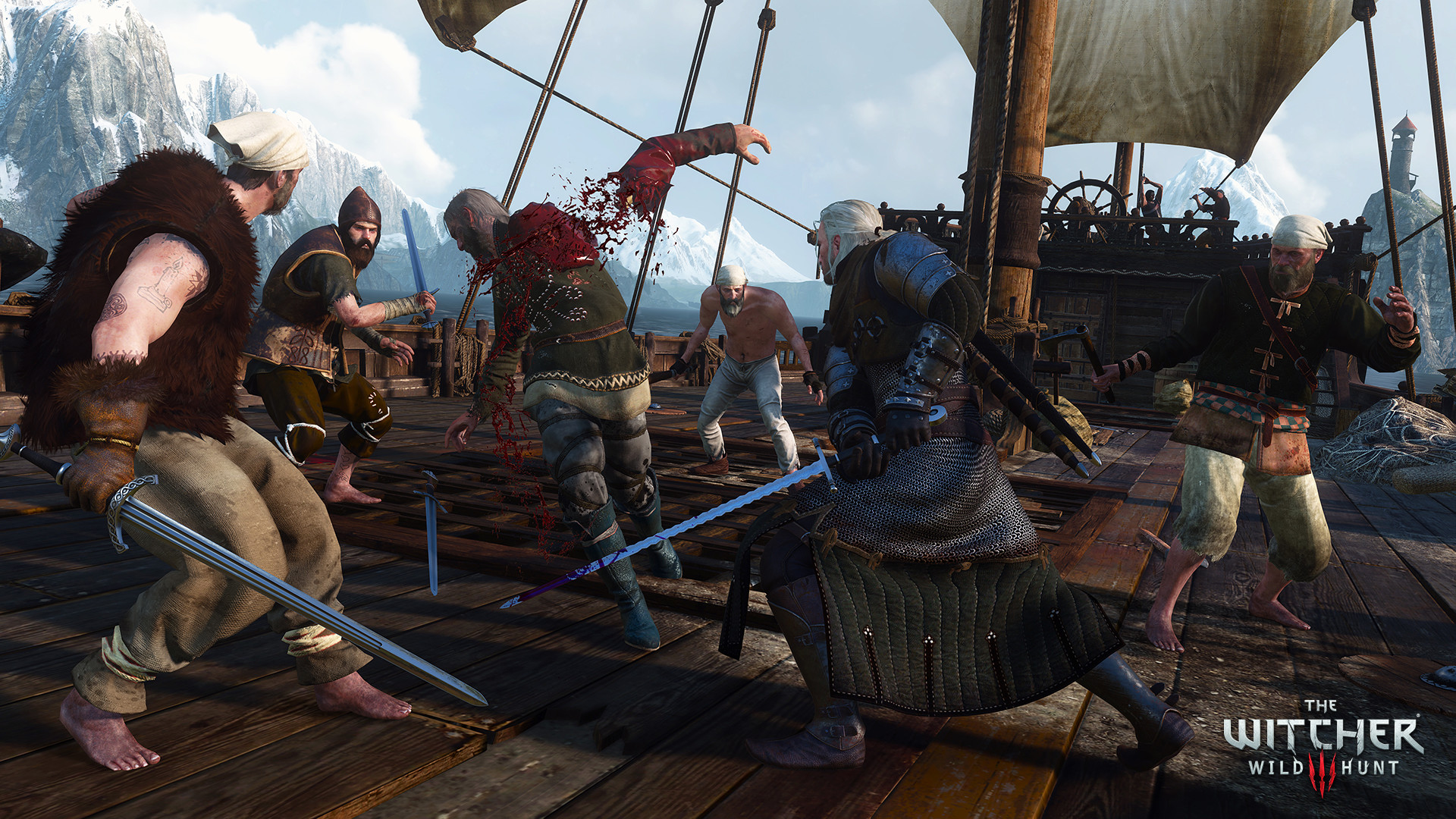
The Witcher 3: Wild Hunt screenshot 1The Witcher 3: Wild Hunt screenshot 2The Witcher 3: Wild Hunt screenshot 3The Witcher 3: Wild Hunt screenshot 4The Witcher 3: Wild Hunt screenshot 5The Witcher 3: Wild Hunt screenshot 6The Witcher 3: Wild Hunt screenshot 7The Witcher 3: Wild Hunt screenshot 8

What the world thinks

Performance

How The Witcher 3: Wild Hunt runs on your Mac, from our performance model and player reports.

See exactly how The Witcher 3: Wild Hunt will run on your Mac

Pick your chip and RAM for a personalised estimate.

Recommended settings

Base chips
M1 / M2 / M3 / M4 Base · MacBook Neo
1080p40-55 FPS
Preset: Medium
  • D3DMetalEnabled
  • ESyncEnabled
  • Shadow QualityMedium
  • NVIDIA HairWorksOff
  • Ray TracingDisabled

Disable HairWorks — it has significant GPU cost with no CrossOver-specific benefit. Ray tracing is not supported via CrossOver, keep it off. D3DMetal is essential.

Pro chips
M1 / M2 / M3 / M4 Pro
1080p55-70 FPS
Preset: High
  • D3DMetalEnabled
  • ESyncEnabled
  • Shadow QualityHigh
  • NVIDIA HairWorksOff
  • Foliage Visibility RangeHigh
  • Ray TracingDisabled

M2/M3 Pro provides a smooth 60fps experience at High. The next-gen update (free DLC) adds improvements but also increases GPU load — start at High if performance dips.

Max · Ultra
M1 / M2 / M3 / M4 Max & Ultra
1440p60-75 FPS
Preset: Ultra
  • D3DMetalEnabled
  • ESyncEnabled
  • Shadow QualityUltra
  • NVIDIA HairWorksOff
  • Foliage Visibility RangeUltra
  • Ray TracingDisabled

Max chips handle 1440p Ultra at 60-75fps. Keep HairWorks off regardless of chip — it is a proprietary Nvidia feature that adds overhead without quality gain in CrossOver.

Don't know your tier?

Sources: applegamingwiki.com · reddit.com/r/macgaming

Best way to play it on Mac

The Witcher 3: Wild Hunt has a native macOS build for Apple Silicon, released by CD Projekt Red in 2024. It runs directly on M-series Macs with Metal graphics, no compatibility layer required. Streaming via GeForce NOW or Boosteroid remains a fallback for Intel Macs.

See if this is the right method for your setup

Ways to play The Witcher 3: Wild Hunt on Mac

Native play is available, and Boosteroid and Xbox Cloud Gaming and GeForce NOW are also available for cloud performance on a strong connection.

Recommended

Native

Runs directly on Apple Silicon — no extra software.

Difficulty: MediumCost: $39.99Excellent

Compare methods at a glance

Lower = better

How each supported method stacks up on setup effort, time and runtime overhead.

  • NativeNativeTop pick
    Setup
    Simple
    Time
    5 min
    Overhead
    Low
  • BoosteroidCloud
    Setup
    Simple
    Time
    5 min
    Overhead
    Low
  • Xbox Cloud GamingCloud
    Setup
    Simple
    Time
    5 min
    Overhead
    Low
  • GeForce NOWCloud
    Setup
    Simple
    Time
    5 min
    Overhead
    Low
  • ParallelsVM
    Setup
    Moderate
    Time
    30 min
    Overhead
    High
  • CrossOverTranslation
    Setup
    Moderate
    Time
    15 min
    Overhead
    Medium
  • Game Porting ToolkitTranslation
    Setup
    Complex
    Time
    30 min
    Overhead
    Medium

Where to buy The Witcher 3: Wild Hunt

Live prices compared across trusted PC key sellers — updates every few hours.

Platform-by-platform reliability

Loading per-platform notes…

Step-by-step setup guides

Idiot-proof walkthroughs for every method.

How to run The Witcher 3: Wild Hunt on Mac with Native

Excellent· Native

The Witcher 3: Wild Hunt has a native Apple Silicon build, which is the gold standard for playing on a Mac. You get full Metal acceleration, best battery life, and no compatibility weirdness. Just buy it from the Mac App Store or Steam for Mac and play.

Step-by-step

  1. Use the verified store link on this page, or open the store where you already own The Witcher 3: Wild Hunt.
  2. Confirm the product page lists macOS / Apple Silicon support.
  3. Install and launch — no extra tools needed.

Video proof

How to run The Witcher 3: Wild Hunt on Mac with CrossOver

Estimate· Compatibility

Running The Witcher 3: Wild Hunt through CrossOver translates its Windows DirectX calls into Metal on Apple Silicon — no reboot, no Windows license, no virtual machine. Most setup time is spent on first-time bottle configuration and installing the game launcher (Steam, Epic, etc.) inside CrossOver. Once that's done, launching feels close to native. Expect 15–30 minutes of setup on the first run.

Step-by-step

Step 1 — Create a bottle

  1. Open CrossOver → click New Bottle
  2. Name it after the game (e.g. The Witcher 3: Wild Hunt) and choose Windows 10 64-bit
  3. Open the bottle's Settings and set:

- Graphics: D3DMetal (not DXVK)

- Synchronization: ESync

- High Resolution Mode: Off

Step 2 — Install the game launcher

  1. Inside CrossOver, click Install Application → search for Steam (or Epic Games Launcher if you own it there)
  2. Install it into the same bottle you just created
  3. Launch Steam, log in, and let it fully update before proceeding

Step 3 — Install and launch The Witcher 3: Wild Hunt

  1. Open Steam (or your launcher) inside CrossOver
  2. Install The Witcher 3: Wild Hunt through the launcher as normal
  3. Launch the game — use the launcher's Play button, not CrossOver directly
  4. First launch may take 30–90 seconds to show a window. Don't force-quit unless it hangs for several minutes.

Step 4 — If you hit issues

  • Black screen / stuck in small window: go to Settings → Graphics in-game, set Screen Type to Fullscreen, then restart
  • Resolution resets on every launch: find the game's config/settings file and set the resolution values manually, then mark the file Read-Only to prevent the game overwriting it
  • Crashes on startup: try switching the bottle's Synchronization from ESync to MSync, or vice versa

Video proof

Try CrossOver free for 14 daysAffiliate link — supports the site at no extra cost.

How to run The Witcher 3: Wild Hunt on Mac with Parallels

Estimate· Compatibility

Using Parallels to play The Witcher 3: Wild Hunt means running a full copy of Windows 11 ARM inside macOS. This is the most "it just works" approach for games that don't behave under CrossOver, and DirectX 11 is hardware-accelerated. You'll need a Windows license and roughly 80 GB of disk space.

Step-by-step

  1. Buy / start a trial of Parallels Desktop.
  2. Install Windows 11 ARM via the one-click wizard.
  3. Inside Windows, install Steam / Xbox app and The Witcher 3: Wild Hunt.
  4. Enable DirectX 11 in Parallels settings for best 3D performance.

Video proof

Try Parallels Desktop freeAffiliate link — supports the site at no extra cost.

How to run The Witcher 3: Wild Hunt on Mac with Boosteroid

Estimate· Streaming

Streaming The Witcher 3: Wild Hunt through Boosteroid is the fastest way to start playing on a Mac — there's nothing to install, no Windows VM, no compatibility layer. The game runs on a remote GPU and your Mac just receives the video, which means even a base M1 MacBook Air can play the most demanding AAA titles at high settings. The tradeoff is that you need a stable internet connection (ideally wired or 5GHz Wi-Fi with 25+ Mbps down) and a subscription.

Step-by-step

  1. Create a Boosteroid account and pick a plan.
  2. Use the web client or download the macOS app.
  3. Add The Witcher 3: Wild Hunt from their library (you'll need to own it on Steam/Epic).

Video proof

Get BoosteroidAffiliate link — supports the site at no extra cost.

How to run The Witcher 3: Wild Hunt on Mac with Game Porting Toolkit

Estimate· Compatibility

Running The Witcher 3: Wild Hunt through Game Porting Toolkit translates the game's Windows DirectX calls into Metal on the fly. Performance is impressively close to a native Windows PC on Apple Silicon, and you stay entirely inside macOS — no VM, no rebooting. Expect to spend 10–20 minutes on first-time setup.

Step-by-step

  1. Install Homebrew: /bin/bash -c "$(curl -fsSL https://raw.githubusercontent.com/Homebrew/install/HEAD/install.sh)".
  2. brew tap apple/apple http://github.com/apple/homebrew-apple then brew install game-porting-toolkit.
  3. Create a Wine prefix and install Steam inside it.
  4. Install The Witcher 3: Wild Hunt through Steam and launch via gameportingtoolkit.

Video proof

Get Game Porting ToolkitAffiliate link — supports the site at no extra cost.

How to run The Witcher 3: Wild Hunt on Mac with Xbox Cloud Gaming

Estimate· Streaming

Streaming The Witcher 3: Wild Hunt through Xbox Cloud Gaming is the fastest way to start playing on a Mac — there's nothing to install, no Windows VM, no compatibility layer. The game runs on a remote GPU and your Mac just receives the video, which means even a base M1 MacBook Air can play the most demanding AAA titles at high settings. The tradeoff is that you need a stable internet connection (ideally wired or 5GHz Wi-Fi with 25+ Mbps down) and a subscription.

Step-by-step

  1. Get Xbox Game Pass Ultimate.
  2. Open xbox.com/play in Safari, Chrome, or Edge.
  3. Search The Witcher 3: Wild Hunt and click Play — no install required.

Video proof

Open Xbox Cloud GamingAffiliate link — supports the site at no extra cost.

How to run The Witcher 3: Wild Hunt on Mac with GeForce NOW

Estimate· Streaming

Streaming The Witcher 3: Wild Hunt through GeForce NOW is the fastest way to start playing on a Mac — there's nothing to install, no Windows VM, no compatibility layer. The game runs on a remote GPU and your Mac just receives the video, which means even a base M1 MacBook Air can play the most demanding AAA titles at high settings. The tradeoff is that you need a stable internet connection (ideally wired or 5GHz Wi-Fi with 25+ Mbps down) and a subscription.

Step-by-step

  1. Sign up at GeForce NOW. The free tier works; Ultimate gives 4K/120fps.
  2. Download the GeForce NOW Mac app (Apple Silicon native).
  3. Link your Steam / Epic / Xbox account that owns The Witcher 3: Wild Hunt.
  4. Search the title in the app and click Play.

Video proof

Start playing on GeForce NOWAffiliate link — supports the site at no extra cost.

Our recommendation

For most Mac players we recommend Native as the fastest, smoothest way to play The Witcher 3: Wild Hunt. Runs directly on Apple Silicon — no extra software.

MethodQualityDifficultyCost
NativePickExcellentEasyGame price only
CrossOverEstimateMedium$74 one-time / $39/year
ParallelsEstimateMedium$99/year + Windows licence
BoosteroidEstimateEasy$9.95 / month
Game Porting ToolkitEstimateAdvancedFree
Xbox Cloud GamingEstimateEasyGame Pass Ultimate subscription
GeForce NOWEstimateEasyFree tier / $9.99+ per month

Comments

Share what worked for you running The Witcher 3: Wild Hunt on Mac.

Be kind. No spam.

Loading comments…

Frequently asked questions