Native
Runs directly on Apple Silicon — no extra software.
Difficulty: EasyCost: $49.99 (Mac App Store/Steam)Excellent

Adventure · 2021
Runs natively on Apple Silicon, no extra software needed.
Overall rating: Runs great on Mac · 100% of 1 players say it runs well
Runs natively on Apple Silicon, no extra software needed.
The Medium has a native Apple Silicon build, so you get full Metal acceleration, the best battery life and zero faff.
A third‑person psychological horror game where you explore both the real world and the spirit realm. As a medium drawn to a deserted resort, you’ll uncover dark secrets, confront echoes of trauma, and face the consequences of seeing more than one truth.
The Medium is a native Apple Silicon title that performs well across the M-series lineup. It utilizes Metal 3 and MetalFX Upscaling to handle the demanding dual-rendering mechanics.
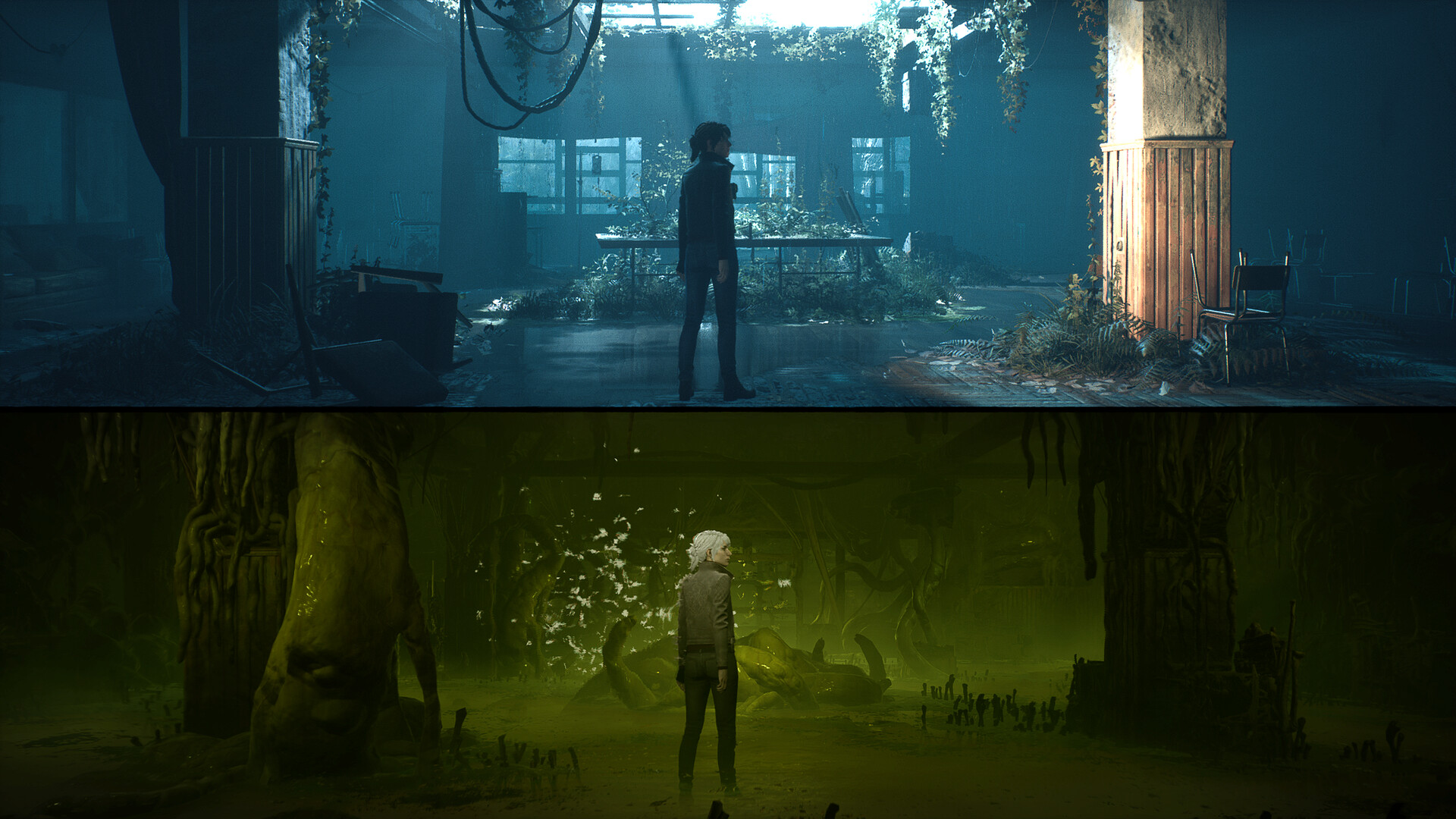
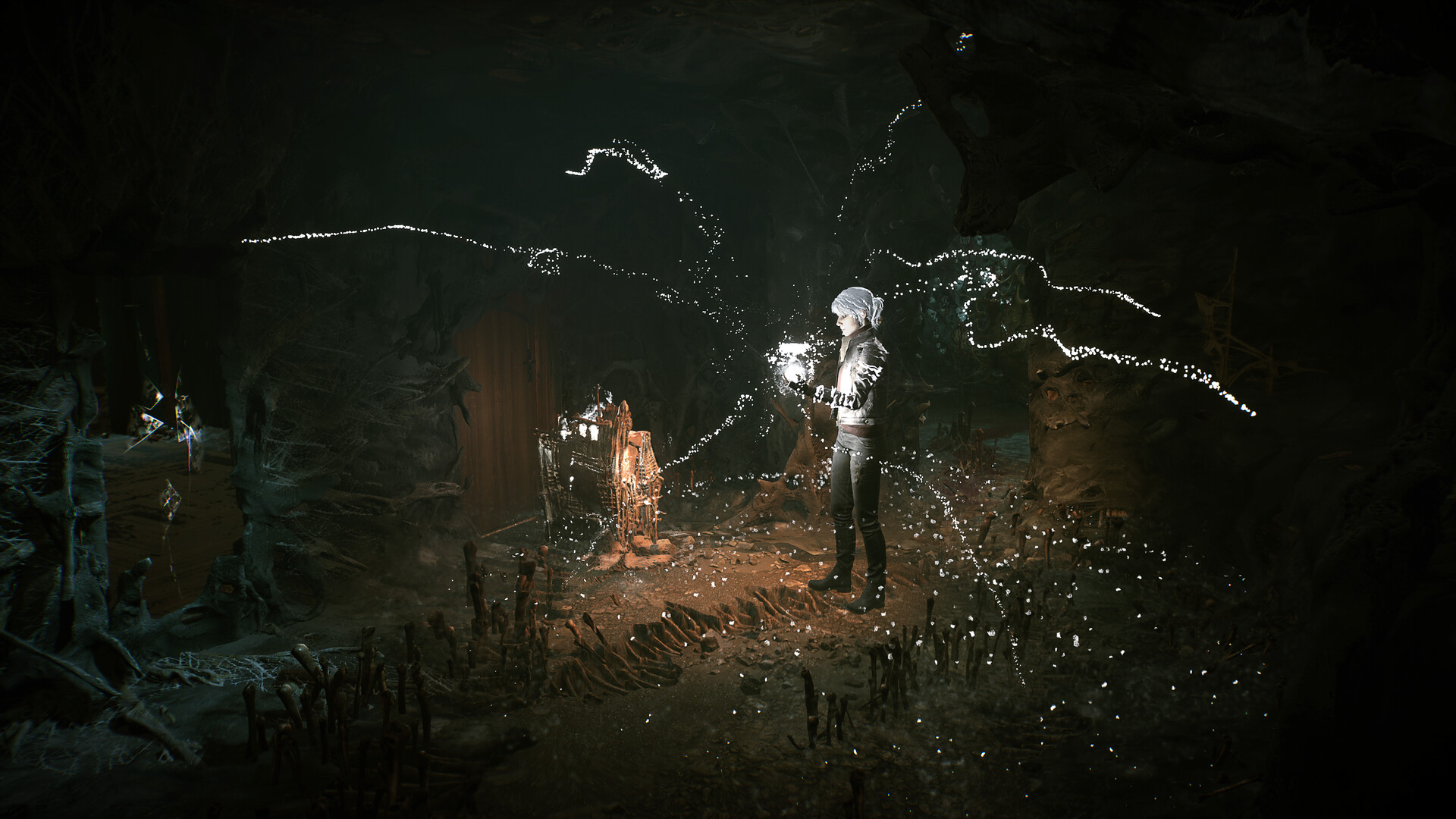
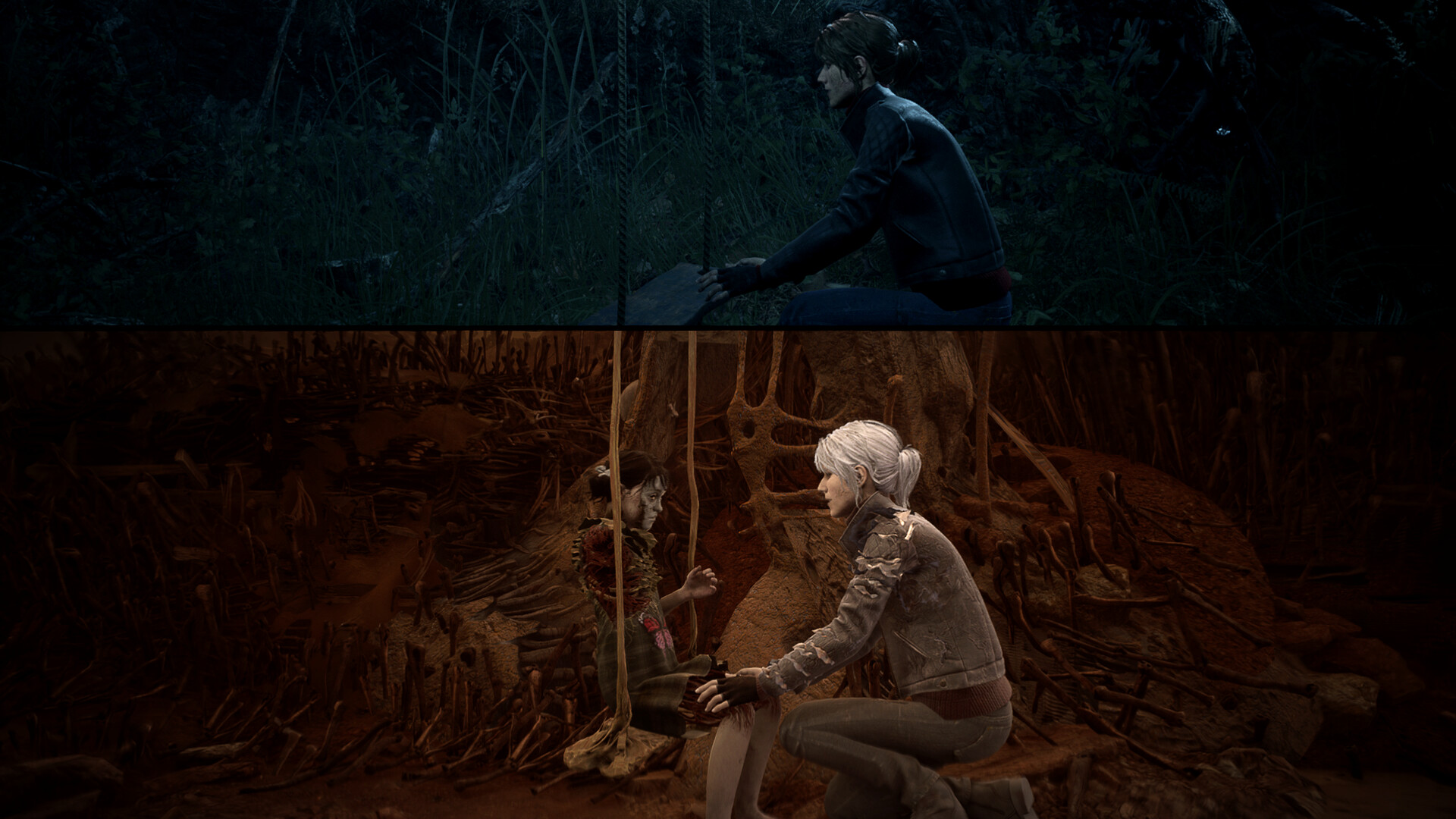
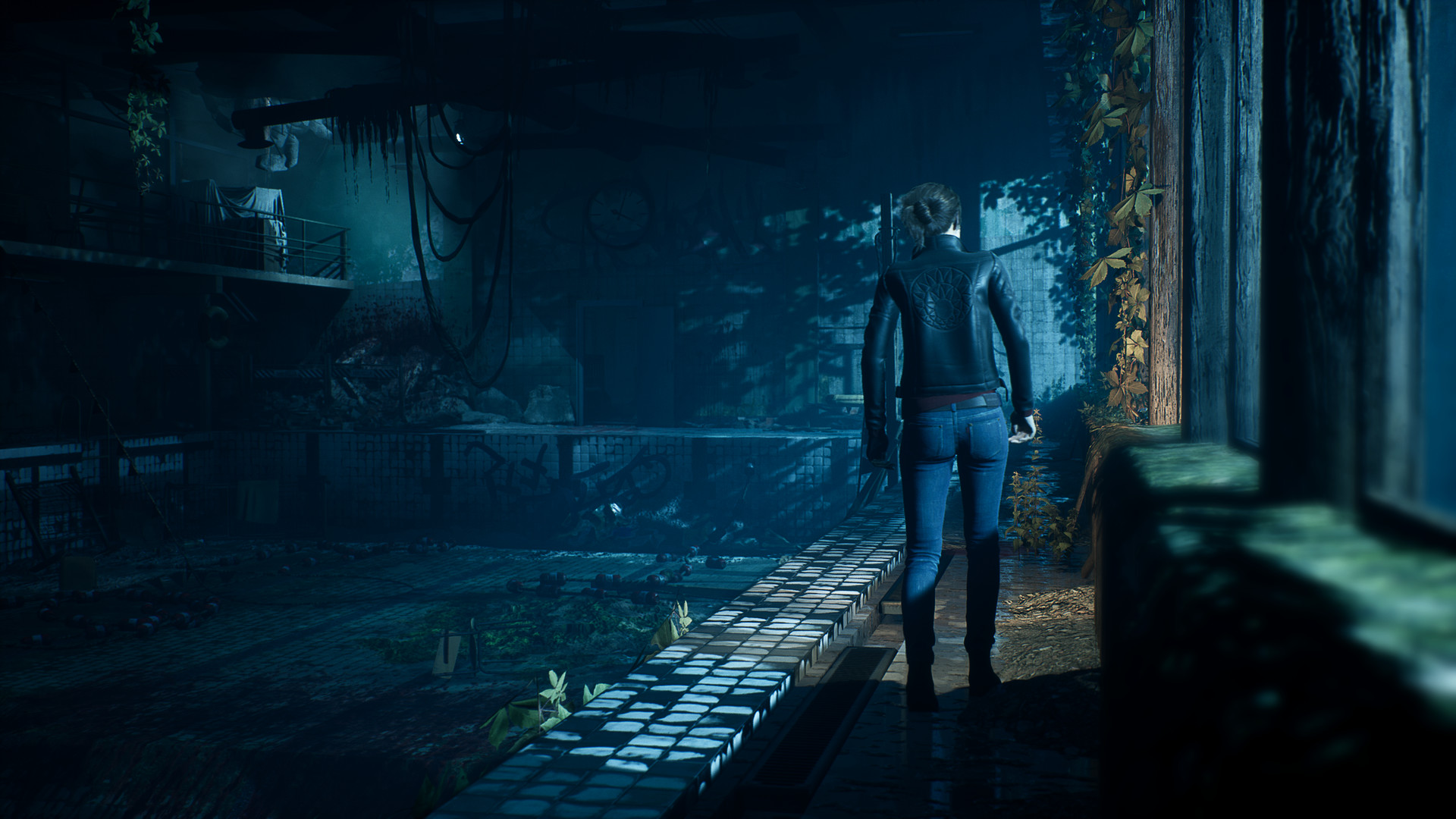
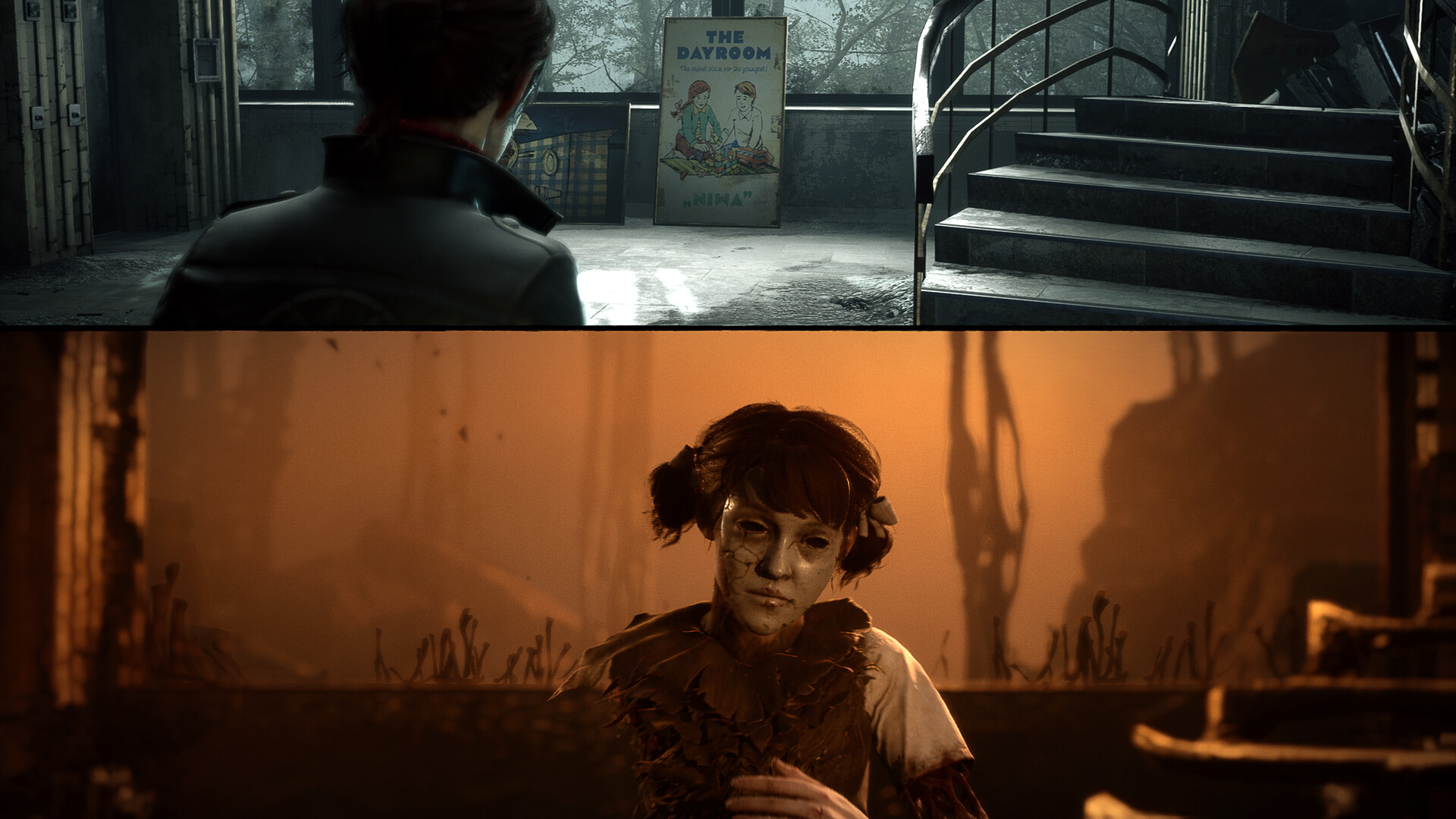
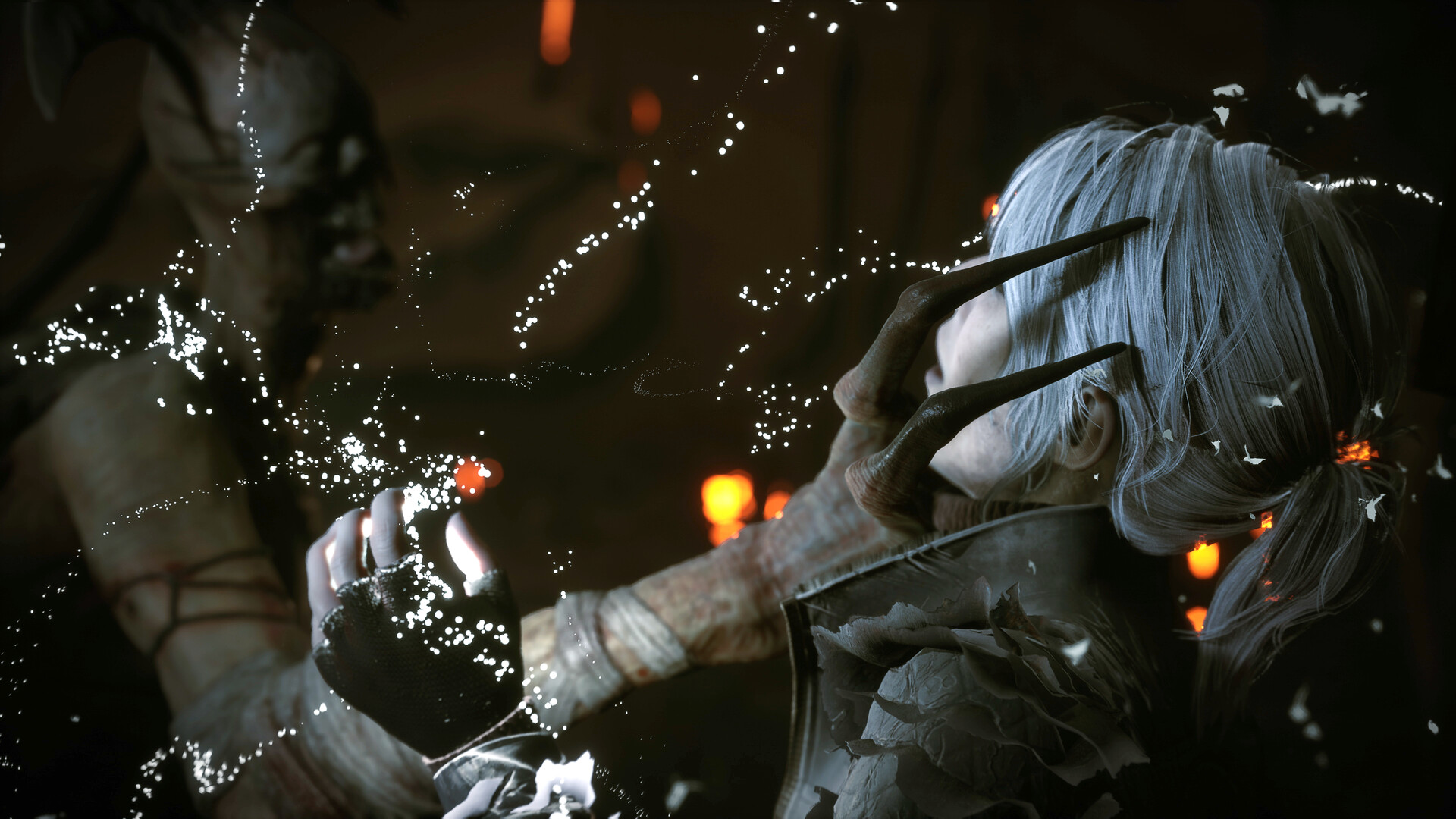
How The Medium runs on your Mac, from our performance model and player reports.
See exactly how The Medium will run on your Mac
Pick your chip and RAM for a personalised estimate.
The Medium is a native Apple Silicon title that performs well across the M-series lineup. It utilizes Metal 3 and MetalFX Upscaling to handle the demanding dual-rendering mechanics.
Here are all the options available, ranked by what we recommend first.
Runs directly on Apple Silicon — no extra software.
Full Windows 11 ARM inside macOS.
How each supported method stacks up on setup effort, time and runtime overhead.
Live prices compared across trusted PC key sellers — updates every few hours.
Loading per-platform notes…
Idiot-proof walkthroughs for every method.
The Medium has a native Apple Silicon build, which is the gold standard for playing on a Mac. You get full Metal acceleration, best battery life, and no compatibility weirdness. Just buy it from the Mac App Store or Steam for Mac and play.
Using Parallels to play The Medium means running a full copy of Windows 11 ARM inside macOS. This is the most "it just works" approach for games that don't behave under CrossOver, and DirectX 11 is hardware-accelerated. You'll need a Windows license and roughly 80 GB of disk space.
The Medium has a native Apple Silicon build, so installing it natively is the best way to play it on your Mac. Runs directly on Apple Silicon — no extra software.
| Method | Quality | Difficulty | Cost |
|---|---|---|---|
| NativePick | Excellent | Easy | Game price only |
| Parallels | Estimate | Medium | $99/year + Windows licence |
Share what worked for you running The Medium on Mac.
Loading comments…