Parallels
Full Windows 11 ARM inside macOS.
Difficulty: EasyCost: $99/year (Parallels) + Game CostEstimate

RPG · 2014
Best in a Windows 11 ARM virtual machine via Parallels.
Overall rating: Runs great on Mac · 100% of 1 players say it runs well
Best in a Windows 11 ARM virtual machine via Parallels.
Should run in a Windows 11 ARM virtual machine (Parallels). This is an estimate — not a verified report. Demanding 3D titles may need lower settings.
Hailed as one of the largest, longest and most meticulously detailed turn-based JRPG series of all time, this first chapter in the ongoing Trails saga sets the stage for what's quickly become Ys developer Nihon Falcom's most popular and best-selling franchise in their entire 30+ year history.
Trails in the Sky runs exceptionally well on Apple Silicon via Parallels, though some manual configuration of video codecs may be required for opening movies in Wine-based solutions.
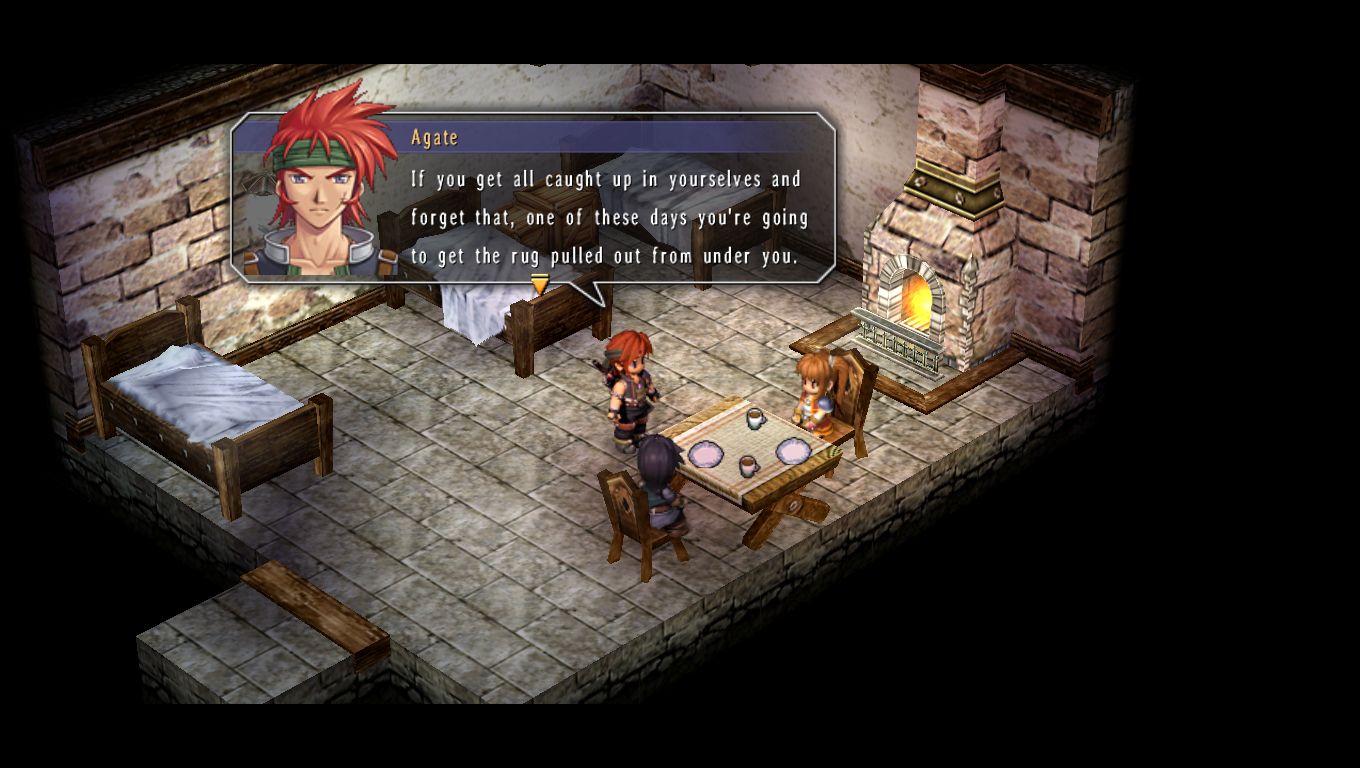
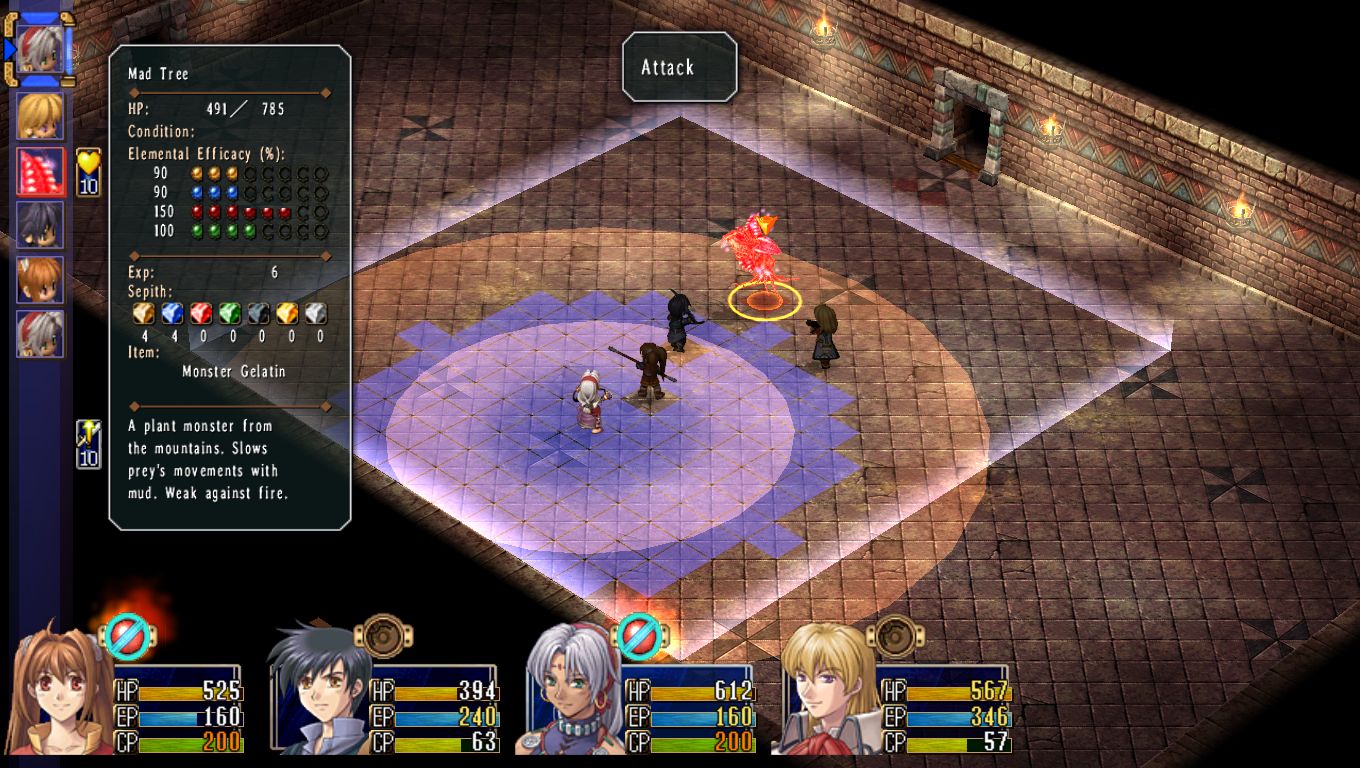
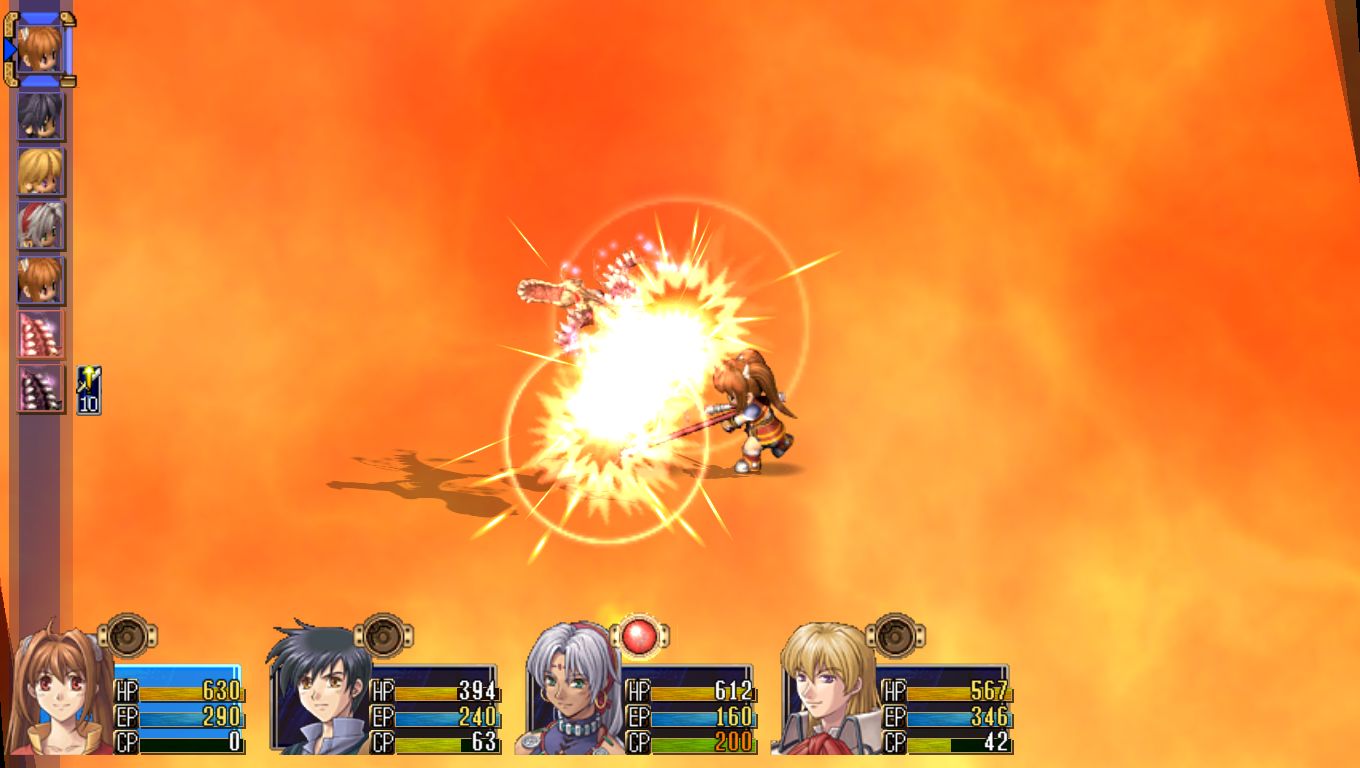
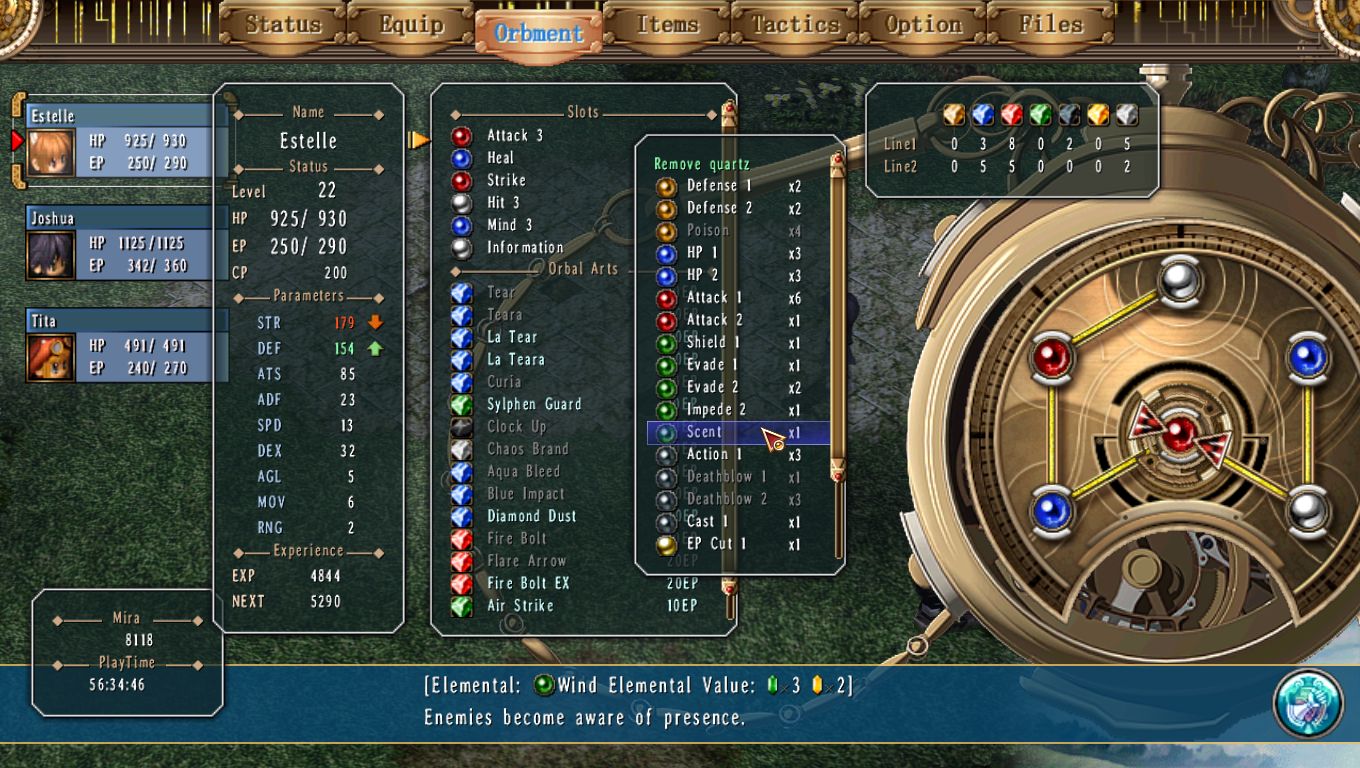
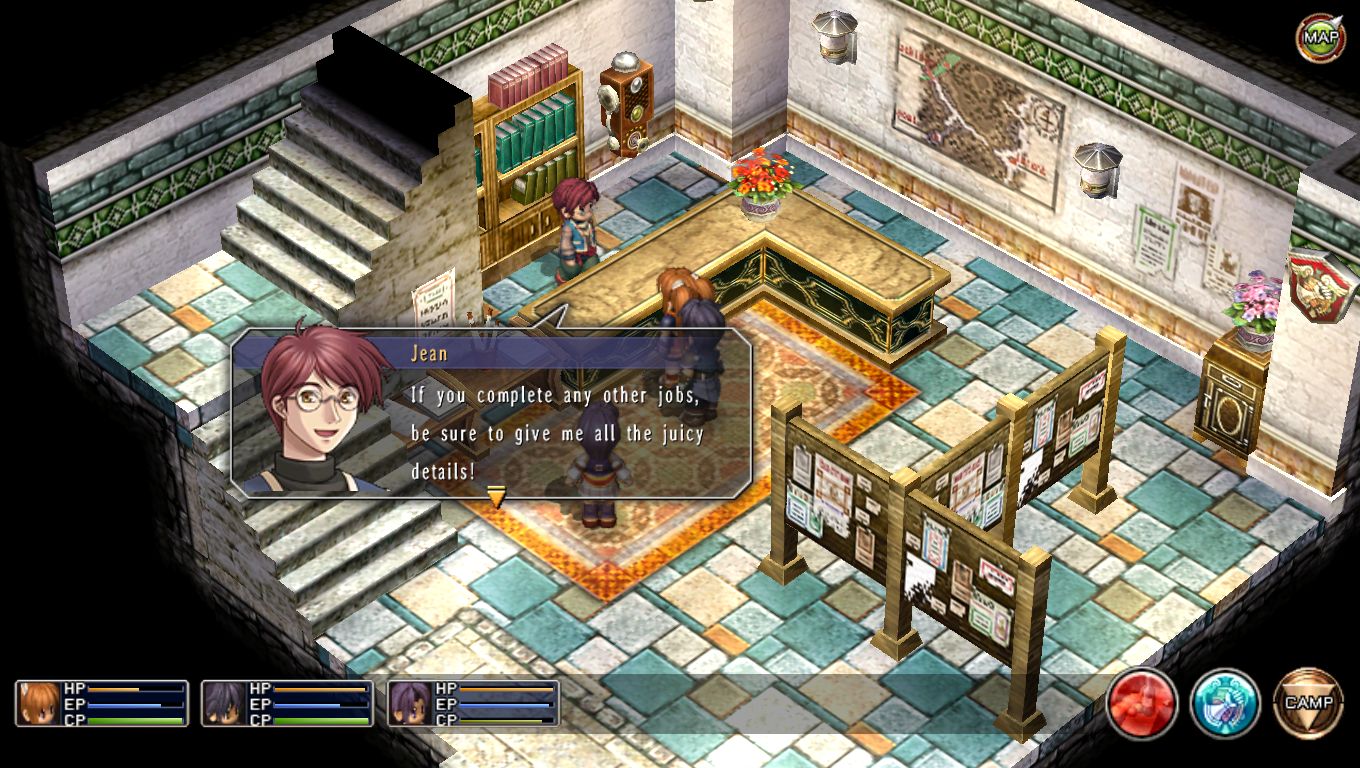
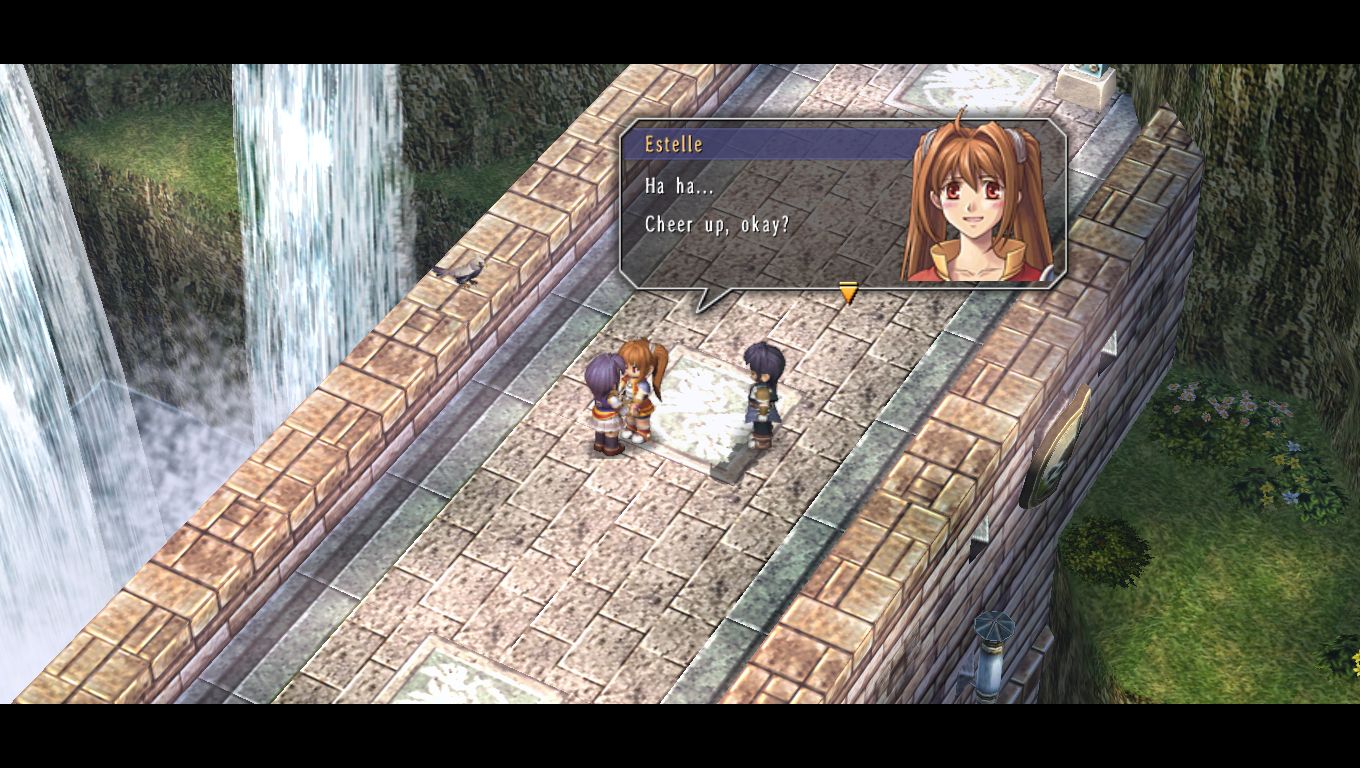
How The Legend of Heroes: Trails in the Sky runs on your Mac, from our performance model and player reports.
See exactly how The Legend of Heroes: Trails in the Sky will run on your Mac
Pick your chip and RAM for a personalised estimate.
Trails in the Sky runs exceptionally well on Apple Silicon via Parallels, though some manual configuration of video codecs may be required for opening movies in Wine-based solutions.
Here are all the options available, ranked by what we recommend first.
Full Windows 11 ARM inside macOS.
How each supported method stacks up on setup effort, time and runtime overhead.
Live prices compared across trusted PC key sellers — updates every few hours.
Loading per-platform notes…
Idiot-proof walkthroughs for every method.
Using Parallels to play The Legend of Heroes: Trails in the Sky means running a full copy of Windows 11 ARM inside macOS. This is the most "it just works" approach for games that don't behave under CrossOver, and DirectX 11 is hardware-accelerated. You'll need a Windows license and roughly 80 GB of disk space.
For most Mac players the best way to play The Legend of Heroes: Trails in the Sky on Mac is Parallels. Full Windows 11 ARM inside macOS.
| Method | Quality | Difficulty | Cost |
|---|---|---|---|
| ParallelsPick | Good | Medium | $99/year + Windows licence |
Share what worked for you running The Legend of Heroes: Trails in the Sky on Mac.
Loading comments…