← Back
The Elder Scrolls II: Daggerfall cover art
Unsupported

How to play The Elder Scrolls II: Daggerfall on Mac

Not officially supported, but there are workarounds below.

Overall rating: Runs great on Mac · 100% of 1 players say it runs well

Your setup
Detect your Mac to see whether The Elder Scrolls II: Daggerfall will run.

Not officially supported, but there are workarounds below.

The Elder Scrolls II: Daggerfall

THE GREAT MACHINE AWAKENS

Running Daggerfall Unity natively on Apple Silicon provides the definitive experience with perfect performance, high resolutions, and modern controls.
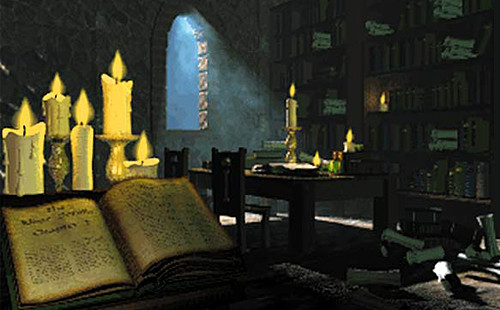
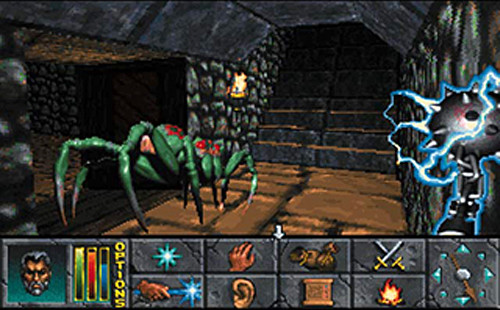
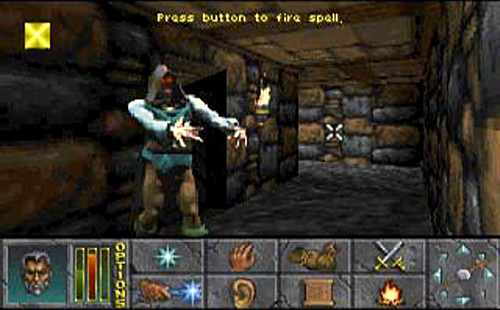
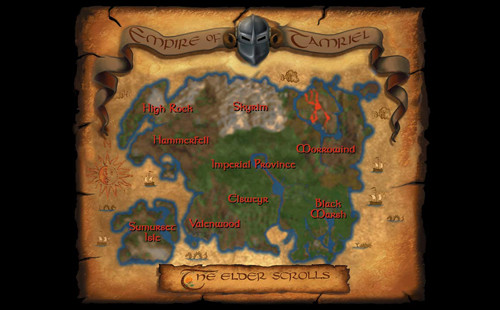
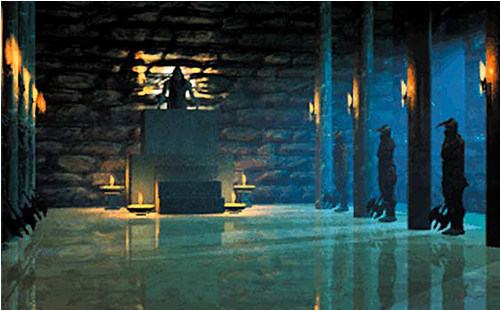
The Elder Scrolls II: Daggerfall screenshot 1The Elder Scrolls II: Daggerfall screenshot 2The Elder Scrolls II: Daggerfall screenshot 3The Elder Scrolls II: Daggerfall screenshot 4The Elder Scrolls II: Daggerfall screenshot 5The Elder Scrolls II: Daggerfall screenshot 6

What the world thinks

  1. Acquire the Game Files: Download the original game files for free from Steam or GOG. You will need the ARENA2 folder from the installation.
  2. Download Daggerfall Unity: Go to the official Daggerfall Unity GitHub releases page and download the dfu_mac_arm64 build (ensure you get the Apple Silicon native version).
  3. Extraction: Unzip the DFU folder and move it to your Applications folder.
  4. First Run: Open the application. If macOS blocks it due to an 'unidentified developer', right-click the app and select 'Open'.
  5. Point to Game Data: When prompted by DFU, browse to the ARENA2 folder you acquired in step 1. Select the parent folder containing it.
  6. Configuration: Set your resolution to native (e.g., 3024x1964) and enjoy the game at 120 FPS.
  • DOSBox-X: You can run the original 1996 DOS executable via DOSBox-X (Native ARM build). This provides the authentic, albeit buggier and lower-resolution, 'vanilla' experience.
  • RetroArch: Using the DOSBox-Pure core allows for easy shader application, though it lacks the quality-of-life improvements of the Unity port.
Best way to play it on Mac

Running Daggerfall Unity natively on Apple Silicon provides the definitive experience with perfect performance, high resolutions, and modern controls.
See if this is the right method for your setup

Want to play The Elder Scrolls II: Daggerfall on Mac?

The Elder Scrolls II: Daggerfall is currently unplayable due to developer anti-cheat restrictions. Enter your email below, and we'll instantly ping you the exact split-second a compatibility patch or CrossOver update changes this status.

Comments

Share what worked for you running The Elder Scrolls II: Daggerfall on Mac.

Be kind. No spam.

Loading comments…

Frequently asked questions