← Back
Stronghold Crusader HD cover art
Parallels

How to play Stronghold Crusader HD on Mac

Strategy Β· 2012

Best in a Windows 11 ARM virtual machine via Parallels.

Overall rating: Not enough votes yet

Your setup
Detect your Mac to see whether Stronghold Crusader HD will run.

Best in a Windows 11 ARM virtual machine via Parallels.

How to run Stronghold Crusader HD on your Mac in 2026

Best path: Parallels

Should run in a Windows 11 ARM virtual machine (Parallels). This is an estimate β€” not a verified report. Demanding 3D titles may need lower settings.

  • Heads up on Parallels: Estimated compatibility β€” no verified report yet
MethodQualityDifficultyCost
ParallelsPickGoodMedium$99/yrGet it β†—
Xbox Cloud GamingEstimateEasy$16.99 /moGet it β†—

Stronghold Crusader HD

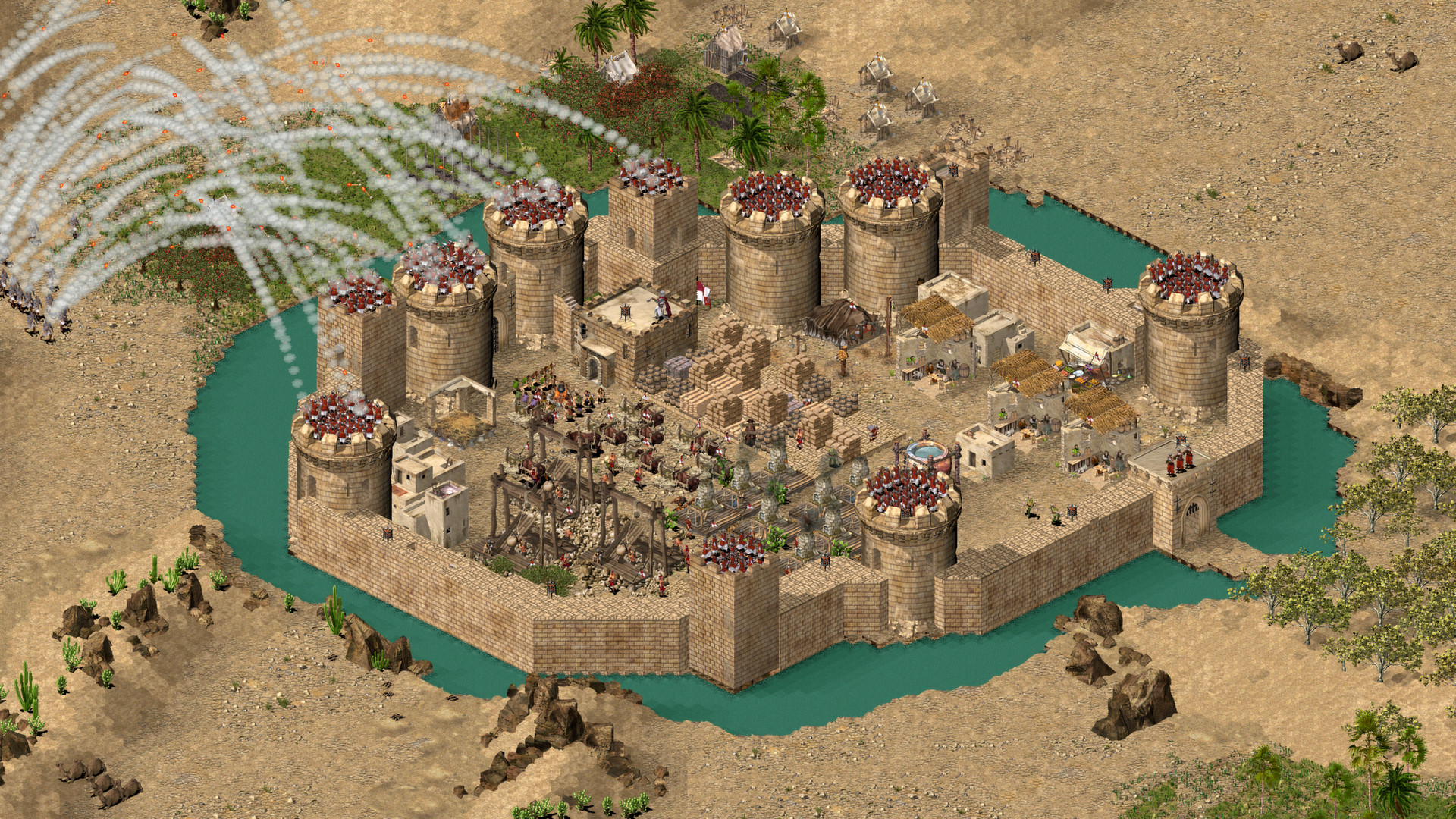
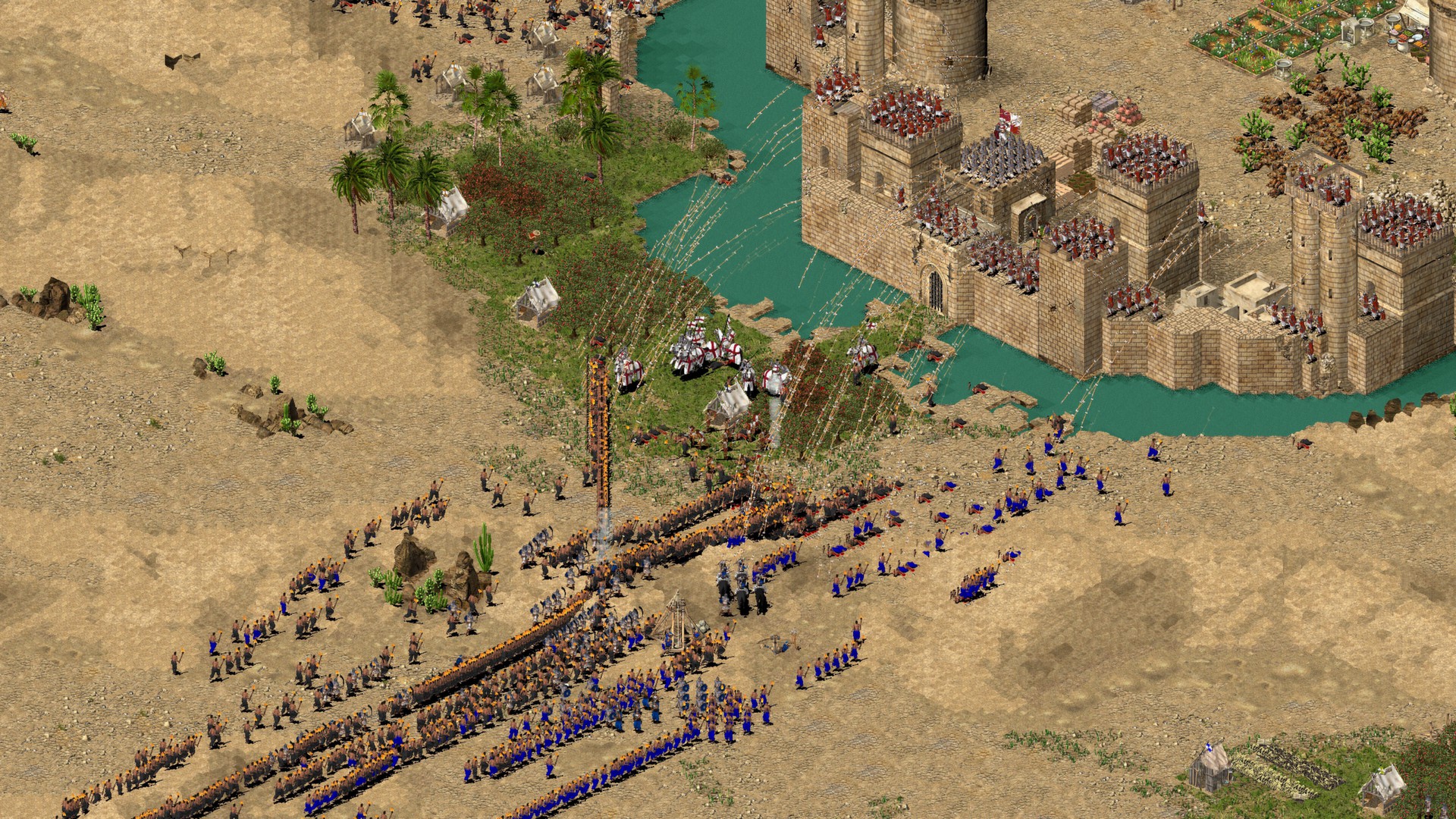
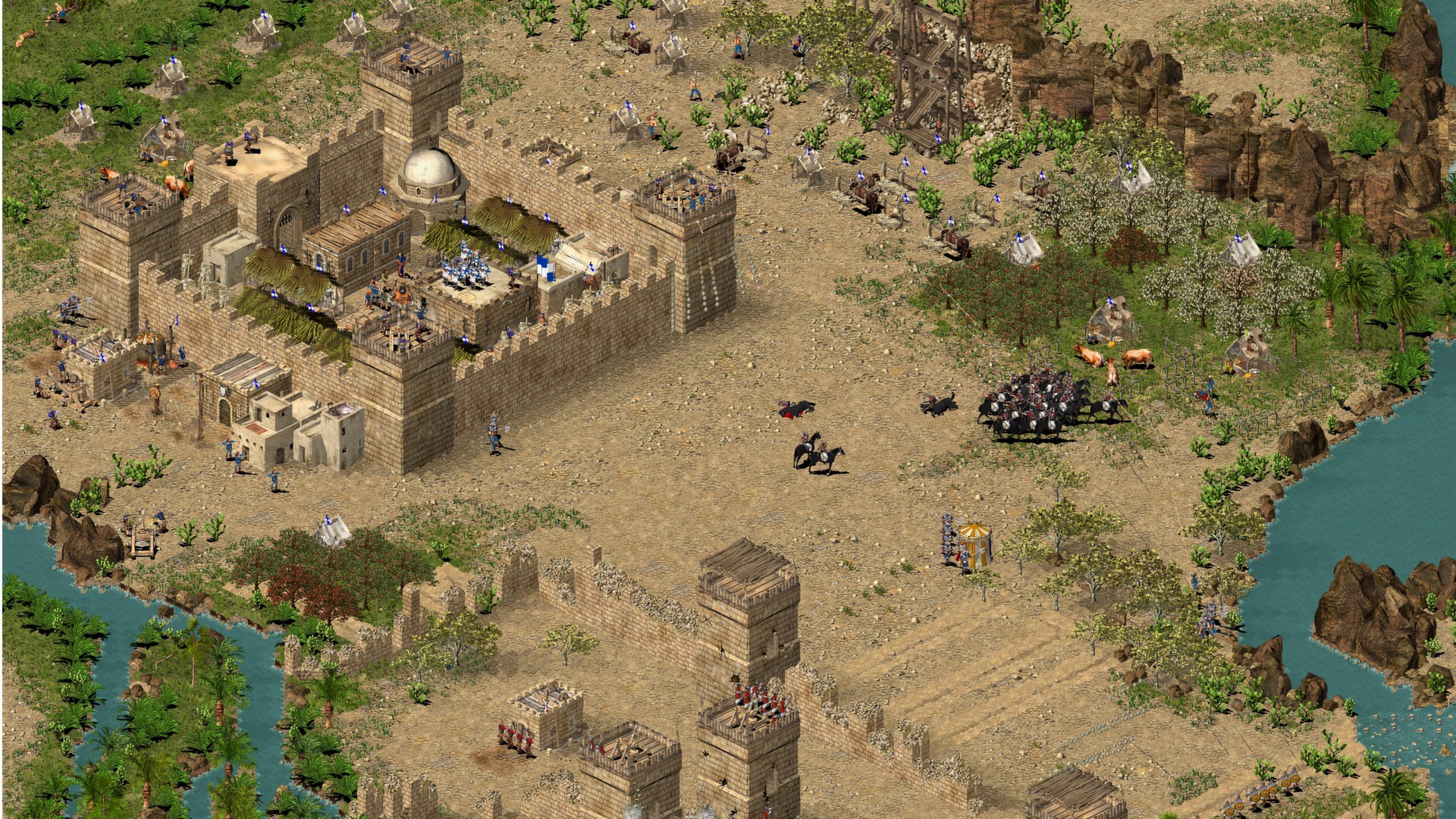
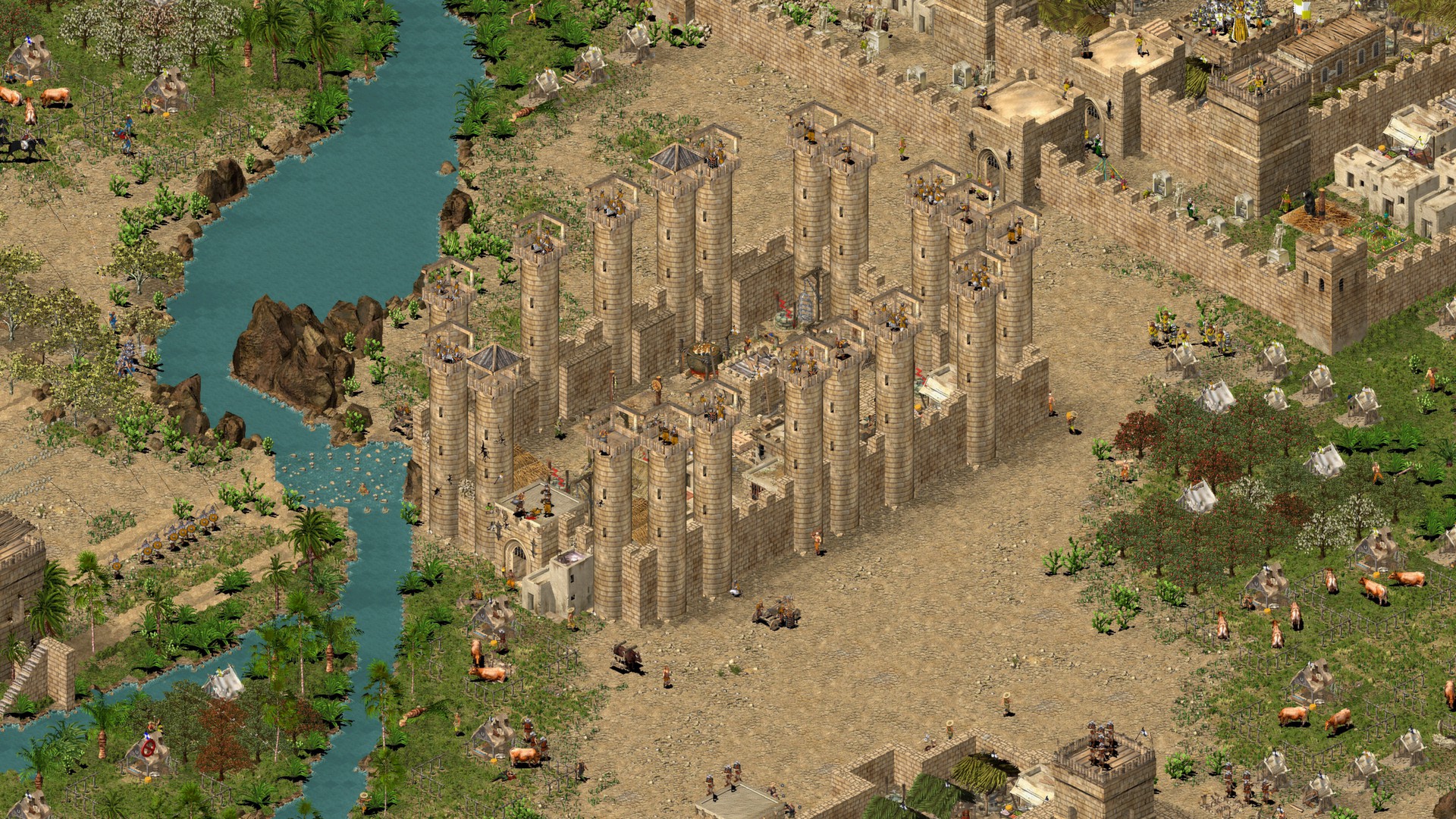
The highly anticipated sequel to the best-selling Stronghold, Stronghold Crusader HD throws you into historic battles and castle sieges from the Crusades with fiendish AI opponents, new units, 4 historical campaigns and over 100 unique skirmish missions.

Stronghold Crusader HD runs exceptionally well on Apple Silicon via CrossOver, maintaining high performance and full compatibility with the HD resolution patches.
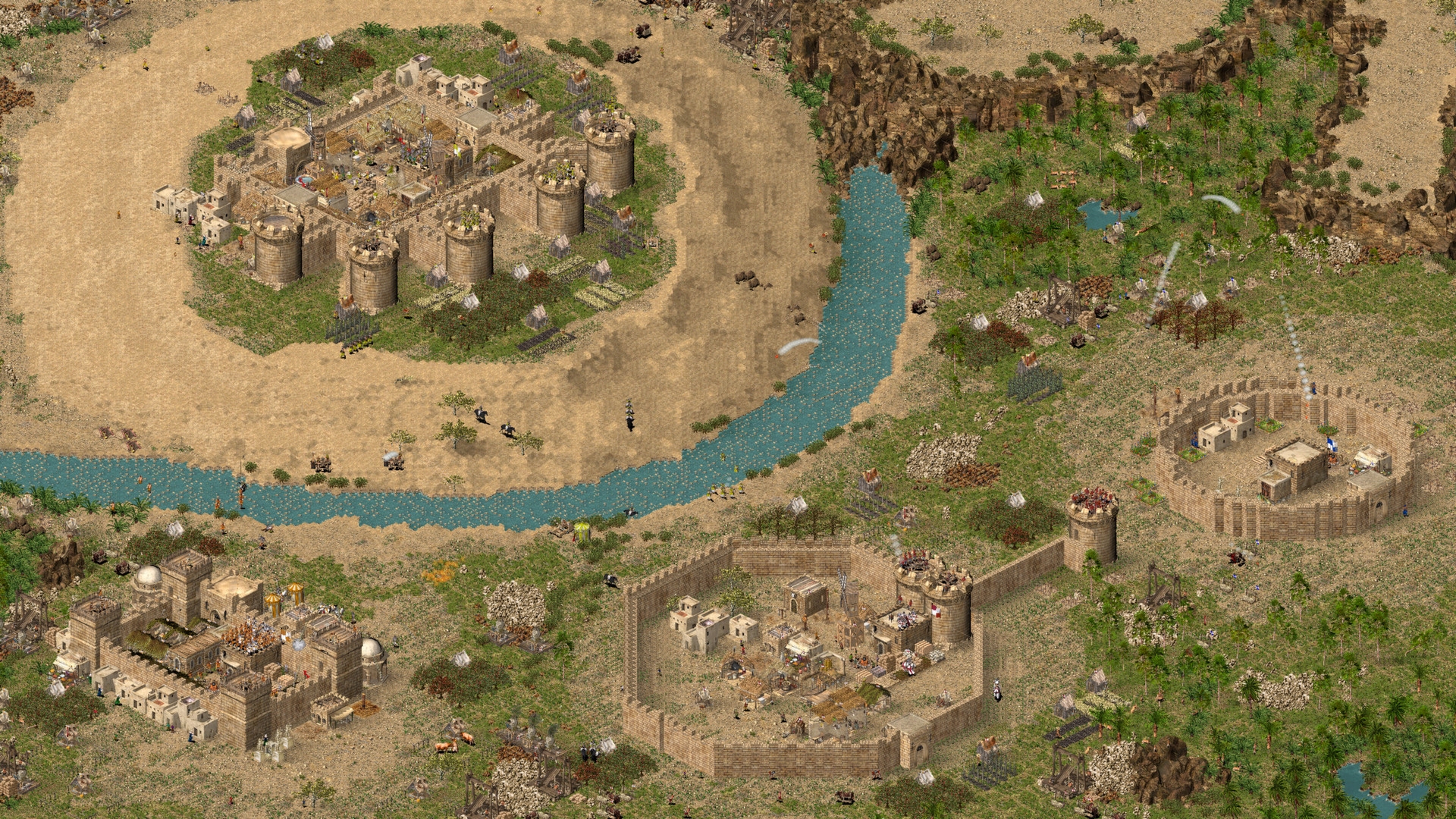
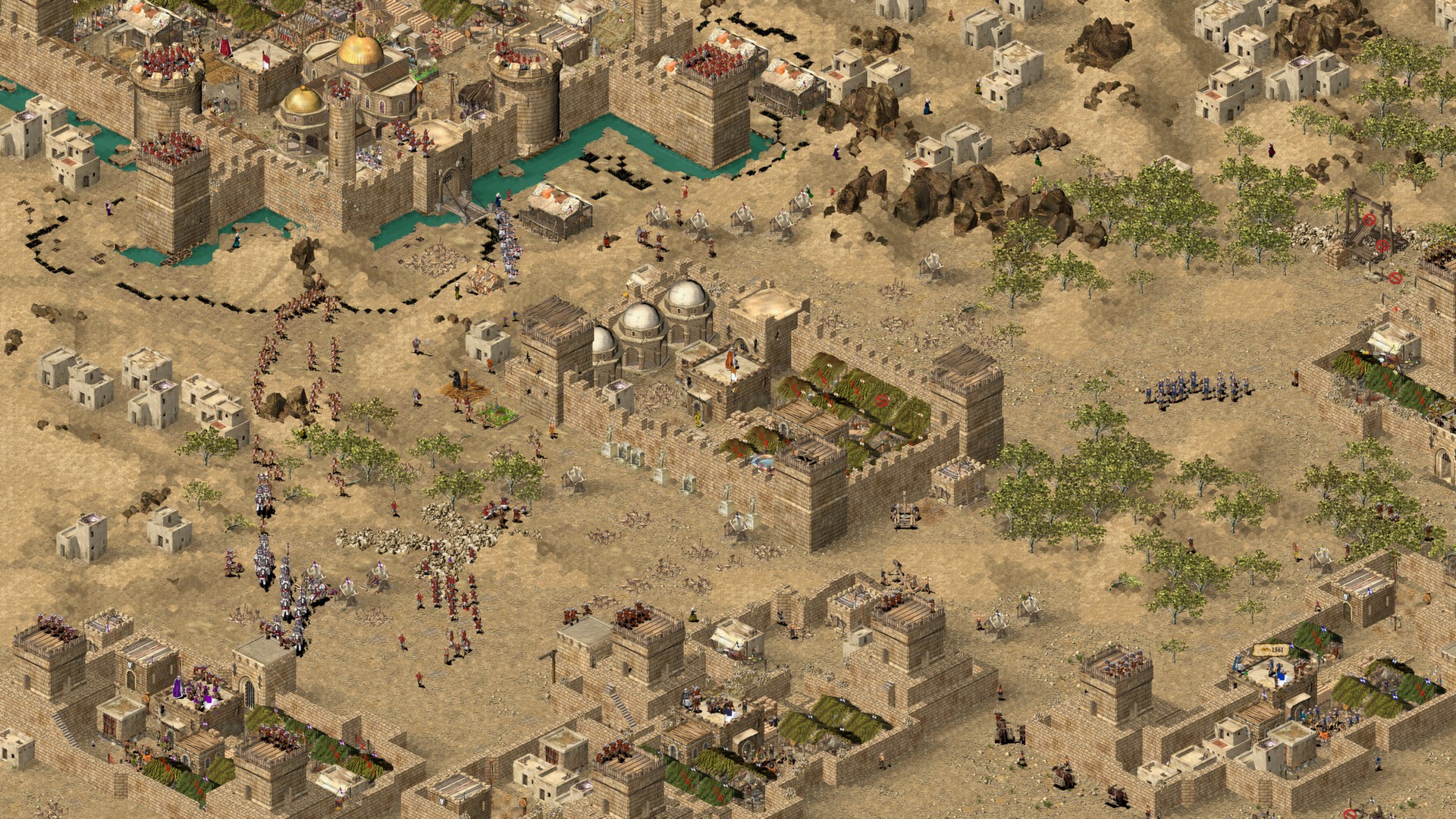
Stronghold Crusader HD screenshot 1Stronghold Crusader HD screenshot 2Stronghold Crusader HD screenshot 3Stronghold Crusader HD screenshot 4Stronghold Crusader HD screenshot 5Stronghold Crusader HD screenshot 6

What the world thinks

  1. Create a Bottle: Open CrossOver and create a new bottle. Name it 'Stronghold Crusader' and set the type to Windows 7 64-bit (this provides the best legacy support for this specific title).
  2. Install the Game: If you own the Steam version, install the 'Steam' application into this bottle first, then download the game through the Steam client. If you have the GOG offline installer, choose 'Install a Windows Application' and select the setup .exe file.
  3. Toggle Settings: In the right-hand sidebar of the bottle, ensure D3DMetal is turned OFF. Use DXVK instead. While the game is very old, DXVK provides more stable frame pacing for 2D sprites on Mac.
  4. Launch Settings: Within the game's launcher, select your native resolution. If the game crashes on startup, try launching in 'Windowed Mode' first, then toggle to Fullscreen using Cmd+Enter once the main menu loads.
  • Wineskin/Whisky: You can use Whisky (which is free), but because Stronghold Crusader HD relies on older DirectDraw components, you may encounter 'Black Screen' bugs or mouse flickering that CrossOver's proprietary patches have already solved.
  • Parallels Desktop: Running via a Windows 11 VM works perfectly but is resource-heavy for such an old game. Only use this if you already have Parallels for work.

Performance

How Stronghold Crusader HD runs on your Mac, from our performance model and player reports.

See exactly how Stronghold Crusader HD will run on your Mac

Pick your chip and RAM for a personalised estimate.

Best way to play it on Mac

Stronghold Crusader HD runs exceptionally well on Apple Silicon via CrossOver, maintaining high performance and full compatibility with the HD resolution patches.
See if this is the right method for your setup

Ways to play Stronghold Crusader HD on Mac

Here are all the options available, ranked by what we recommend first.

Compare methods at a glance

Lower = better

How each supported method stacks up on setup effort, time and runtime overhead.

  • ParallelsVMTop pick
    Setup
    Moderate
    Time
    30 min
    Overhead
    High
  • Xbox Cloud GamingCloud
    Setup
    Simple
    Time
    5 min
    Overhead
    Low

Where to buy Stronghold Crusader HD

Live prices compared across trusted PC key sellers β€” updates every few hours.

Platform-by-platform reliability

Loading per-platform notes…

Step-by-step setup guides

Idiot-proof walkthroughs for every method.

How to run Stronghold Crusader HD on Mac with Parallels

EstimateΒ· Compatibility

Using Parallels to play Stronghold Crusader HD means running a full copy of Windows 11 ARM inside macOS. This is the most "it just works" approach for games that don't behave under CrossOver, and DirectX 11 is hardware-accelerated. You'll need a Windows license and roughly 80 GB of disk space.

Step-by-step

  1. Buy / start a trial of Parallels Desktop.
  2. Install Windows 11 ARM via the one-click wizard.
  3. Inside Windows, install Steam / Xbox app and Stronghold Crusader HD.
  4. Enable DirectX 11 in Parallels settings for best 3D performance.

Video proof

Try Parallels Desktop free β†—Affiliate link β€” supports the site at no extra cost.

How to run Stronghold Crusader HD on Mac with Xbox Cloud Gaming

EstimateΒ· Streaming

Streaming Stronghold Crusader HD through Xbox Cloud Gaming is the fastest way to start playing on a Mac β€” there's nothing to install, no Windows VM, no compatibility layer. The game runs on a remote GPU and your Mac just receives the video, which means even a base M1 MacBook Air can play the most demanding AAA titles at high settings. The tradeoff is that you need a stable internet connection (ideally wired or 5GHz Wi-Fi with 25+ Mbps down) and a subscription.

Step-by-step

  1. Get Xbox Game Pass Ultimate.
  2. Open xbox.com/play in Safari, Chrome, or Edge.
  3. Search Stronghold Crusader HD and click Play β€” no install required.

Video proof

Open Xbox Cloud Gaming β†—Affiliate link β€” supports the site at no extra cost.

Our recommendation

For most Mac players we recommend Parallels as the fastest, smoothest way to play Stronghold Crusader HD. Full Windows 11 ARM inside macOS.

MethodQualityDifficultyCost
ParallelsPickGoodMedium$99/year + Windows licence
Xbox Cloud GamingEstimateEasyGame Pass Ultimate subscription
Try Parallels Desktop free

Comments

Share what worked for you running Stronghold Crusader HD on Mac.

Be kind. No spam.

Loading comments…

Frequently asked questions