GeForce NOW
Needs 25+ Mbps internet, wired ideal.
Difficulty: EasyCost: Free tier / $9.99+ per monthEstimate
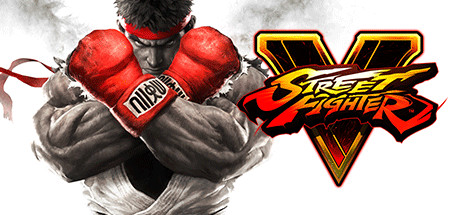
Fighting · 2016
Best played by streaming from the cloud via GeForce NOW.
Overall rating: Not enough votes yet
Best played by streaming from the cloud via GeForce NOW.
GeForce NOW streams Street Fighter V from an RTX-class GPU straight to your Mac — high-refresh play with nothing to install locally.
| Method | Quality | Difficulty | Cost | |
|---|---|---|---|---|
| GeForce NOWPick | Estimate | Easy | Free / $9.99 /mo | Get it ↗ |
| Parallels | Estimate | Medium | $99/yr | Get it ↗ |
| Boosteroid | Estimate | Easy | $9.95 /mo | Get it ↗ |
Heads up: GeForce NOW streams the game but doesn't include a copy — you'll still need to own Street Fighter V on a supported store (AllKeyShop).
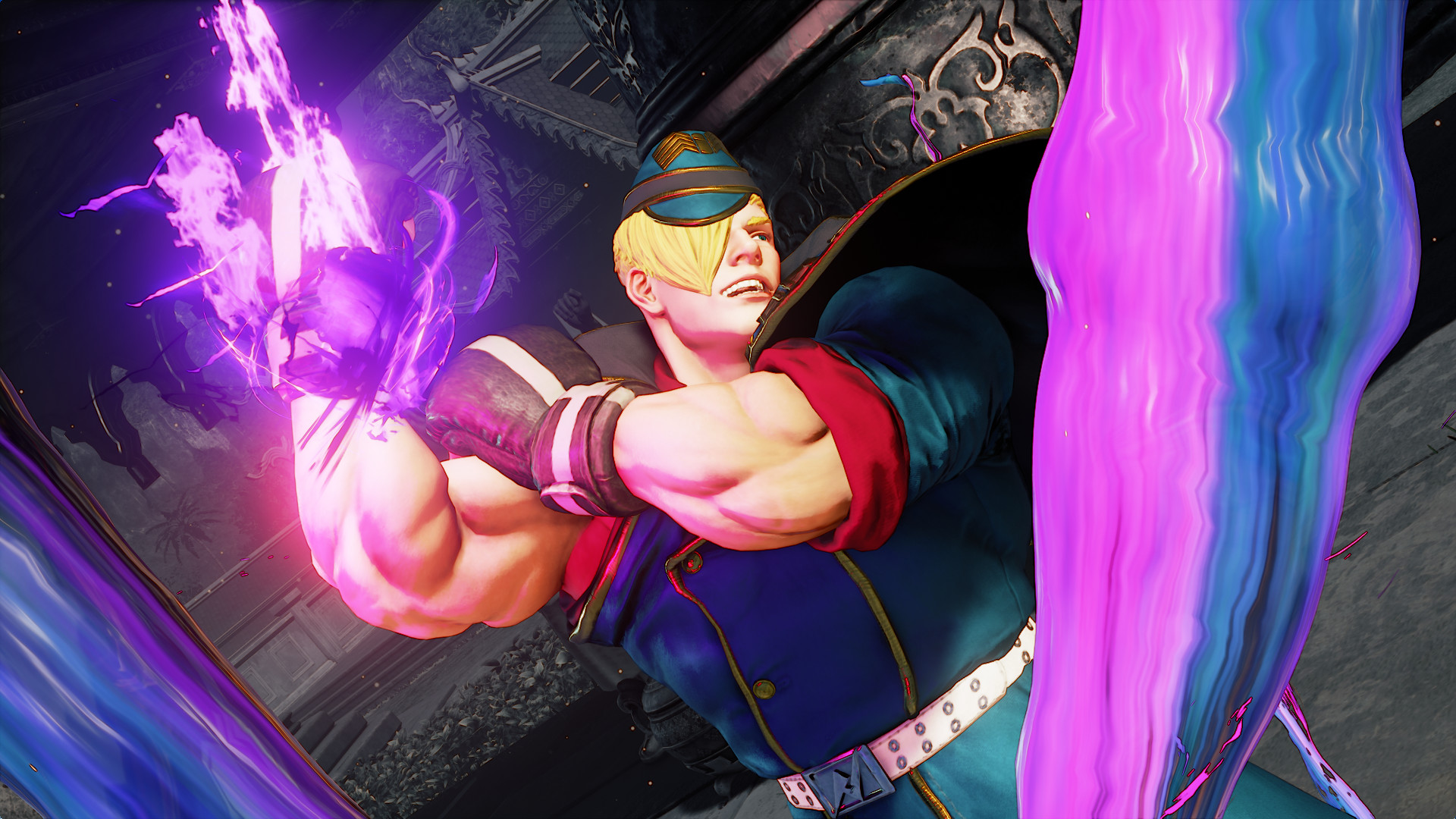
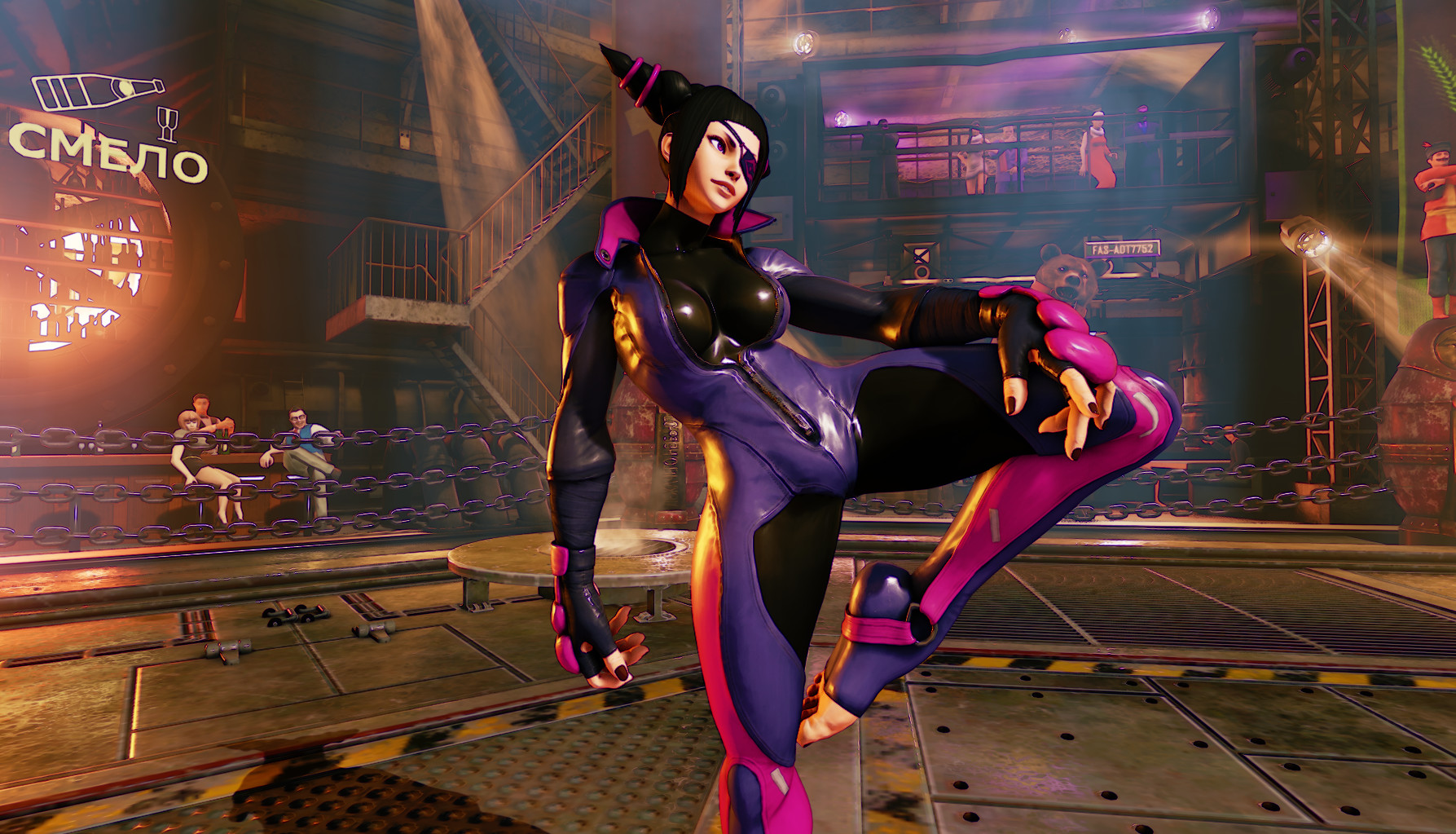
Experience the intensity of head-to-head battles with Street Fighter® V! Choose from 16 iconic characters, then battle against friends online or offline with a robust variety of match options.
The game's anti-cheat prevents it from running in CrossOver, but it is playable via Parallels.
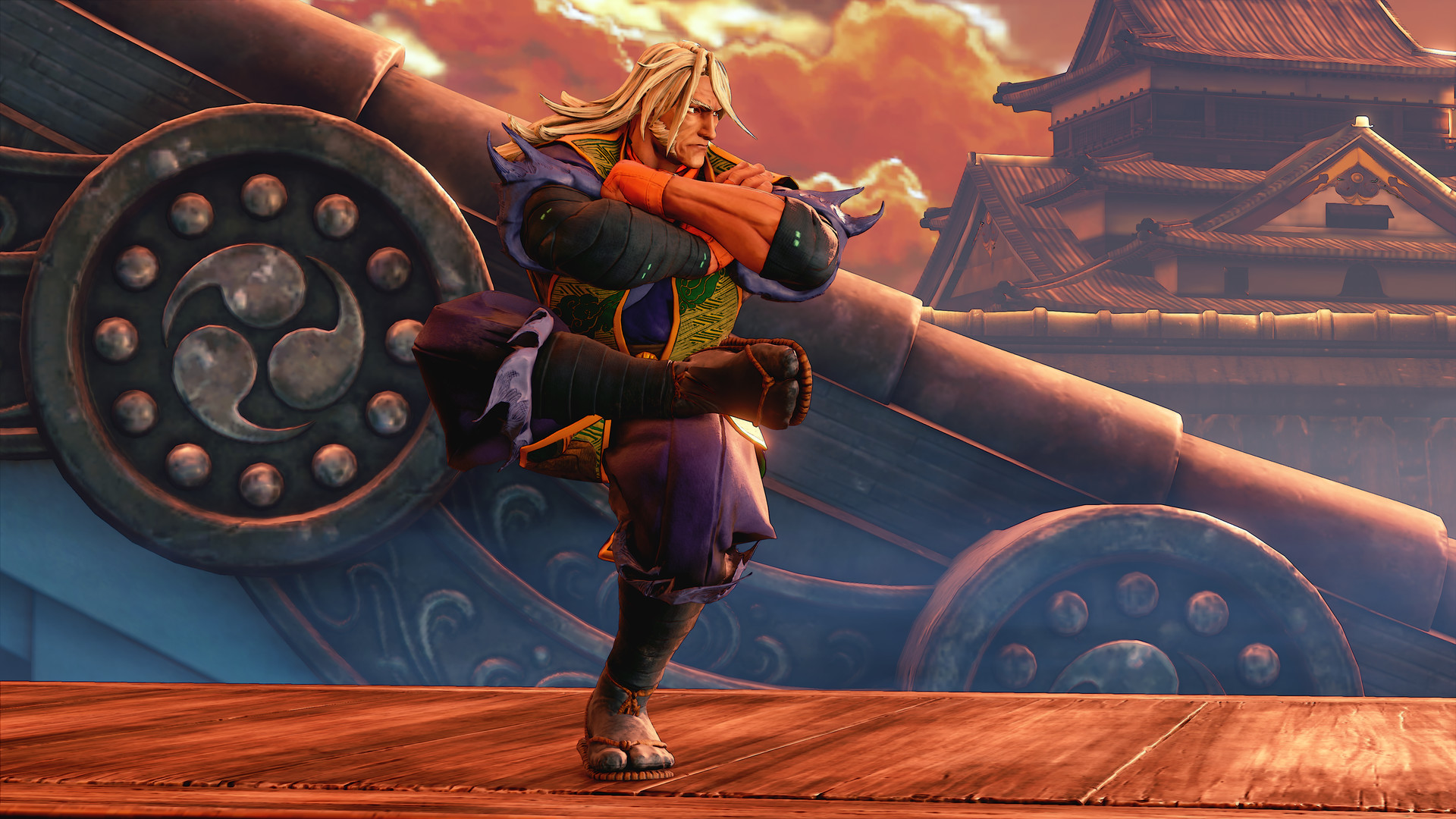
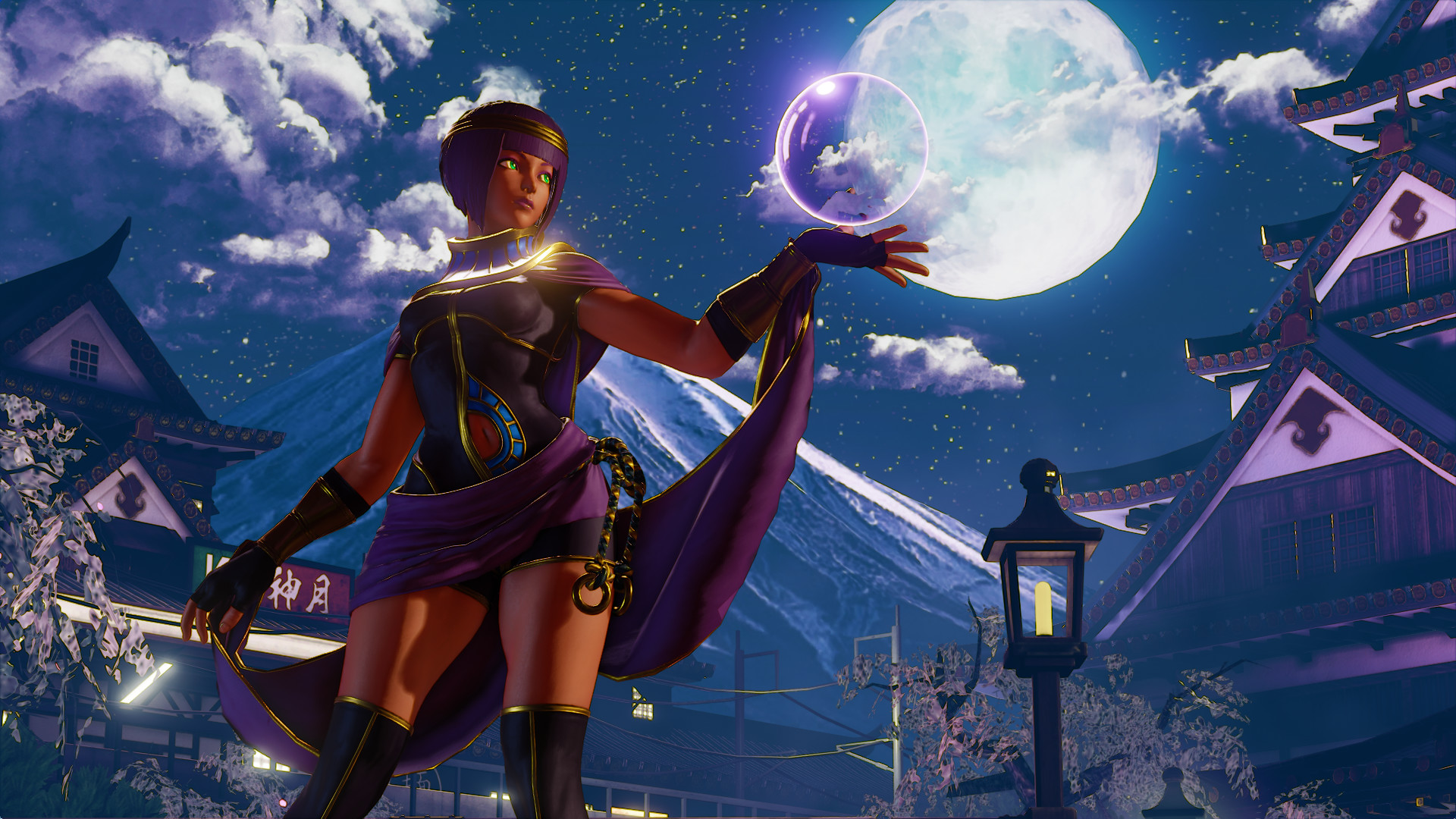
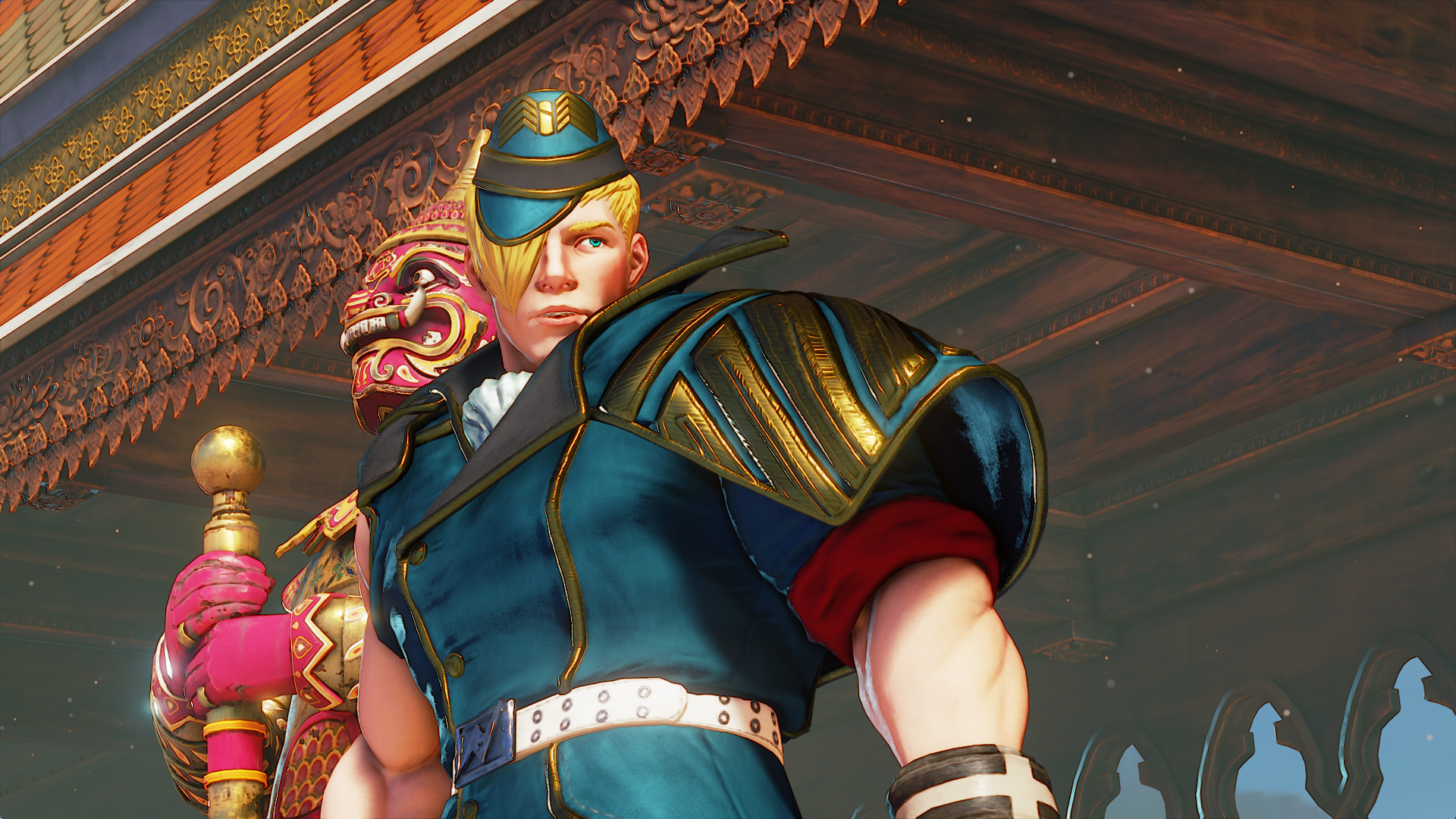

How Street Fighter V runs on your Mac, from our performance model and player reports.
See exactly how Street Fighter V will run on your Mac
Pick your chip and RAM for a personalised estimate.
The game's anti-cheat prevents it from running in CrossOver, but it is playable via Parallels.
Boosteroid and GeForce NOW are also available for cloud performance on a strong connection.
Needs 25+ Mbps internet, wired ideal.
Full Windows 11 ARM inside macOS.
Needs 25+ Mbps internet, wired ideal.
How each supported method stacks up on setup effort, time and runtime overhead.
Live prices compared across trusted PC key sellers — updates every few hours.
Loading per-platform notes…
Idiot-proof walkthroughs for every method.
Streaming Street Fighter V through GeForce NOW is the fastest way to start playing on a Mac — there's nothing to install, no Windows VM, no compatibility layer. The game runs on a remote GPU and your Mac just receives the video, which means even a base M1 MacBook Air can play the most demanding AAA titles at high settings. The tradeoff is that you need a stable internet connection (ideally wired or 5GHz Wi-Fi with 25+ Mbps down) and a subscription.
Using Parallels to play Street Fighter V means running a full copy of Windows 11 ARM inside macOS. This is the most "it just works" approach for games that don't behave under CrossOver, and DirectX 11 is hardware-accelerated. You'll need a Windows license and roughly 80 GB of disk space.
Streaming Street Fighter V through Boosteroid is the fastest way to start playing on a Mac — there's nothing to install, no Windows VM, no compatibility layer. The game runs on a remote GPU and your Mac just receives the video, which means even a base M1 MacBook Air can play the most demanding AAA titles at high settings. The tradeoff is that you need a stable internet connection (ideally wired or 5GHz Wi-Fi with 25+ Mbps down) and a subscription.
For most Mac players the best way to play Street Fighter V is streaming it through GeForce NOW. Needs 25+ Mbps internet, wired ideal.
| Method | Quality | Difficulty | Cost |
|---|---|---|---|
| GeForce NOWPick | Estimate | Easy | Free tier / $9.99+ per month |
| Parallels | Estimate | Medium | $99/year + Windows licence |
| Boosteroid | Estimate | Easy | $9.95 / month |
Share what worked for you running Street Fighter V on Mac.
Loading comments…