Parallels
Full Windows 11 ARM inside macOS.
Difficulty: MediumCost: $7.99 (Game) + CrossOver ($74) or Whisky (Free)Estimate

· 2011
Best in a Windows 11 ARM virtual machine via Parallels.
Overall rating: Runs great on Mac · 100% of 1 players say it runs well
Best in a Windows 11 ARM virtual machine via Parallels.
Should run in a Windows 11 ARM virtual machine (Parallels). This is an estimate — not a verified report. Demanding 3D titles may need lower settings.
Sonic Adventure DX is a high-speed platformer that marks Sonic's first major foray into 3D environments. Players navigate the sprawling hub worlds of Station Square and Mystic Ruins to stop Dr. Eggman from awakening a chaotic entity fueled by the Chaos Emeralds. The game is renowned for its diverse gameplay styles, allowing you to play as six different characters, ranging from Sonic's classic high-velocity platforming to E-102 Gamma's lock-on shooting and Big the Cat's fishing.
The tone blends a cinematic action-adventure feel with the vibrant, upbeat energy characteristic of the Dreamcast era. What makes this title stand out is its 'Adventure' structure, which includes light RPG elements like character interactions and the Chao Garden—a surprisingly deep pet-raising simulator that has kept fans coming back for decades.
Sonic Adventure DX runs exceptionally well via translation layers like CrossOver or Whisky, especially when utilizing community mods to fix legacy DirectX lighting bugs.
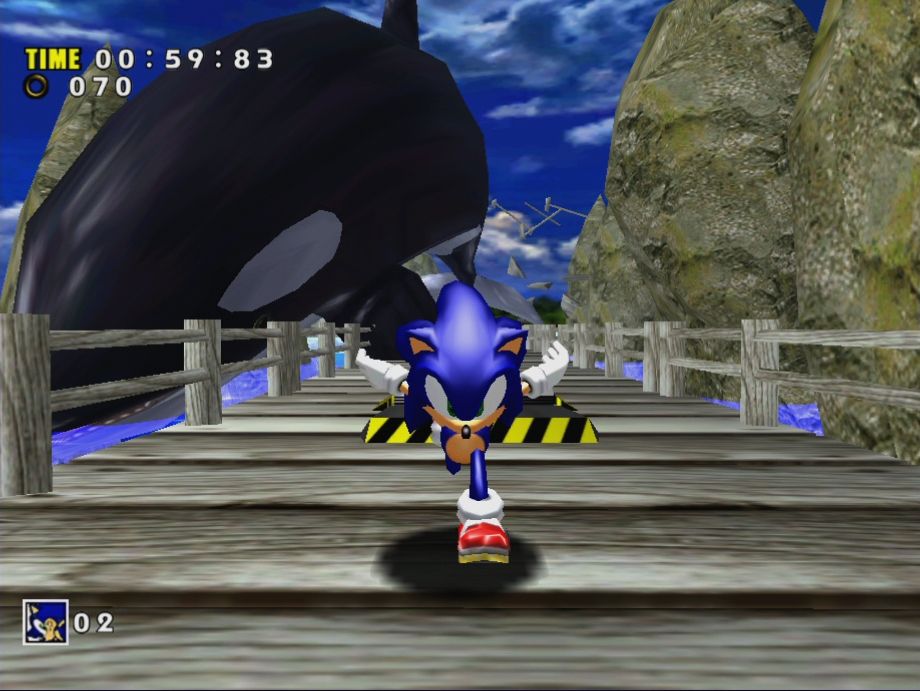
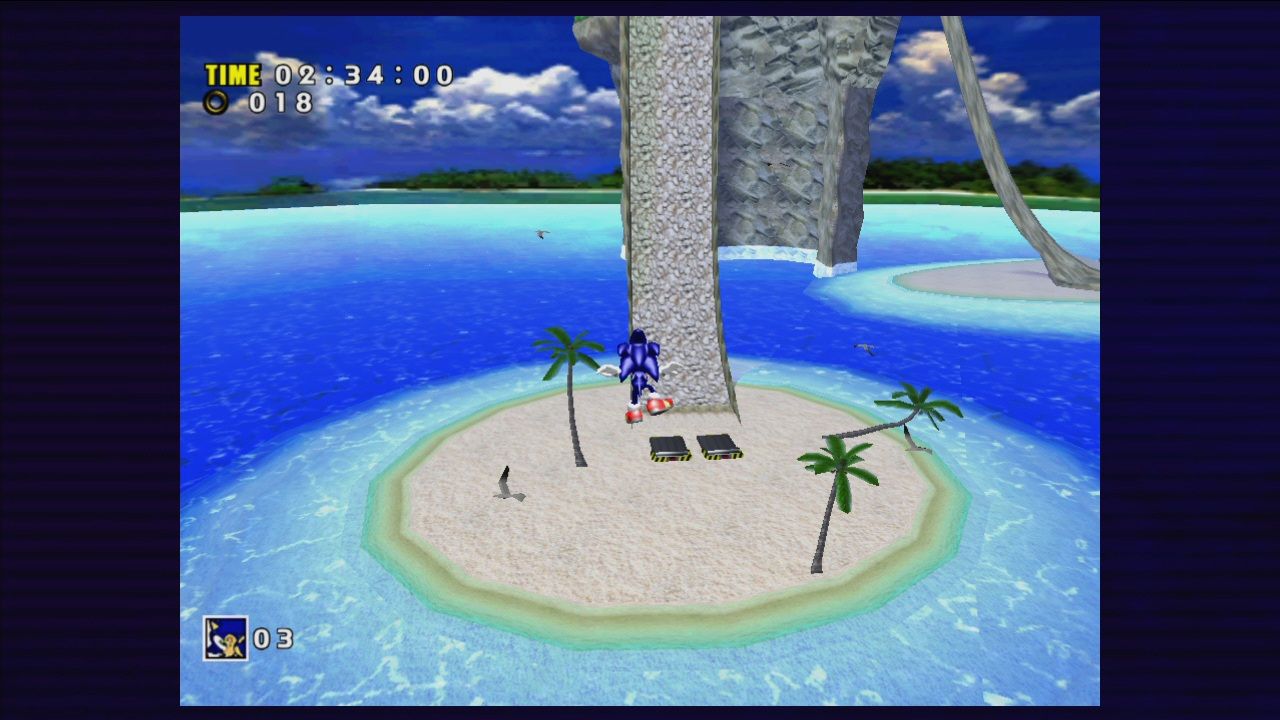
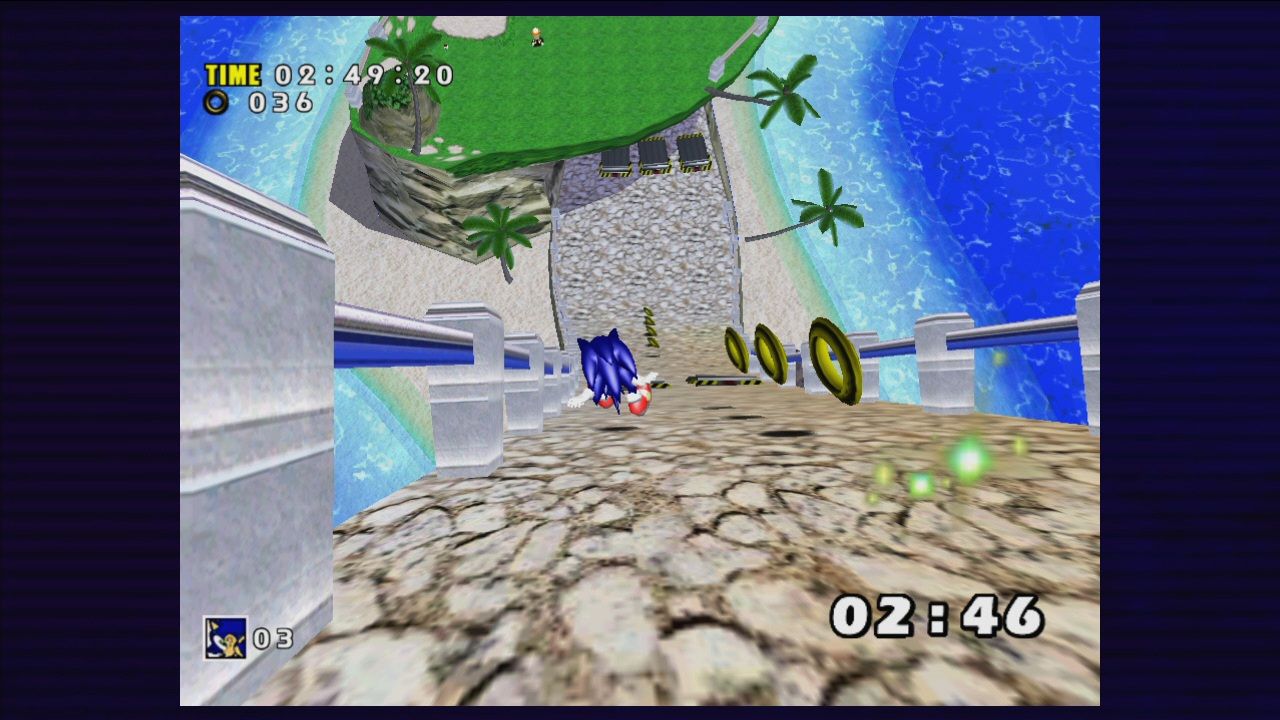
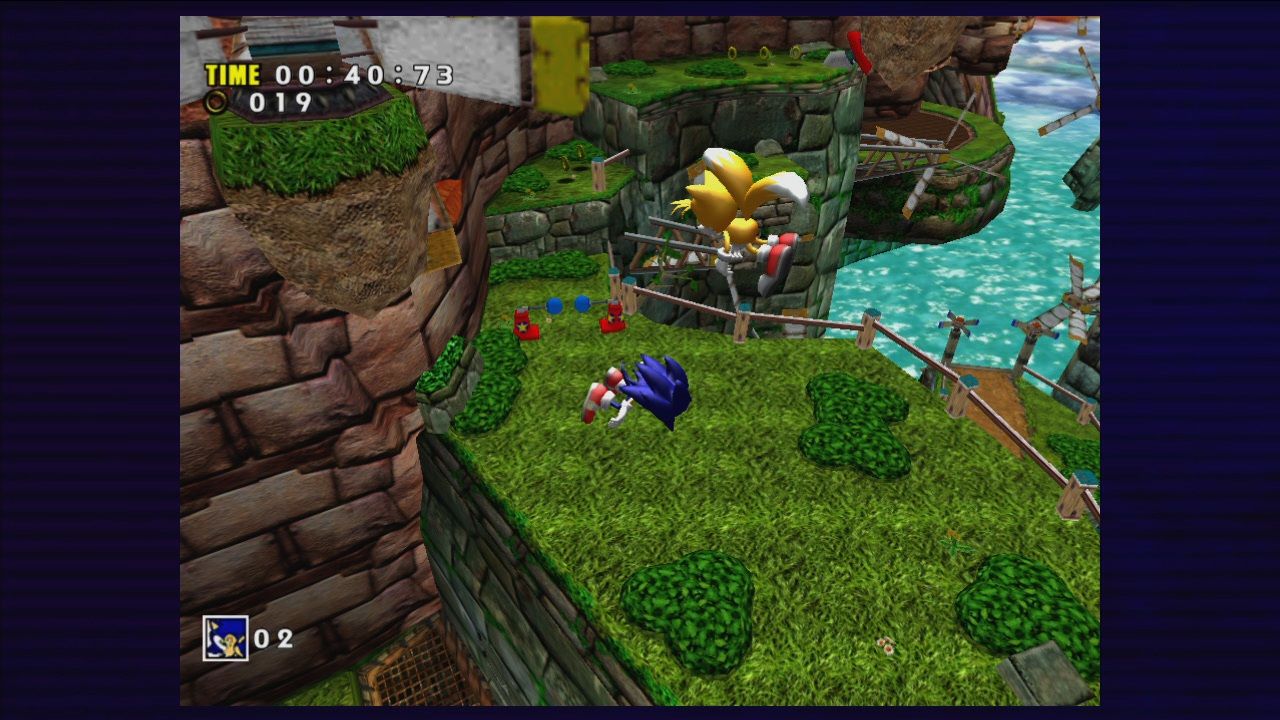
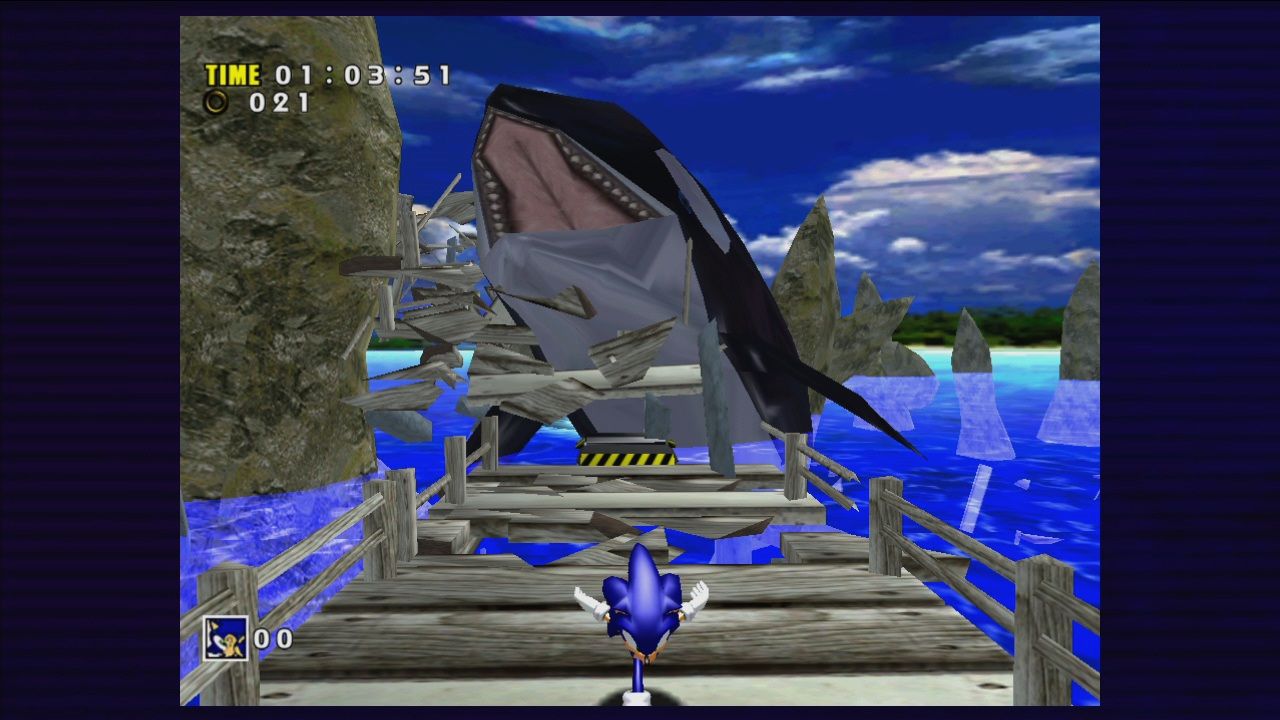
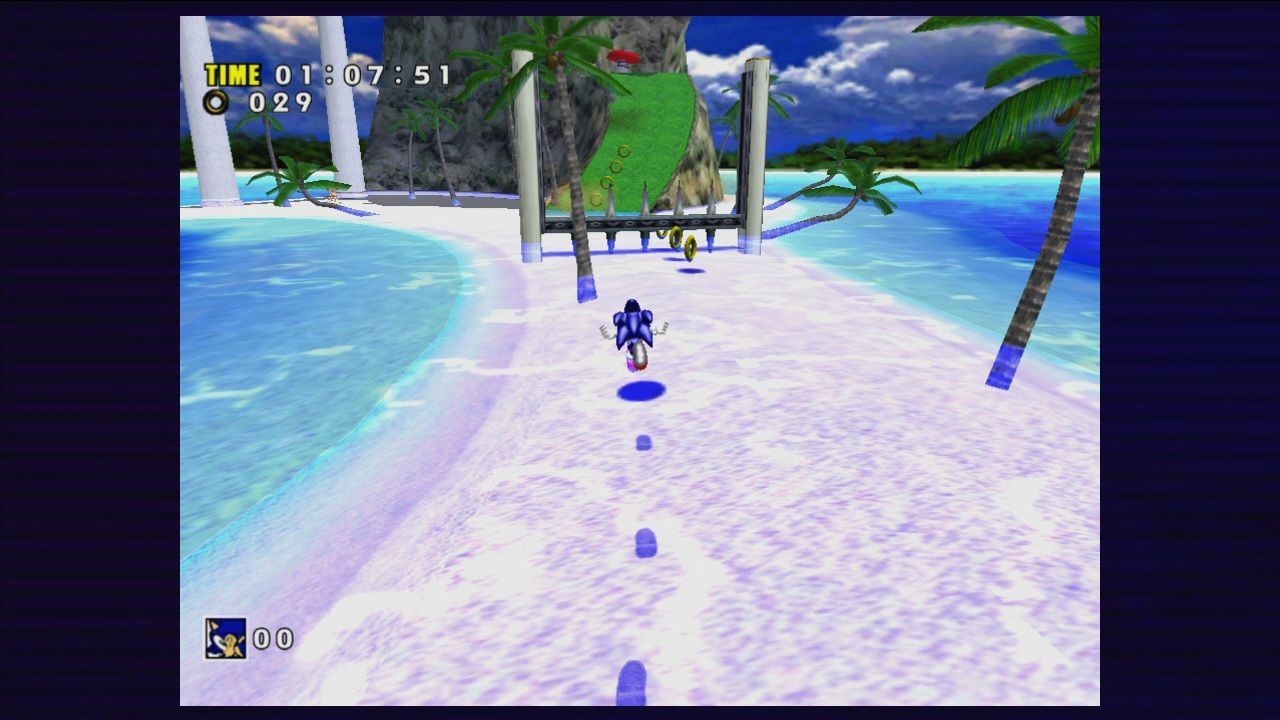
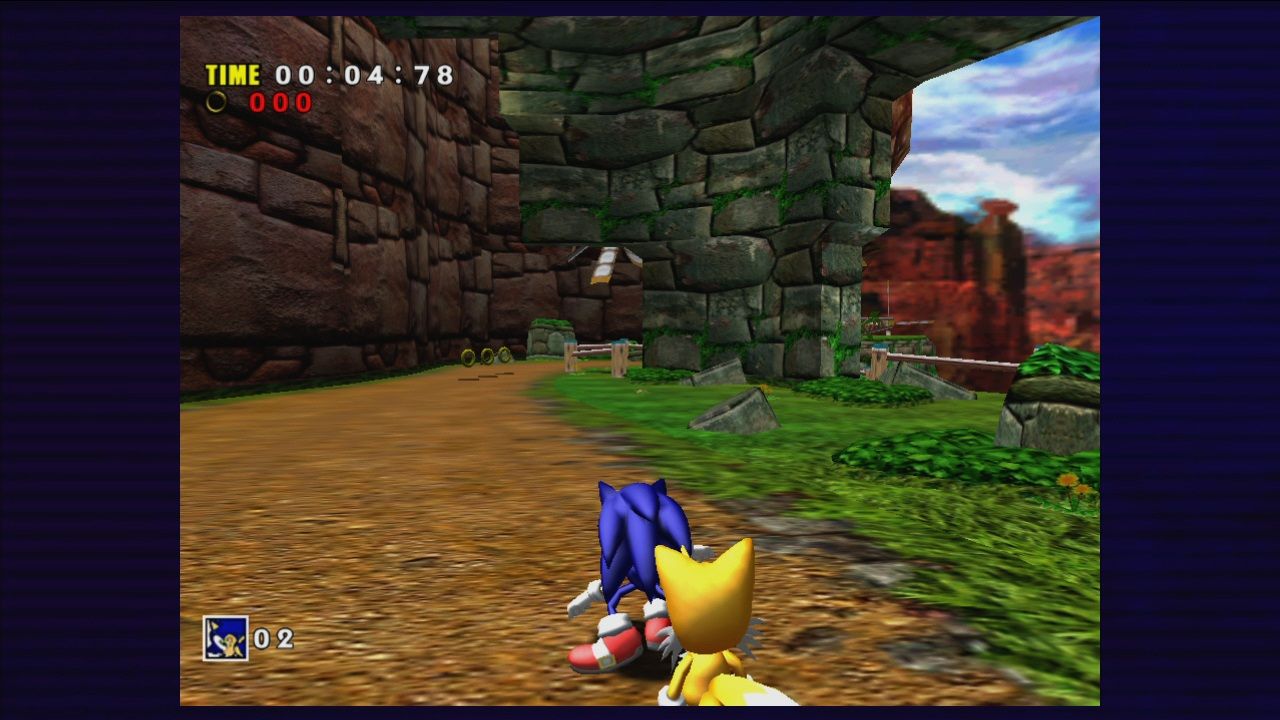
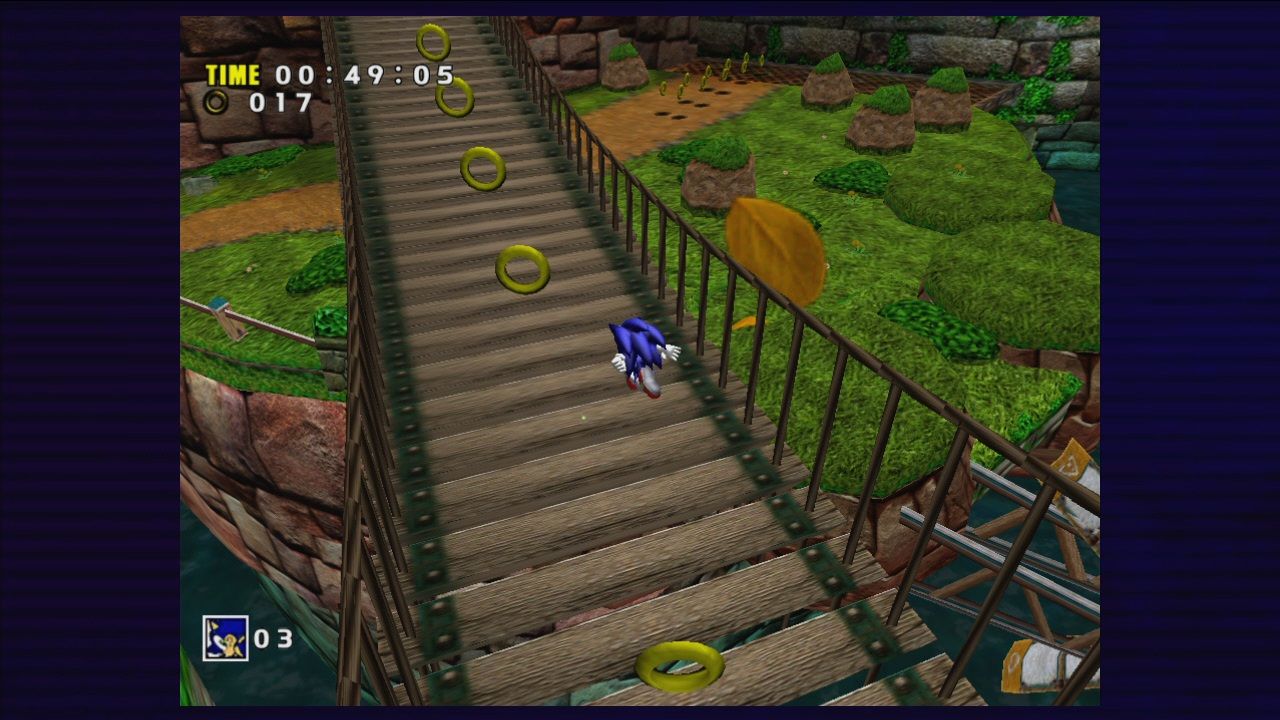
How Sonic Adventure DX runs on your Mac, from our performance model and player reports.
See exactly how Sonic Adventure DX will run on your Mac
Pick your chip and RAM for a personalised estimate.
Sonic Adventure DX runs exceptionally well via translation layers like CrossOver or Whisky, especially when utilizing community mods to fix legacy DirectX lighting bugs.
Here are all the options available, ranked by what we recommend first.
Full Windows 11 ARM inside macOS.
How each supported method stacks up on setup effort, time and runtime overhead.
Live prices compared across trusted PC key sellers — updates every few hours.
Loading per-platform notes…
Idiot-proof walkthroughs for every method.
Using Parallels to play Sonic Adventure DX means running a full copy of Windows 11 ARM inside macOS. This is the most "it just works" approach for games that don't behave under CrossOver, and DirectX 11 is hardware-accelerated. You'll need a Windows license and roughly 80 GB of disk space.
For most Mac players the best way to play Sonic Adventure DX on Mac is Parallels. Full Windows 11 ARM inside macOS.
| Method | Quality | Difficulty | Cost |
|---|---|---|---|
| ParallelsPick | Good | Medium | $99/year + Windows licence |
Share what worked for you running Sonic Adventure DX on Mac.
Loading comments…