Native
Runs directly on Apple Silicon — no extra software.
Difficulty: EasyCost: Game price onlyExcellent
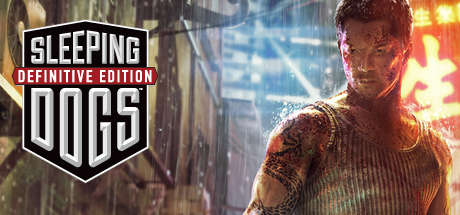
Action · 2014
Runs through Rosetta 2 from the Intel Mac build.
Overall rating: Runs great on Mac · 80% of 10 players say it runs well
Runs through Rosetta 2 from the Intel Mac build.
Sleeping Dogs: Definitive Edition has a native Apple Silicon build — full Metal acceleration, best battery life, zero faff.
| Method | Quality | Difficulty | Cost | |
|---|---|---|---|---|
| NativePick | Excellent | Easy | Game price only | |
| Boosteroid | Estimate | Easy | $9.95 /mo | Get it ↗ |
| Xbox Cloud Gaming | Estimate | Easy | $16.99 /mo | Get it ↗ |
| GeForce NOW | Estimate | Easy | Free / $9.99 /mo | Get it ↗ |
The Definitive Edition of the critically acclaimed, award winning open-world action adventure, reworked, rebuilt and re-mastered for the new generation. With all previously available DLC included and a wealth of tech and visual improvements, Hong Kong has never felt so alive.
Sleeping Dogs is a gold standard for Mac gaming compatibility, featuring a high-quality 64-bit native port that runs flawlessly on all Apple Silicon hardware. The Mac build is Intel-only (x86_64) and runs on Apple Silicon through Rosetta 2 translation — it's a Mac app, but not a true arm64 native one. Expect a ~10–15% performance tax versus a real native port.
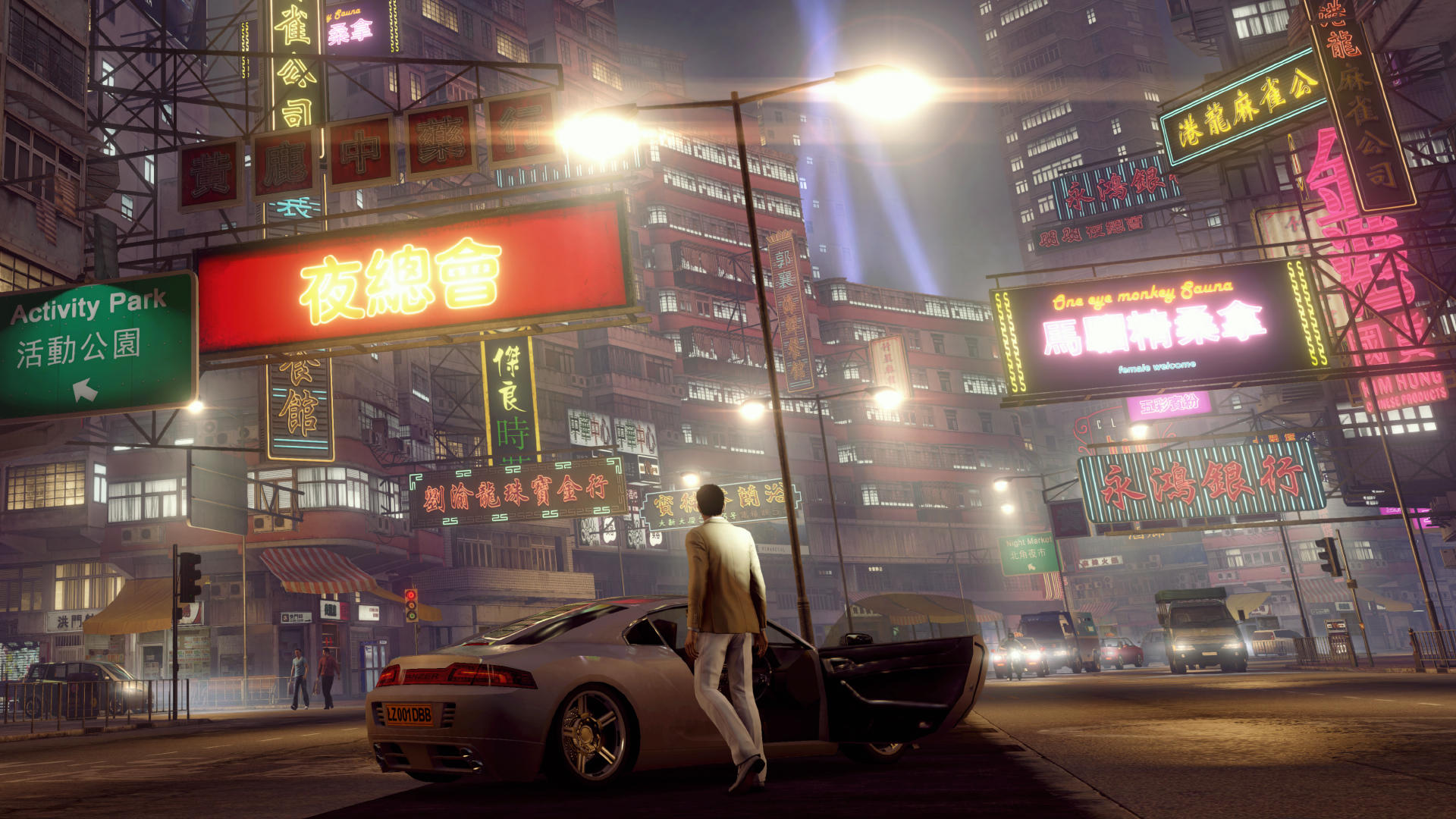
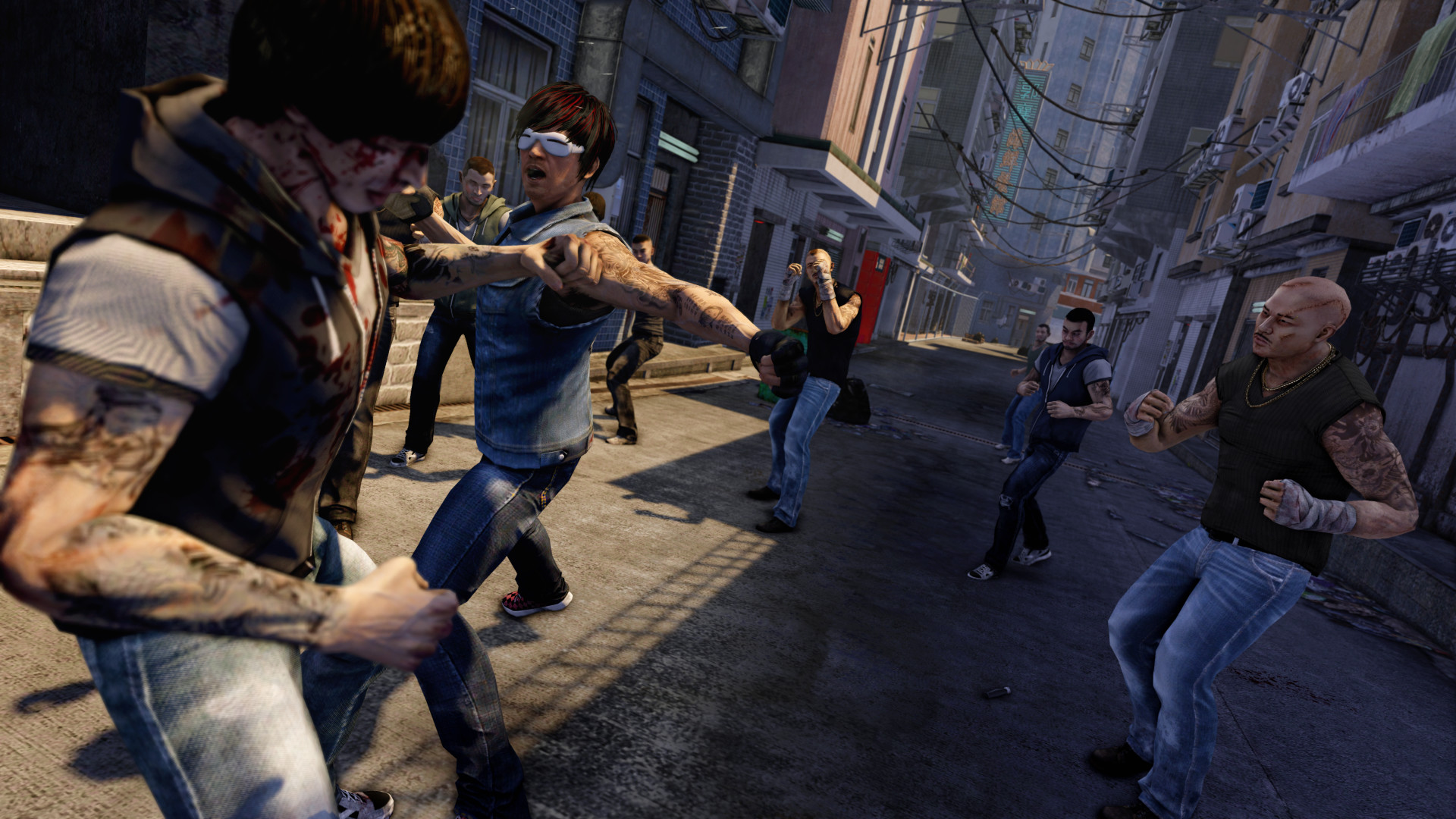

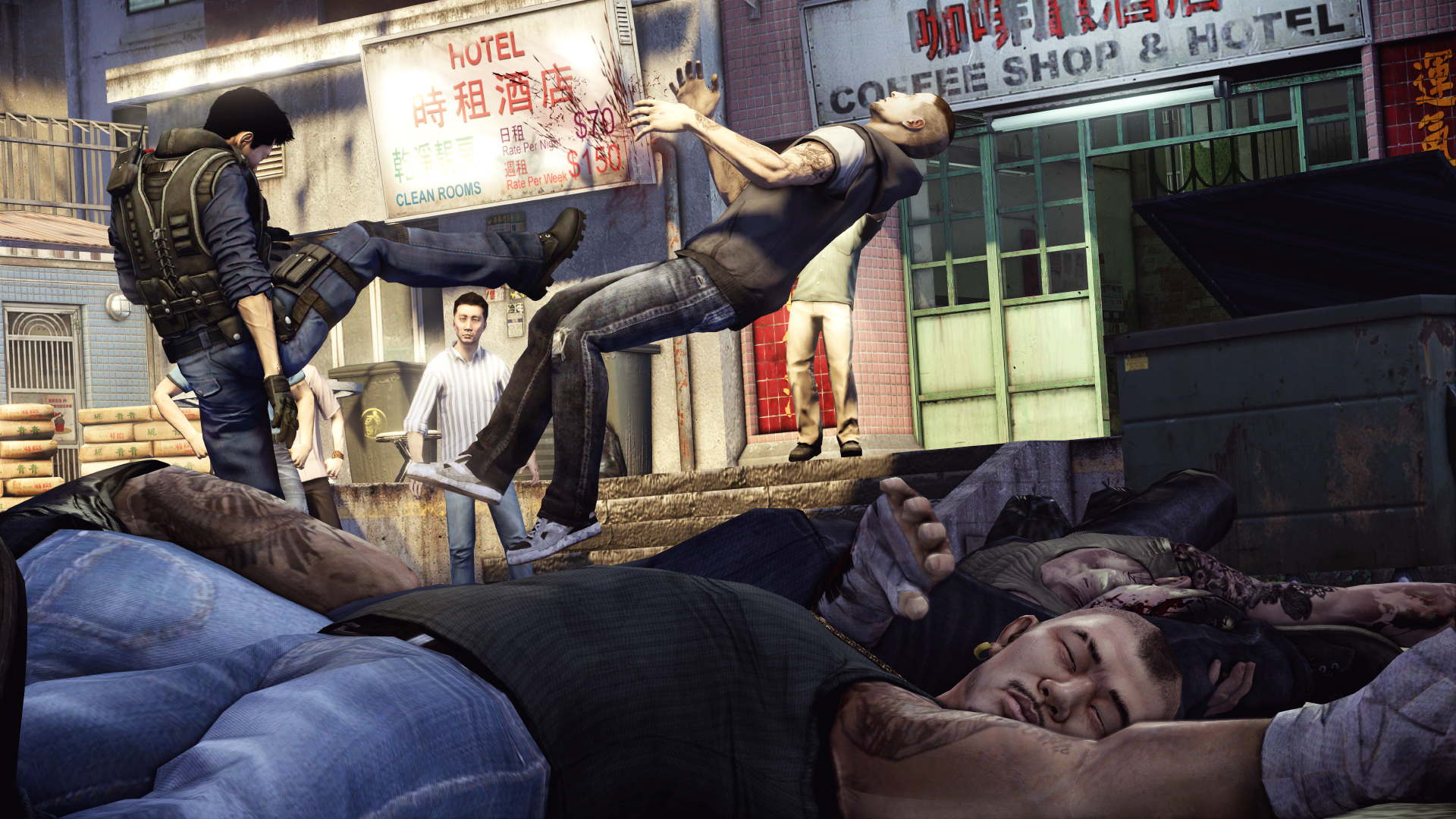
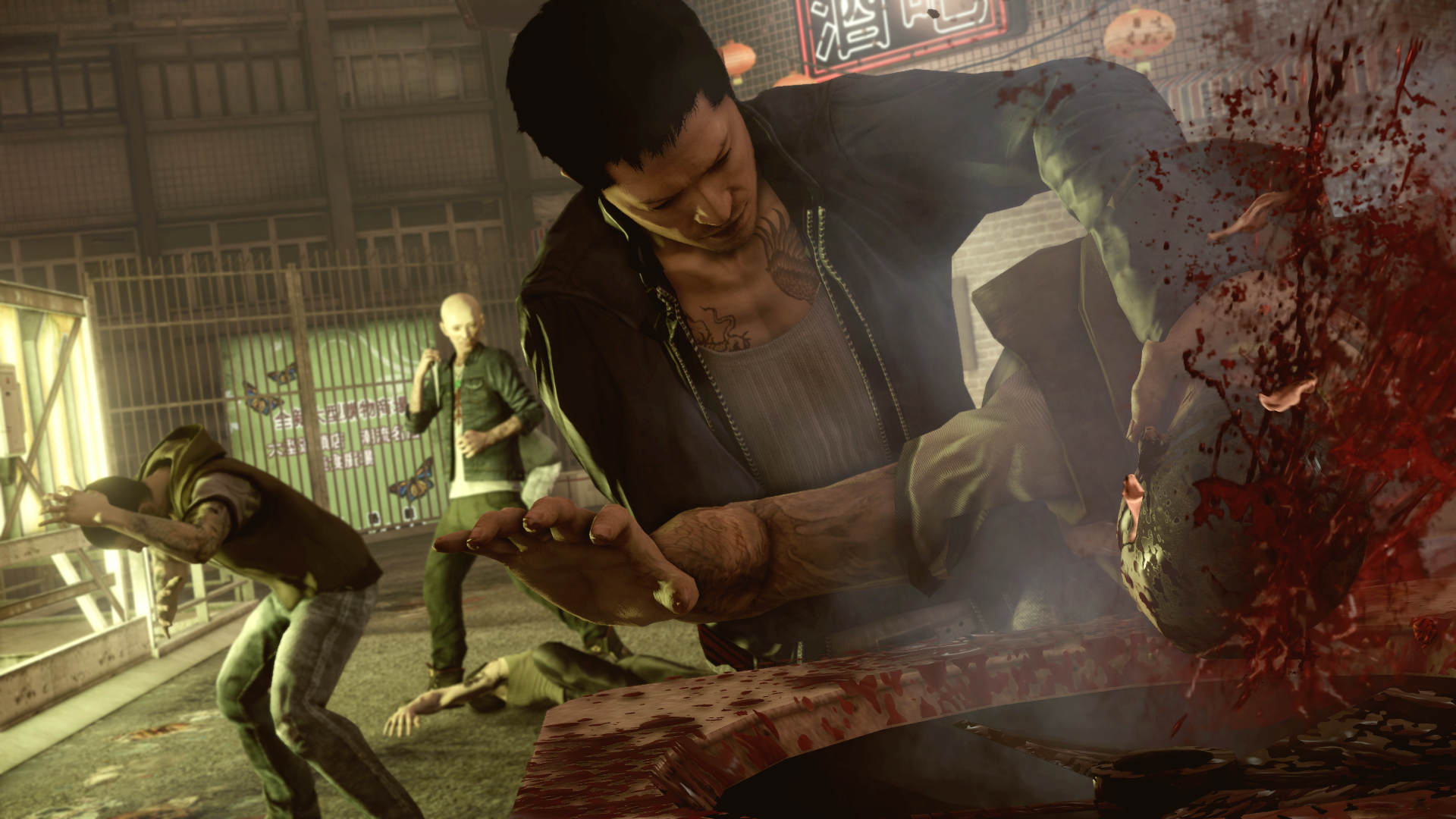
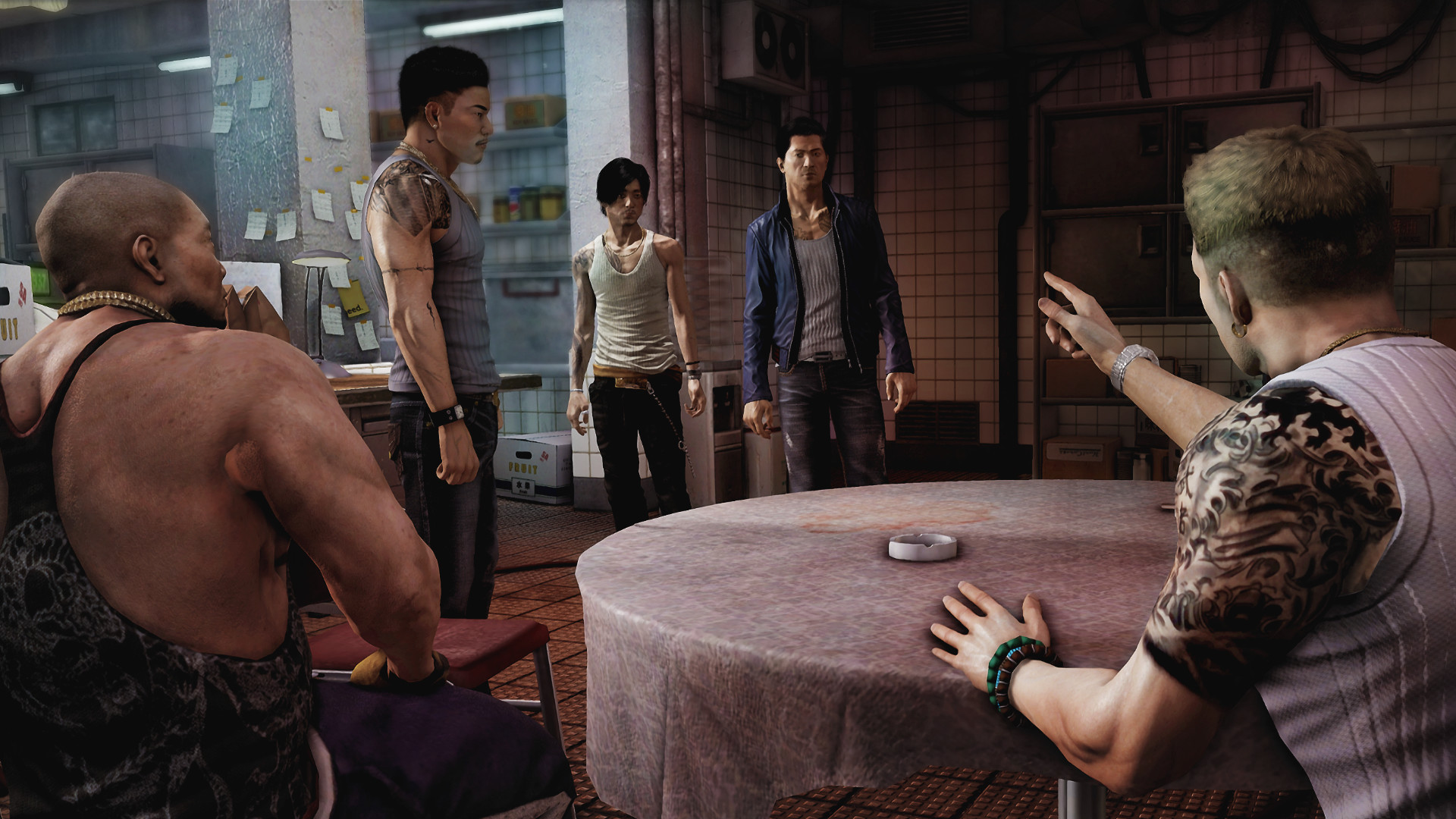
How Sleeping Dogs: Definitive Edition runs on your Mac, from our performance model and player reports.
See exactly how Sleeping Dogs: Definitive Edition will run on your Mac
Pick your chip and RAM for a personalised estimate.
Sleeping Dogs is a gold standard for Mac gaming compatibility, featuring a high-quality 64-bit native port that runs flawlessly on all Apple Silicon hardware. The Mac build is Intel-only (x86_64) and runs on Apple Silicon through Rosetta 2 translation — it's a Mac app, but not a true arm64 native one. Expect a ~10–15% performance tax versus a real native port.
Native play is available, and Boosteroid and Xbox Cloud Gaming and GeForce NOW are also available for cloud performance on a strong connection.
Runs directly on Apple Silicon — no extra software.
Needs 25+ Mbps internet, wired ideal.
Needs 25+ Mbps internet, wired ideal.
Needs 25+ Mbps internet, wired ideal.
How each supported method stacks up on setup effort, time and runtime overhead.
Live prices compared across trusted PC key sellers — updates every few hours.
Loading per-platform notes…
Idiot-proof walkthroughs for every method.
Sleeping Dogs: Definitive Edition has a native Apple Silicon build, which is the gold standard for playing on a Mac. You get full Metal acceleration, best battery life, and no compatibility weirdness. Just buy it from the Mac App Store or Steam for Mac and play.
Streaming Sleeping Dogs: Definitive Edition through Boosteroid is the fastest way to start playing on a Mac — there's nothing to install, no Windows VM, no compatibility layer. The game runs on a remote GPU and your Mac just receives the video, which means even a base M1 MacBook Air can play the most demanding AAA titles at high settings. The tradeoff is that you need a stable internet connection (ideally wired or 5GHz Wi-Fi with 25+ Mbps down) and a subscription.
Streaming Sleeping Dogs: Definitive Edition through Xbox Cloud Gaming is the fastest way to start playing on a Mac — there's nothing to install, no Windows VM, no compatibility layer. The game runs on a remote GPU and your Mac just receives the video, which means even a base M1 MacBook Air can play the most demanding AAA titles at high settings. The tradeoff is that you need a stable internet connection (ideally wired or 5GHz Wi-Fi with 25+ Mbps down) and a subscription.
Streaming Sleeping Dogs: Definitive Edition through GeForce NOW is the fastest way to start playing on a Mac — there's nothing to install, no Windows VM, no compatibility layer. The game runs on a remote GPU and your Mac just receives the video, which means even a base M1 MacBook Air can play the most demanding AAA titles at high settings. The tradeoff is that you need a stable internet connection (ideally wired or 5GHz Wi-Fi with 25+ Mbps down) and a subscription.
The best way to play Sleeping Dogs: Definitive Edition on your Mac is the Intel Mac build running through Rosetta 2. Runs directly on Apple Silicon — no extra software.
| Method | Quality | Difficulty | Cost |
|---|---|---|---|
| NativePick | Excellent | Easy | Game price only |
| Boosteroid | Estimate | Easy | $9.95 / month |
| Xbox Cloud Gaming | Estimate | Easy | Game Pass Ultimate subscription |
| GeForce NOW | Estimate | Easy | Free tier / $9.99+ per month |
Share what worked for you running Sleeping Dogs: Definitive Edition on Mac.
Loading comments…