CrossOver
CrossOver is blocked for Ryse: Son of Rome. See the compatibility note above before trying it.
One-click local install, official support.
Difficulty: MediumCost: $74 one-time / $39/yearRough

Action · 2014
The best way to play this on a Mac is under review.
Overall rating: Not enough votes yet
The best way to play this on a Mac is under review.
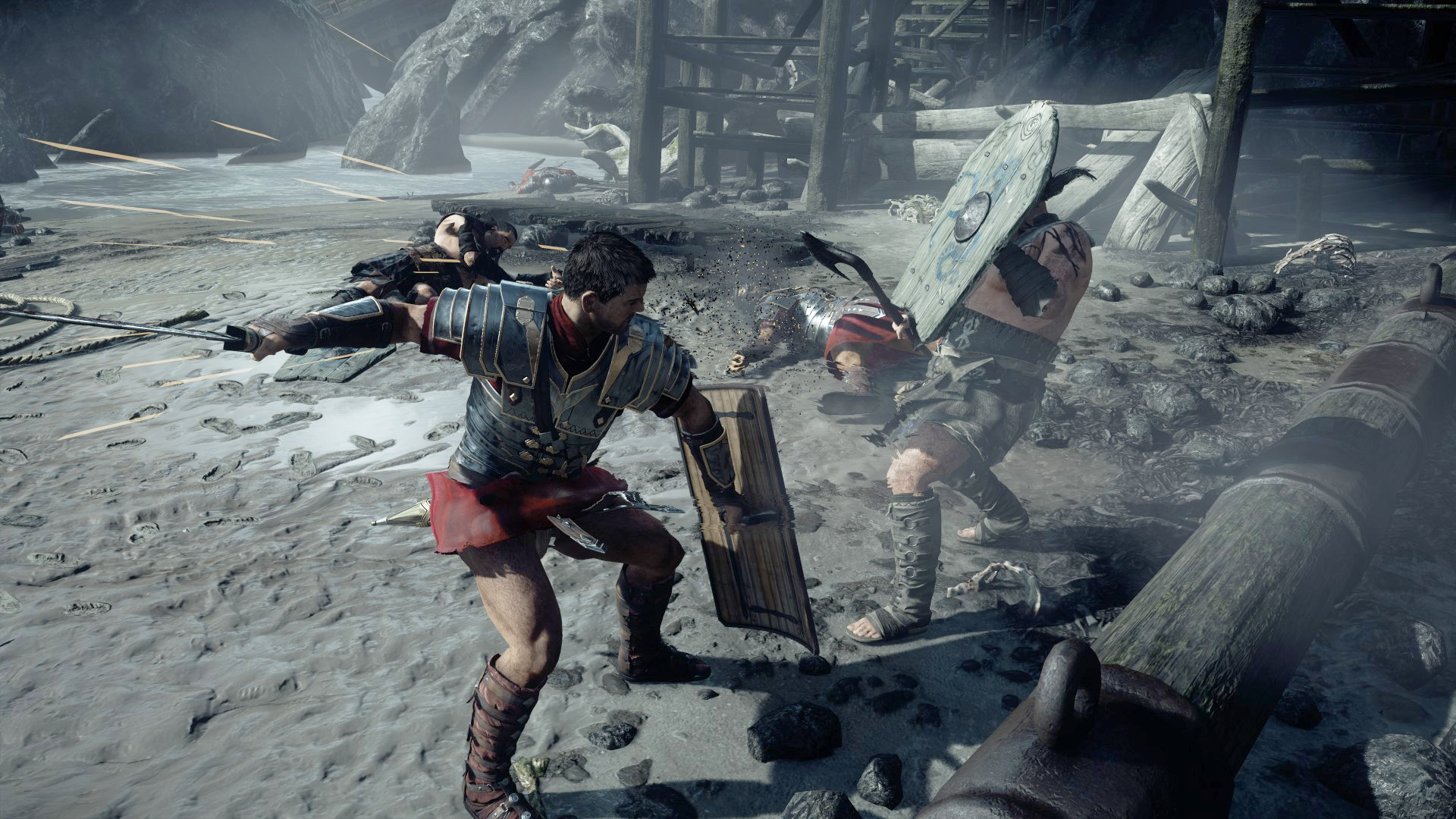
“Ryse: Son of Rome” tells the story of Marius Titus, a young Roman soldier who witnesses the murder of his family at the hands of barbarian bandits, then travels with the Roman army to Britannia to seek revenge.
Ryse: Son of Rome is playable on Apple Silicon, but it requires virtualization via Parallels to avoid the graphical glitches common in translation wrappers like CrossOver.
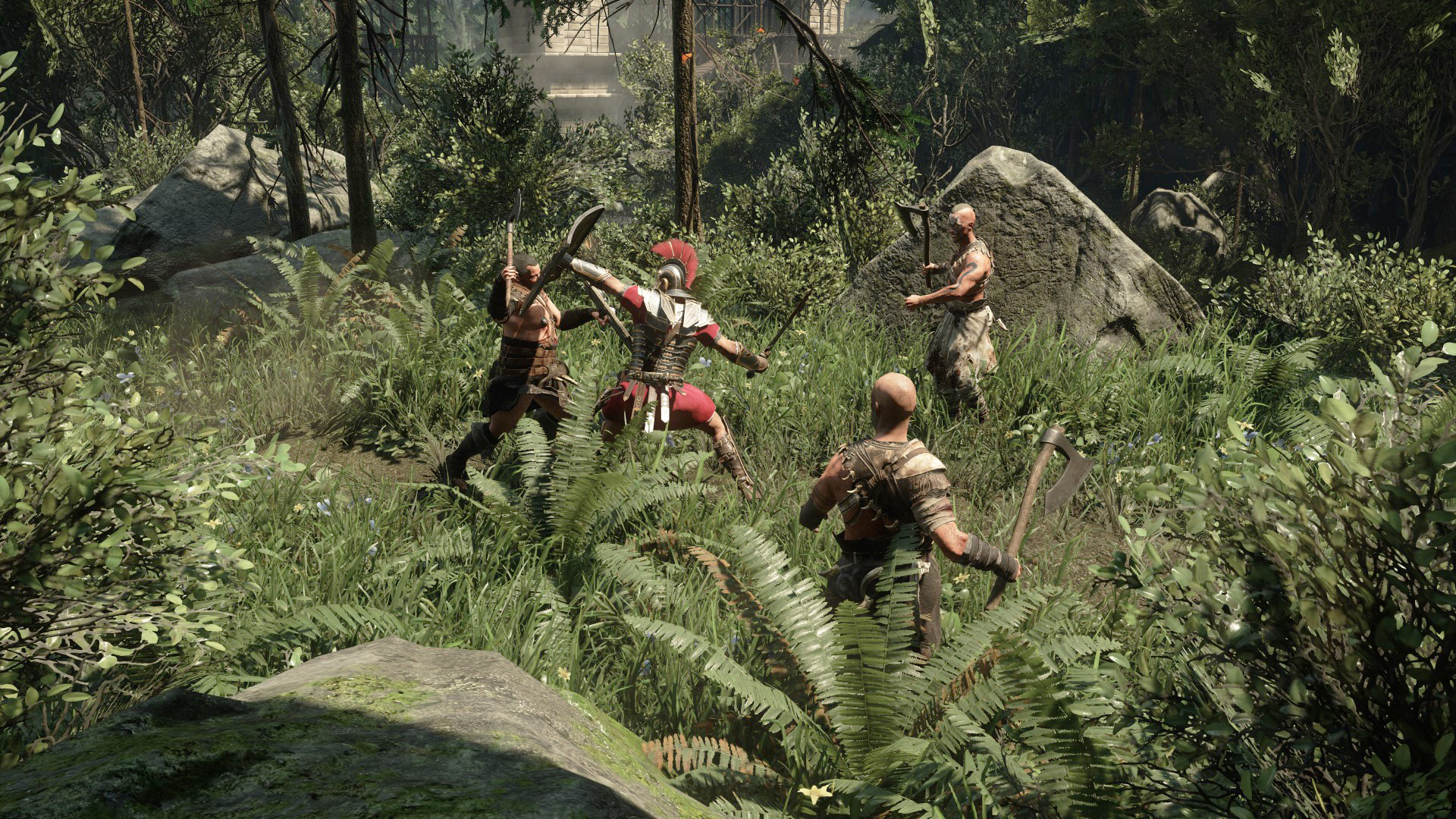
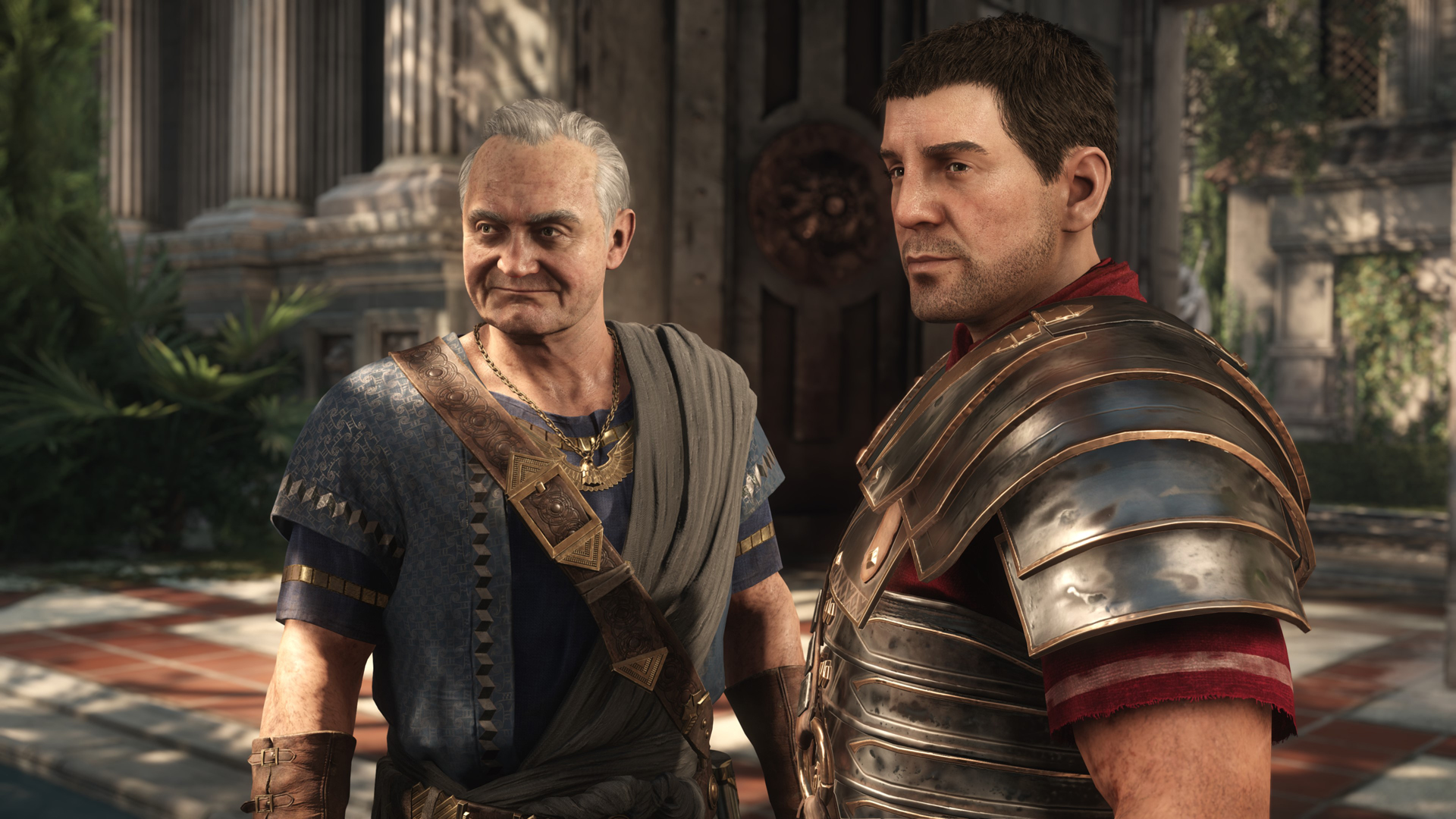
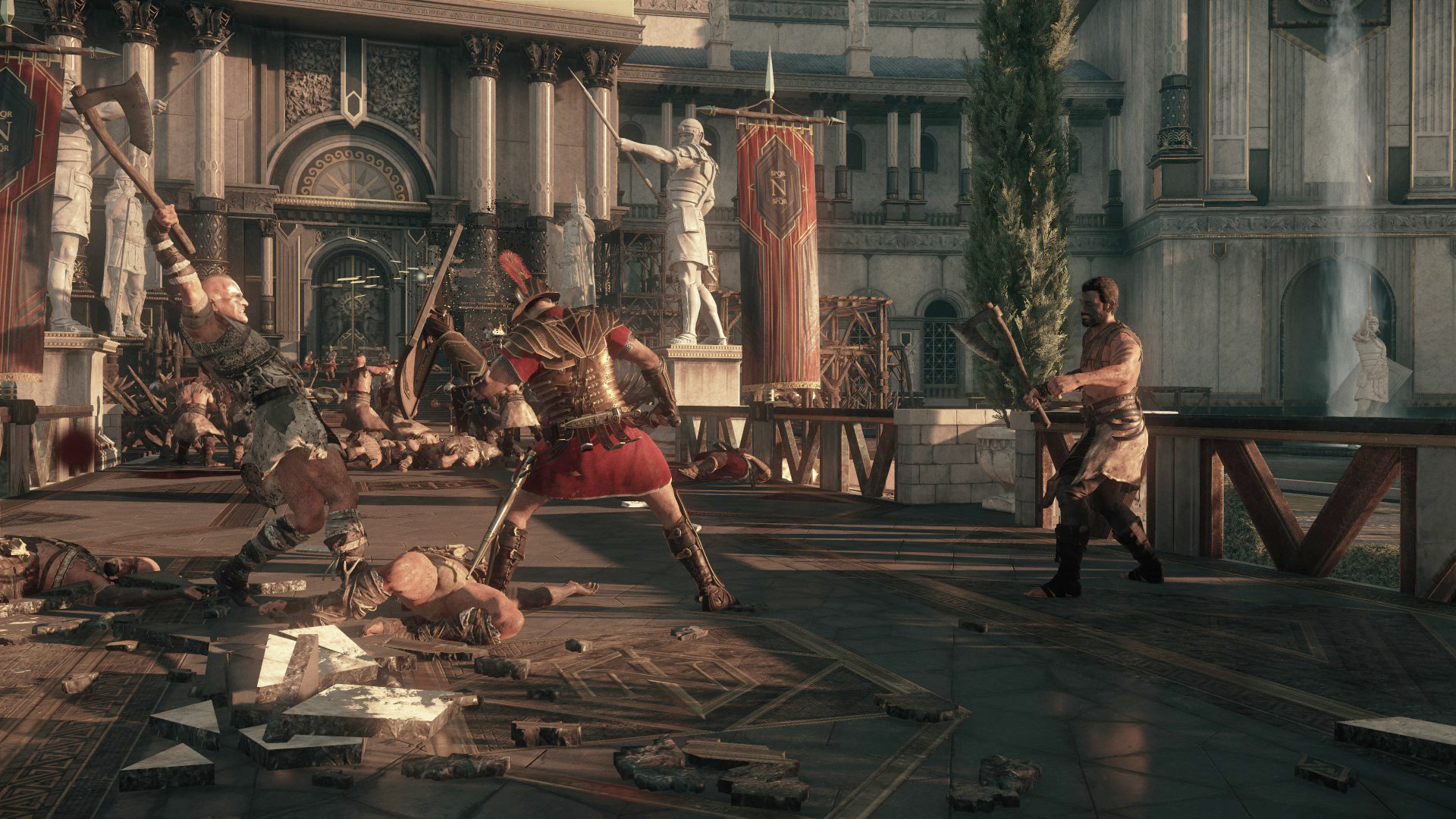
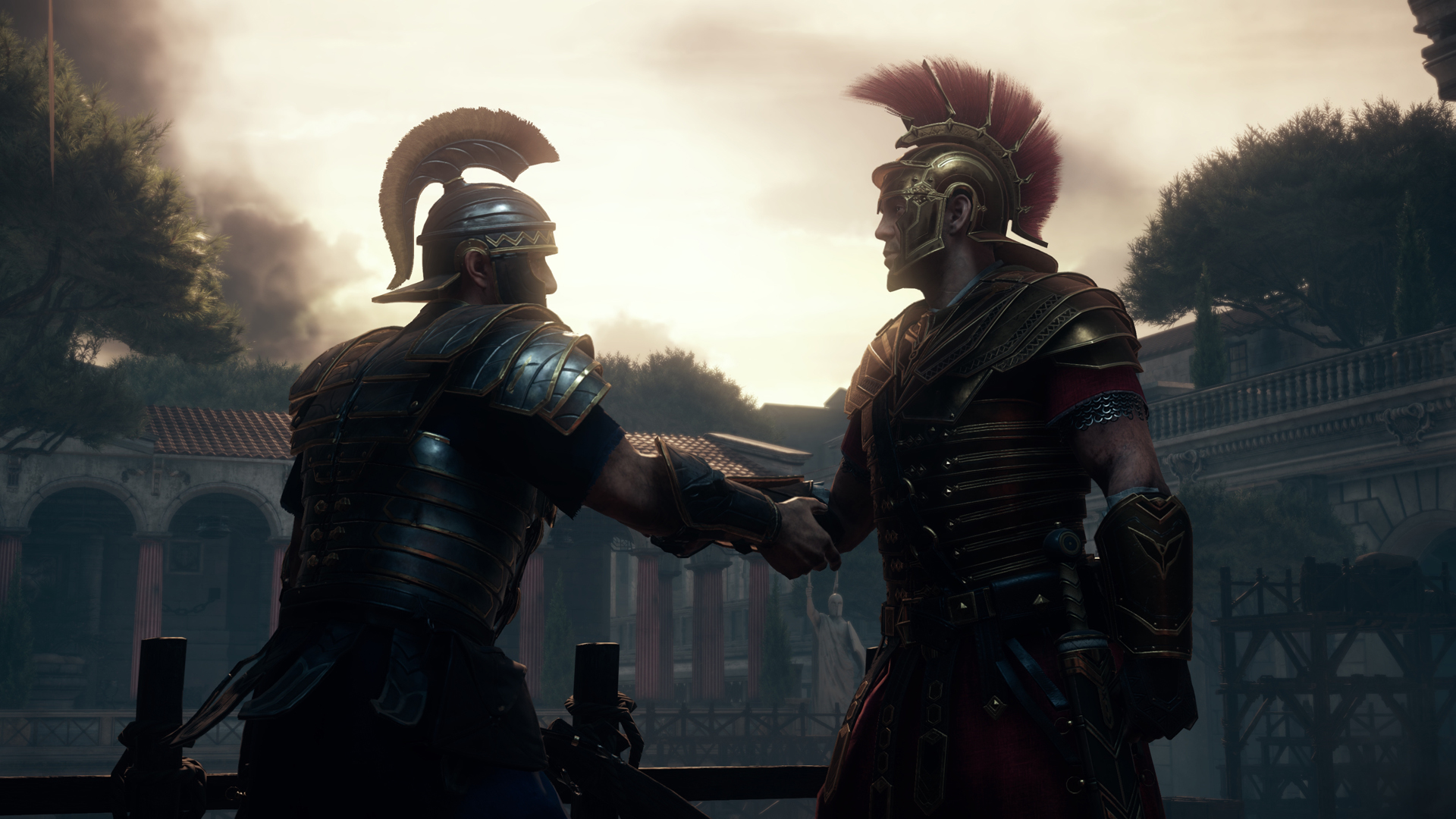

How Ryse: Son of Rome runs on your Mac, from our performance model and player reports.
See exactly how Ryse: Son of Rome will run on your Mac
Pick your chip and RAM for a personalised estimate.
Ryse: Son of Rome is playable on Apple Silicon, but it requires virtualization via Parallels to avoid the graphical glitches common in translation wrappers like CrossOver.
Here are all the options available, ranked by what we recommend first.
CrossOver is blocked for Ryse: Son of Rome. See the compatibility note above before trying it.
One-click local install, official support.
Parallels is blocked for Ryse: Son of Rome. See the compatibility note above before trying it.
Full Windows 11 ARM inside macOS.
How each supported method stacks up on setup effort, time and runtime overhead.
Live prices compared across trusted PC key sellers — updates every few hours.
Loading per-platform notes…
Idiot-proof walkthroughs for every method.
CrossOver is blocked for Ryse: Son of Rome. See the compatibility note above before trying it.
Running Ryse: Son of Rome through CrossOver translates its Windows DirectX calls into Metal on Apple Silicon — no reboot, no Windows license, no virtual machine. Most setup time is spent on first-time bottle configuration and installing the game launcher (Steam, Epic, etc.) inside CrossOver. Once that's done, launching feels close to native. Expect 15–30 minutes of setup on the first run.
Step 1 — Create a bottle
Ryse: Son of Rome) and choose Windows 10 64-bit- Graphics: D3DMetal (not DXVK)
- Synchronization: ESync
- High Resolution Mode: Off
Step 2 — Install the game launcher
Step 3 — Install and launch Ryse: Son of Rome
Step 4 — If you hit issues
Parallels is blocked for Ryse: Son of Rome. See the compatibility note above before trying it.
Using Parallels to play Ryse: Son of Rome means running a full copy of Windows 11 ARM inside macOS. This is the most "it just works" approach for games that don't behave under CrossOver, and DirectX 11 is hardware-accelerated. You'll need a Windows license and roughly 80 GB of disk space.
The best way to play Ryse: Son of Rome on Mac is under review, so we are not recommending a method yet. CrossOver and Parallels are blocked on this title, so do not use them.
| Method | Quality | Difficulty | Cost |
|---|---|---|---|
| CrossOverBlocked | Rough | Medium | $74 one-time / $39/year |
| ParallelsBlocked | Rough | Medium | $99/year + Windows licence |
Share what worked for you running Ryse: Son of Rome on Mac.
Loading comments…