← Back
Rift of the NecroDancer cover art
CrossOver

How to play Rift of the NecroDancer on Mac

Plays smoothly through CrossOver on Apple Silicon.

Overall rating: Not enough votes yet

Your setup
Detect your Mac to see whether Rift of the NecroDancer will run.

Plays smoothly through CrossOver on Apple Silicon.

How to run Rift of the NecroDancer on your Mac in 2026

Best path: CrossOver

CrossOver runs Rift of the NecroDancer natively on Apple Silicon by translating DirectX to Metal. One-click install, no Windows VM, full local performance.

MethodQualityDifficultyCost
CrossOverPickGoodMedium$74 / $39/yrGet it β†—
ParallelsEstimateMedium$99/yrGet it β†—

Rift of the NecroDancer

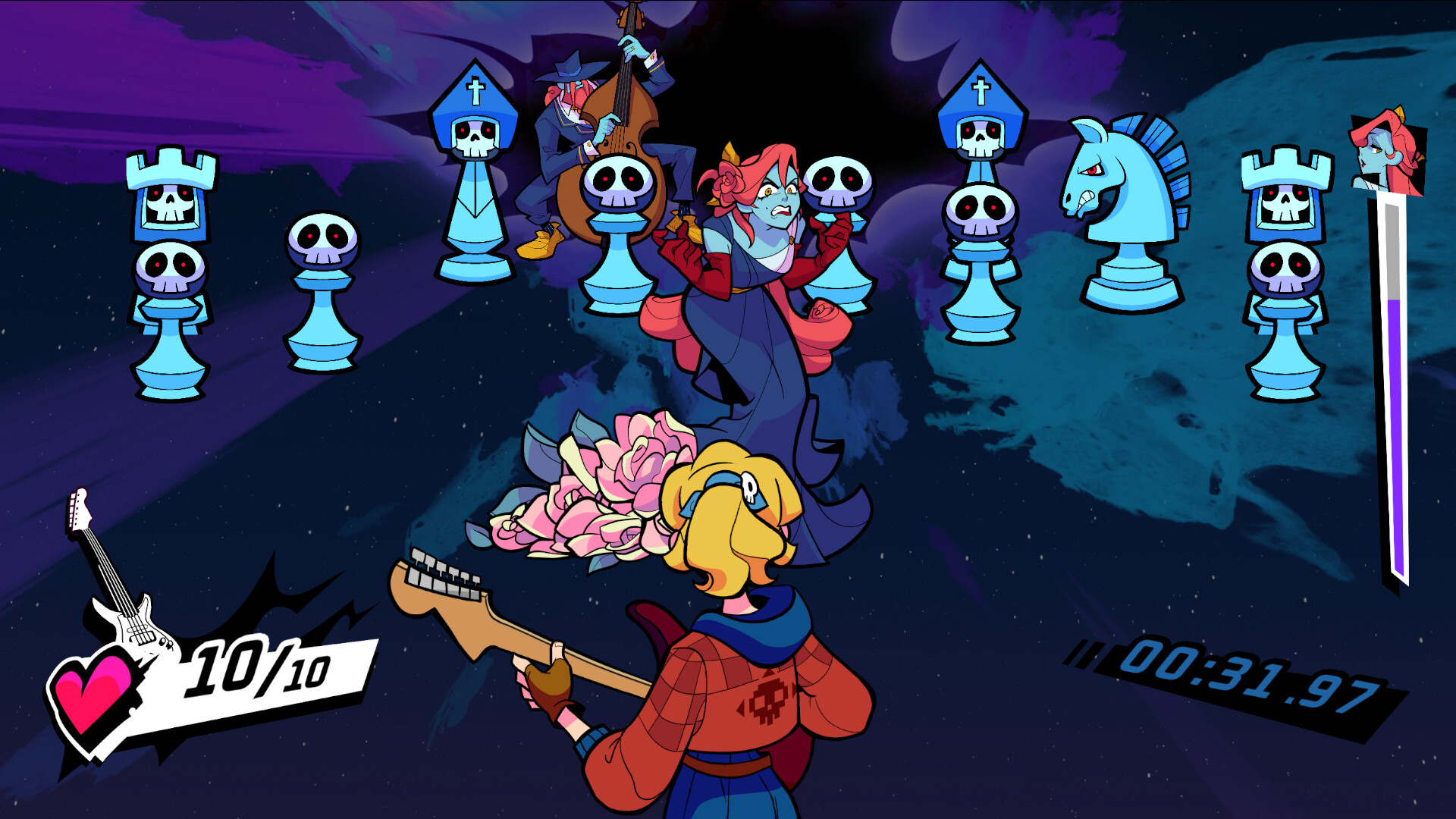
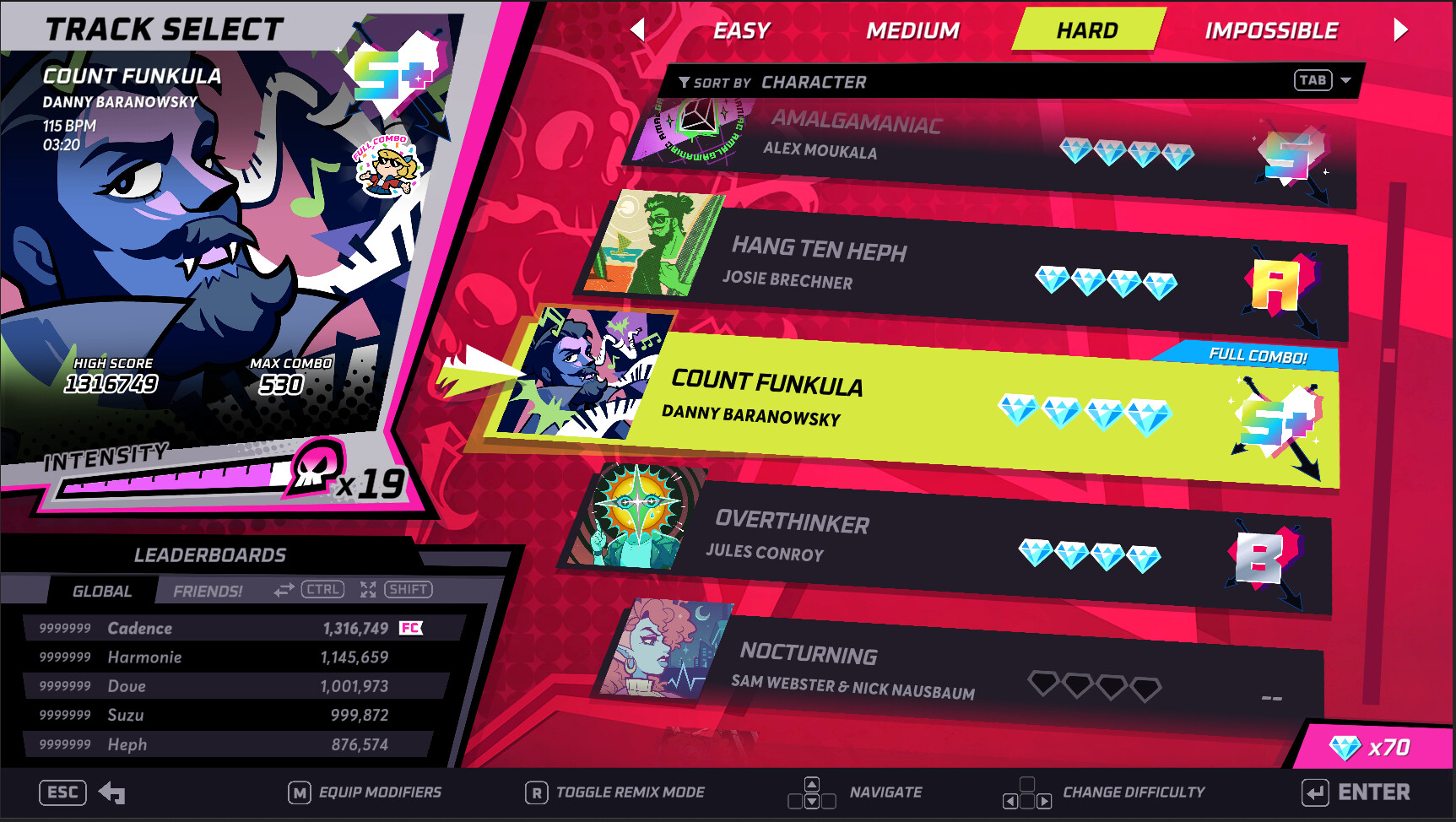
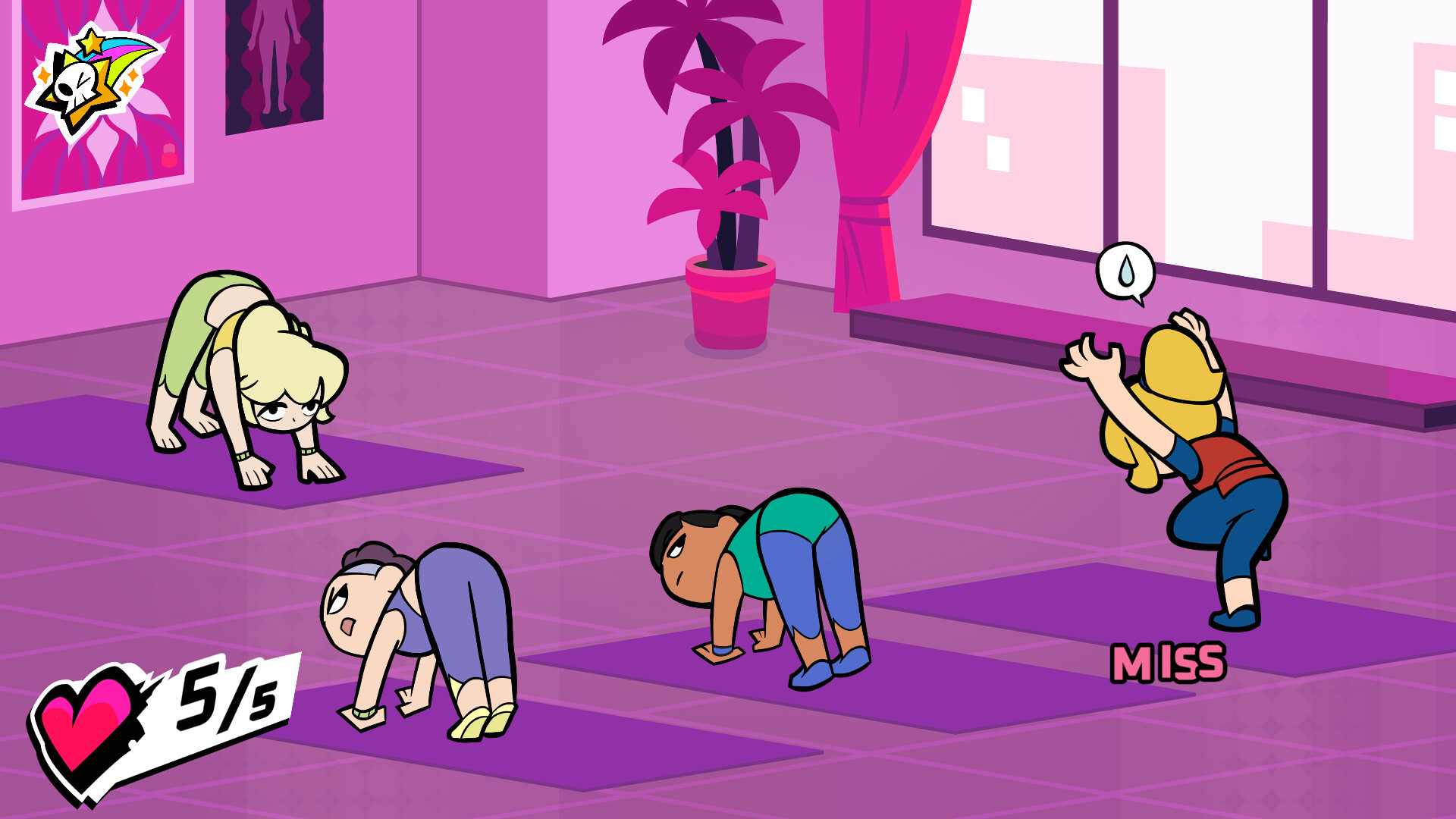
The NecroDancer's back in an all-new rhythm game! Dragged into a strange new world, Cadence must engage in musical combat with monsters surging through the Rift! Face pulse-pounding Rhythm Rifts where every beat is a battle, all set to an original soundtrack by Danny Baranowsky & friends.

While there is no native macOS port, the game runs nearly flawlessly via CrossOver with minimal configuration required beyond audio calibration.

Rift of the NecroDancer screenshot 1Rift of the NecroDancer screenshot 2Rift of the NecroDancer screenshot 3Rift of the NecroDancer screenshot 4Rift of the NecroDancer screenshot 5Rift of the NecroDancer screenshot 6

What the world thinks

  1. Install CrossOver 24 or newer.
  2. Click the 'Install' button and search for Steam.
  3. Create a new bottle for Steam (select 'Windows 10 64-bit' as the bottle type).
  4. Once Steam is installed, toggle D3D Metal (for GPTK translation) or DXVK in the right-hand sidebar. For this title, DXVK typically offers smoother frame pacing for rhythm-based inputs.
  5. Launch Steam, download Rift of the NecroDancer.
  6. Crucial Setting: Go to the in-game Audio settings and run the 'Latency Calibration'. Even with game mode on Mac, translation layers can introduce 10-20ms of audio delay.
  • Game Porting Toolkit (Whisky): You can use the free Whisky wrapper. It performs similarly to CrossOver, but ensure you are using the latest GPTK version to avoid stuttering during dense rhythm patterns.
  • Parallels Desktop: Not recommended for this title. The virtualization layer introduces significant input lag, which is detrimental to hitting 'Perfect' timings in a rhythm game.

Performance

How Rift of the NecroDancer runs on your Mac, from our performance model and player reports.

See exactly how Rift of the NecroDancer will run on your Mac

Pick your chip and RAM for a personalised estimate.

Best way to play it on Mac

While there is no native macOS port, the game runs nearly flawlessly via CrossOver with minimal configuration required beyond audio calibration.

See if this is the right method for your setup

Ways to play Rift of the NecroDancer on Mac

Here are all the options available, ranked by what we recommend first.

Compare methods at a glance

Lower = better

How each supported method stacks up on setup effort, time and runtime overhead.

  • CrossOverTranslationTop pick
    Setup
    Moderate
    Time
    15 min
    Overhead
    Medium
  • ParallelsVM
    Setup
    Moderate
    Time
    30 min
    Overhead
    High

Where to buy Rift of the NecroDancer

Live prices compared across trusted PC key sellers β€” updates every few hours.

Platform-by-platform reliability

Loading per-platform notes…

Step-by-step setup guides

Idiot-proof walkthroughs for every method.

How to run Rift of the NecroDancer on Mac with CrossOver

GoodΒ· Compatibility

Running Rift of the NecroDancer through CrossOver translates its Windows DirectX calls into Metal on Apple Silicon β€” no reboot, no Windows license, no virtual machine. Most setup time is spent on first-time bottle configuration and installing the game launcher (Steam, Epic, etc.) inside CrossOver. Once that's done, launching feels close to native. Expect 15–30 minutes of setup on the first run.

Step-by-step

Step 1 β€” Create a bottle

  1. Open CrossOver β†’ click New Bottle
  2. Name it after the game (e.g. Rift of the NecroDancer) and choose Windows 10 64-bit
  3. Open the bottle's Settings and set:

- Graphics: D3DMetal (not DXVK)

- Synchronization: ESync

- High Resolution Mode: Off

Step 2 β€” Install the game launcher

  1. Inside CrossOver, click Install Application β†’ search for Steam (or Epic Games Launcher if you own it there)
  2. Install it into the same bottle you just created
  3. Launch Steam, log in, and let it fully update before proceeding

Step 3 β€” Install and launch Rift of the NecroDancer

  1. Open Steam (or your launcher) inside CrossOver
  2. Install Rift of the NecroDancer through the launcher as normal
  3. Launch the game β€” use the launcher's Play button, not CrossOver directly
  4. First launch may take 30–90 seconds to show a window. Don't force-quit unless it hangs for several minutes.

Step 4 β€” If you hit issues

  • Black screen / stuck in small window: go to Settings β†’ Graphics in-game, set Screen Type to Fullscreen, then restart
  • Resolution resets on every launch: find the game's config/settings file and set the resolution values manually, then mark the file Read-Only to prevent the game overwriting it
  • Crashes on startup: try switching the bottle's Synchronization from ESync to MSync, or vice versa

Video proof

Try CrossOver free for 14 days β†—Affiliate link β€” supports the site at no extra cost.

How to run Rift of the NecroDancer on Mac with Parallels

EstimateΒ· Compatibility

Using Parallels to play Rift of the NecroDancer means running a full copy of Windows 11 ARM inside macOS. This is the most "it just works" approach for games that don't behave under CrossOver, and DirectX 11 is hardware-accelerated. You'll need a Windows license and roughly 80 GB of disk space.

Step-by-step

  1. Buy / start a trial of Parallels Desktop.
  2. Install Windows 11 ARM via the one-click wizard.
  3. Inside Windows, install Steam / Xbox app and Rift of the NecroDancer.
  4. Enable DirectX 11 in Parallels settings for best 3D performance.

Video proof

Try Parallels Desktop free β†—Affiliate link β€” supports the site at no extra cost.

Our recommendation

For most Mac players we recommend CrossOver as the fastest, smoothest way to play Rift of the NecroDancer. One-click local install, official support.

MethodQualityDifficultyCost
CrossOverPickGoodMedium$74 one-time / $39/year
ParallelsEstimateMedium$99/year + Windows licence
Try CrossOver free for 14 days

Comments

Share what worked for you running Rift of the NecroDancer on Mac.

Be kind. No spam.

Loading comments…

Frequently asked questions