
How to play Rhythia on Mac
Not officially supported, and we have no verified way to run it on a Mac.
Overall rating: Not enough votes yet
Not officially supported, and we have no verified way to run it on a Mac.
Rhythia
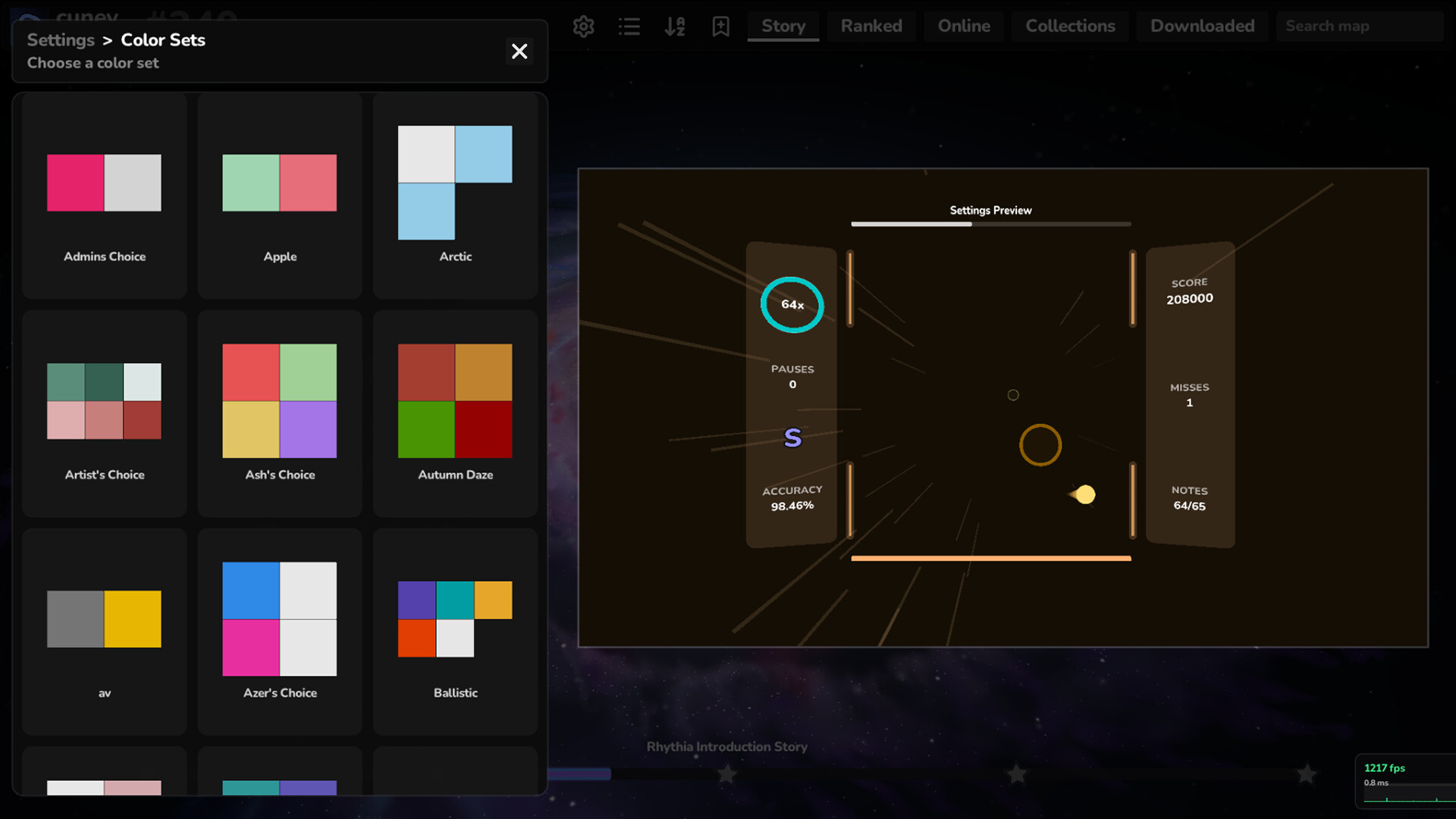
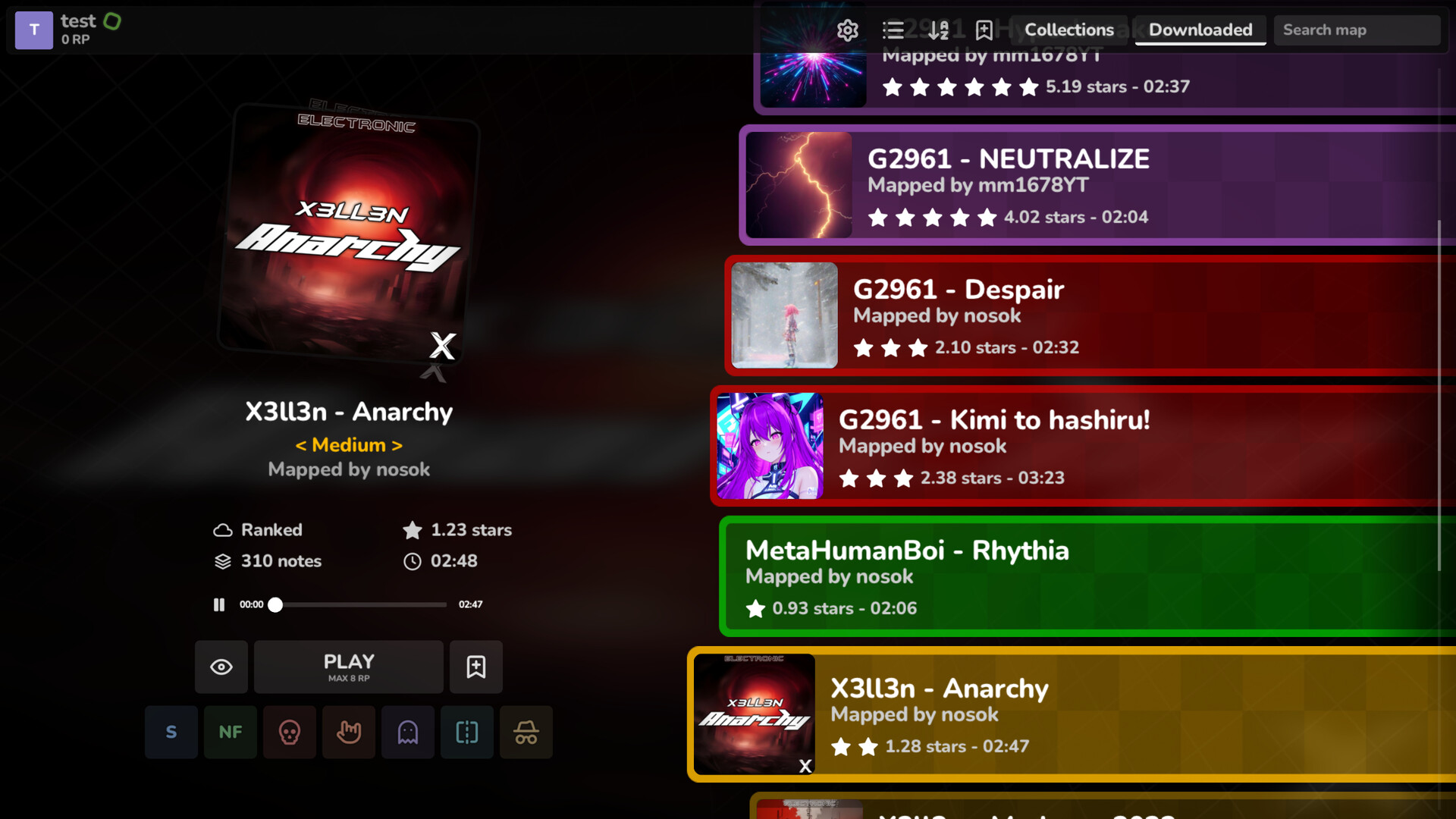
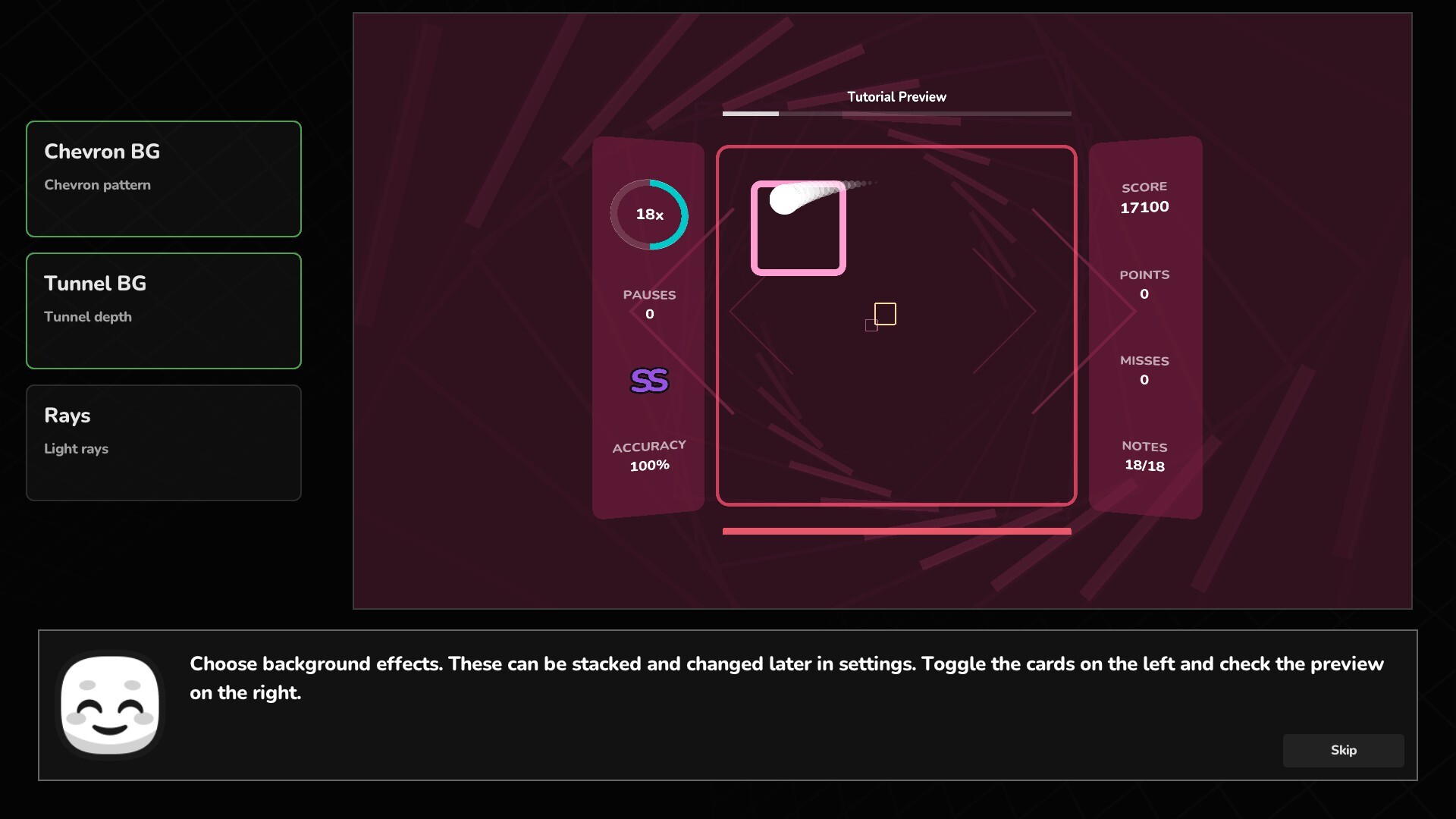
Rhythia is a game about aiming and hitting musical beats with precision timing, within a dynamic 3x3 grid system. Use your reflexes to target flying blocks, combine accurate aim with perfect rhythm, and finally master the leaderboards against players who challenge your precision skills.
Rhythia runs excellently on Apple Silicon via CrossOver or Whisky because the Godot engine is highly efficient, though a native compiled version is the gold standard for latency.


What the world thinks
Rhythia runs excellently on Apple Silicon via CrossOver or Whisky because the Godot engine is highly efficient, though a native compiled version is the gold standard for latency.
Want to play Rhythia on Mac?
Rhythia is currently unplayable due to developer anti-cheat restrictions. Enter your email below, and we'll instantly ping you the exact split-second a compatibility patch or CrossOver update changes this status.
Comments
Share what worked for you running Rhythia on Mac.
Loading comments…