Rosetta 2
Official Intel Mac build, translated by Rosetta 2. Installs like any Mac app, with a small performance cost versus a native build.
Difficulty: EasyCost: $19.99Great

RPG · 2018
Runs through Rosetta 2 from the Intel Mac build.
Overall rating: Not enough votes yet
Runs through Rosetta 2 from the Intel Mac build.
Pathfinder: Kingmaker has an official Intel Mac build that runs on Apple Silicon through Rosetta 2. It installs like any Mac app, with a modest performance cost compared with a native port.
Pathfinder: Kingmaker - Enhanced Plus Edition is the first isometric party-based cRPG set in the Pathfinder fantasy universe. Enjoy a classic RPG experience inspired by games like Baldur's Gate, Fallout 1 and 2 and Arcanum. Explore and conquer the Stolen Lands and make them your kingdom!
Pathfinder: Kingmaker runs excellently as a native macOS application via Rosetta 2, offering a stable and complete experience on all M-series chips. The Mac build is Intel-only (x86_64) and runs on Apple Silicon through Rosetta 2 translation — it's a Mac app, but not a true arm64 native one. Expect a ~10–15% performance tax versus a real native port.

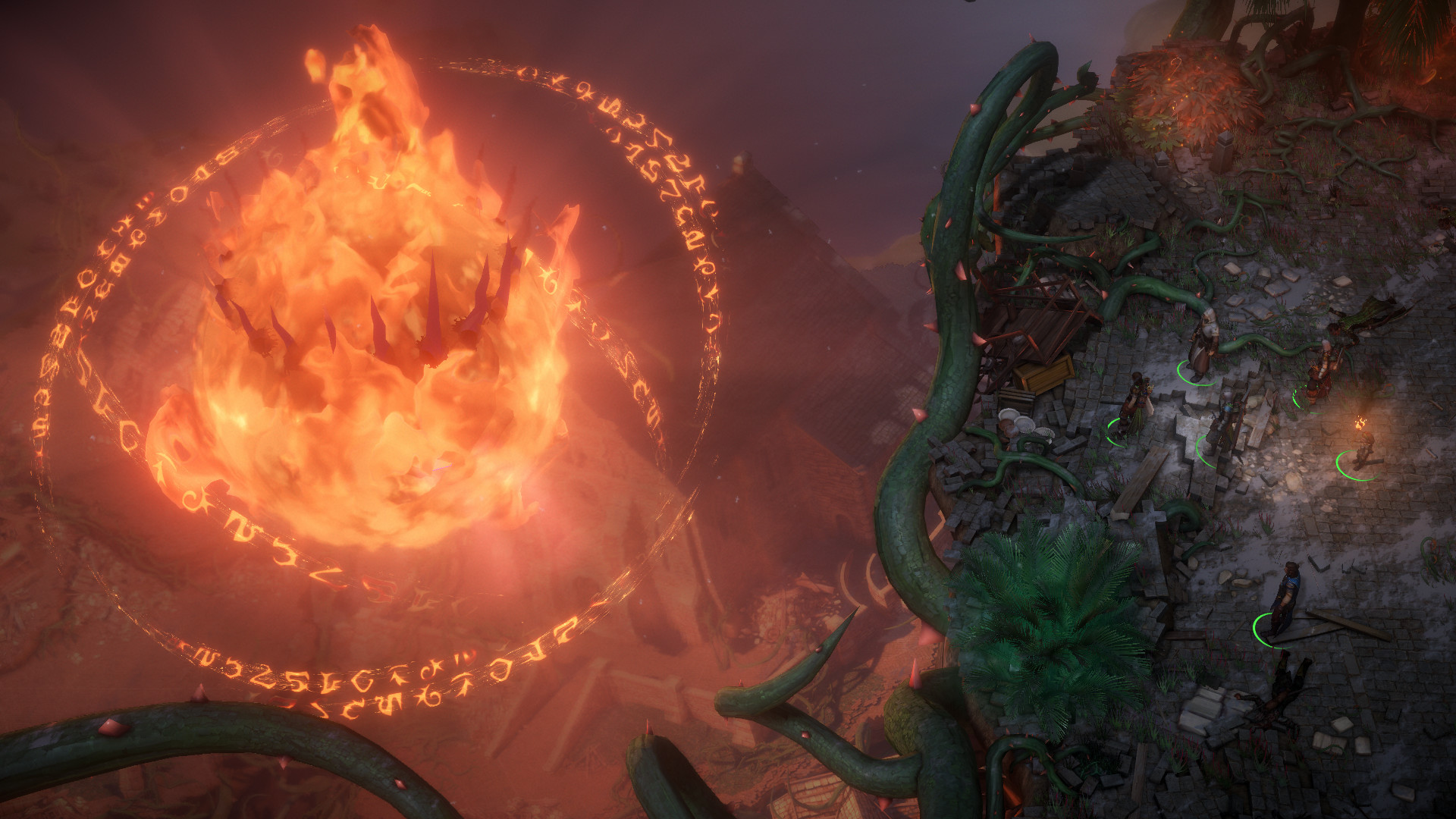
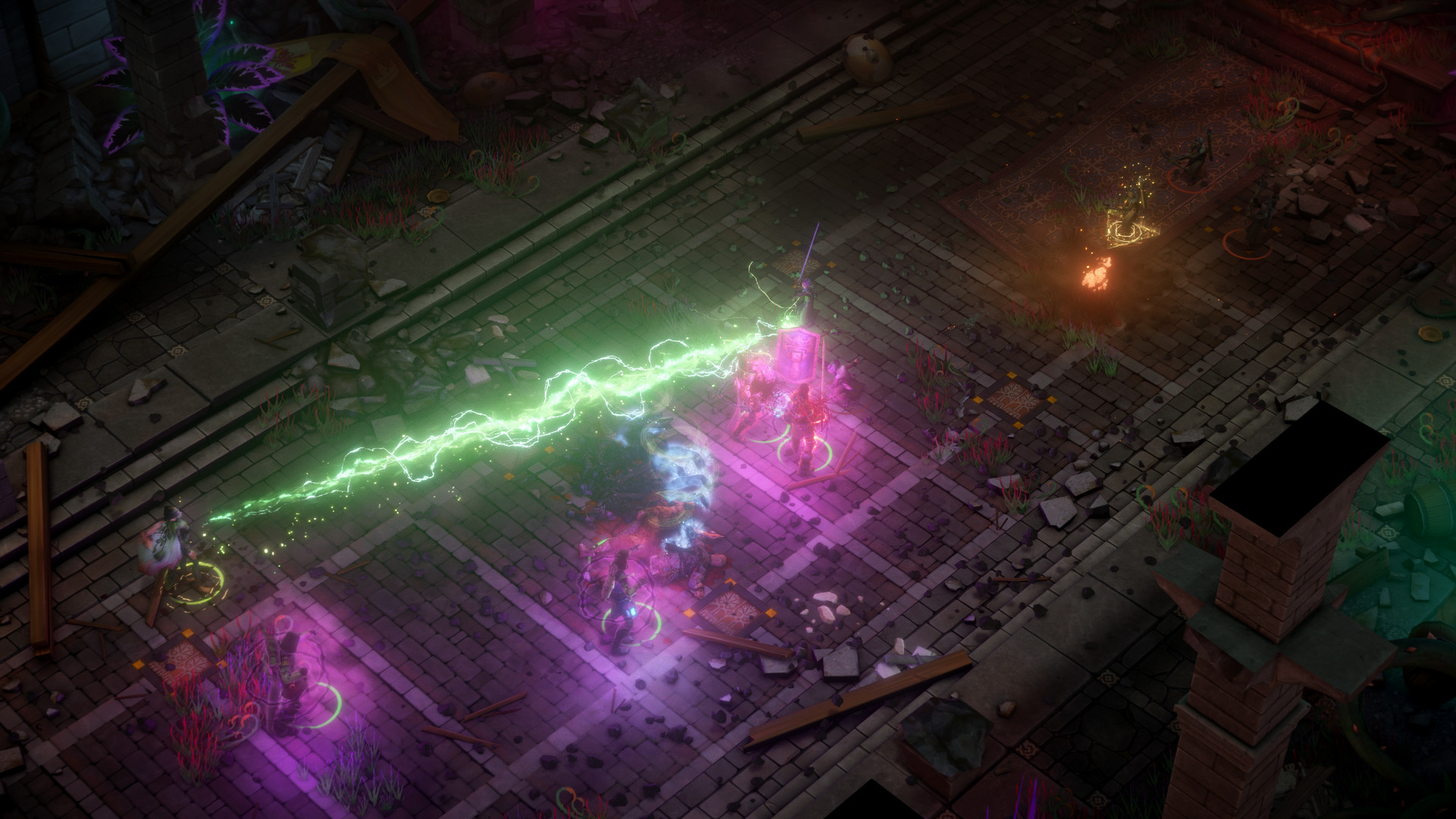
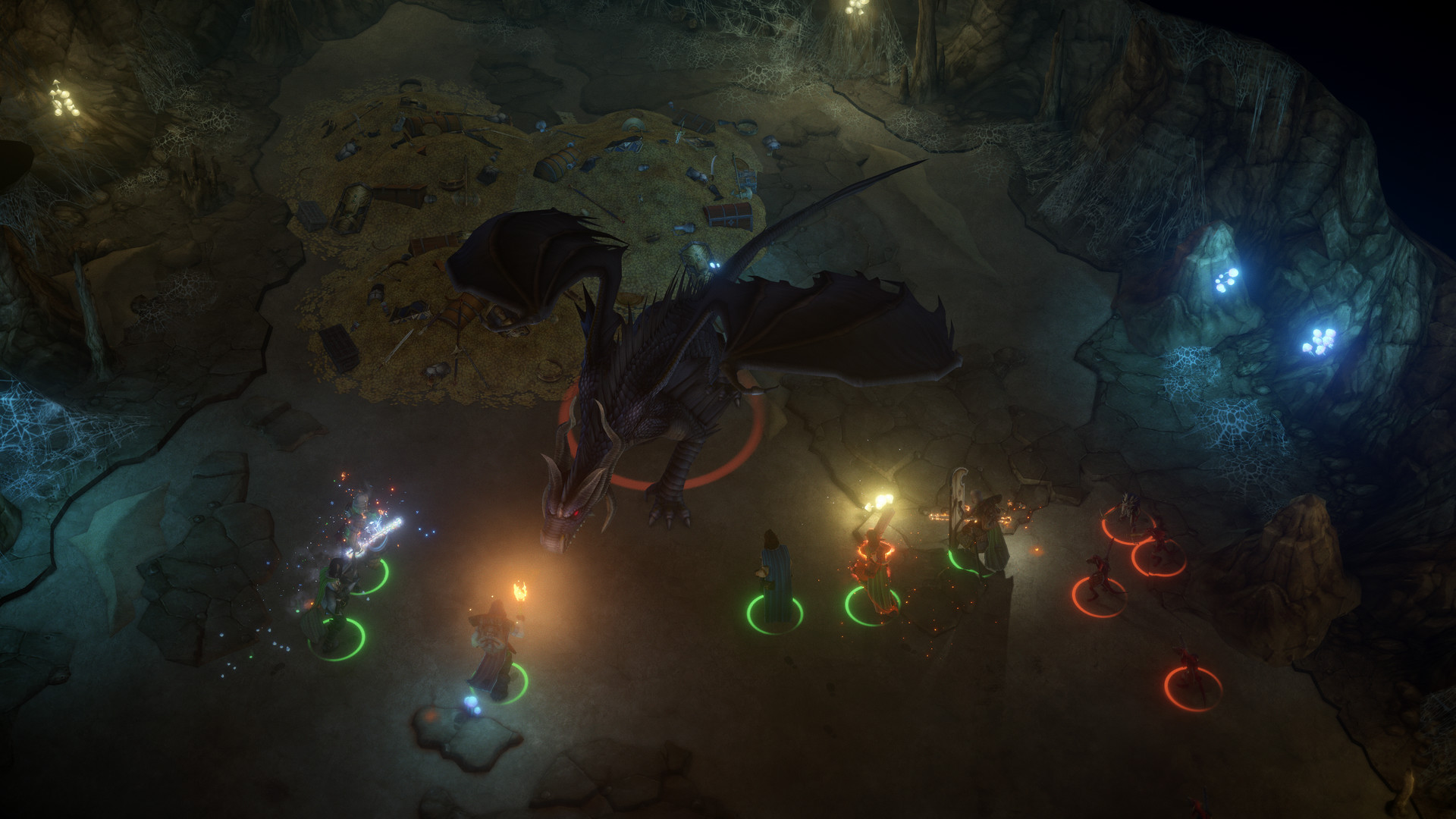
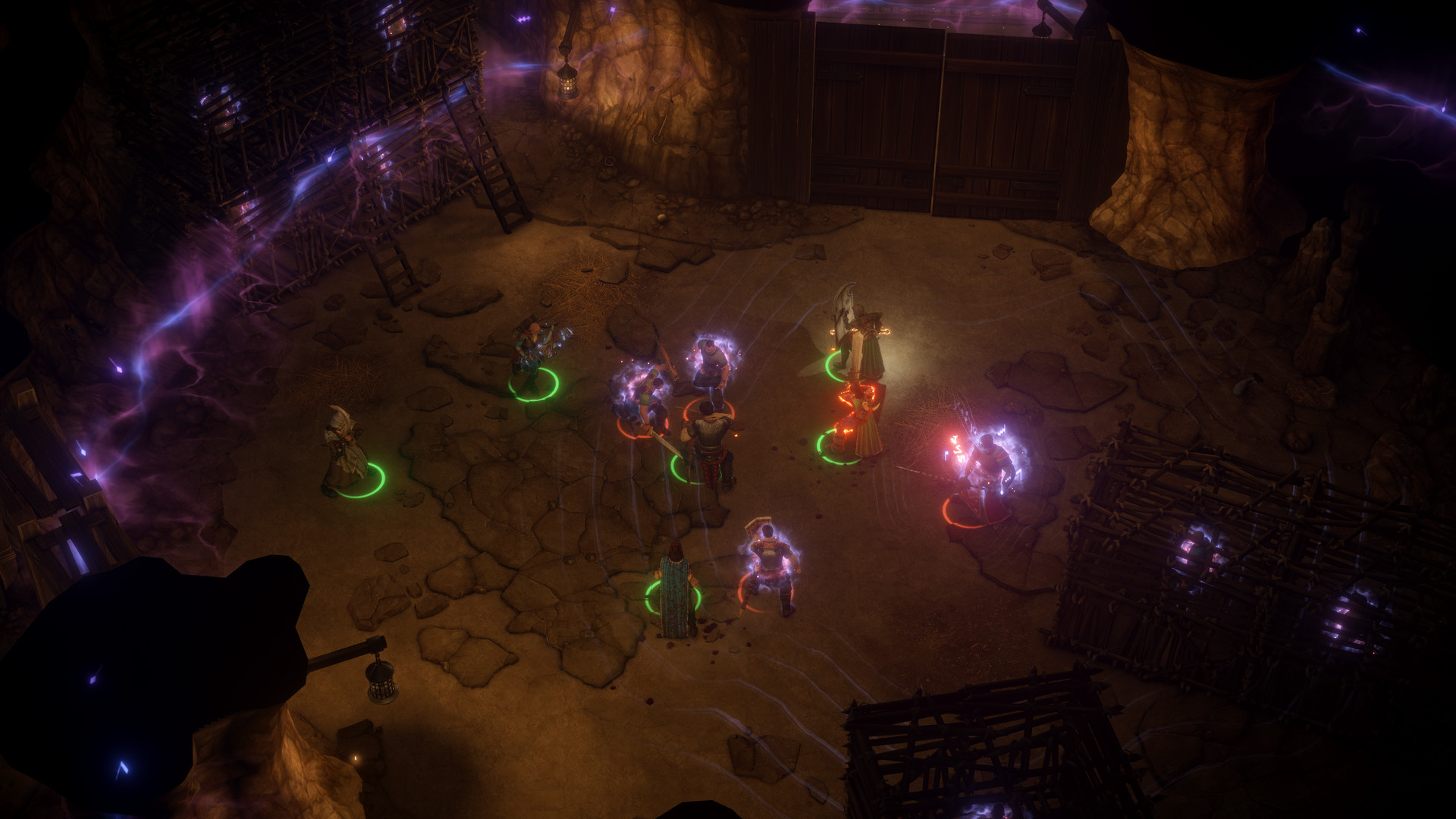
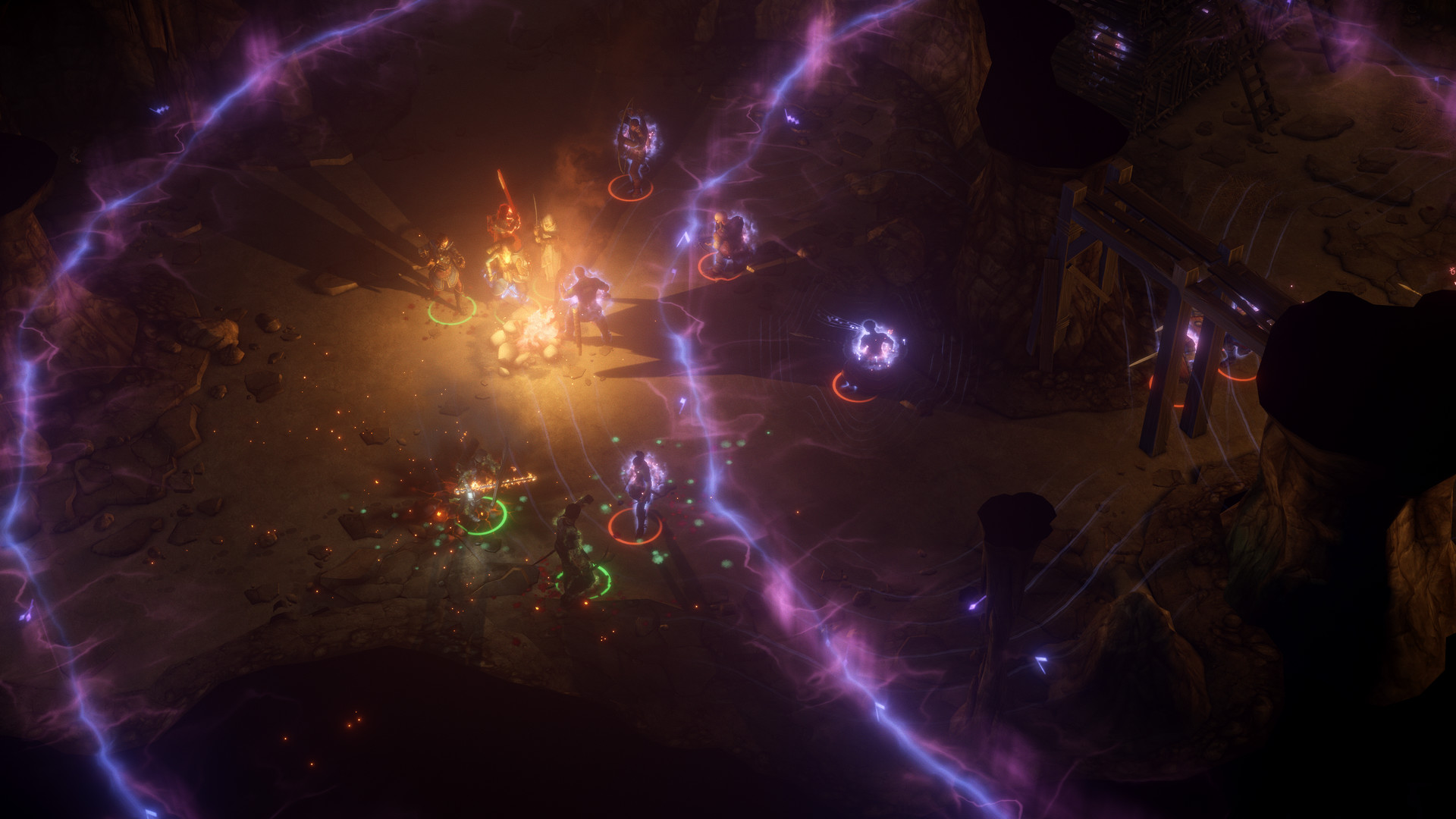
How Pathfinder: Kingmaker runs on your Mac, from our performance model and player reports.
See exactly how Pathfinder: Kingmaker will run on your Mac
Pick your chip and RAM for a personalised estimate.
Pathfinder: Kingmaker runs excellently as a native macOS application via Rosetta 2, offering a stable and complete experience on all M-series chips. The Mac build is Intel-only (x86_64) and runs on Apple Silicon through Rosetta 2 translation — it's a Mac app, but not a true arm64 native one. Expect a ~10–15% performance tax versus a real native port.
Here are all the options available, ranked by what we recommend first.
Official Intel Mac build, translated by Rosetta 2. Installs like any Mac app, with a small performance cost versus a native build.
Full Windows 11 ARM inside macOS.
How each supported method stacks up on setup effort, time and runtime overhead.
Live prices compared across trusted PC key sellers — updates every few hours.
Loading per-platform notes…
Idiot-proof walkthroughs for every method.
Pathfinder: Kingmaker has an official Intel Mac build that runs on Apple Silicon through Rosetta 2. It installs like any Mac app, with a modest performance cost compared with a native port.
Using Parallels to play Pathfinder: Kingmaker means running a full copy of Windows 11 ARM inside macOS. This is the most "it just works" approach for games that don't behave under CrossOver, and DirectX 11 is hardware-accelerated. You'll need a Windows license and roughly 80 GB of disk space.
The best way to play Pathfinder: Kingmaker on your Mac is the Intel Mac build running through Rosetta 2. Official Intel Mac build, translated by Rosetta 2. Installs like any Mac app, with a small performance cost versus a native build.
| Method | Quality | Difficulty | Cost |
|---|---|---|---|
| Rosetta 2Pick | Great | Easy | Game price only |
| Parallels | Estimate | Medium | $99/year + Windows licence |
Share what worked for you running Pathfinder: Kingmaker on Mac.
Loading comments…