
How to play OMORI on Mac
Not officially supported, and we have no verified way to run it on a Mac.
Overall rating: Tricky to run on Mac · 0% of 1 players say it runs well
Not officially supported, and we have no verified way to run it on a Mac.
OMORI
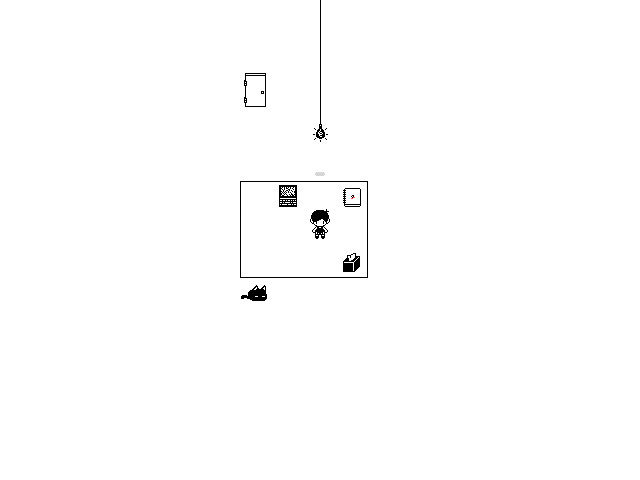
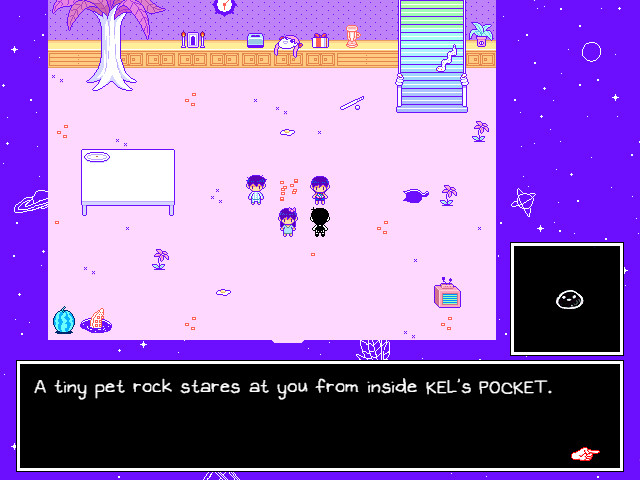
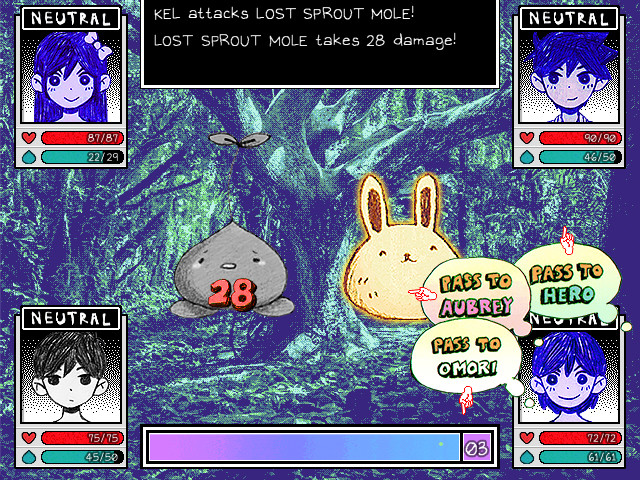
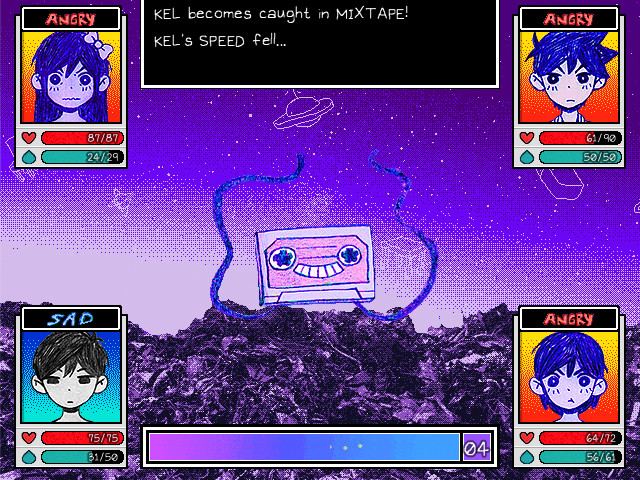
Explore a strange world full of colorful friends and foes. When the time comes, the path you’ve chosen will determine your fate... and perhaps the fate of others as well.
OMORI runs perfectly on Apple Silicon via Rosetta 2 with zero configuration required, maintaining its intended 60 FPS and 4:3 aesthetic.


What the world thinks
OMORI runs perfectly on Apple Silicon via Rosetta 2 with zero configuration required, maintaining its intended 60 FPS and 4:3 aesthetic.
Want to play OMORI on Mac?
OMORI is currently unplayable due to developer anti-cheat restrictions. Enter your email below, and we'll instantly ping you the exact split-second a compatibility patch or CrossOver update changes this status.
Comments
Share what worked for you running OMORI on Mac.
Loading comments…