← Back
New MONOPOLY® cover art
Streaming

How to play New MONOPOLY® on Mac

Best played by streaming from the cloud to your Mac.

Overall rating: Not enough votes yet

Your setup
Detect your Mac to see whether New MONOPOLY® will run.

Best played by streaming from the cloud to your Mac.

How to run New MONOPOLY® on your Mac in 2026

Best path: Parallels

Should run in a Windows 11 ARM virtual machine (Parallels). This is an estimate — not a verified report. Demanding 3D titles may need lower settings.

  • Heads up on Parallels: Estimated compatibility — no verified report yet
MethodQualityDifficultyCost
ParallelsPickGoodMedium$99/yrGet it ↗

New MONOPOLY®

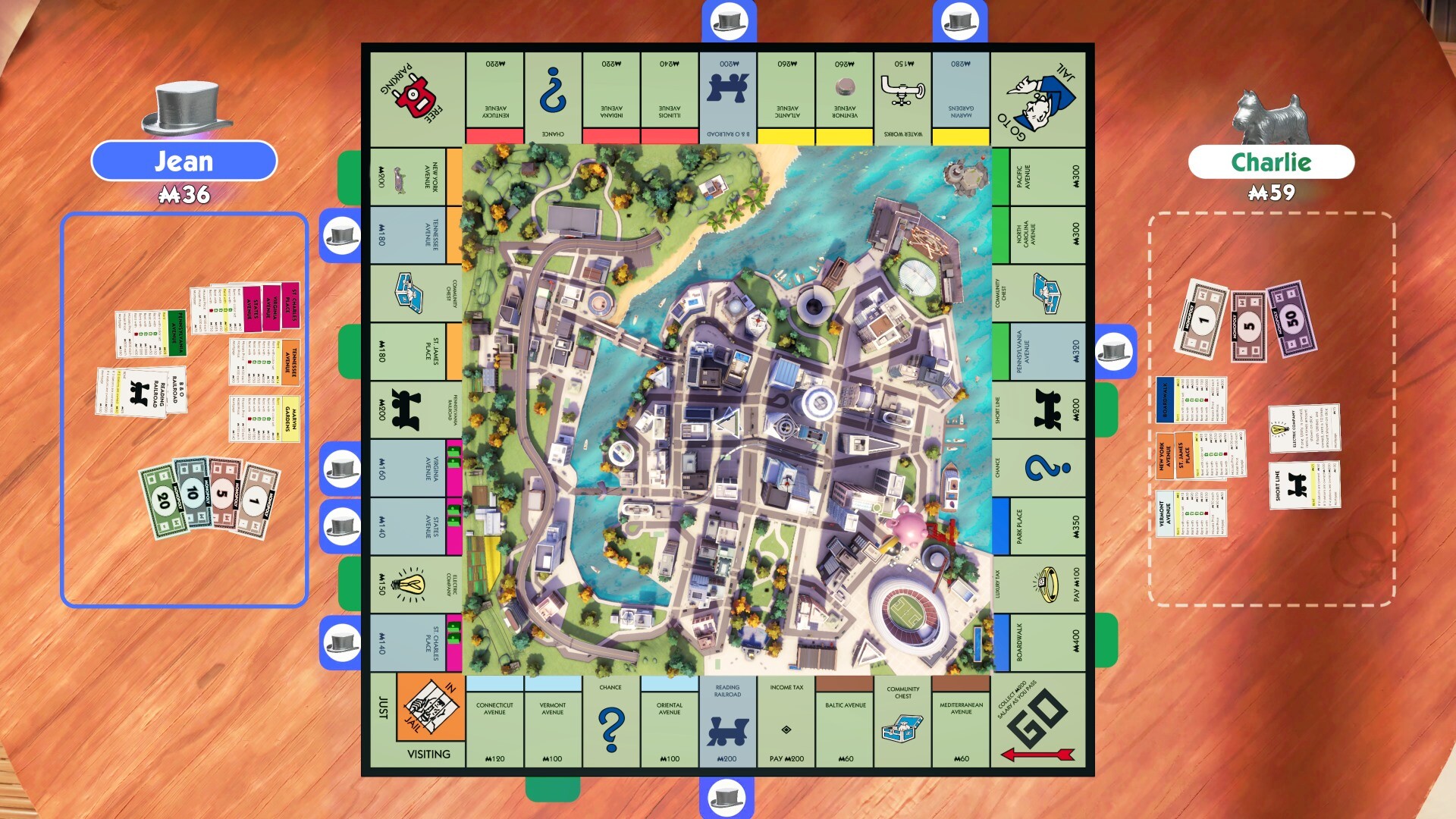
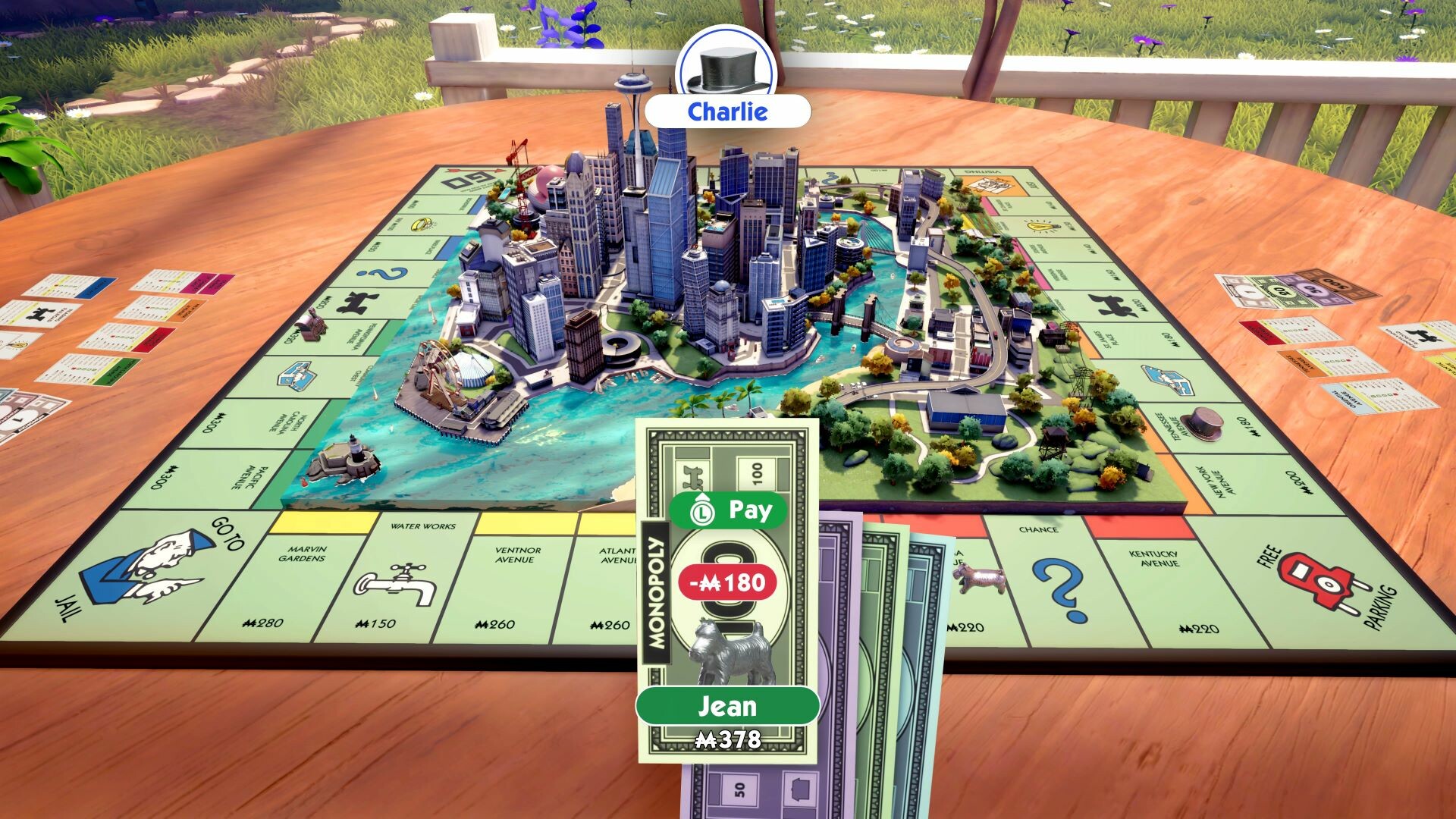
MONOPOLY® is back with a fresh look and an improved game experience. Buy, sell, trade properties, and grow your empire in a fully animated 3D city that transforms from sunlit days to stormy nights as you play.

Monopoly (2024) is not natively supported on macOS; however, it is perfectly playable via Xbox Cloud Gaming with virtually no setup time.

New MONOPOLY® screenshot 1New MONOPOLY® screenshot 2New MONOPOLY® screenshot 3New MONOPOLY® screenshot 4New MONOPOLY® screenshot 5New MONOPOLY® screenshot 6

What the world thinks

  1. Subscription: Ensure you have an active Xbox Game Pass Ultimate subscription.
  2. Browser: Open Safari or Google Chrome and navigate to xbox.com/play.
  3. Controller: Connect an Xbox, PlayStation, or MFi-certified controller via Bluetooth. While basic keyboard support exists, a controller provides a smoother experience for navigating the 3D board.
  4. Web App: For a more native feel, click the 'Share' button in Safari and select 'Add to Dock'. This creates a standalone app instance that reduces browser overhead.
  5. Launch: Search for 'MONOPOLY' in the library and start the stream.
  • Ubisoft Connect via Boosteroid: If you own the game on Ubisoft Connect rather than through Xbox, Boosteroid offers a similar cloud streaming service. Performance is generally comparable to xCloud, though it requires a separate monthly subscription.
  • Virtual Machines: Running the game through Parallels Desktop or VMWare Fusion is not recommended due to DirectX 12 requirements and the performance overhead, which typically leads to sub-20 FPS even on M3 Max chips.

Performance

How New MONOPOLY® runs on your Mac, from our performance model and player reports.

See exactly how New MONOPOLY® will run on your Mac

Pick your chip and RAM for a personalised estimate.

Best way to play it on Mac

Monopoly (2024) is not natively supported on macOS; however, it is perfectly playable via Xbox Cloud Gaming with virtually no setup time.

See if this is the right method for your setup

Ways to play New MONOPOLY® on Mac

Here are all the options available, ranked by what we recommend first.

Compare methods at a glance

Lower = better

How each supported method stacks up on setup effort, time and runtime overhead.

  • ParallelsVMTop pick
    Setup
    Moderate
    Time
    30 min
    Overhead
    High

Where to buy New MONOPOLY®

Live prices compared across trusted PC key sellers — updates every few hours.

Platform-by-platform reliability

Loading per-platform notes…

Step-by-step setup guides

Idiot-proof walkthroughs for every method.

How to run New MONOPOLY® on Mac with Parallels

Estimate· Compatibility

Using Parallels to play New MONOPOLY® means running a full copy of Windows 11 ARM inside macOS. This is the most "it just works" approach for games that don't behave under CrossOver, and DirectX 11 is hardware-accelerated. You'll need a Windows license and roughly 80 GB of disk space.

Step-by-step

  1. Buy / start a trial of Parallels Desktop.
  2. Install Windows 11 ARM via the one-click wizard.
  3. Inside Windows, install Steam / Xbox app and New MONOPOLY®.
  4. Enable DirectX 11 in Parallels settings for best 3D performance.

Video proof

Try Parallels Desktop freeAffiliate link — supports the site at no extra cost.

Our recommendation

For most Mac players we recommend Parallels as the fastest, smoothest way to play New MONOPOLY®. Full Windows 11 ARM inside macOS.

MethodQualityDifficultyCost
ParallelsPickGoodMedium$99/year + Windows licence
Try Parallels Desktop free

Comments

Share what worked for you running New MONOPOLY® on Mac.

Be kind. No spam.

Loading comments…

Frequently asked questions