How to play Need for Speed™ on Mac
Not officially supported, and we have no verified way to run it on a Mac.
Overall rating: Tricky to run on Mac · 0% of 1 players say it runs well
Not officially supported, and we have no verified way to run it on a Mac.
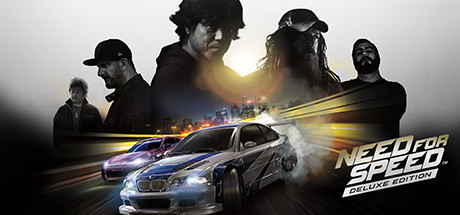
Need for Speed™
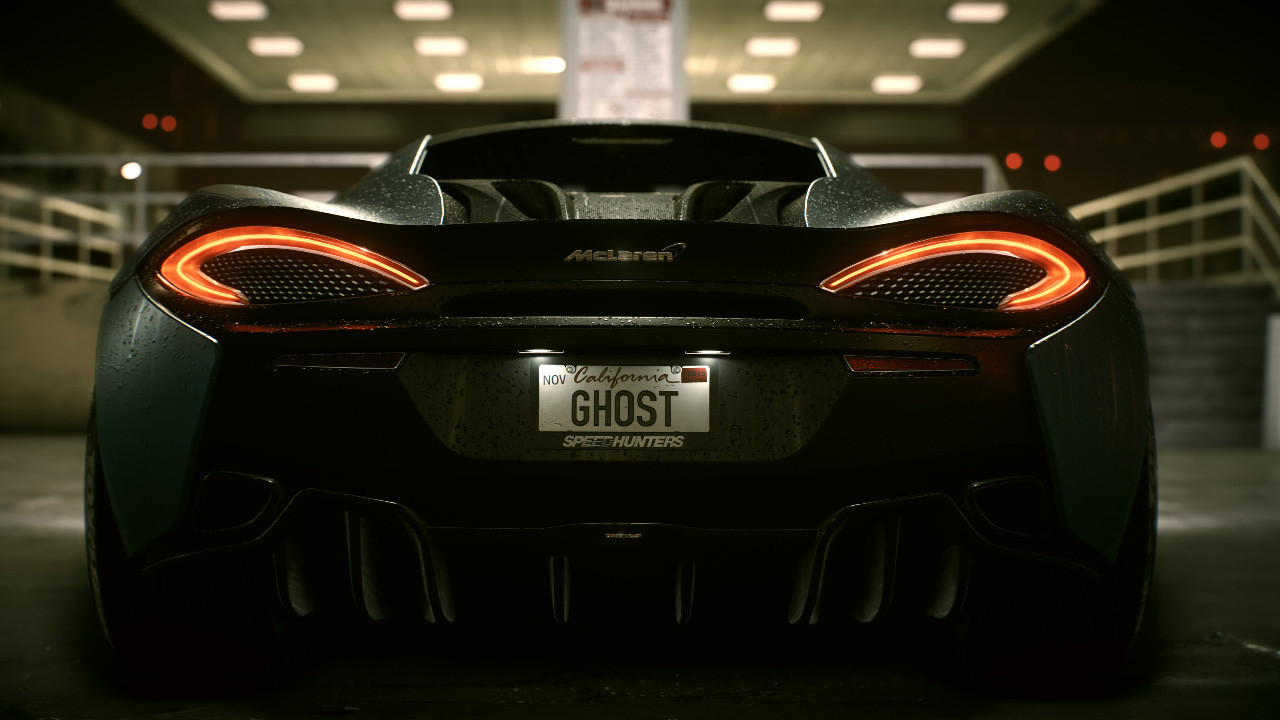
Ready to own the streets? Get behind the wheel of iconic cars and floor it through Ventura Bay, a sprawling urban playground. Explore overlapping stories as you build your reputation – and your dream car – and become the ultimate racing icon.
Need for Speed (2015) is virtually unplayable natively or via local translation layers due to restrictive DRM and engine incompatibilities; cloud gaming is currently the only option.





What the world thinks
Need for Speed (2015) is virtually unplayable natively or via local translation layers due to restrictive DRM and engine incompatibilities; cloud gaming is currently the only option.
Want to play Need for Speed™ on Mac?
Need for Speed™ is currently unplayable due to developer anti-cheat restrictions. Enter your email below, and we'll instantly ping you the exact split-second a compatibility patch or CrossOver update changes this status.
Comments
Share what worked for you running Need for Speed™ on Mac.
Loading comments…