← Back
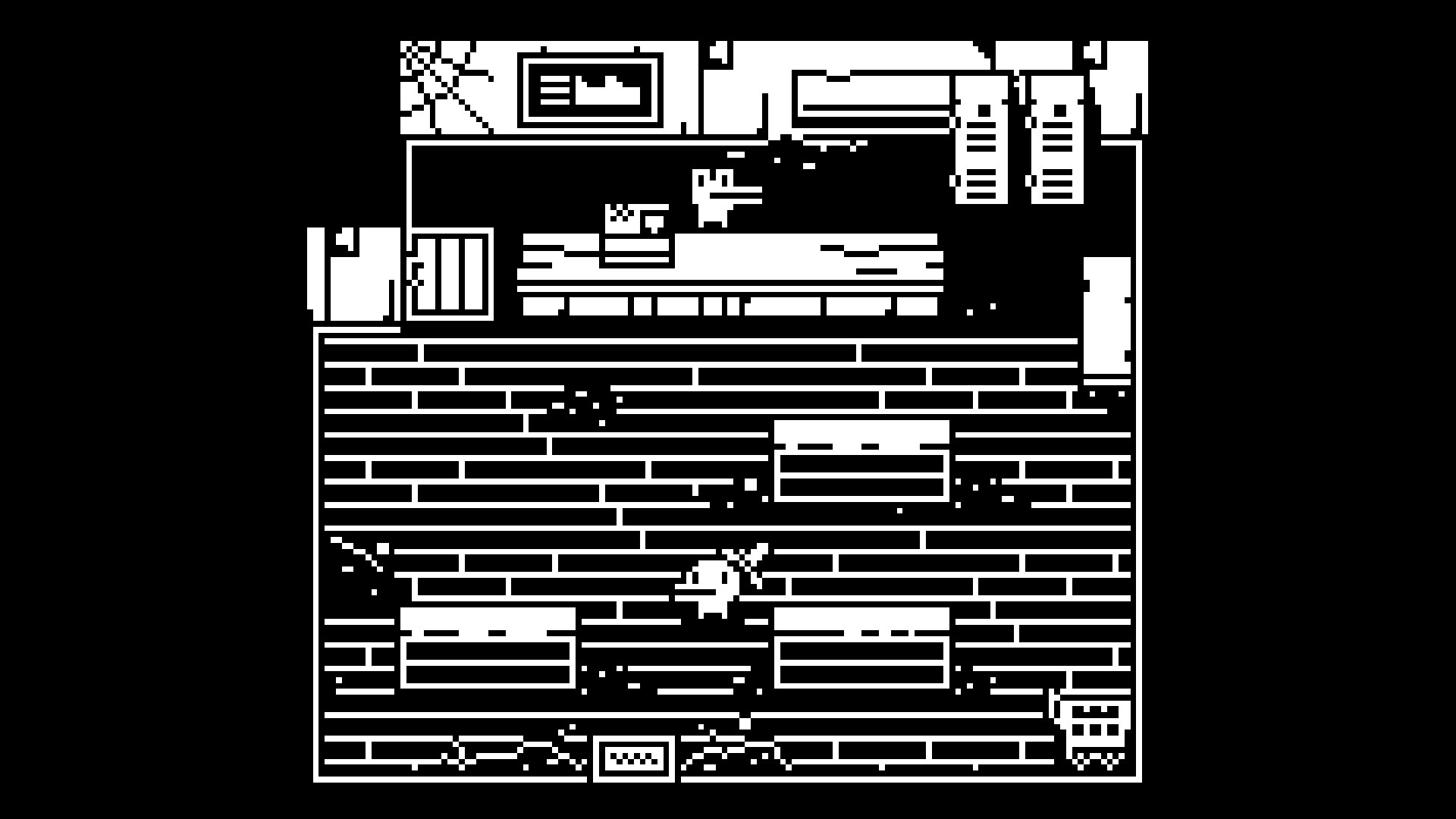
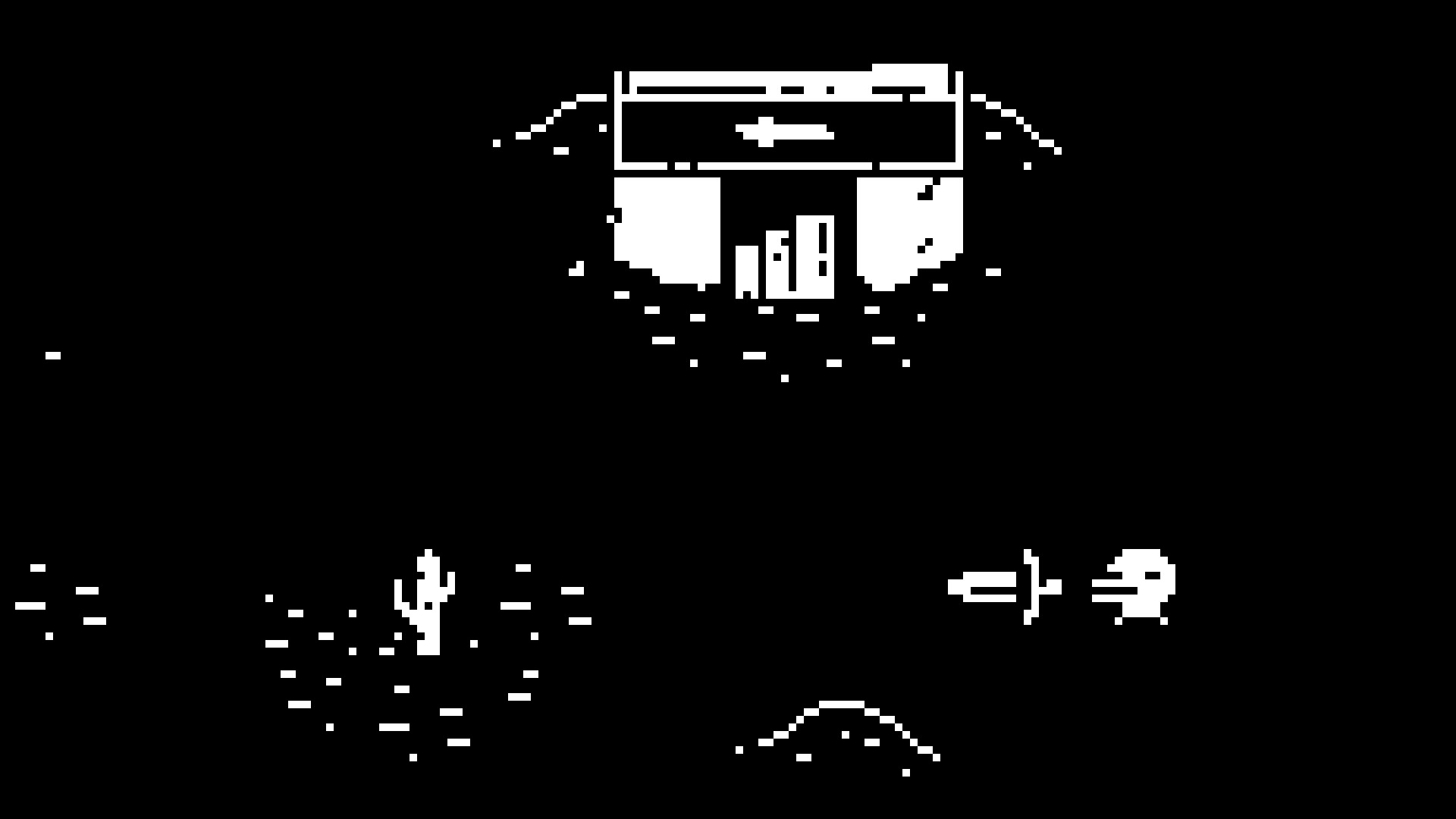
Minit cover art
Native

How to play Minit on Mac

Runs natively on Apple Silicon — no extra software needed.

Overall rating: Runs great on Mac · 100% of 1 players say it runs well

Your setup
Detect your Mac to see whether Minit will run.

Runs natively on Apple Silicon — no extra software needed.

How to run Minit on your Mac in 2026

Best path: Native Mac build

Minit has a native Apple Silicon build — full Metal acceleration, best battery life, zero faff.

MethodQualityDifficultyCost
NativePickExcellentEasyGame price only

Minit

Embark on a quirky adventure where every journey lasts only 60 seconds. Explore a charming, charming world, uncover secrets, and defeat enemies in bite-sized, replayable excursions.

Minit has a native Apple Silicon build — download it directly and play without any extra software.

What the world thinks

Performance

What each M-series Mac can realistically handle. Tap any chip to report your experience.

M1 chip
High
~60 fps
M2 chip
Ultra
~60 fps
M3 chip
Ultra
~120 fps
M4 chip
Ultra
~120 fps
M5 chip
Ultra
~120 fps
Best way to play it on Mac

Minit has a native Apple Silicon build — download it directly and play without any extra software.

See if this is the right method for your setup

Ways to play Minit on Mac

Here are all the options available, ranked by what we recommend first.

Recommended

Native

Runs directly on Apple Silicon — no extra software.

Difficulty: EasyCost: Game price onlyExcellent

Compare methods at a glance

Lower = better

How each supported method stacks up on setup effort, time and runtime overhead.

  • NativeNativeTop pick
    Setup
    Simple
    Time
    5 min
    Overhead
    Low

Where to buy Minit

Checking which partner stores stock this game…

Platform-by-platform reliability

Loading per-platform notes…

Step-by-step setup guides

Idiot-proof walkthroughs for every method.

How to run Minit on Mac with Native

Excellent· Native

Minit has a native Apple Silicon build, which is the gold standard for playing on a Mac. You get full Metal acceleration, best battery life, and no compatibility weirdness. Just buy it from the Mac App Store or Steam for Mac and play.

Step-by-step

  1. Use the verified store link on this page, or open the store where you already own Minit.
  2. Confirm the product page lists macOS / Apple Silicon support.
  3. Install and launch — no extra tools needed.

Video proof

Our recommendation

For most Mac players we recommend Native as the fastest, smoothest way to play Minit. Runs directly on Apple Silicon — no extra software.

MethodQualityDifficultyCost
NativePickExcellentEasyGame price only

Comments

Share what worked for you running Minit on Mac.

Be kind. No spam.

Loading comments…

Frequently asked questions