Native
Runs directly on Apple Silicon — no extra software.
Difficulty: EasyCost: $9.99 (Native)Excellent

Runs natively on Apple Silicon, no extra software needed.
Overall rating: Not enough votes yet
Runs natively on Apple Silicon, no extra software needed.
Marble's Marbles has a native Apple Silicon build — full Metal acceleration, best battery life, zero faff.
| Method | Quality | Difficulty | Cost | |
|---|---|---|---|---|
| NativePick | Excellent | Easy | Game price only |
A love letter to the classic marble games. Help Marble find his lost marbles and roll through physics-powered worlds packed with wild challenges and quirky contraptions.
A flawless native experience that fully utilizes the efficiency and Metal graphics API of Apple Silicon chips.

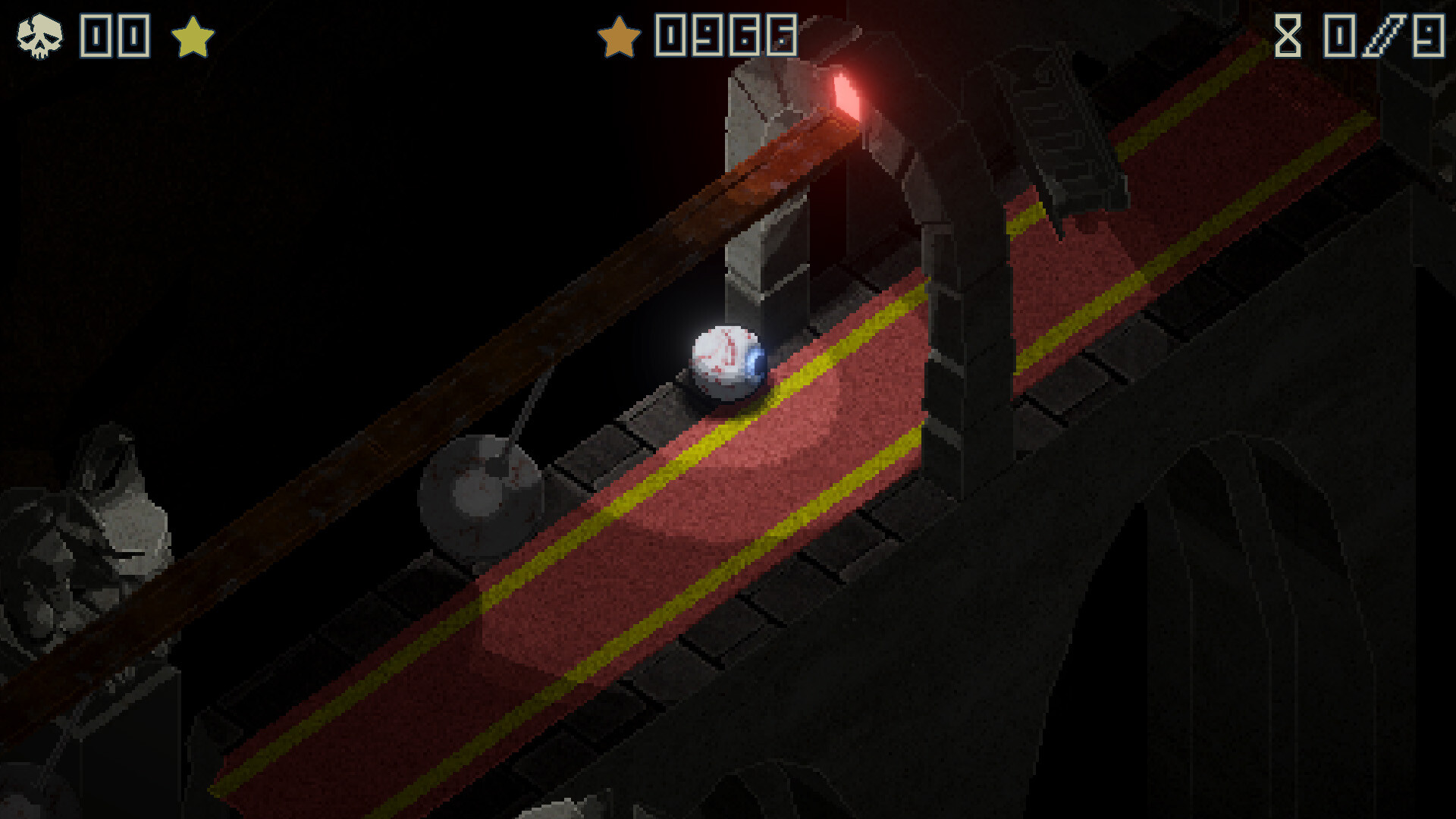
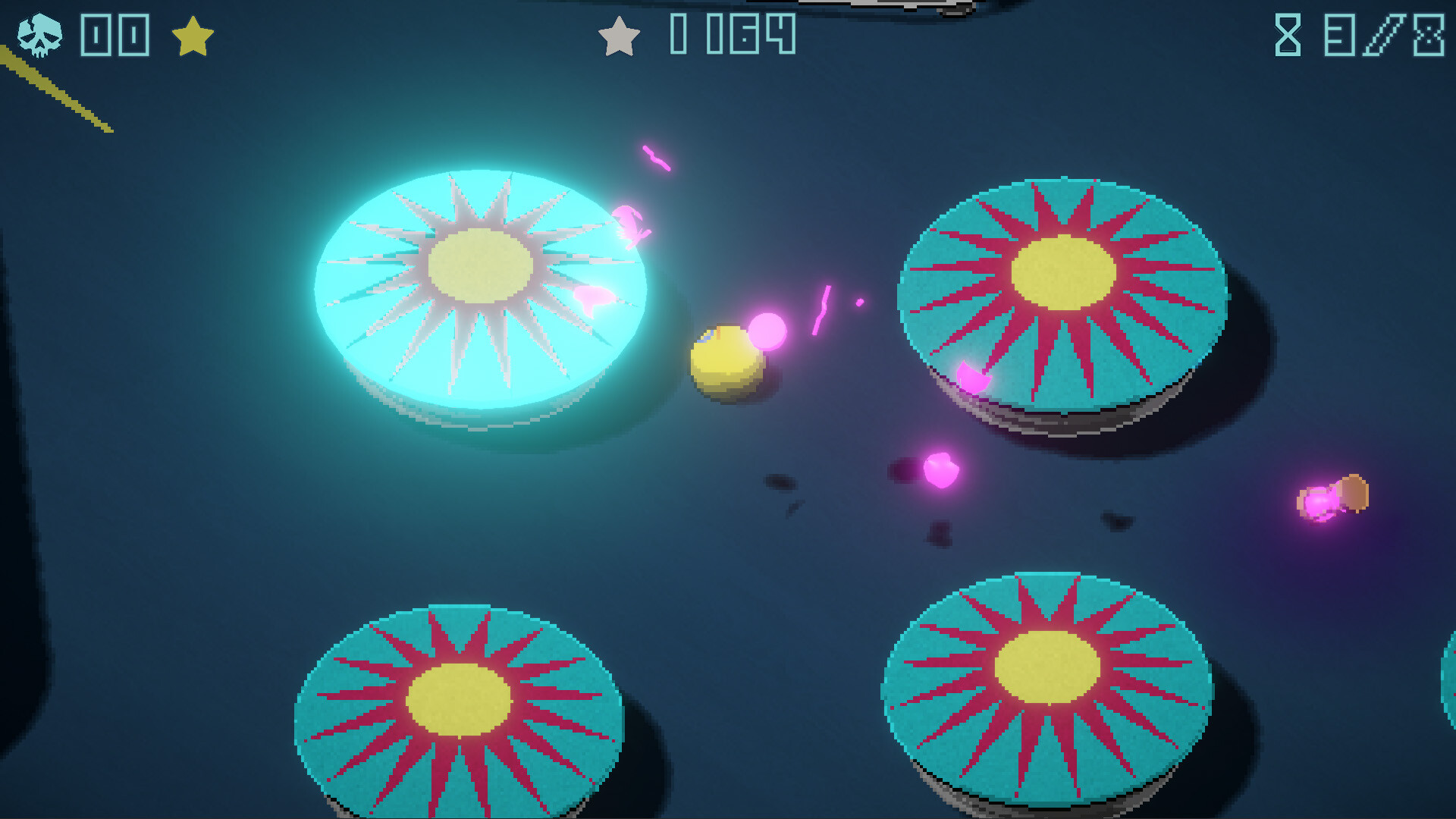
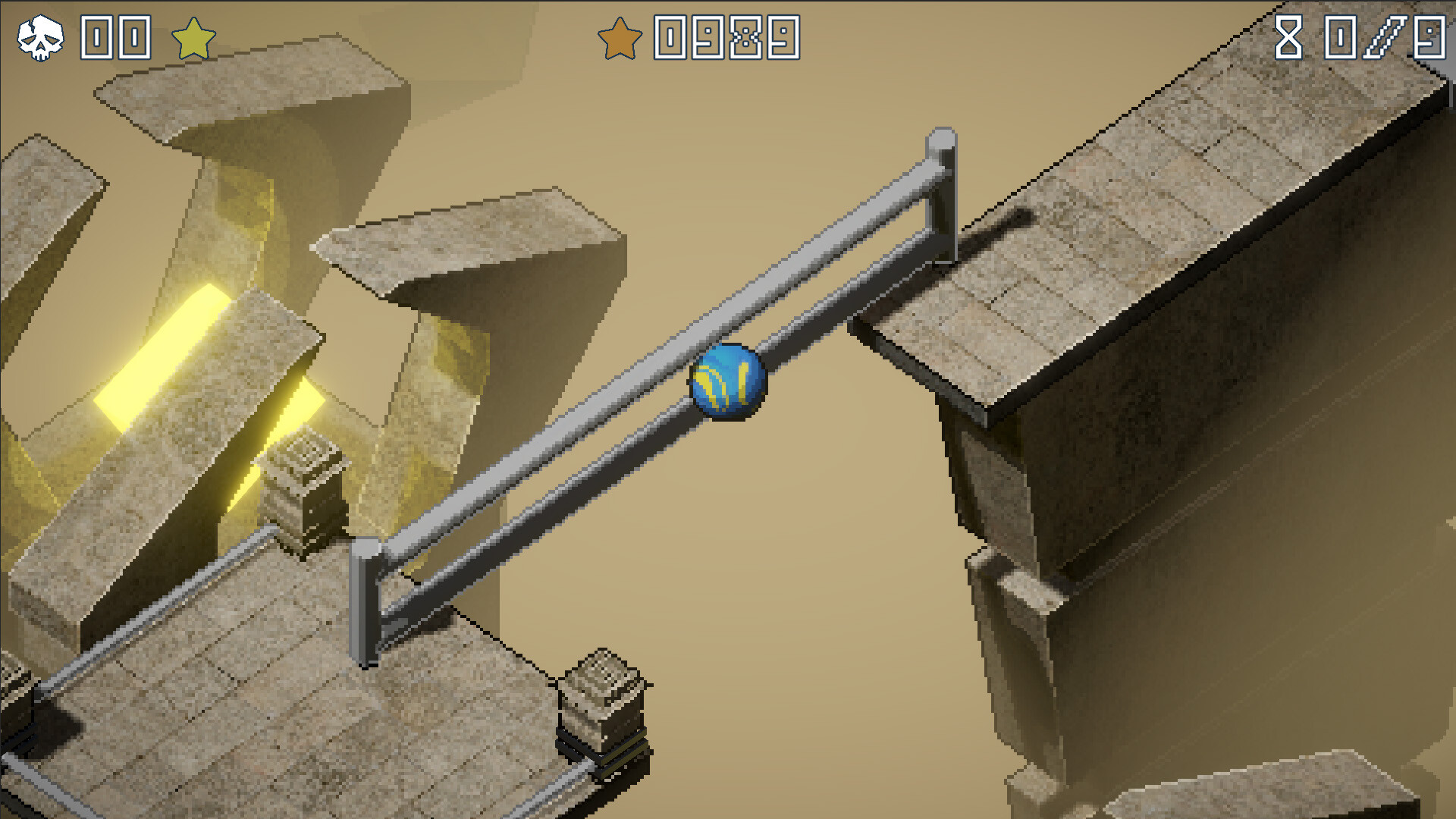


How Marble's Marbles runs on your Mac, from our performance model and player reports.
See exactly how Marble's Marbles will run on your Mac
Pick your chip and RAM for a personalised estimate.
A flawless native experience that fully utilizes the efficiency and Metal graphics API of Apple Silicon chips.
Here are all the options available, ranked by what we recommend first.
Runs directly on Apple Silicon — no extra software.
How each supported method stacks up on setup effort, time and runtime overhead.
Live prices compared across trusted PC key sellers — updates every few hours.
Loading per-platform notes…
Idiot-proof walkthroughs for every method.
Marble's Marbles has a native Apple Silicon build, which is the gold standard for playing on a Mac. You get full Metal acceleration, best battery life, and no compatibility weirdness. Just buy it from the Mac App Store or Steam for Mac and play.
Marble's Marbles has a native Apple Silicon build, so installing it natively is the best way to play it on your Mac. Runs directly on Apple Silicon — no extra software.
| Method | Quality | Difficulty | Cost |
|---|---|---|---|
| NativePick | Excellent | Easy | Game price only |
Share what worked for you running Marble's Marbles on Mac.
Loading comments…