
How to play IHF Handball Challenge 12 on Mac
Best played through CrossOver on Apple Silicon.
Overall rating: Tricky to run on Mac · 0% of 1 players say it runs well
Best played through CrossOver on Apple Silicon.
IHF Handball Challenge 12
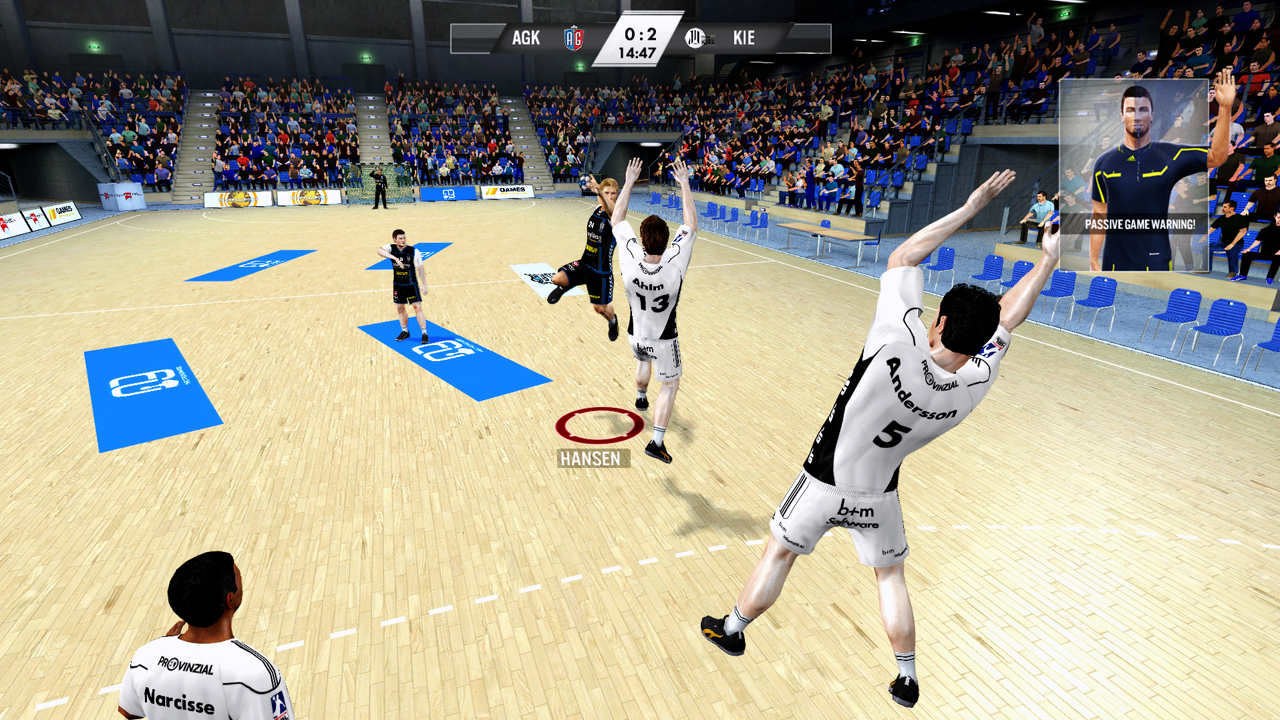
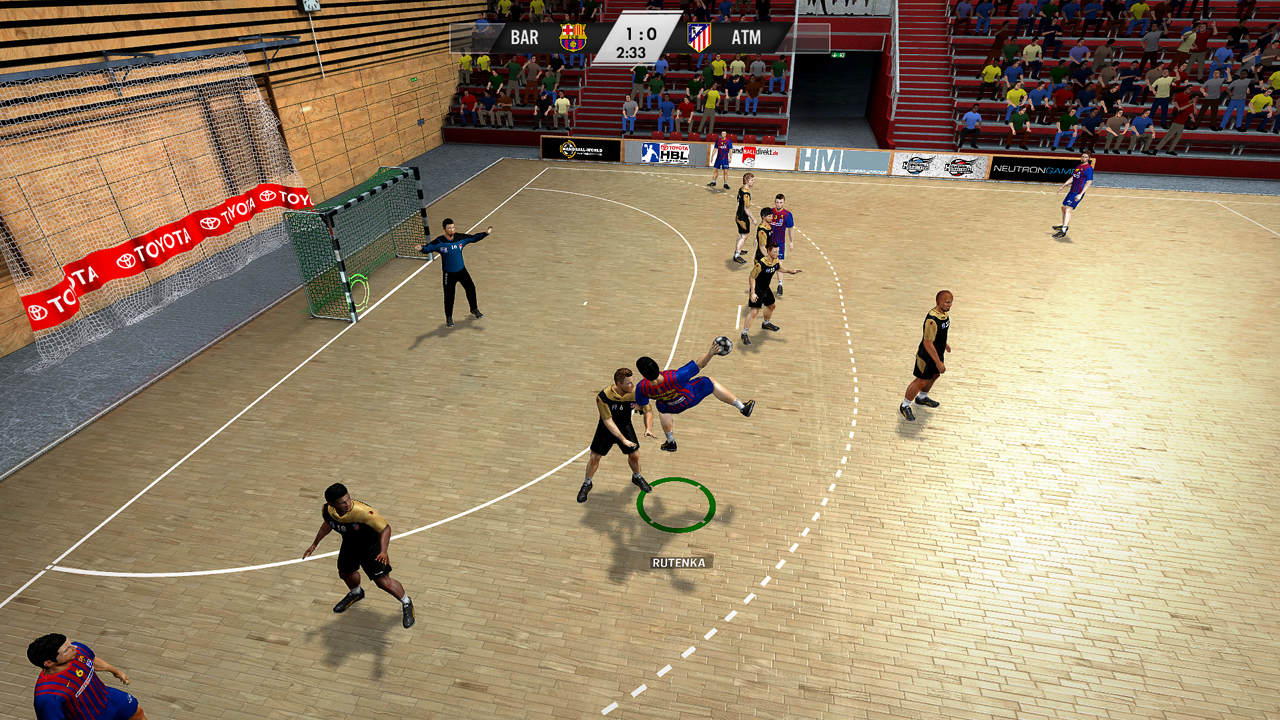
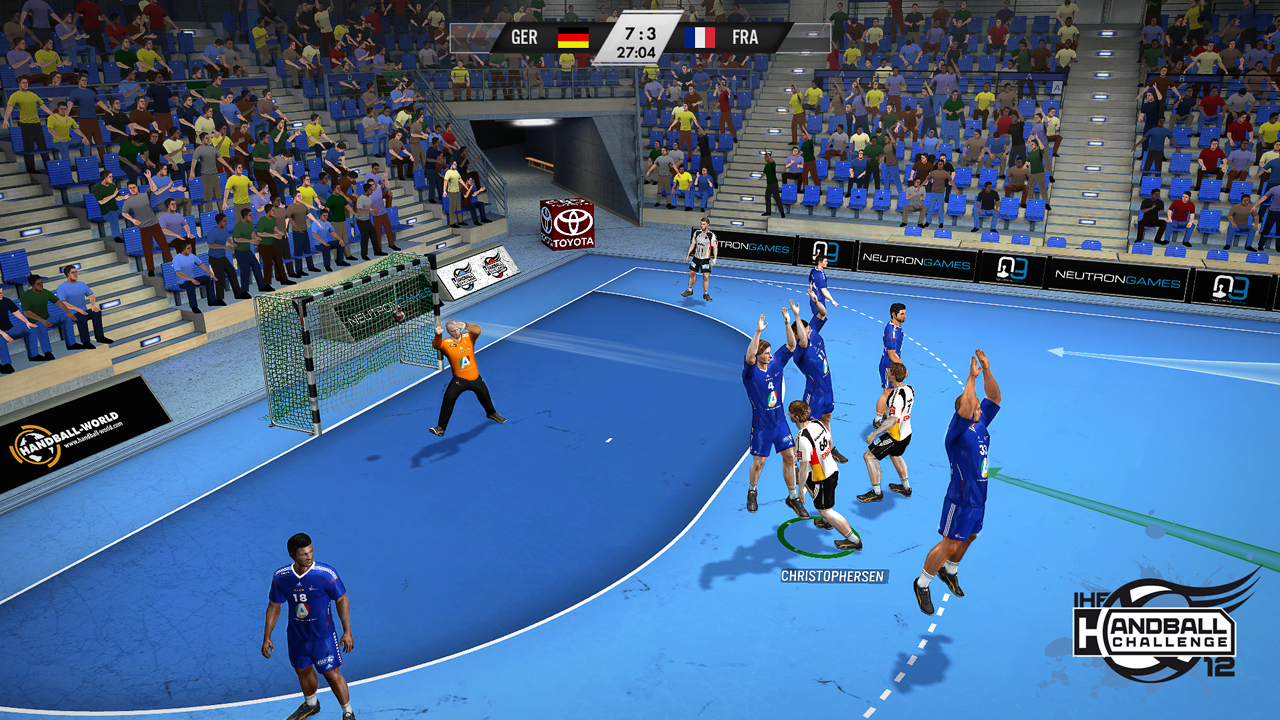
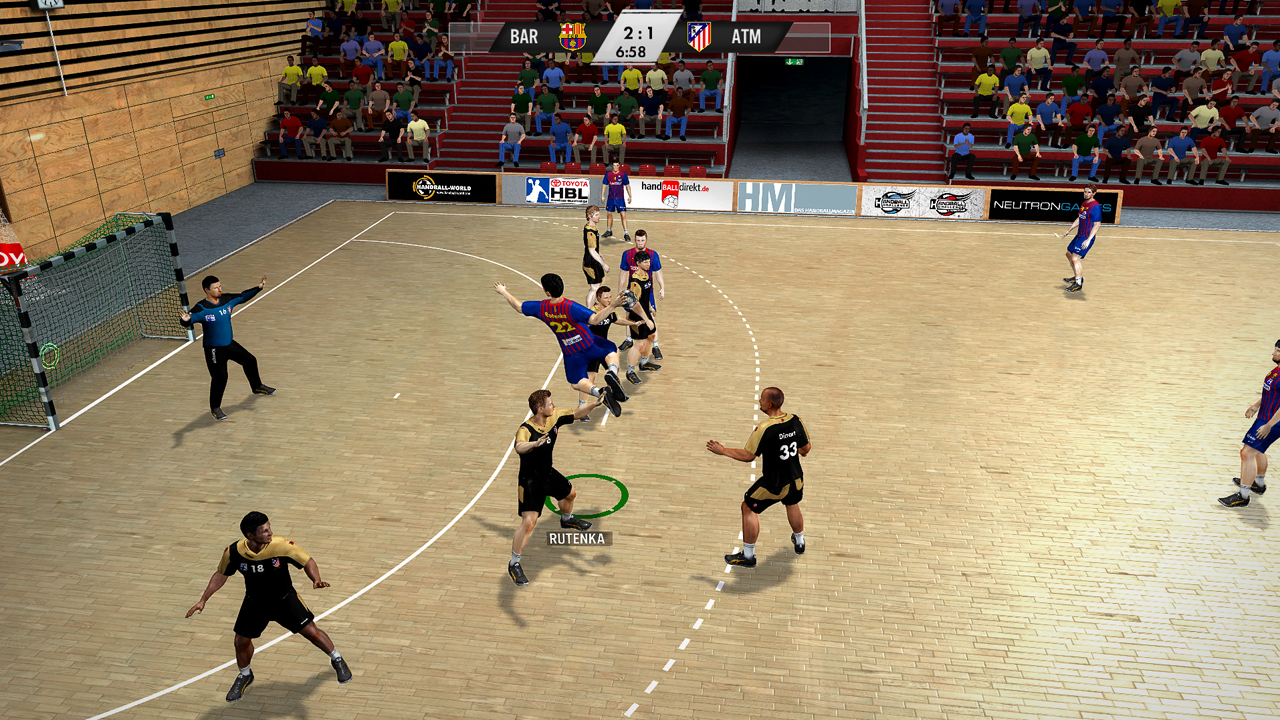
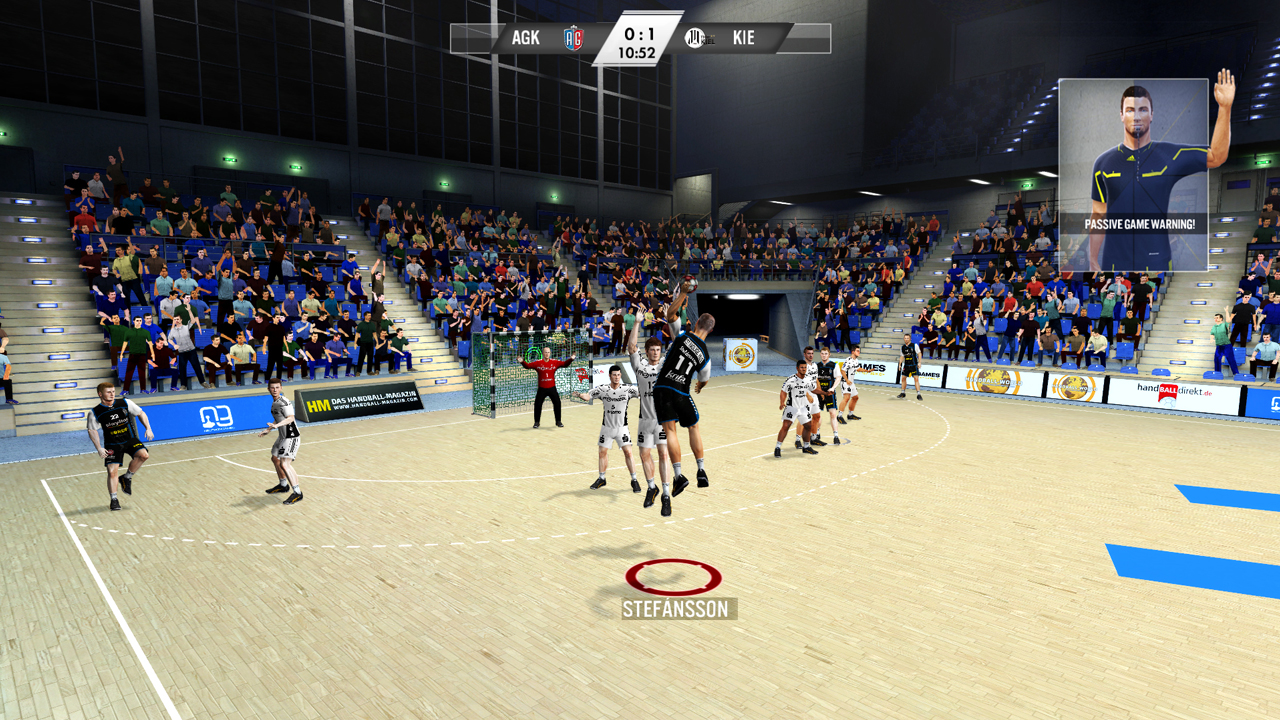
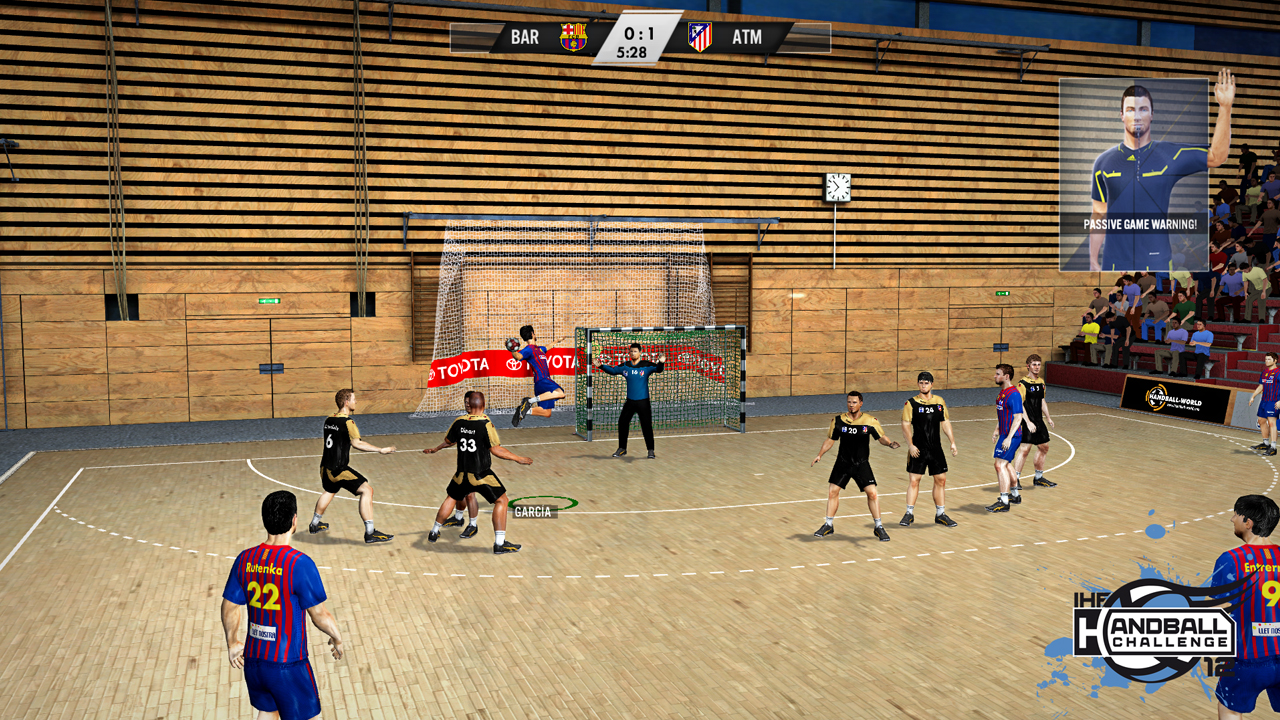
With IHF Handball Challenge 12 users can experience the fascinating sport of handball on their PC. Up to five players can compete for national and international trophies in the TOYOTA Handball- Bundesliga, the Spanish Liga ASOBAL or the IHF World Cup.
The game is not natively supported but runs well through CrossOver or Parallels Desktop. Users must use a Windows environment to launch the DirectX 9 based engine.
What the world thinks
- Install Parallels Desktop.
- Download and install a Windows 10 or 11 ARM image through the Parallels wizard.
- Install the game within the virtual Windows environment.
- Set the virtual machine to use the Gaming profile for better resource allocation.
The game is not natively supported but runs well through CrossOver or Parallels Desktop. Users must use a Windows environment to launch the DirectX 9 based engine.
Want to play IHF Handball Challenge 12 on Mac?
IHF Handball Challenge 12 is currently unplayable due to developer anti-cheat restrictions. Enter your email below, and we'll instantly ping you the exact split-second a compatibility patch or CrossOver update changes this status.
Comments
Share what worked for you running IHF Handball Challenge 12 on Mac.
Loading comments…