Native
Runs directly on Apple Silicon — no extra software.
Difficulty: EasyCost: Game price onlyExcellent
Runs through Rosetta 2 from the Intel Mac build.
Overall rating: Runs great on Mac · 100% of 1 players say it runs well
Runs through Rosetta 2 from the Intel Mac build.
Himno has a native Apple Silicon build — full Metal acceleration, best battery life, zero faff.
| Method | Quality | Difficulty | Cost | |
|---|---|---|---|---|
| NativePick | Excellent | Easy | Game price only |
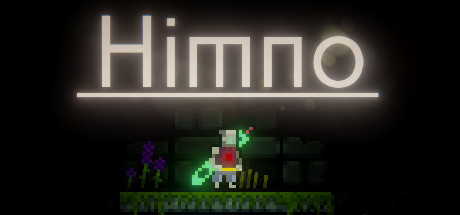
Explore a vibrant, hand-drawn world filled with secrets and challenging platforming. Himno is a peaceful, non-violent adventure where the sole focus is on pure exploration and discovery.
The Mac build is Intel-only (x86_64) and runs on Apple Silicon through Rosetta 2 translation — it's a Mac app, but not a true arm64 native one. Expect a ~10–15% performance tax versus a real native port.
How Himno runs on your Mac, from our performance model and player reports.
See exactly how Himno will run on your Mac
Pick your chip and RAM for a personalised estimate.
The Mac build is Intel-only (x86_64) and runs on Apple Silicon through Rosetta 2 translation — it's a Mac app, but not a true arm64 native one. Expect a ~10–15% performance tax versus a real native port.
Here are all the options available, ranked by what we recommend first.
Runs directly on Apple Silicon — no extra software.
How each supported method stacks up on setup effort, time and runtime overhead.
Live prices compared across trusted PC key sellers — updates every few hours.
Loading per-platform notes…
Idiot-proof walkthroughs for every method.
Himno has a native Apple Silicon build, which is the gold standard for playing on a Mac. You get full Metal acceleration, best battery life, and no compatibility weirdness. Just buy it from the Mac App Store or Steam for Mac and play.
The best way to play Himno on your Mac is the Intel Mac build running through Rosetta 2. Runs directly on Apple Silicon — no extra software.
| Method | Quality | Difficulty | Cost |
|---|---|---|---|
| NativePick | Excellent | Easy | Game price only |
Share what worked for you running Himno on Mac.
Loading comments…