GeForce NOW
Needs 25+ Mbps internet, wired ideal.
Difficulty: EasyCost: $9.99/mo (GFN) plus the gameEstimate

RPG · 2026
Best played by streaming from the cloud via GeForce NOW.
Overall rating: Not enough votes yet
Best played by streaming from the cloud via GeForce NOW.
GeForce NOW streams Final Fantasy Resonance from an RTX-class GPU straight to your Mac, with high-refresh play and nothing to install locally.
| Method | Quality | Difficulty | Cost | |
|---|---|---|---|---|
| GeForce NOWPick | Estimate | Easy | Free / $9.99 /mo | Get it ↗ |
| Parallels | Estimate | Medium | $99/yr | Get it ↗ |
Heads up: GeForce NOW streams the game but doesn't include a copy — you'll still need to own Final Fantasy Resonance on a supported store (AllKeyShop).
Return to the pixel‑art world of FINAL FANTASY, evolved from its classic roots. Travel with companions bound by fate and call on Visions to aid you in battle to uncover the truth behind a force that threatens to bring everything to ruin.
Final Fantasy Resonance has no Mac version. GeForce NOW added it on its 22 October 2026 release day, so buy it on Steam and stream it. It is a pixel art game with low requirements, so CrossOver is likely to work, but there are no Mac reports yet.
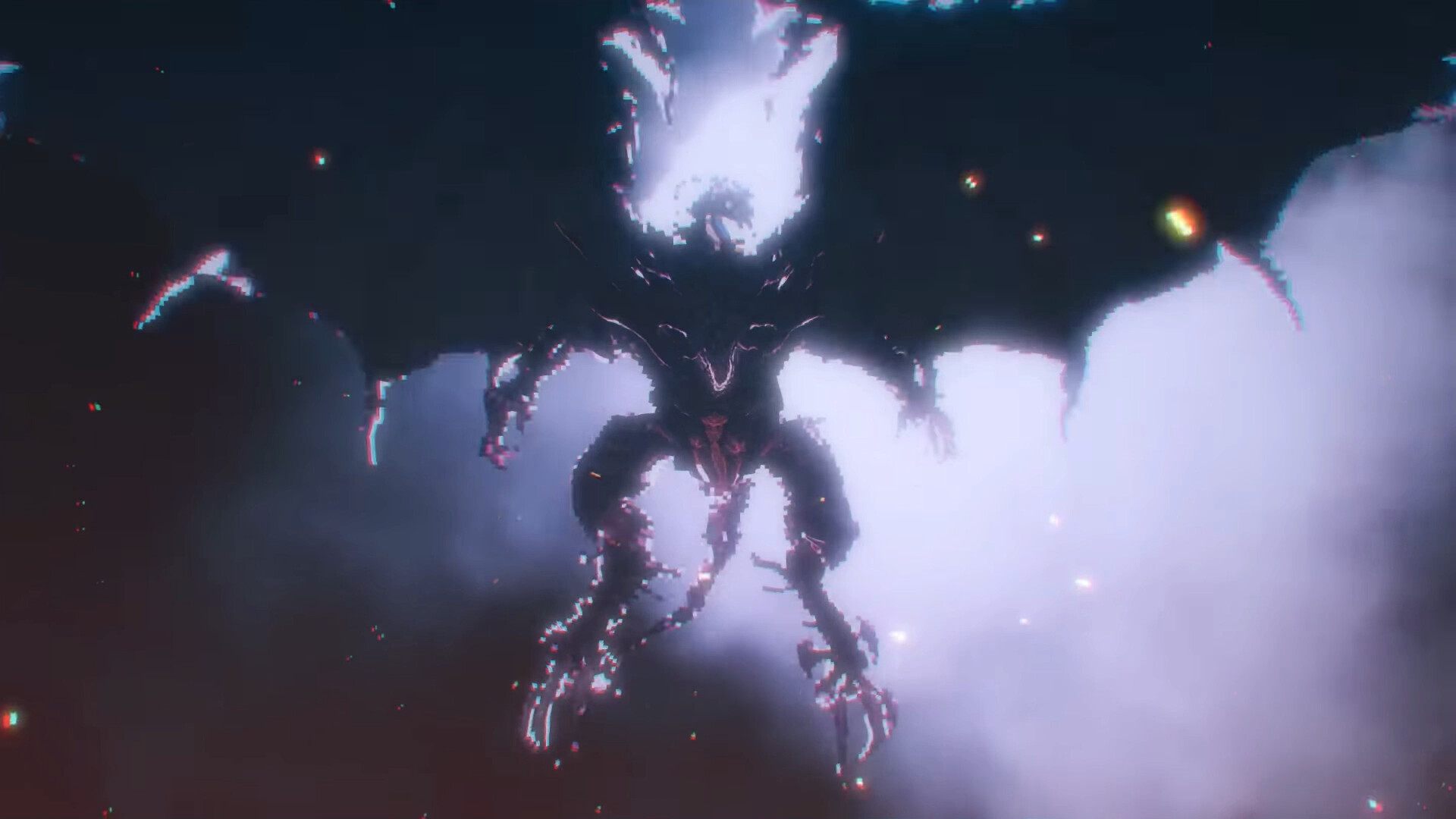

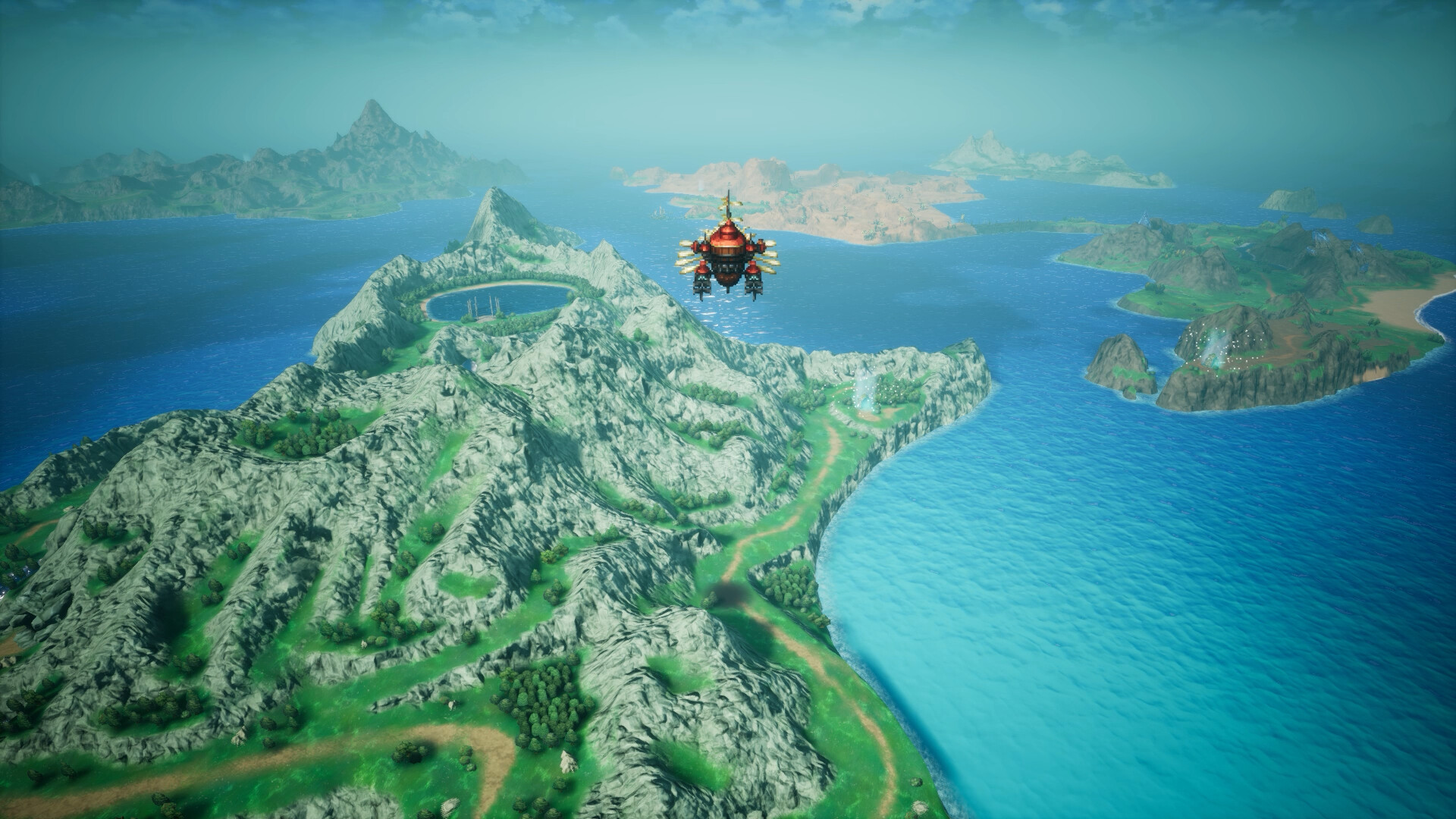
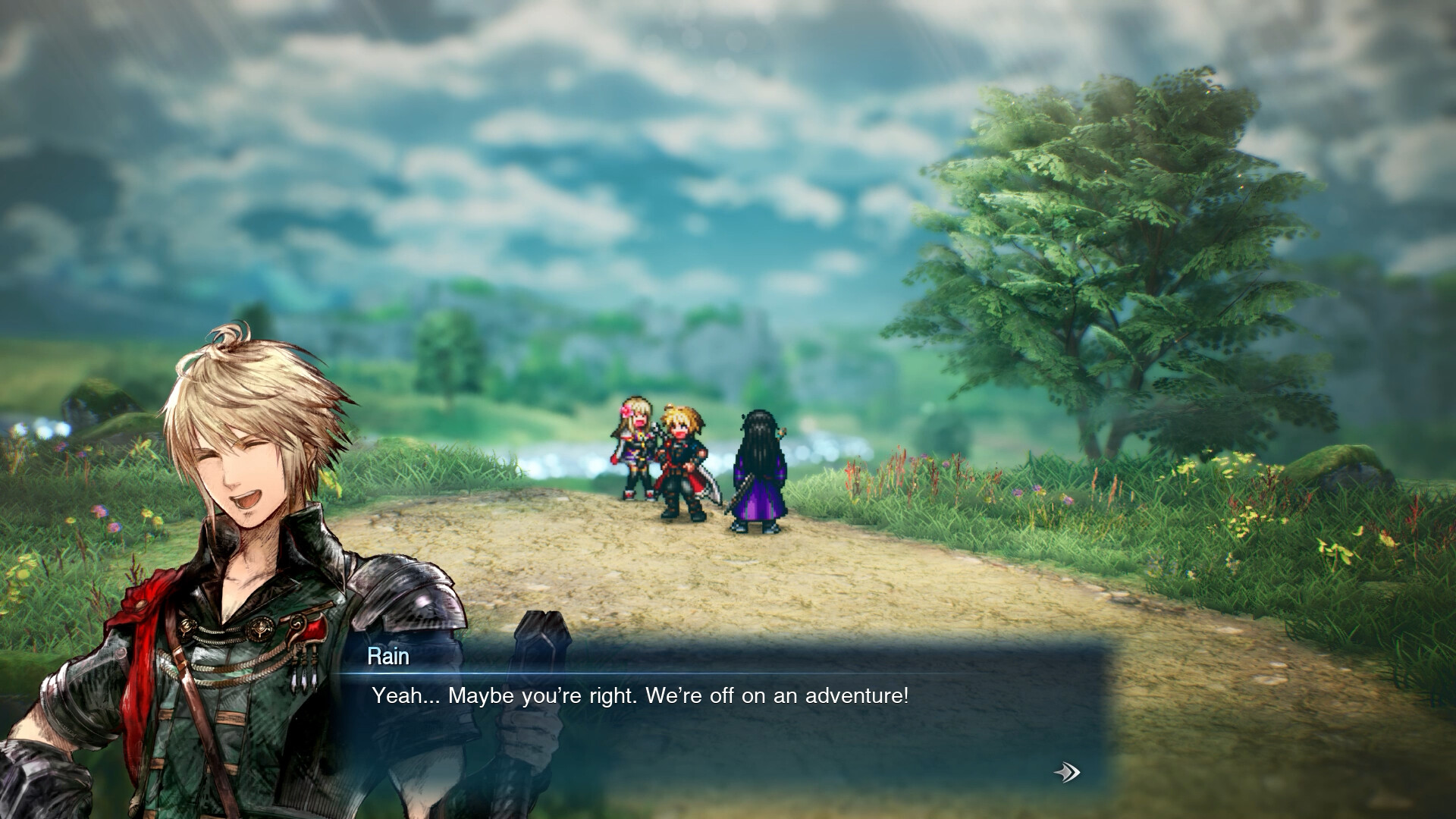
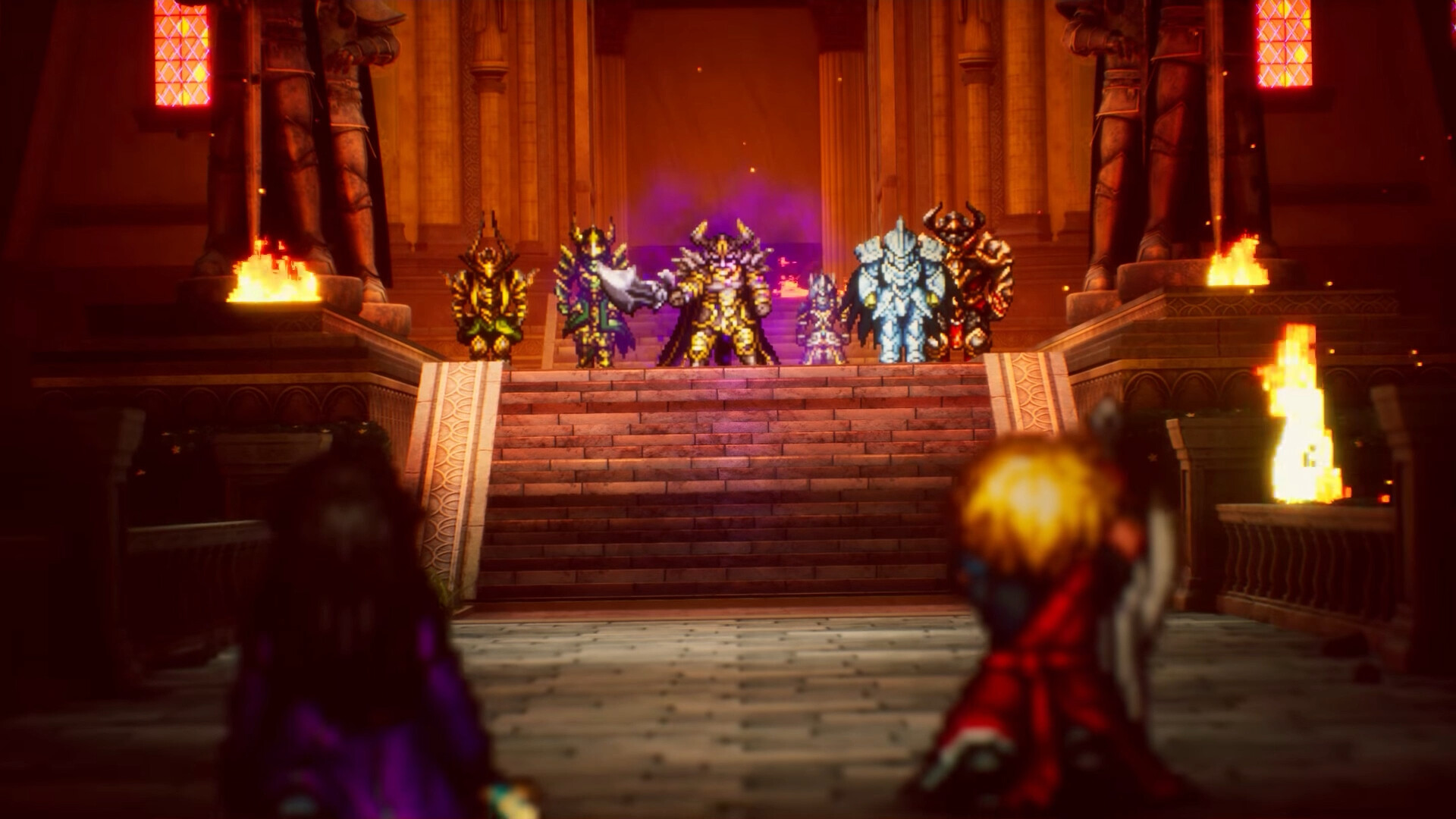
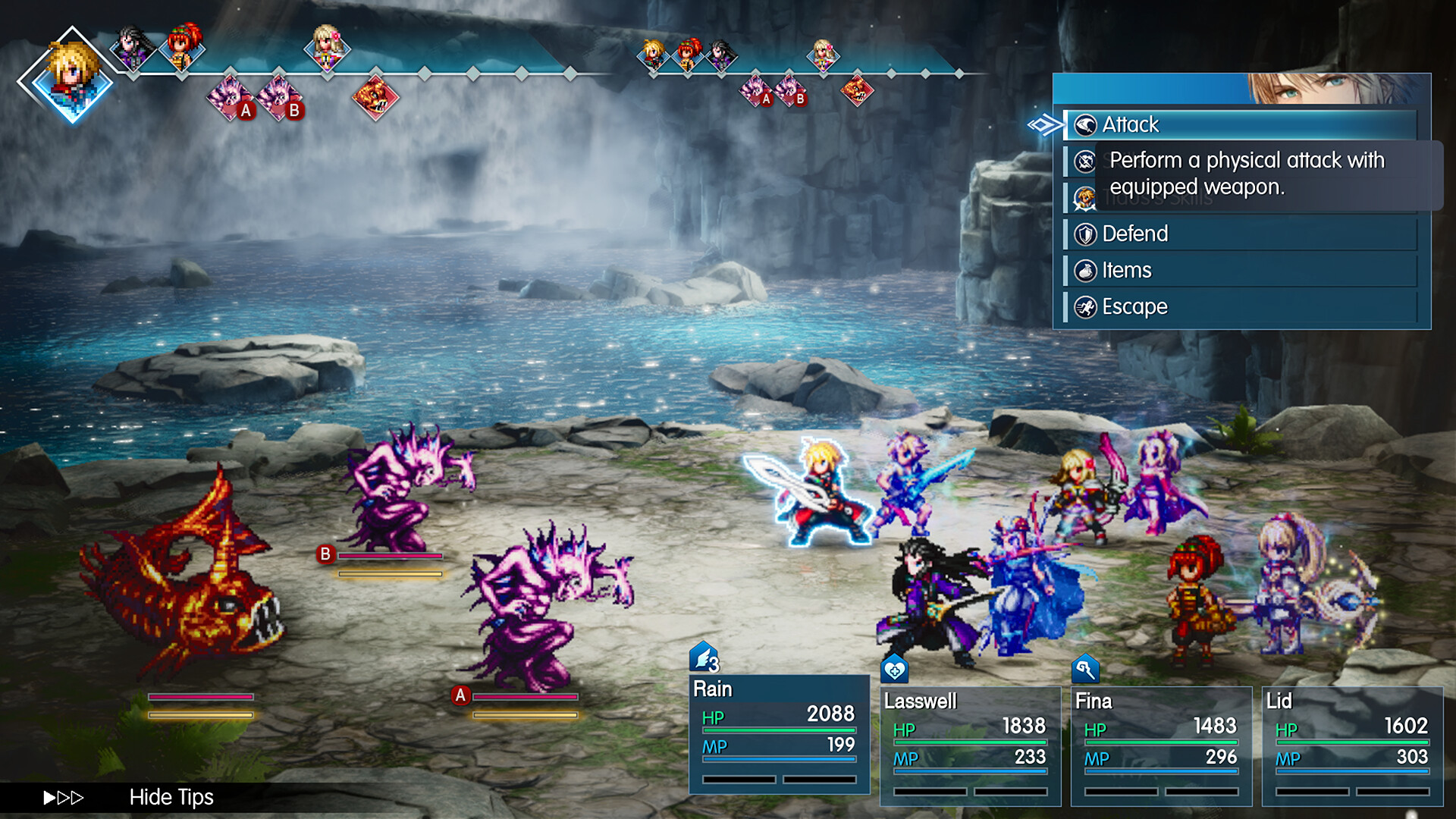

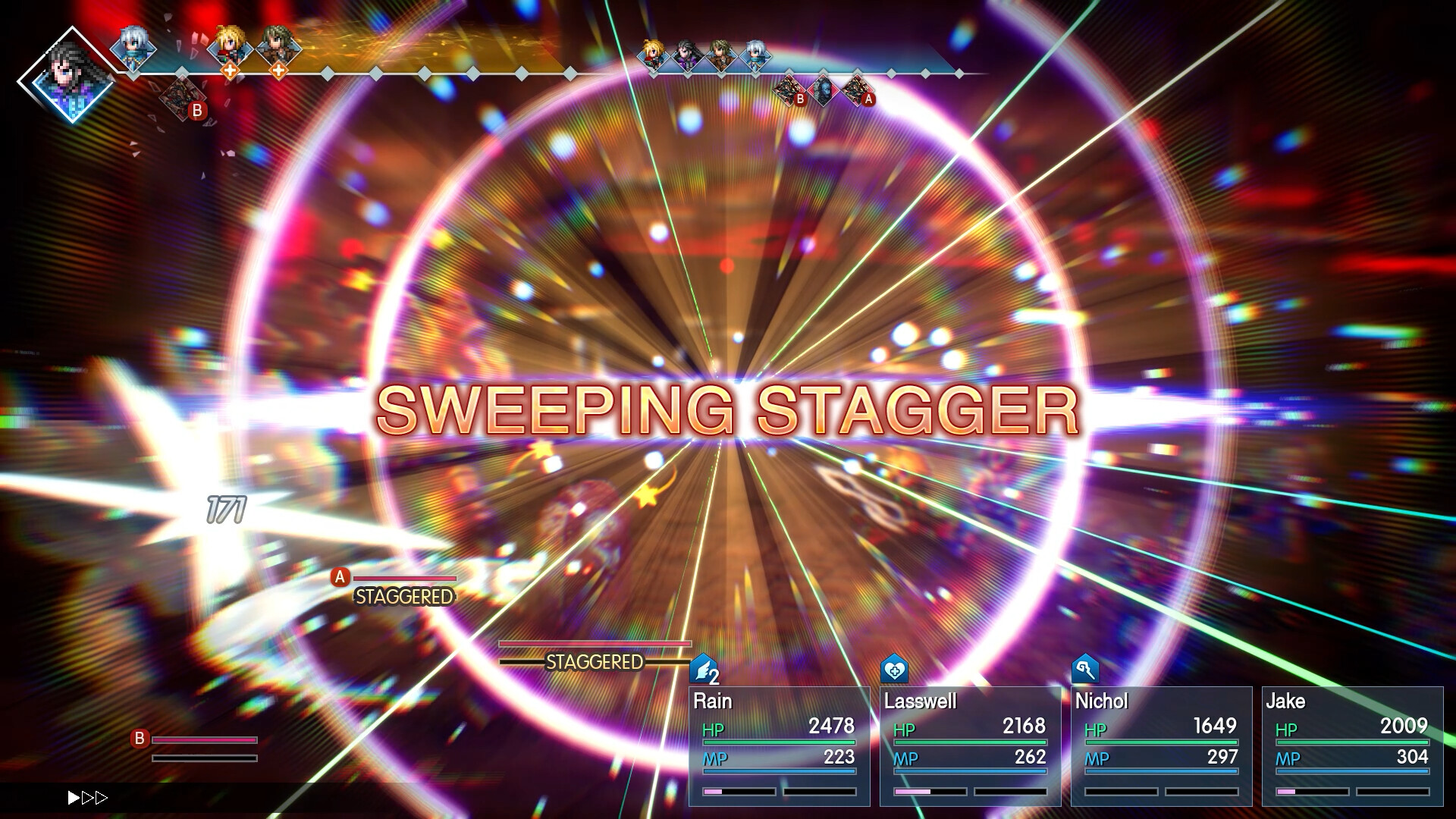

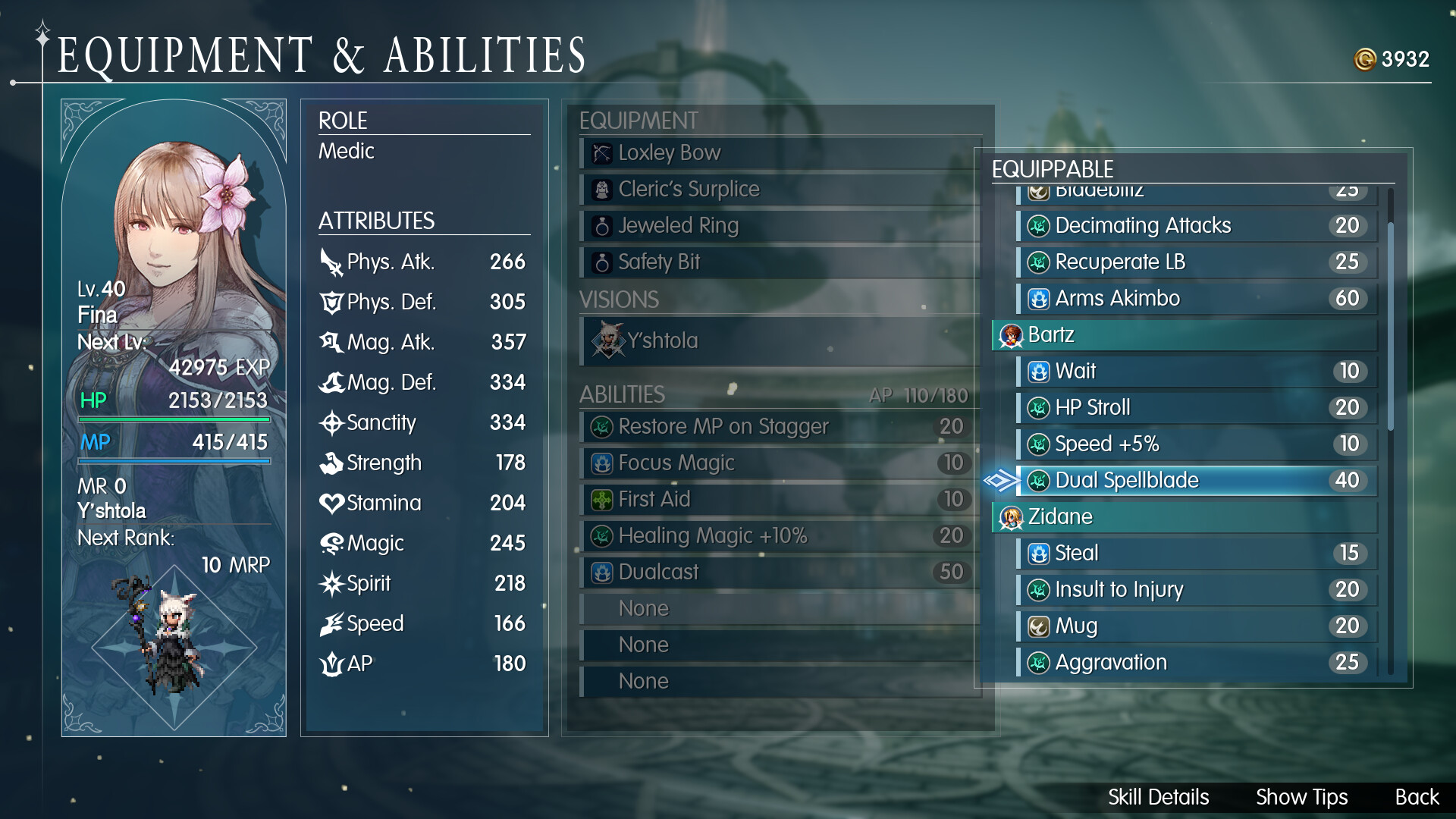

How Final Fantasy Resonance runs on your Mac, from our performance model and player reports.
See exactly how Final Fantasy Resonance will run on your Mac
Pick your chip and RAM for a personalised estimate.
Final Fantasy Resonance has no Mac version. GeForce NOW added it on its 22 October 2026 release day, so buy it on Steam and stream it. It is a pixel art game with low requirements, so CrossOver is likely to work, but there are no Mac reports yet.
Here are all the options available, ranked by what we recommend first.
Needs 25+ Mbps internet, wired ideal.
Full Windows 11 ARM inside macOS.
How each supported method stacks up on setup effort, time and runtime overhead.
Live prices compared across trusted PC key sellers — updates every few hours.
Loading per-platform notes…
Idiot-proof walkthroughs for every method.
Streaming Final Fantasy Resonance through GeForce NOW is the fastest way to start playing on a Mac — there's nothing to install, no Windows VM, no compatibility layer. The game runs on a remote GPU and your Mac just receives the video, which means even a base M1 MacBook Air can play the most demanding AAA titles at high settings. The tradeoff is that you need a stable internet connection (ideally wired or 5GHz Wi-Fi with 25+ Mbps down) and a subscription.
Using Parallels to play Final Fantasy Resonance means running a full copy of Windows 11 ARM inside macOS. This is the most "it just works" approach for games that don't behave under CrossOver, and DirectX 11 is hardware-accelerated. You'll need a Windows license and roughly 80 GB of disk space.
For most Mac players the best way to play Final Fantasy Resonance is streaming it through GeForce NOW. Needs 25+ Mbps internet, wired ideal.
| Method | Quality | Difficulty | Cost |
|---|---|---|---|
| GeForce NOWPick | Estimate | Easy | Free tier / $9.99+ per month |
| Parallels | Estimate | Medium | $99/year + Windows licence |
Share what worked for you running Final Fantasy Resonance on Mac.
Loading comments…