
How to play Expeditions: A MudRunner Game on Mac
Not officially supported, and we have no verified way to run it on a Mac.
Overall rating: Not enough votes yet
Not officially supported, and we have no verified way to run it on a Mac.
Expeditions: A MudRunner Game
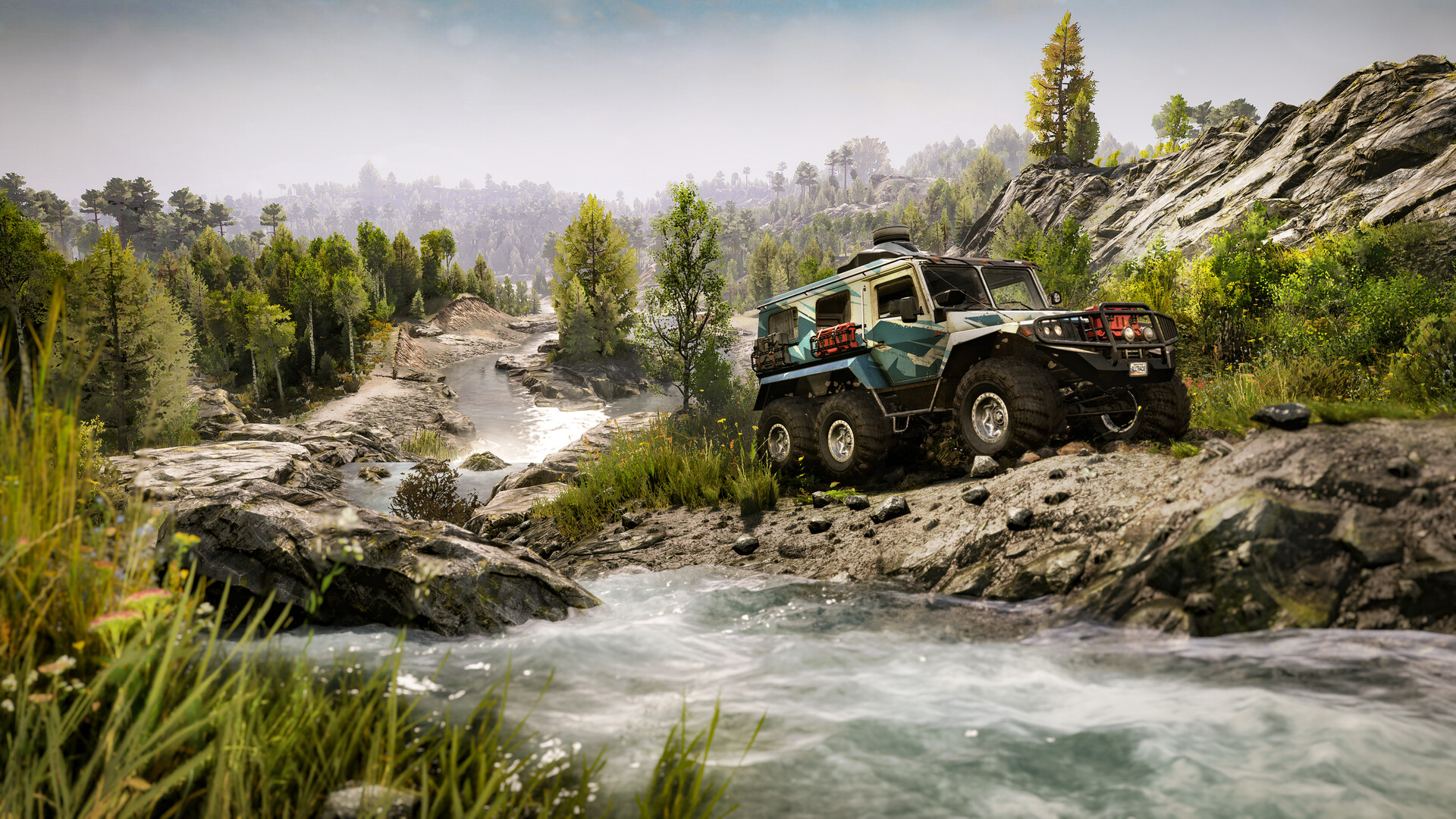
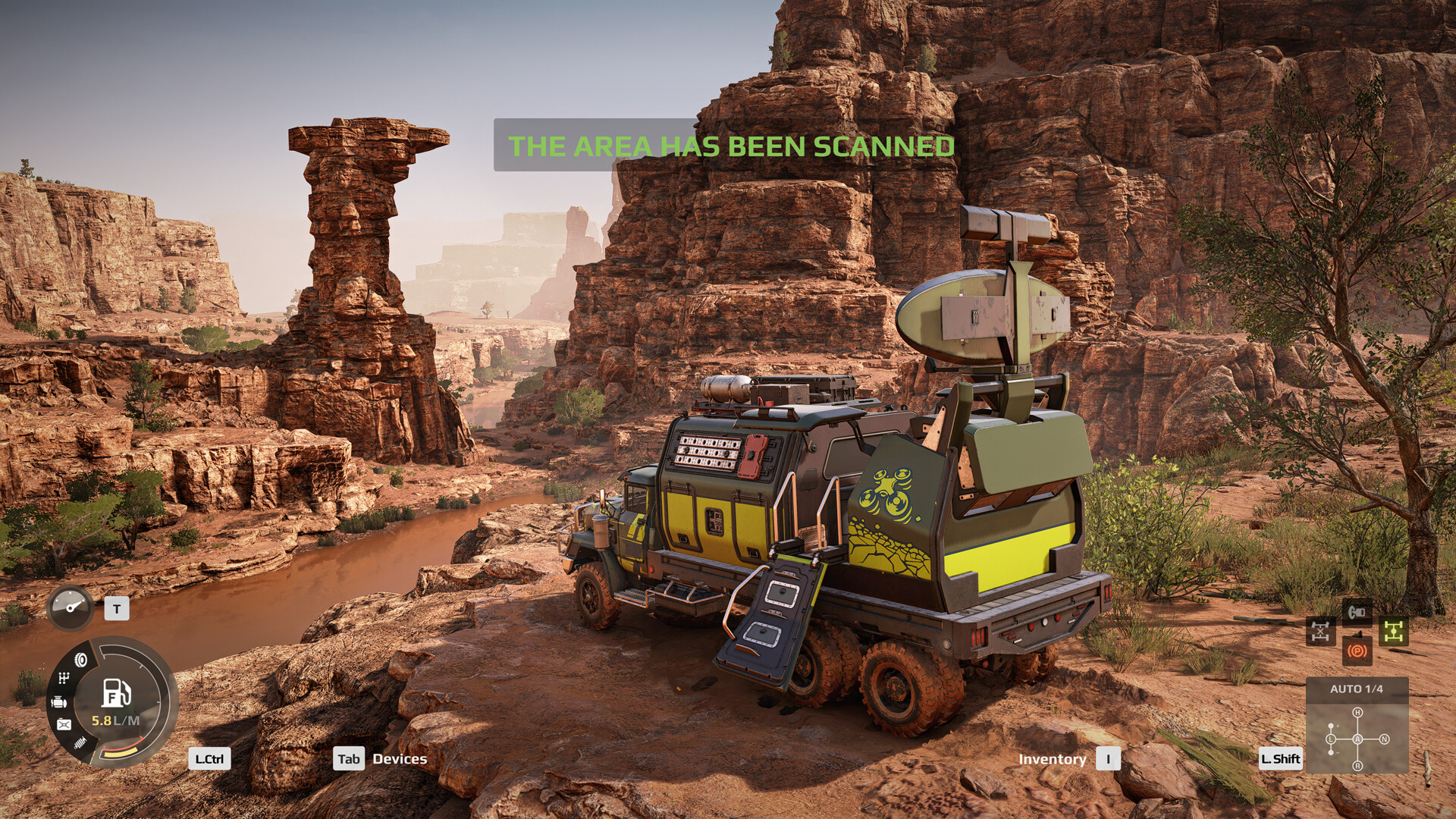
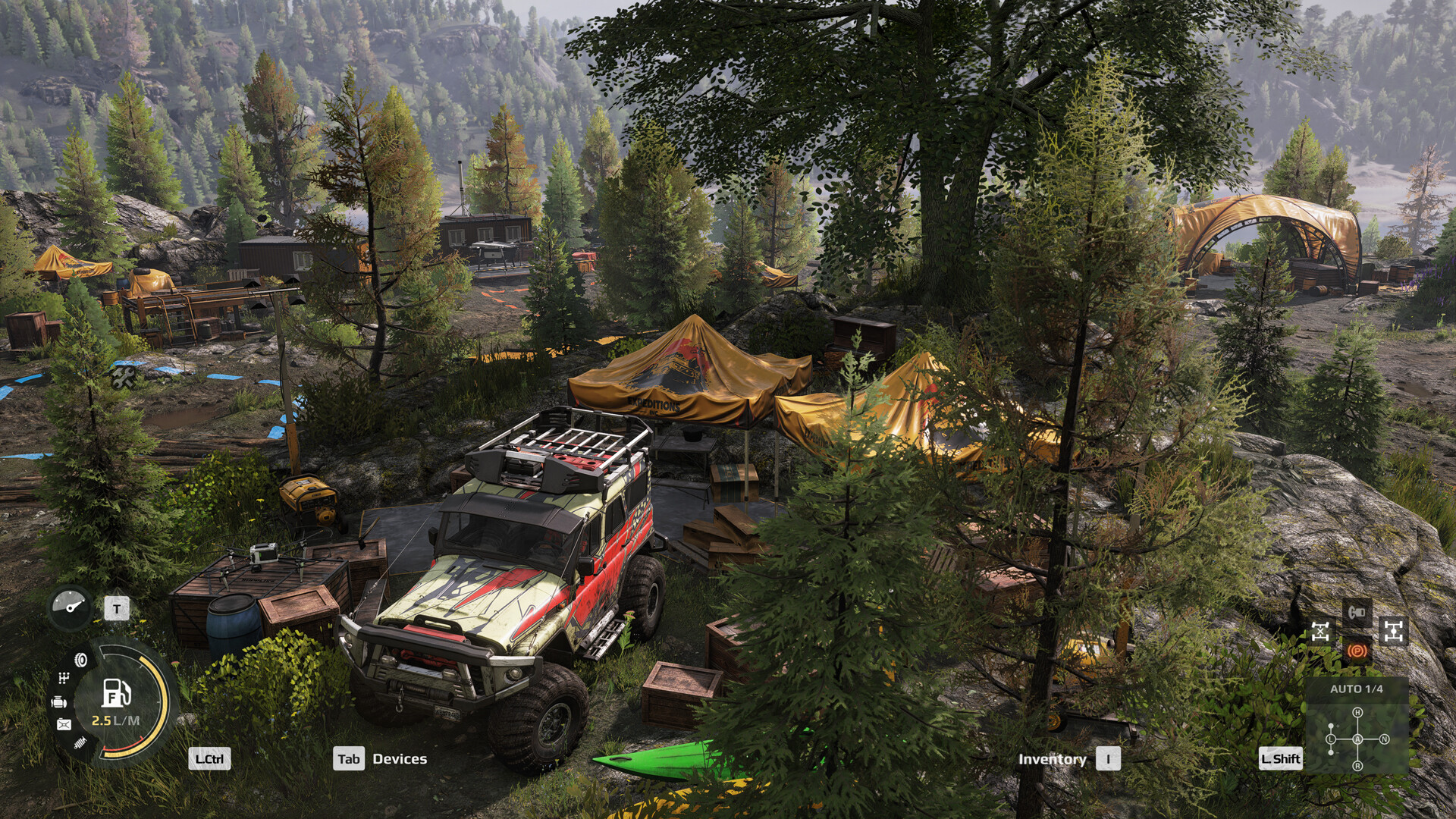
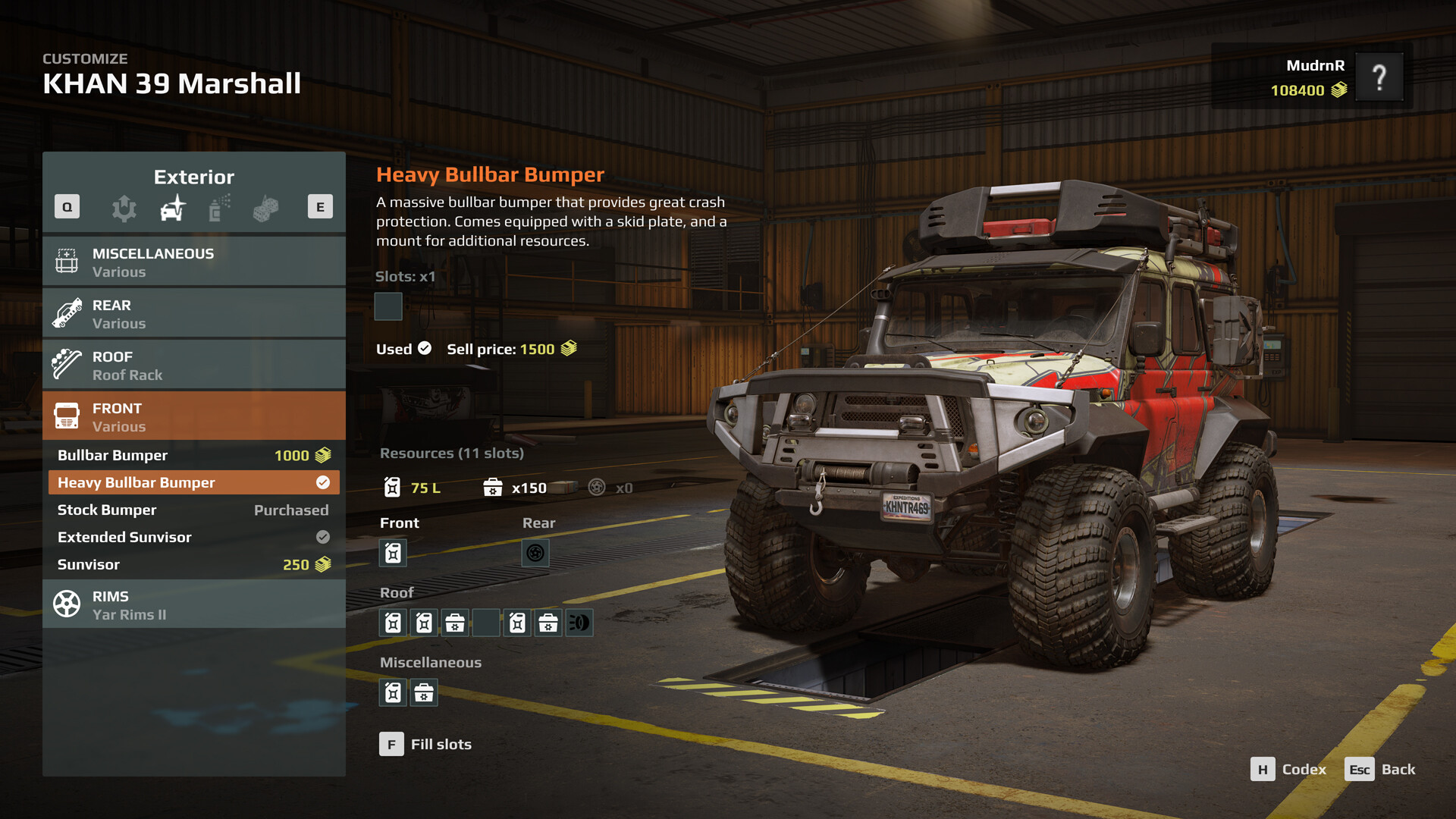
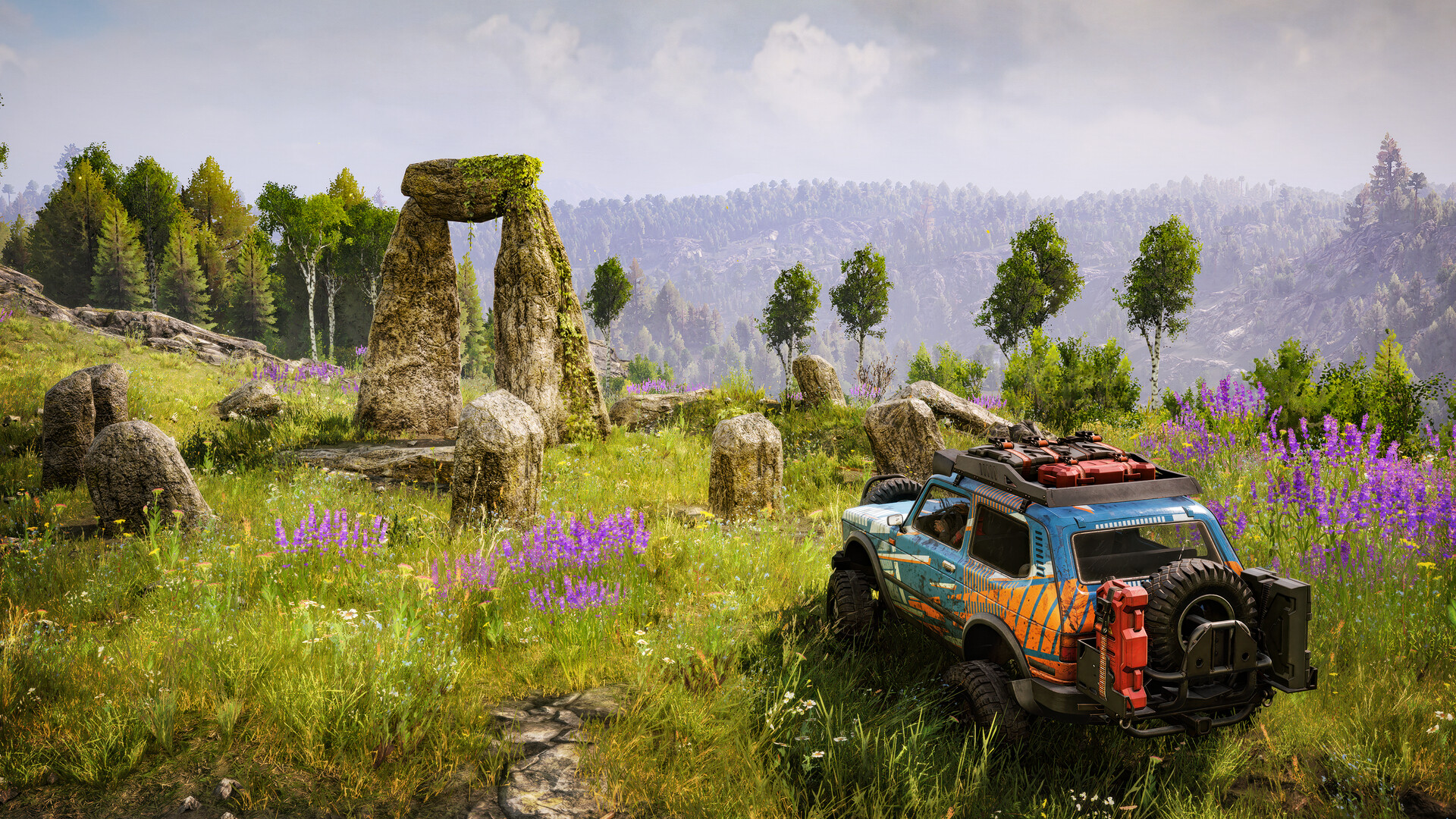
Embark on scientific expeditions with this new off-road adventure game. Lead research missions as you drive a variety of all-terrain vehicles, using high-tech tools and managing your camp and crew to ensure your success in the wild.
Expeditions is currently unsupported natively and runs poorly through local translation layers; cloud gaming via GeForce NOW is the only stable way to experience the high-fidelity physics.

What the world thinks
Expeditions is currently unsupported natively and runs poorly through local translation layers; cloud gaming via GeForce NOW is the only stable way to experience the high-fidelity physics.
Want to play Expeditions: A MudRunner Game on Mac?
Expeditions: A MudRunner Game is currently unplayable due to developer anti-cheat restrictions. Enter your email below, and we'll instantly ping you the exact split-second a compatibility patch or CrossOver update changes this status.
Comments
Share what worked for you running Expeditions: A MudRunner Game on Mac.
Loading comments…