Native
Runs directly on Apple Silicon — no extra software.
Difficulty: EasyCost: Free (with GFN) - $19.99 (estimated)Excellent

Unknown · 2026
Runs natively on Apple Silicon, no extra software needed.
Overall rating: Runs great on Mac · 100% of 1 players say it runs well
Runs natively on Apple Silicon, no extra software needed.
Die in the Dungeon has a native Apple Silicon build — full Metal acceleration, best battery life, zero faff.
| Method | Quality | Difficulty | Cost | |
|---|---|---|---|---|
| NativePick | Excellent | Easy | Game price only | |
| GeForce NOW | Estimate | Easy | Free / $9.99 /mo | Get it ↗ |
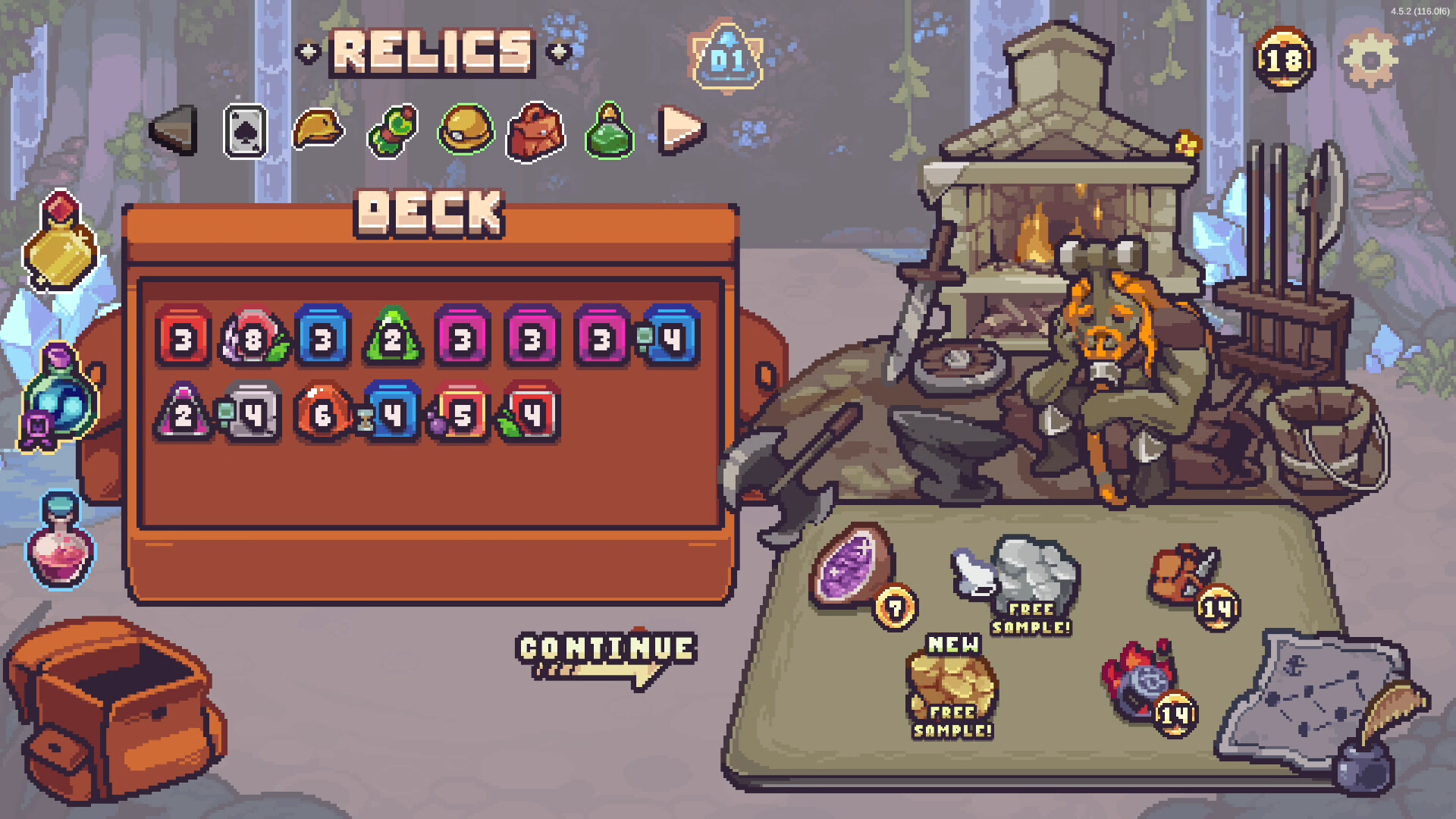
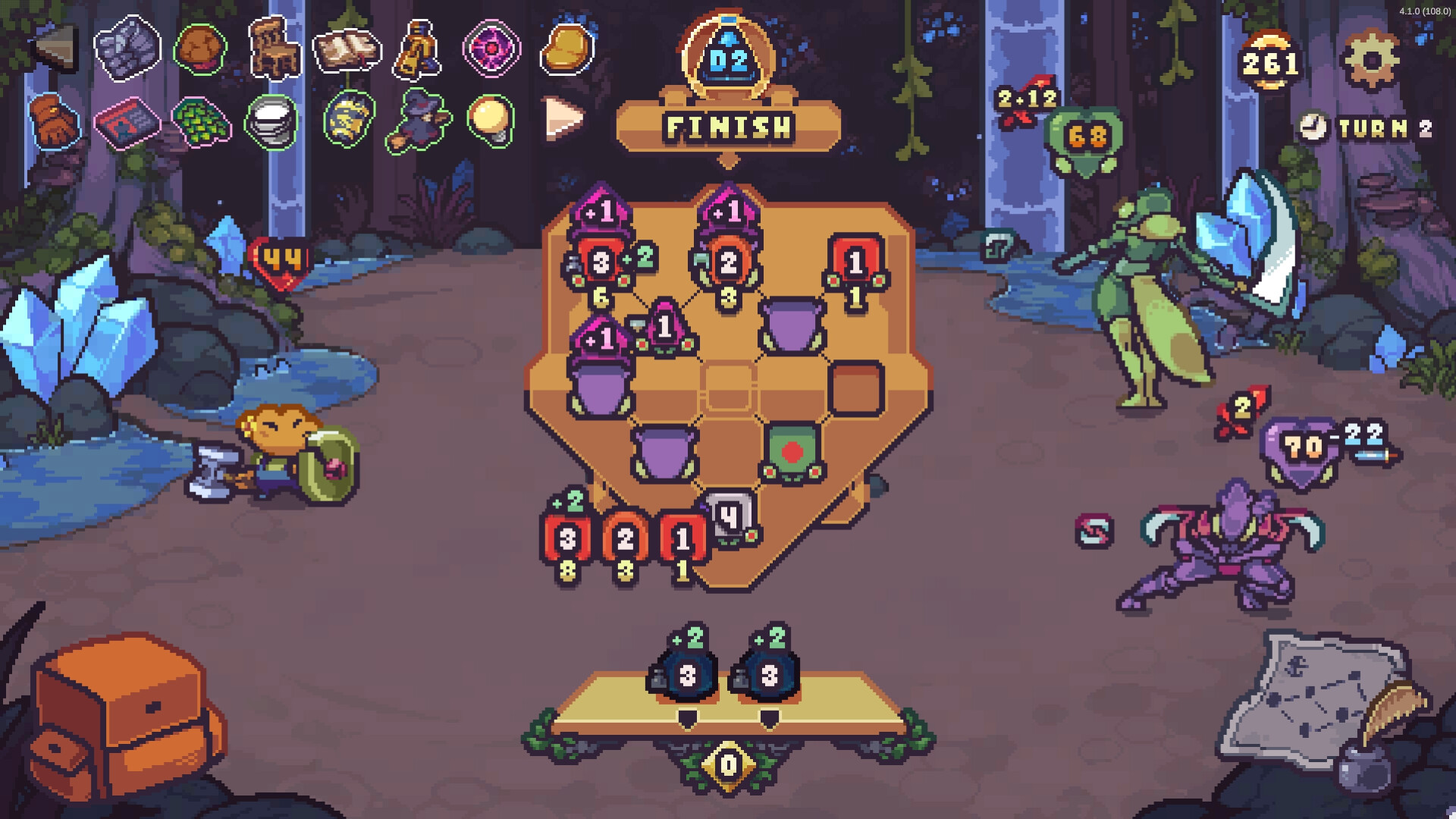
Fight your way through a mysterious dungeon in this deck-building, turn-based roguelike game where you don't use cards, but dice! Deal with enemies by combining powerful dice on your board, boost their effects with magical relics, and risk it all hoping for a good roll on unexpected encounters.
Die in the Dungeon runs excellently on Mac through streaming services or virtualization, with a native version likely to simplify the process significantly by 2026.
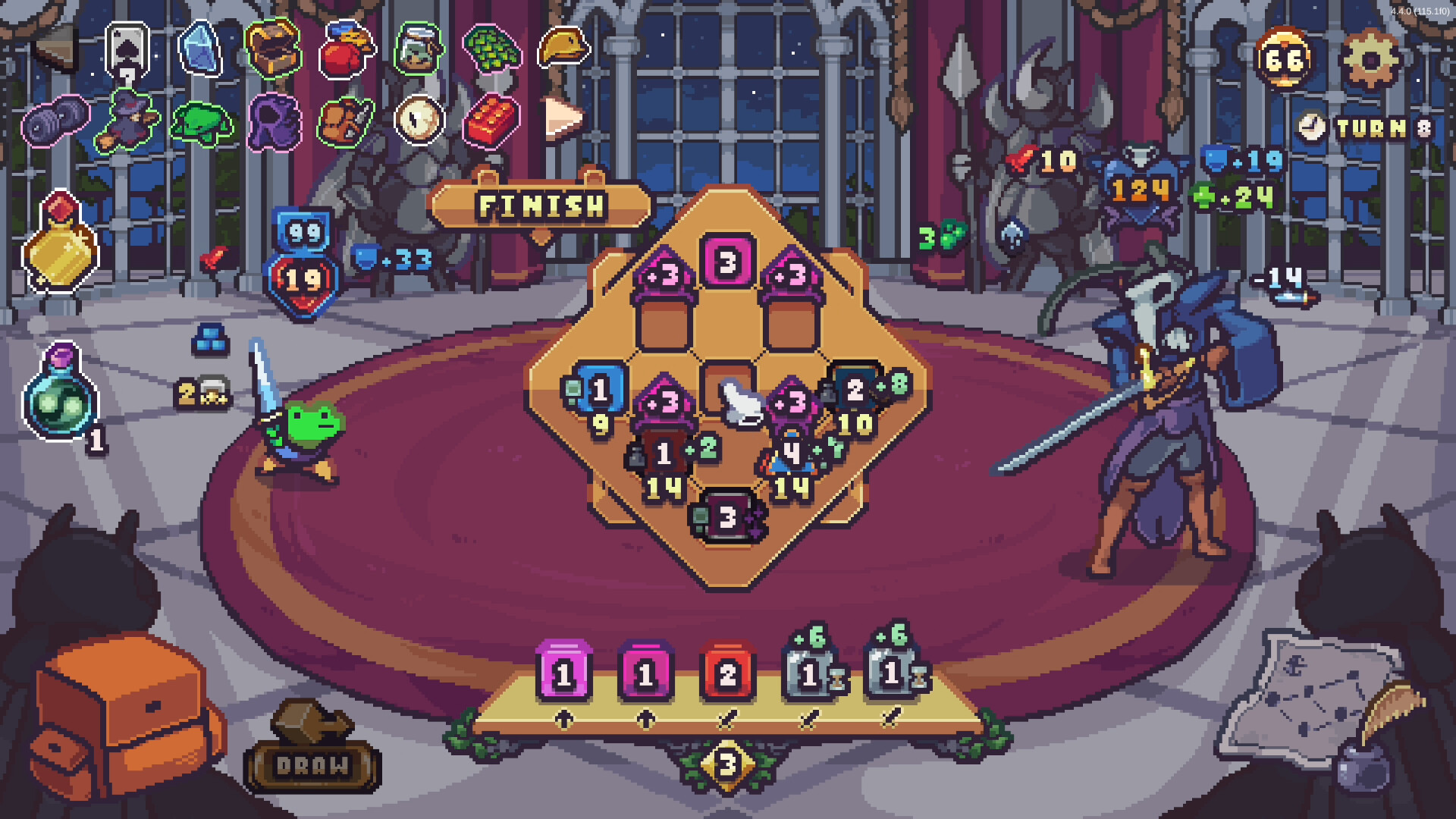
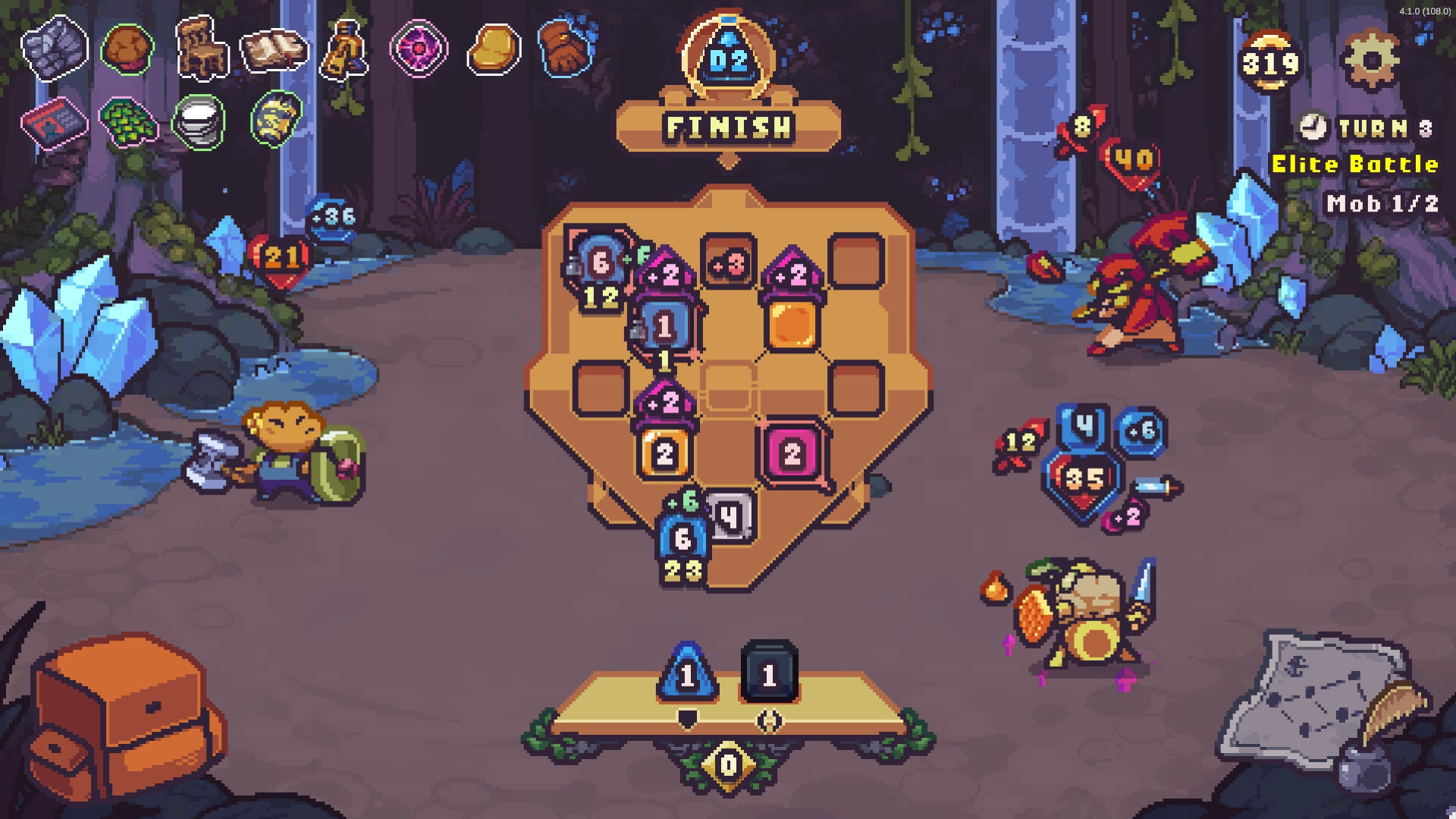
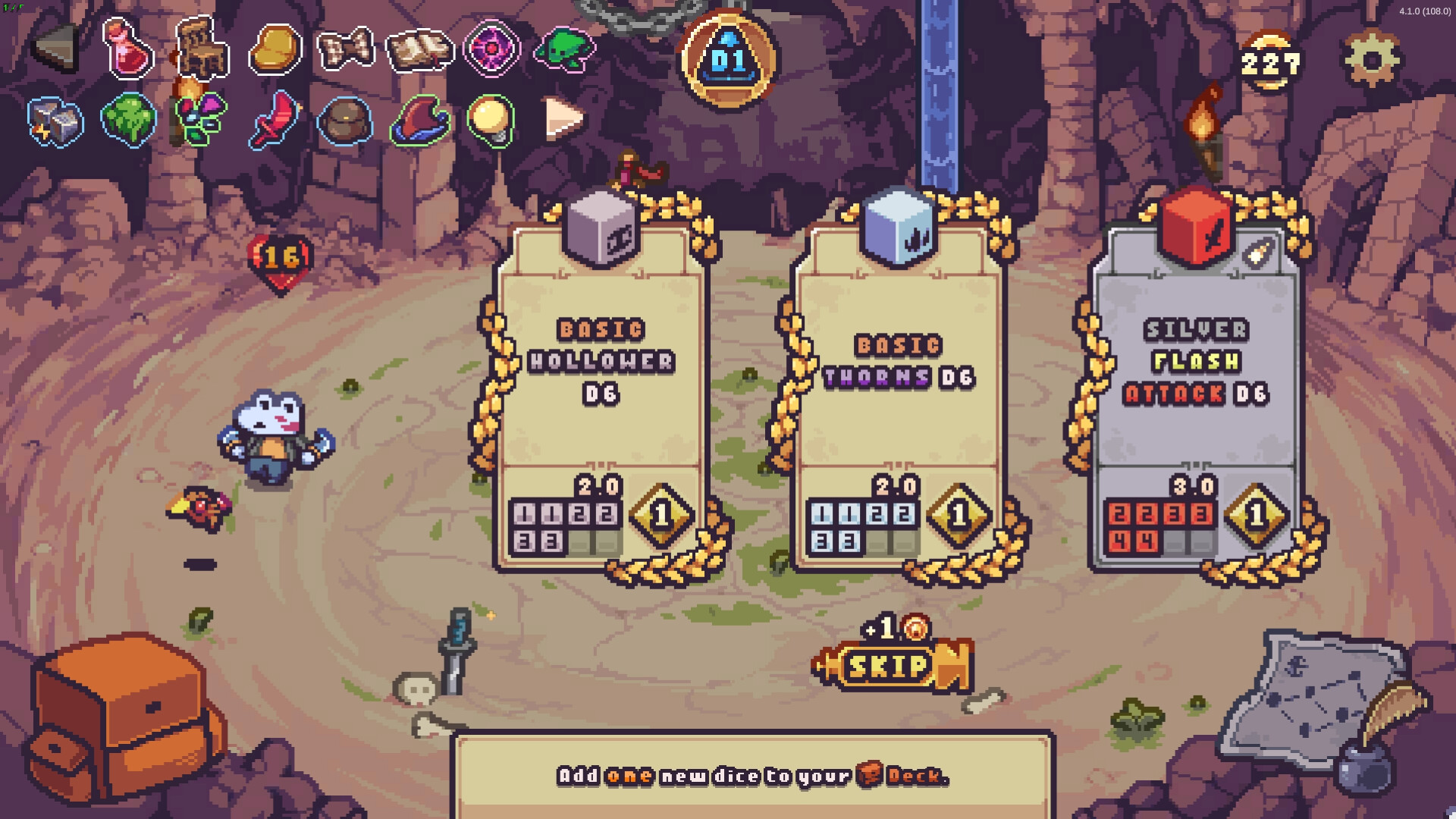
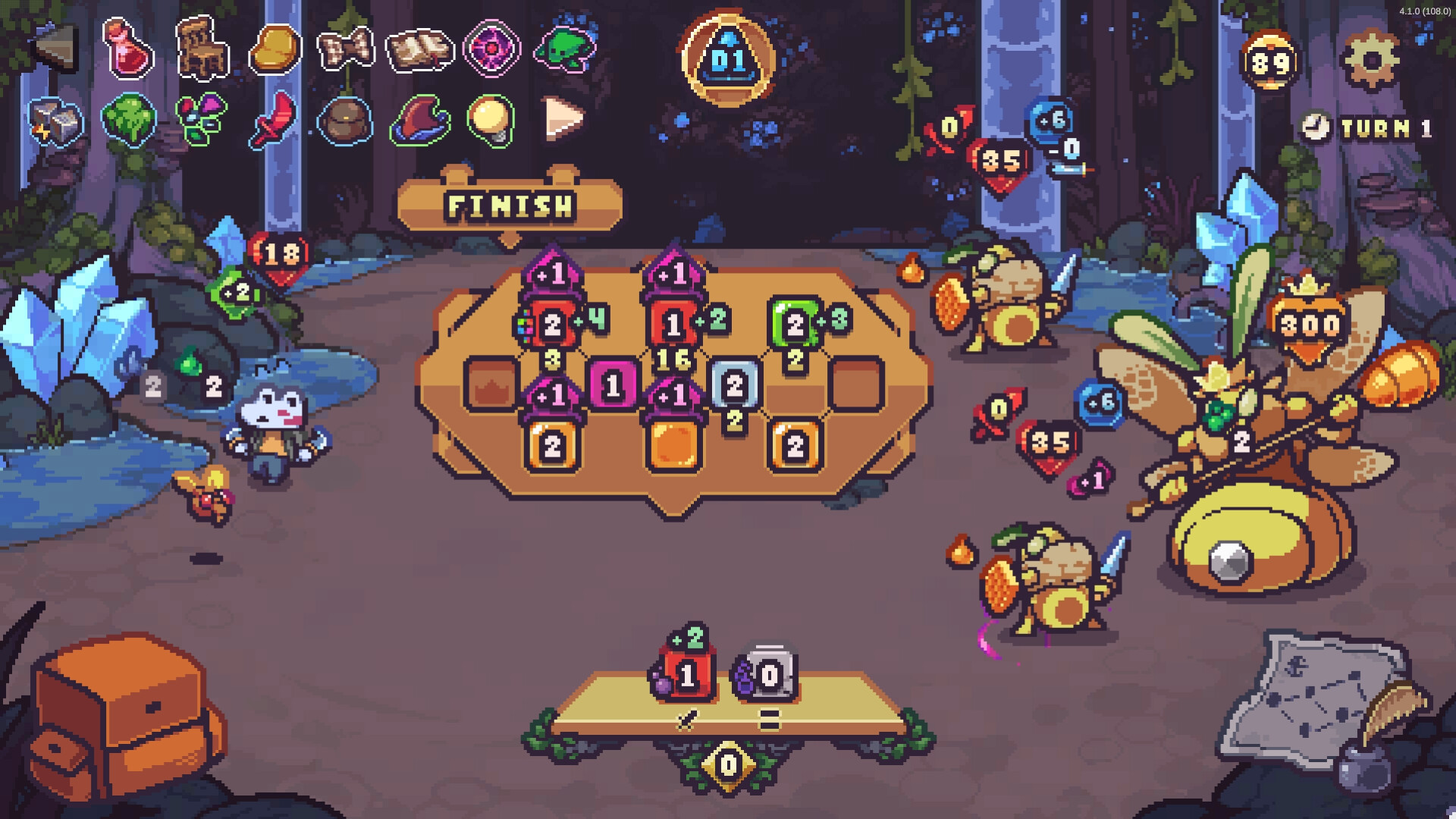
If you prefer playing locally and have the storage space, the Windows version runs exceptionally well through Parallels.
How Die in the Dungeon runs on your Mac, from our performance model and player reports.
See exactly how Die in the Dungeon will run on your Mac
Pick your chip and RAM for a personalised estimate.
Die in the Dungeon runs excellently on Mac through streaming services or virtualization, with a native version likely to simplify the process significantly by 2026.
Here are all the options available, ranked by what we recommend first.
Runs directly on Apple Silicon — no extra software.
Needs 25+ Mbps internet, wired ideal.
How each supported method stacks up on setup effort, time and runtime overhead.
Live prices compared across trusted PC key sellers — updates every few hours.
Loading per-platform notes…
Idiot-proof walkthroughs for every method.
Die in the Dungeon has a native Apple Silicon build, which is the gold standard for playing on a Mac. You get full Metal acceleration, best battery life, and no compatibility weirdness. Just buy it from the Mac App Store or Steam for Mac and play.
Streaming Die in the Dungeon through GeForce NOW is the fastest way to start playing on a Mac — there's nothing to install, no Windows VM, no compatibility layer. The game runs on a remote GPU and your Mac just receives the video, which means even a base M1 MacBook Air can play the most demanding AAA titles at high settings. The tradeoff is that you need a stable internet connection (ideally wired or 5GHz Wi-Fi with 25+ Mbps down) and a subscription.
Die in the Dungeon has a native Apple Silicon build, so installing it natively is the best way to play it on your Mac. Runs directly on Apple Silicon — no extra software.
| Method | Quality | Difficulty | Cost |
|---|---|---|---|
| NativePick | Excellent | Easy | Game price only |
| GeForce NOW | Estimate | Easy | Free tier / $9.99+ per month |
Share what worked for you running Die in the Dungeon on Mac.
Loading comments…