Boosteroid
Needs 25+ Mbps internet, wired ideal.
Difficulty: EasyCost: €9.89/mo (Boosteroid)Good

Action · 2025
Best played by streaming from the cloud via Boosteroid.
Overall rating: Not enough votes yet
Best played by streaming from the cloud via Boosteroid.
Boosteroid streams Deadly Days: Roadtrip from a high-end remote GPU straight to your Mac. Nothing to install, plays at high settings even on a base M1.
| Method | Quality | Difficulty | Cost | |
|---|---|---|---|---|
| BoosteroidPick | Good | Easy | $9.95 /mo | Get it ↗ |
| Parallels | Estimate | Medium | $99/yr | Get it ↗ |
| GeForce NOW | Estimate | Easy | Free / $9.99 /mo | Get it ↗ |
Heads up: Boosteroid streams the game but doesn't include a copy — you'll still need to own Deadly Days: Roadtrip on a supported store (AllKeyShop).
Loot, shoot, and mow down zombie hordes in this bullet heaven fever dream. Embark on a deadly roadtrip, fuel your bus, decide when to extract – and get that sweet inventory management kick when that new slot in your backpack fits just right.
As a 2025 release without native support, cloud streaming via Boosteroid is currently the only reliable way to play on Mac.
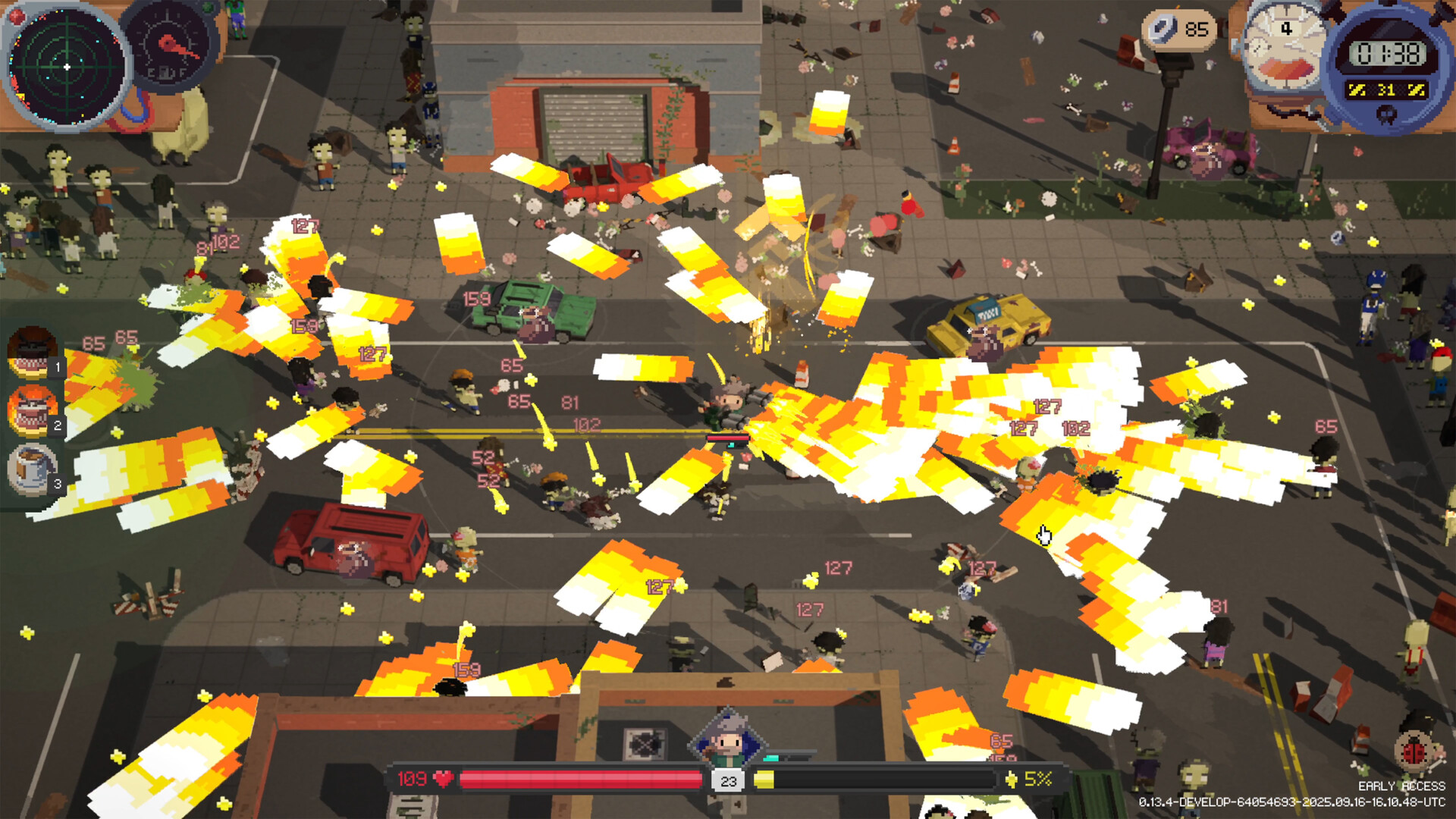


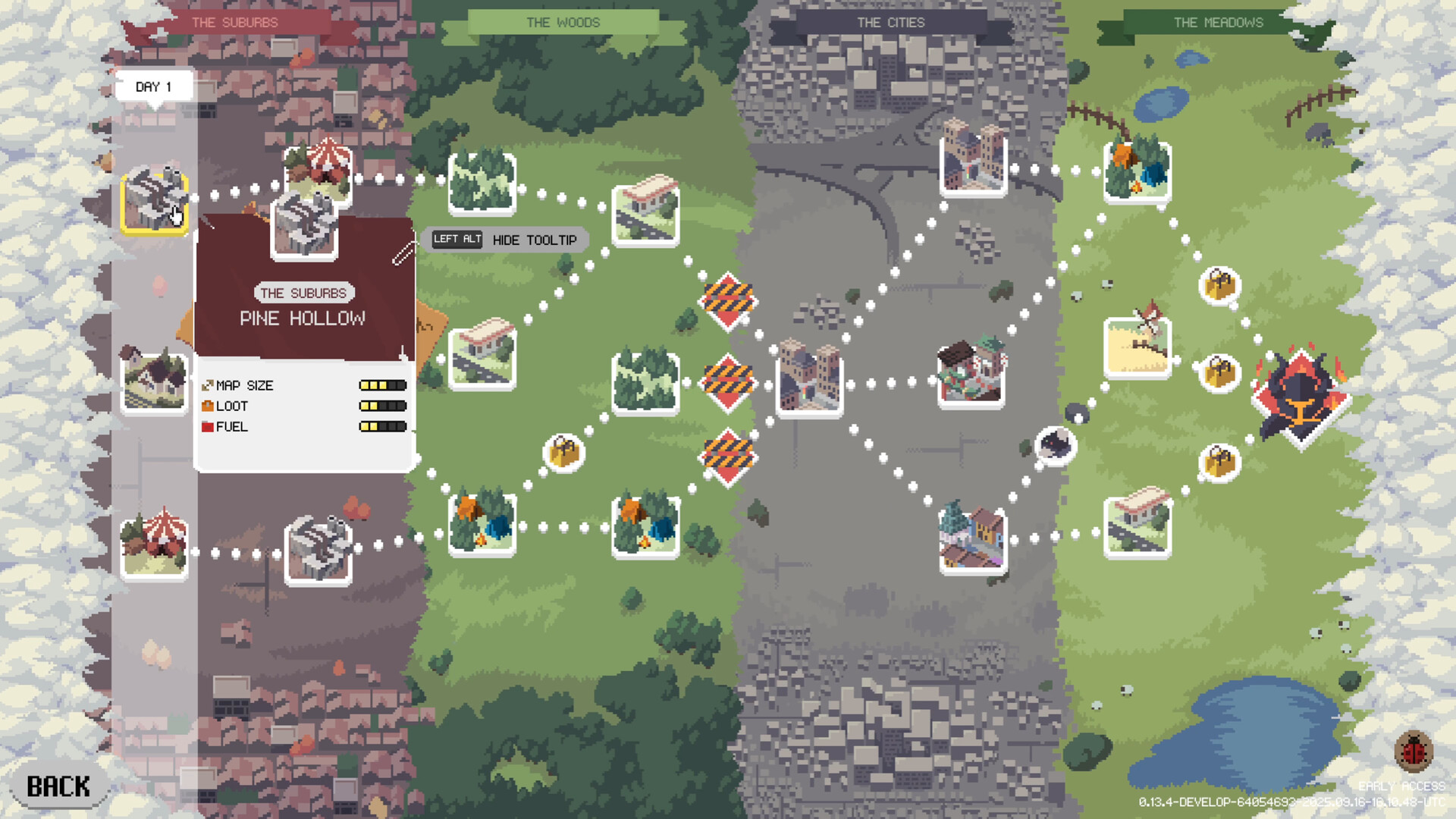


How Deadly Days: Roadtrip runs on your Mac, from our performance model and player reports.
See exactly how Deadly Days: Roadtrip will run on your Mac
Pick your chip and RAM for a personalised estimate.
As a 2025 release without native support, cloud streaming via Boosteroid is currently the only reliable way to play on Mac.
Boosteroid and GeForce NOW are also available for cloud performance on a strong connection.
Needs 25+ Mbps internet, wired ideal.
Full Windows 11 ARM inside macOS.
Needs 25+ Mbps internet, wired ideal.
How each supported method stacks up on setup effort, time and runtime overhead.
Live prices compared across trusted PC key sellers — updates every few hours.
Loading per-platform notes…
Idiot-proof walkthroughs for every method.
Streaming Deadly Days: Roadtrip through Boosteroid is the fastest way to start playing on a Mac — there's nothing to install, no Windows VM, no compatibility layer. The game runs on a remote GPU and your Mac just receives the video, which means even a base M1 MacBook Air can play the most demanding AAA titles at high settings. The tradeoff is that you need a stable internet connection (ideally wired or 5GHz Wi-Fi with 25+ Mbps down) and a subscription.
Using Parallels to play Deadly Days: Roadtrip means running a full copy of Windows 11 ARM inside macOS. This is the most "it just works" approach for games that don't behave under CrossOver, and DirectX 11 is hardware-accelerated. You'll need a Windows license and roughly 80 GB of disk space.
Streaming Deadly Days: Roadtrip through GeForce NOW is the fastest way to start playing on a Mac — there's nothing to install, no Windows VM, no compatibility layer. The game runs on a remote GPU and your Mac just receives the video, which means even a base M1 MacBook Air can play the most demanding AAA titles at high settings. The tradeoff is that you need a stable internet connection (ideally wired or 5GHz Wi-Fi with 25+ Mbps down) and a subscription.
For most Mac players the best way to play Deadly Days: Roadtrip is streaming it through Boosteroid. Needs 25+ Mbps internet, wired ideal.
| Method | Quality | Difficulty | Cost |
|---|---|---|---|
| BoosteroidPick | Good | Easy | $9.95 / month |
| Parallels | Estimate | Medium | $99/year + Windows licence |
| GeForce NOW | Estimate | Easy | Free tier / $9.99+ per month |
Share what worked for you running Deadly Days: Roadtrip on Mac.
Loading comments…