Xbox Cloud Gaming
Needs 25+ Mbps internet, wired ideal.
Difficulty: EasyCost: $7.99 (DLC Only) / $26.98 (Bundle)Good

Platformer · 2022
Best played by streaming from the cloud via Xbox Cloud Gaming.
Overall rating: Not enough votes yet
Best played by streaming from the cloud via Xbox Cloud Gaming.
Stream Cuphead: The Delicious Last Course via Game Pass Ultimate from any browser — no install required.
| Method | Quality | Difficulty | Cost | |
|---|---|---|---|---|
| Xbox Cloud GamingPick | Good | Easy | $16.99 /mo | Get it ↗ |
| Parallels | Estimate | Medium | $99/yr | Get it ↗ |
| GeForce NOW | Estimate | Easy | Free / $9.99 /mo | Get it ↗ |
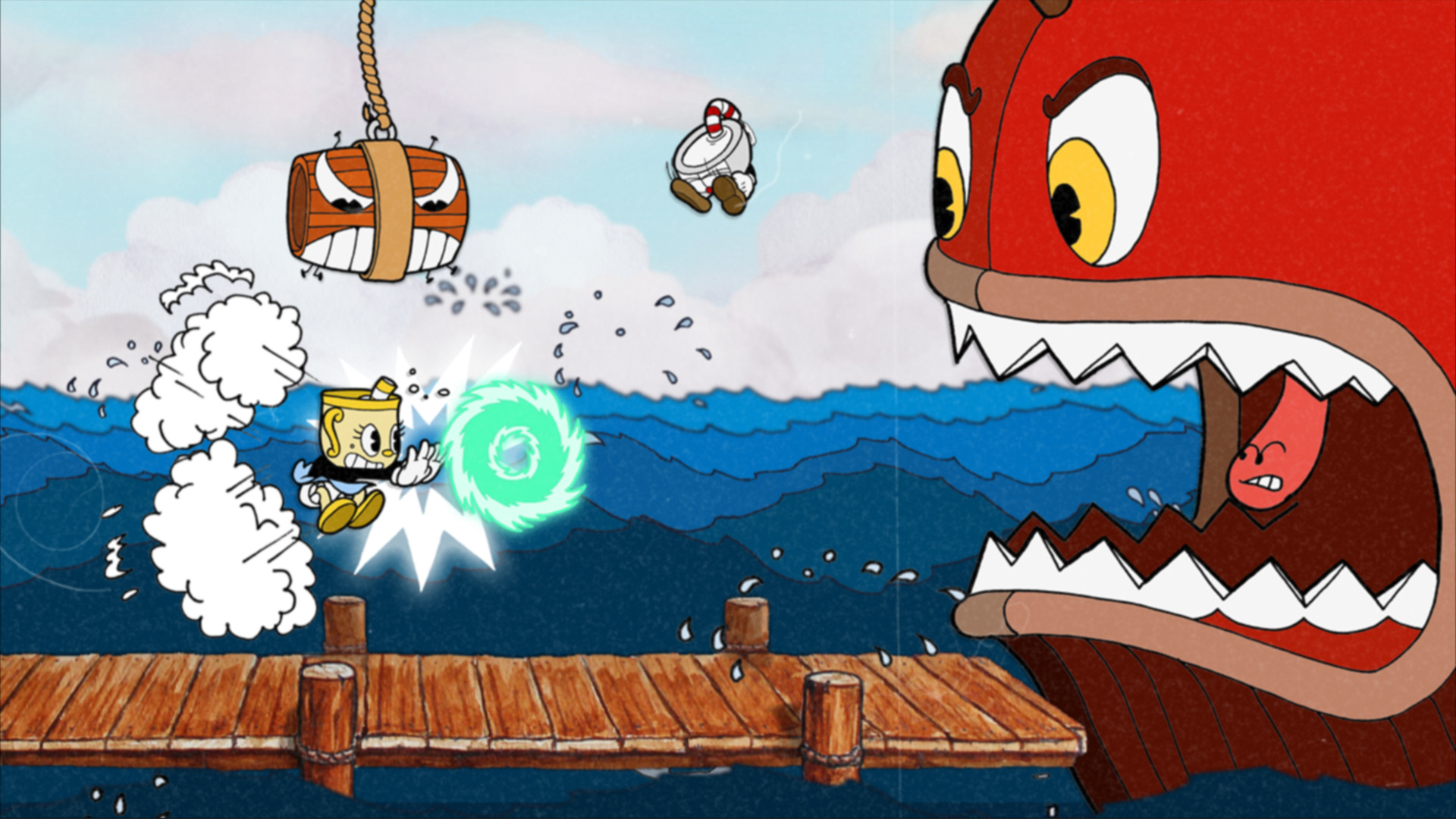
Cuphead and Mugman are joined by Ms. Chalice for a DLC add-on adventure on a brand new island! With new weapons, new charms, and Ms. Chalice's brand new abilities, take on a new cast of multi-faceted, screen-filling bosses to assist Chef Saltbaker in Cuphead's final challenging quest.
Cuphead runs flawlessly on Apple Silicon via a native Intel-Mac build translated by Rosetta 2, offering a perfect 60 FPS experience with full controller support.





How Cuphead: The Delicious Last Course runs on your Mac, from our performance model and player reports.
See exactly how Cuphead: The Delicious Last Course will run on your Mac
Pick your chip and RAM for a personalised estimate.
Cuphead runs flawlessly on Apple Silicon via a native Intel-Mac build translated by Rosetta 2, offering a perfect 60 FPS experience with full controller support.
Xbox Cloud Gaming and GeForce NOW are also available for cloud performance on a strong connection.
Needs 25+ Mbps internet, wired ideal.
Full Windows 11 ARM inside macOS.
Needs 25+ Mbps internet, wired ideal.
How each supported method stacks up on setup effort, time and runtime overhead.
Live prices compared across trusted PC key sellers — updates every few hours.
Loading per-platform notes…
Idiot-proof walkthroughs for every method.
Streaming Cuphead: The Delicious Last Course through Xbox Cloud Gaming is the fastest way to start playing on a Mac — there's nothing to install, no Windows VM, no compatibility layer. The game runs on a remote GPU and your Mac just receives the video, which means even a base M1 MacBook Air can play the most demanding AAA titles at high settings. The tradeoff is that you need a stable internet connection (ideally wired or 5GHz Wi-Fi with 25+ Mbps down) and a subscription.
Using Parallels to play Cuphead: The Delicious Last Course means running a full copy of Windows 11 ARM inside macOS. This is the most "it just works" approach for games that don't behave under CrossOver, and DirectX 11 is hardware-accelerated. You'll need a Windows license and roughly 80 GB of disk space.
Streaming Cuphead: The Delicious Last Course through GeForce NOW is the fastest way to start playing on a Mac — there's nothing to install, no Windows VM, no compatibility layer. The game runs on a remote GPU and your Mac just receives the video, which means even a base M1 MacBook Air can play the most demanding AAA titles at high settings. The tradeoff is that you need a stable internet connection (ideally wired or 5GHz Wi-Fi with 25+ Mbps down) and a subscription.
For most Mac players the best way to play Cuphead: The Delicious Last Course is streaming it through Xbox Cloud Gaming. Needs 25+ Mbps internet, wired ideal.
| Method | Quality | Difficulty | Cost |
|---|---|---|---|
| Xbox Cloud GamingPick | Good | Easy | Game Pass Ultimate subscription |
| Parallels | Estimate | Medium | $99/year + Windows licence |
| GeForce NOW | Estimate | Easy | Free tier / $9.99+ per month |
Share what worked for you running Cuphead: The Delicious Last Course on Mac.
Loading comments…