← Back
Burnout Paradise Remastered cover art
Parallels

How to play Burnout Paradise Remastered on Mac

Racing Β· 2018

Best in a Windows 11 ARM virtual machine via Parallels.

Overall rating: Not enough votes yet

Your setup
Detect your Mac to see whether Burnout Paradise Remastered will run.

Best in a Windows 11 ARM virtual machine via Parallels.

How to run Burnout Paradise Remastered on your Mac in 2026

Best path: Parallels

Should run in a Windows 11 ARM virtual machine (Parallels). This is an estimate β€” not a verified report. Demanding 3D titles may need lower settings.

  • Heads up on Parallels: Estimated compatibility β€” no verified report yet
MethodQualityDifficultyCost
ParallelsPickGoodMedium$99/yrGet it β†—
WhiskyEstimateMediumFreeGet it β†—
GeForce NOWEstimateEasyFree / $9.99 /moGet it β†—

Burnout Paradise Remastered

Burnout Paradise Remastered provides the ultimate driving playground for you and your friends to play online. This remaster includes all add-ons from the Year of Paradise, including the Big Surf Island update, meticulously recreated and ready to wreck in 4K.

Burnout Paradise Remastered runs exceptionally well on Apple Silicon with 60 FPS performance, provided you disable camera permissions to avoid a legacy hardware bug.

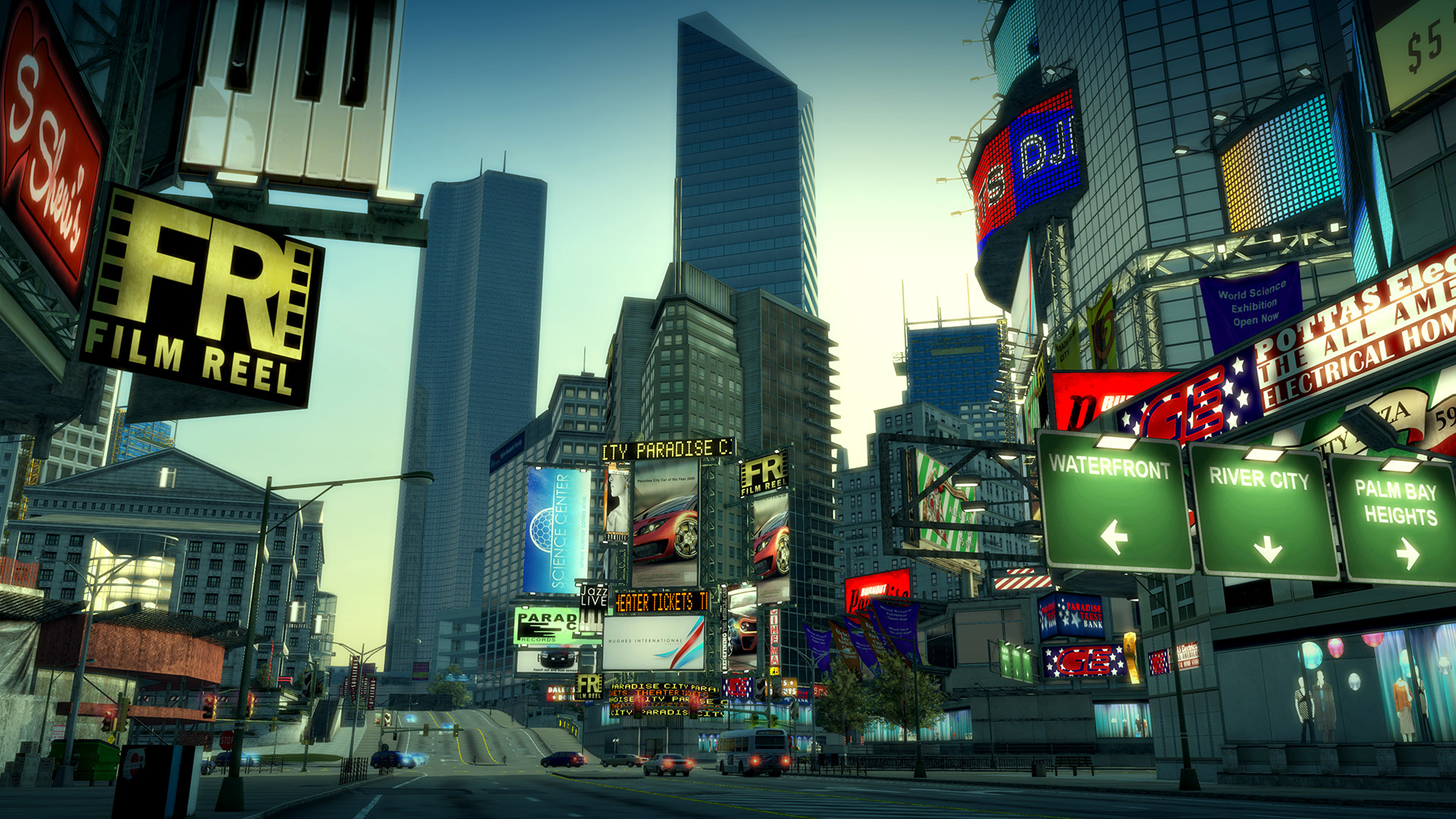
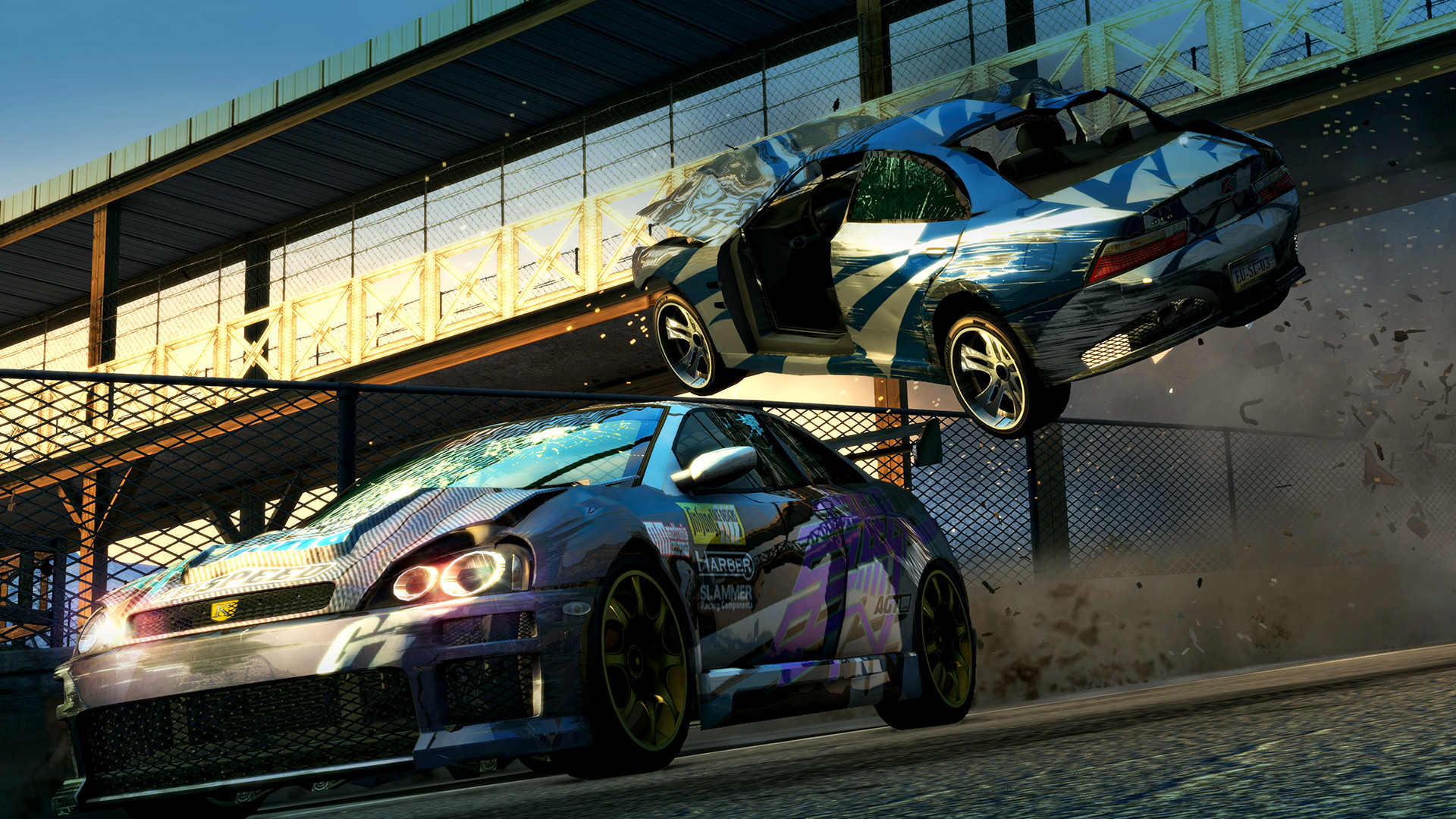
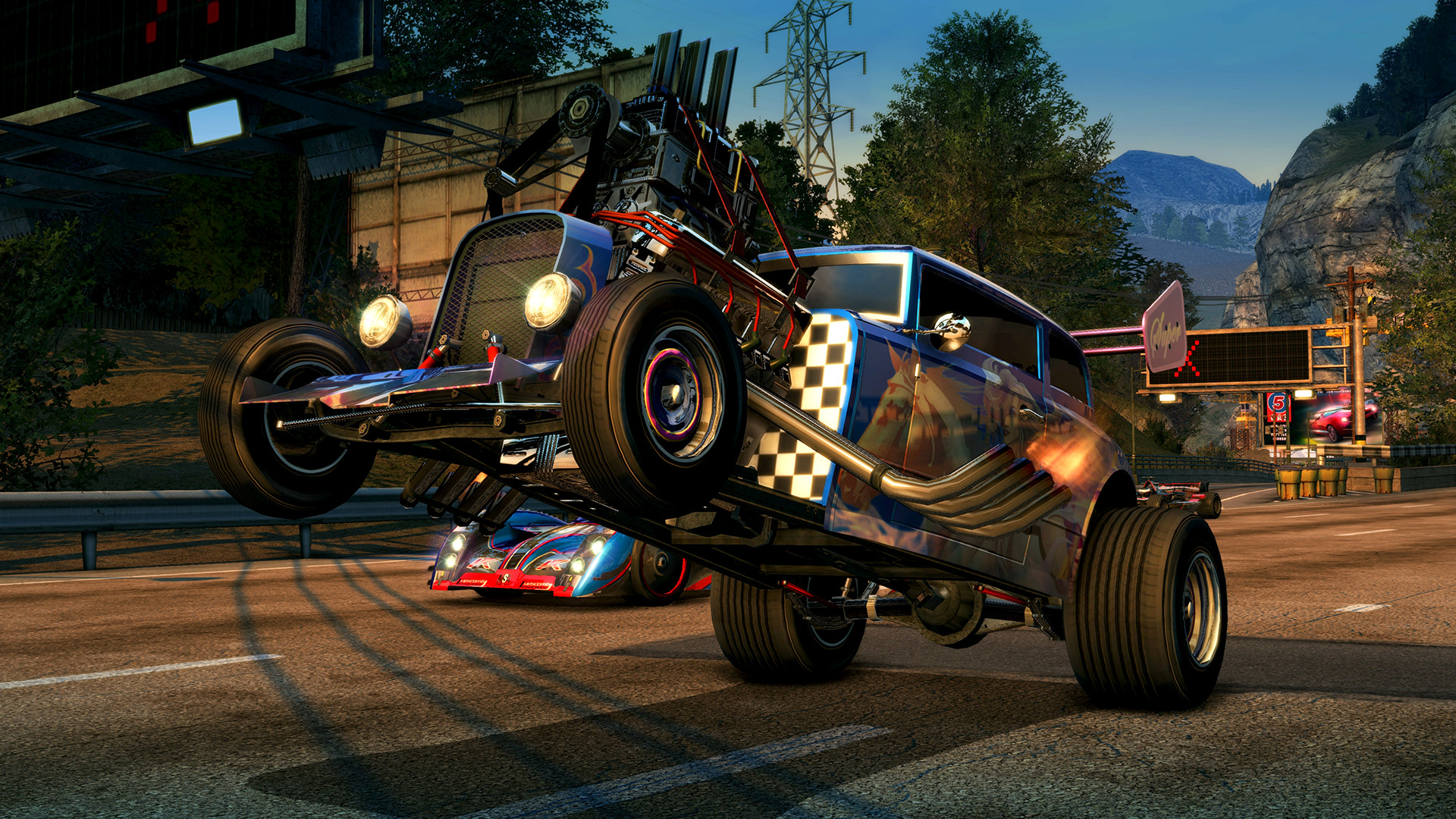
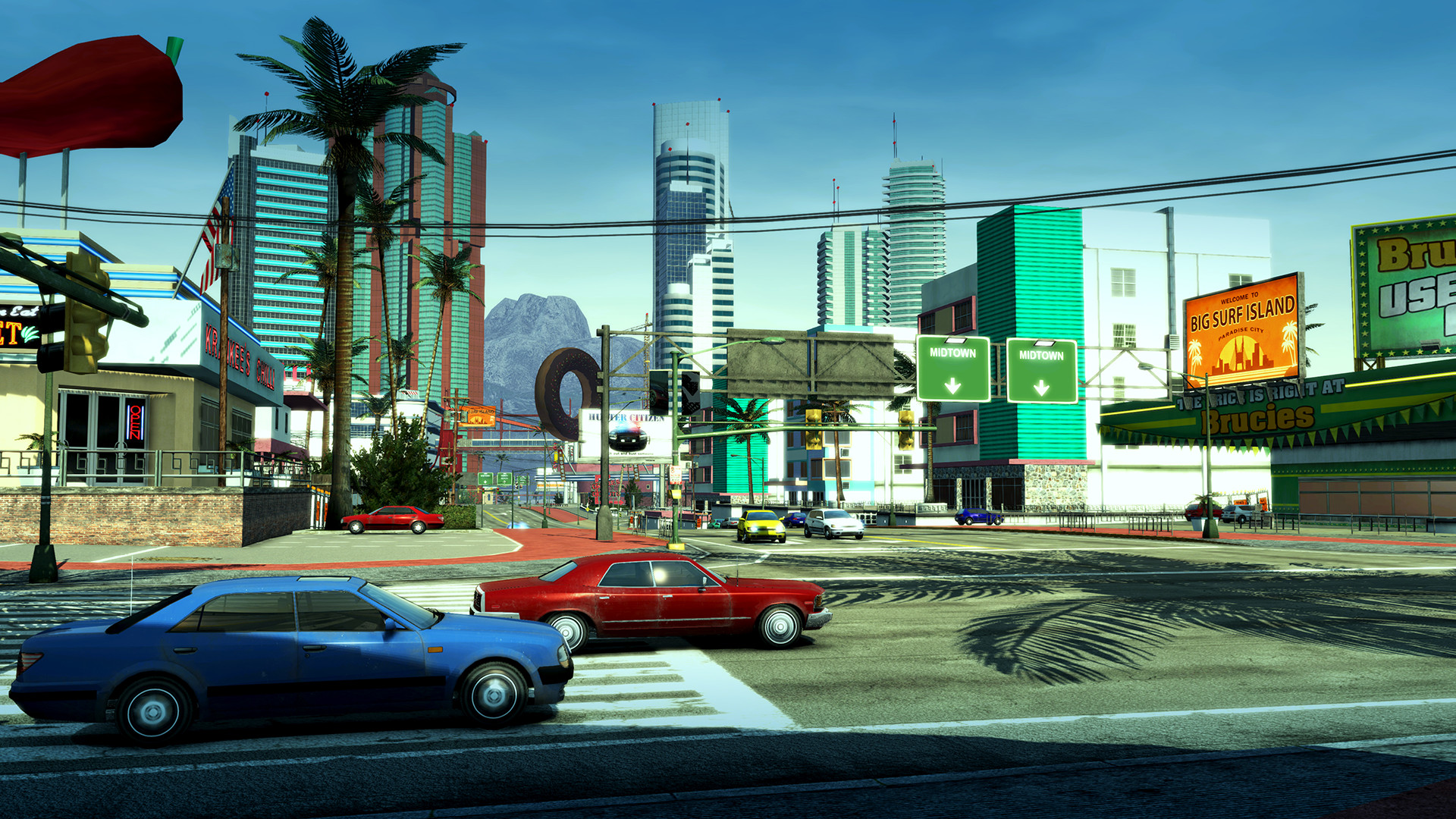
Burnout Paradise Remastered screenshot 1Burnout Paradise Remastered screenshot 2Burnout Paradise Remastered screenshot 3Burnout Paradise Remastered screenshot 4Burnout Paradise Remastered screenshot 5

What the world thinks

  1. Create a Bottle: Open CrossOver and create a new bottle. Name it 'Burnout Paradise' and ensure the type is set to Windows 10 64-bit.
  2. Install the Launcher: Install the EA App (or Steam if you own it there) into this bottle.
  3. Toggle Settings: Before launching the game, click on the bottle settings in the right sidebar. Enable D3DMetal (this uses the Game Porting Toolkit translation layer) and MSAA support if available.
  4. The Webcam Fix: This game has a known bug where it tries to initialize the Mac's FaceTime camera and crashes. You must disable the camera for CrossOver in System Settings > Privacy & Security > Camera or use a third-party tool like 'Onyx' to disable the virtual camera drivers if the game fails to launch.
  5. Launch: Open the EA App/Steam and download the game. Once installed, it should run at a smooth 60 FPS.

Whisky (Free):

Whisky is an excellent free alternative built on top of the Game Porting Toolkit.

  • Create a new Bottle in Whisky.
  • Install the EA App/Steam.
  • Enable Retina Mode in the bottle configuration if you want higher resolutions, though 1080p is recommended for stability.
  • Like CrossOver, you may need to deny Whisky access to the Camera in macOS settings to prevent launch-day crashes.

Performance

How Burnout Paradise Remastered runs on your Mac, from our performance model and player reports.

See exactly how Burnout Paradise Remastered will run on your Mac

Pick your chip and RAM for a personalised estimate.

Best way to play it on Mac

Burnout Paradise Remastered runs exceptionally well on Apple Silicon with 60 FPS performance, provided you disable camera permissions to avoid a legacy hardware bug.
See if this is the right method for your setup

Ways to play Burnout Paradise Remastered on Mac

Here are all the options available, ranked by what we recommend first.

Compare methods at a glance

Lower = better

How each supported method stacks up on setup effort, time and runtime overhead.

  • ParallelsVMTop pick
    Setup
    Moderate
    Time
    30 min
    Overhead
    High
  • GeForce NOWCloud
    Setup
    Simple
    Time
    5 min
    Overhead
    Low
  • WhiskyTranslation
    Setup
    Moderate
    Time
    15 min
    Overhead
    Medium

Where to buy Burnout Paradise Remastered

Live prices compared across trusted PC key sellers β€” updates every few hours.

Platform-by-platform reliability

Loading per-platform notes…

Step-by-step setup guides

Idiot-proof walkthroughs for every method.

How to run Burnout Paradise Remastered on Mac with Parallels

EstimateΒ· Compatibility

Using Parallels to play Burnout Paradise Remastered means running a full copy of Windows 11 ARM inside macOS. This is the most "it just works" approach for games that don't behave under CrossOver, and DirectX 11 is hardware-accelerated. You'll need a Windows license and roughly 80 GB of disk space.

Step-by-step

  1. Buy / start a trial of Parallels Desktop.
  2. Install Windows 11 ARM via the one-click wizard.
  3. Inside Windows, install Steam / Xbox app and Burnout Paradise Remastered.
  4. Enable DirectX 11 in Parallels settings for best 3D performance.

Video proof

Try Parallels Desktop free β†—Affiliate link β€” supports the site at no extra cost.

How to run Burnout Paradise Remastered on Mac with Whisky

EstimateΒ· Compatibility

Running Burnout Paradise Remastered through Whisky translates the game's Windows DirectX calls into Metal on the fly. Performance is impressively close to a native Windows PC on Apple Silicon, and you stay entirely inside macOS β€” no VM, no rebooting. Expect to spend 10–20 minutes on first-time setup.

Step-by-step

  1. Download Whisky (free, requires macOS 14+).
  2. Open Whisky β†’ New Bottle.
  3. Install Steam or your launcher in the bottle.
  4. Install Burnout Paradise Remastered and run it from Whisky.

Video proof

Download Whisky (free) β†—Affiliate link β€” supports the site at no extra cost.

How to run Burnout Paradise Remastered on Mac with GeForce NOW

EstimateΒ· Streaming

Streaming Burnout Paradise Remastered through GeForce NOW is the fastest way to start playing on a Mac β€” there's nothing to install, no Windows VM, no compatibility layer. The game runs on a remote GPU and your Mac just receives the video, which means even a base M1 MacBook Air can play the most demanding AAA titles at high settings. The tradeoff is that you need a stable internet connection (ideally wired or 5GHz Wi-Fi with 25+ Mbps down) and a subscription.

Step-by-step

  1. Sign up at GeForce NOW. The free tier works; Ultimate gives 4K/120fps.
  2. Download the GeForce NOW Mac app (Apple Silicon native).
  3. Link your Steam / Epic / Xbox account that owns Burnout Paradise Remastered.
  4. Search the title in the app and click Play.

Video proof

Start playing on GeForce NOW β†—Affiliate link β€” supports the site at no extra cost.

Our recommendation

For most Mac players we recommend Parallels as the fastest, smoothest way to play Burnout Paradise Remastered. Full Windows 11 ARM inside macOS.

MethodQualityDifficultyCost
ParallelsPickGoodMedium$99/year + Windows licence
WhiskyEstimateMediumFree
GeForce NOWEstimateEasyFree tier / $9.99+ per month
Try Parallels Desktop free

Comments

Share what worked for you running Burnout Paradise Remastered on Mac.

Be kind. No spam.

Loading comments…

Frequently asked questions