
← Back
Blasphemous cover art
Rosetta

How to play Blasphemous on Mac

· 2019

Not officially supported, but there are workarounds below.

Overall rating: Runs great on Mac · 100% of 2 players say it runs well

Your setup
Detect your Mac to see whether Blasphemous will run.

Not officially supported, but there are workarounds below.

How to run Blasphemous on your Mac in 2026

Best path: Native Mac build

Blasphemous has a native Apple Silicon build — full Metal acceleration, best battery life, zero faff.

MethodQualityDifficultyCost
NativePickExcellentEasyGame price only

Blasphemous

77
Metacritic
10.0
Metacritic Users

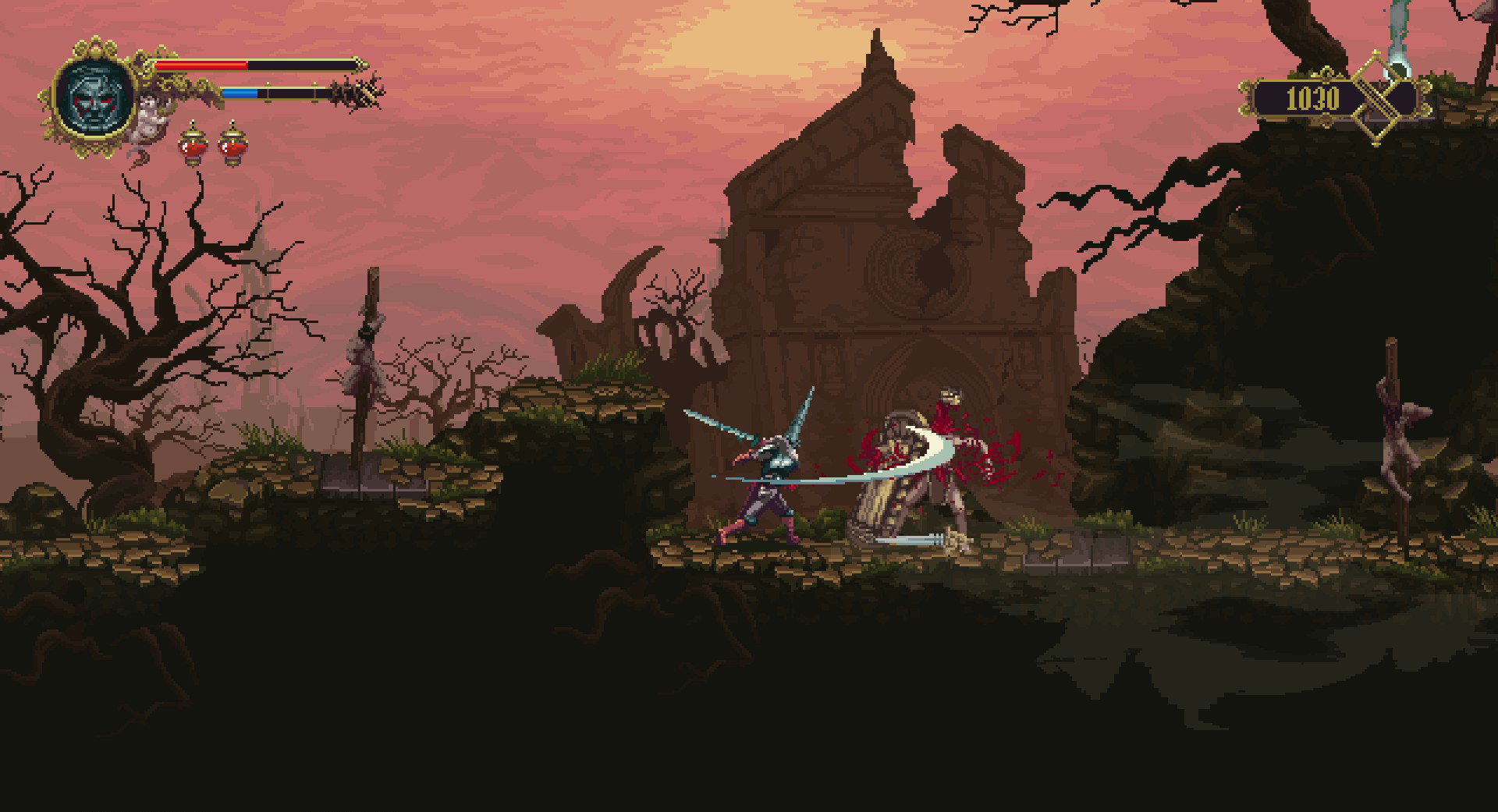
Explore the grotesque and repentant land of Cvstodia as the Penitent One, a warrior adorned in spikes. This brutal action-platformer blends challenging combat and grim religious themes with a Metroidvania structure.

The Mac build is Intel-only (x86_64) and runs on Apple Silicon through Rosetta 2 translation — it's a Mac app, but not a true arm64 native one. Expect a ~10–15% performance tax versus a real native port.


What the world thinks

Performance

How Blasphemous runs on your Mac, from our performance model and player reports.

See exactly how Blasphemous will run on your Mac

Pick your chip and RAM for a personalised estimate.

Best way to play it on Mac

The Mac build is Intel-only (x86_64) and runs on Apple Silicon through Rosetta 2 translation — it's a Mac app, but not a true arm64 native one. Expect a ~10–15% performance tax versus a real native port.
See if this is the right method for your setup

Ways to play Blasphemous on Mac

Here are all the options available, ranked by what we recommend first.

Recommended

Native

Runs directly on Apple Silicon — no extra software.

Difficulty: EasyCost: $24.99Excellent

Compare methods at a glance

Lower = better

How each supported method stacks up on setup effort, time and runtime overhead.

  • NativeNativeTop pick
    Setup
    Simple
    Time
    5 min
    Overhead
    Low

Where to buy Blasphemous

Live prices compared across trusted PC key sellers — updates every few hours.

Platform-by-platform reliability

Loading per-platform notes…

Step-by-step setup guides

Idiot-proof walkthroughs for every method.

How to run Blasphemous on Mac with Native

Excellent· Native

Blasphemous has a native Apple Silicon build, which is the gold standard for playing on a Mac. You get full Metal acceleration, best battery life, and no compatibility weirdness. Just buy it from the Mac App Store or Steam for Mac and play.

Step-by-step

  1. Use the verified store link on this page, or open the store where you already own Blasphemous.
  2. Confirm the product page lists macOS / Apple Silicon support.
  3. Install and launch — no extra tools needed.

Video proof

Our recommendation

For most Mac players we recommend Native as the fastest, smoothest way to play Blasphemous. Runs directly on Apple Silicon — no extra software.

MethodQualityDifficultyCost
NativePickExcellentEasyGame price only

Comments

Share what worked for you running Blasphemous on Mac.

Be kind. No spam.

Loading comments…

Frequently asked questions