How to play Battletoads on Mac
Not officially supported, and we have no verified way to run it on a Mac.
Overall rating: Not enough votes yet
Not officially supported, and we have no verified way to run it on a Mac.
Battletoads
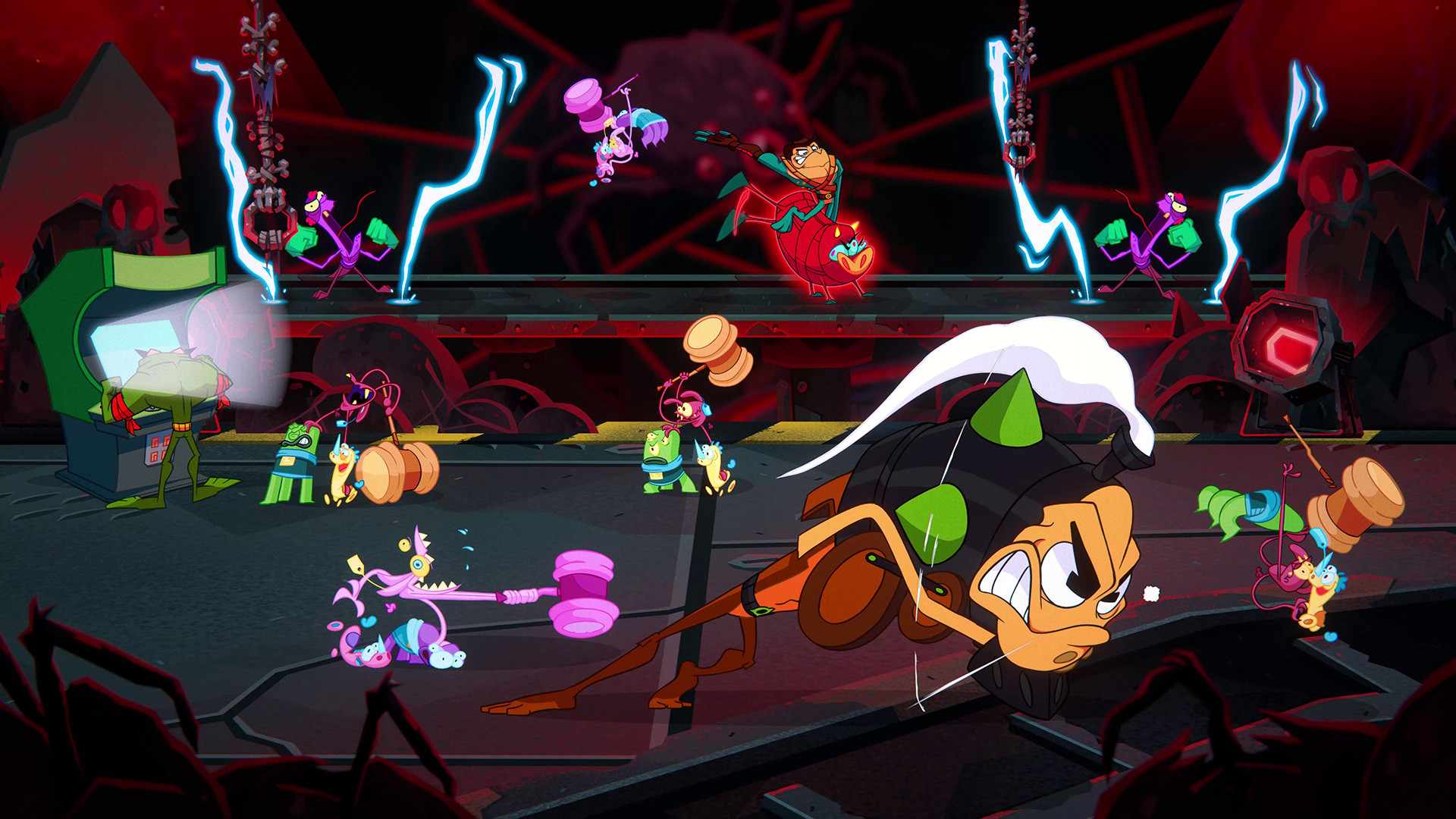
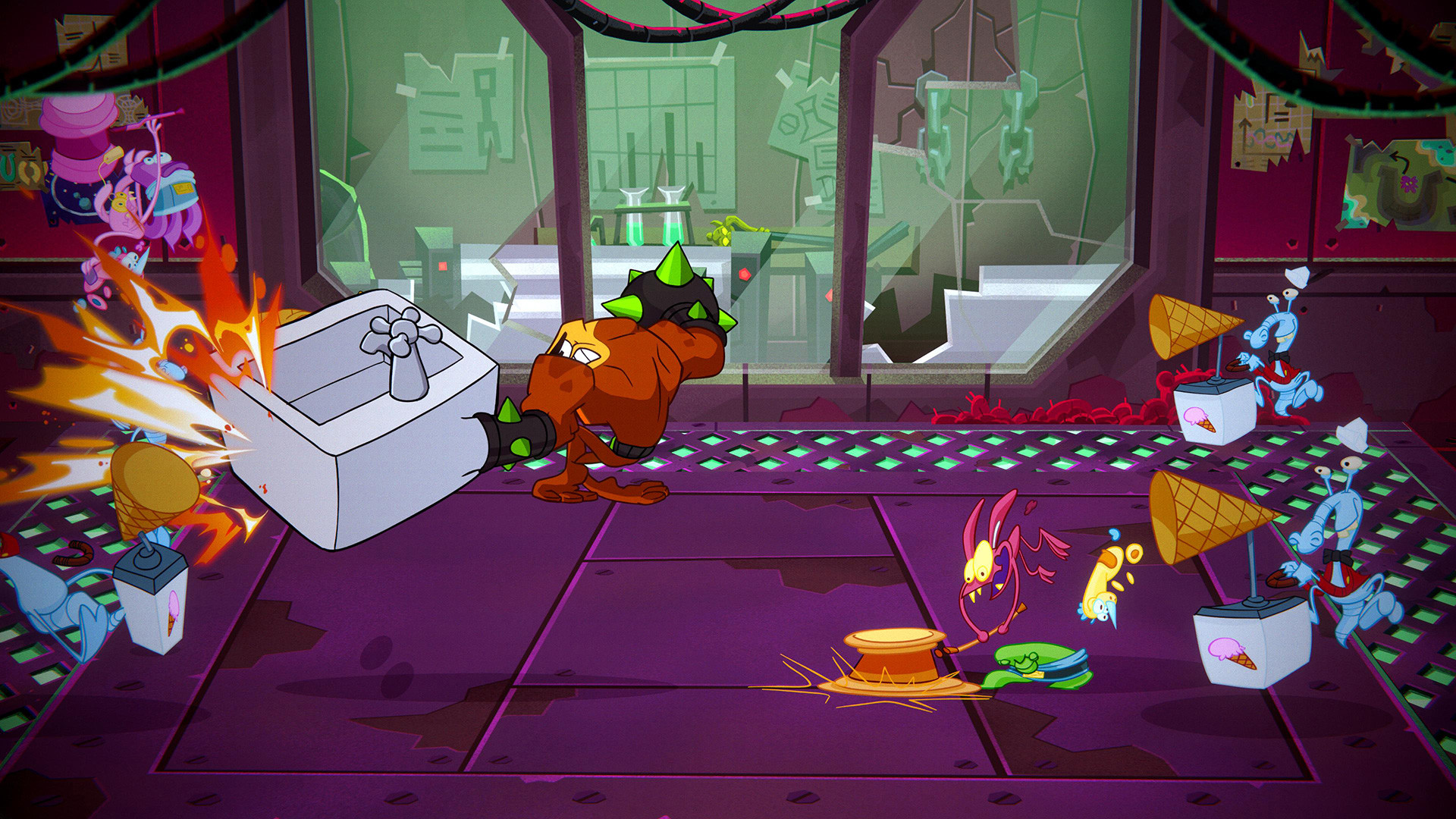
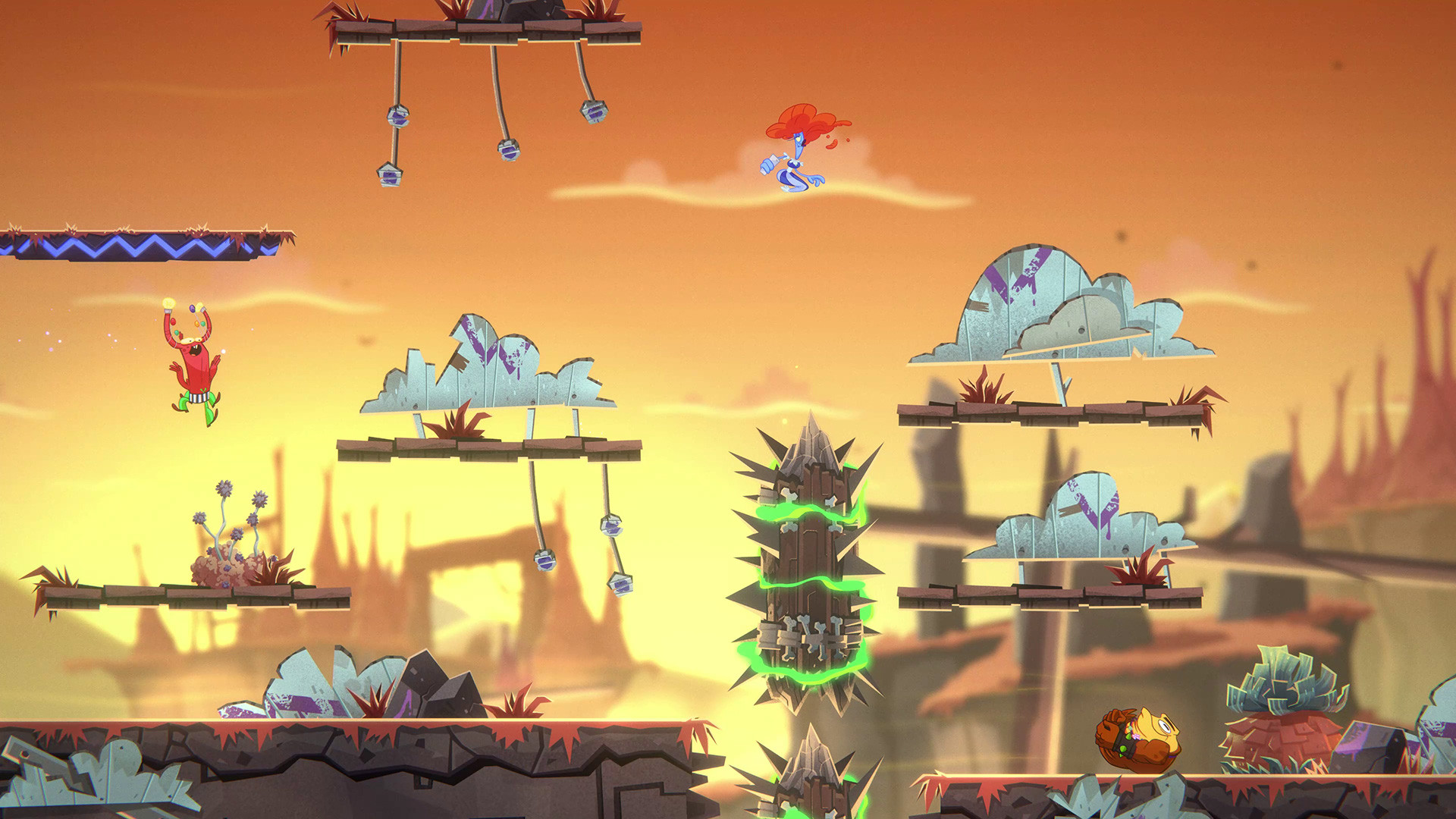
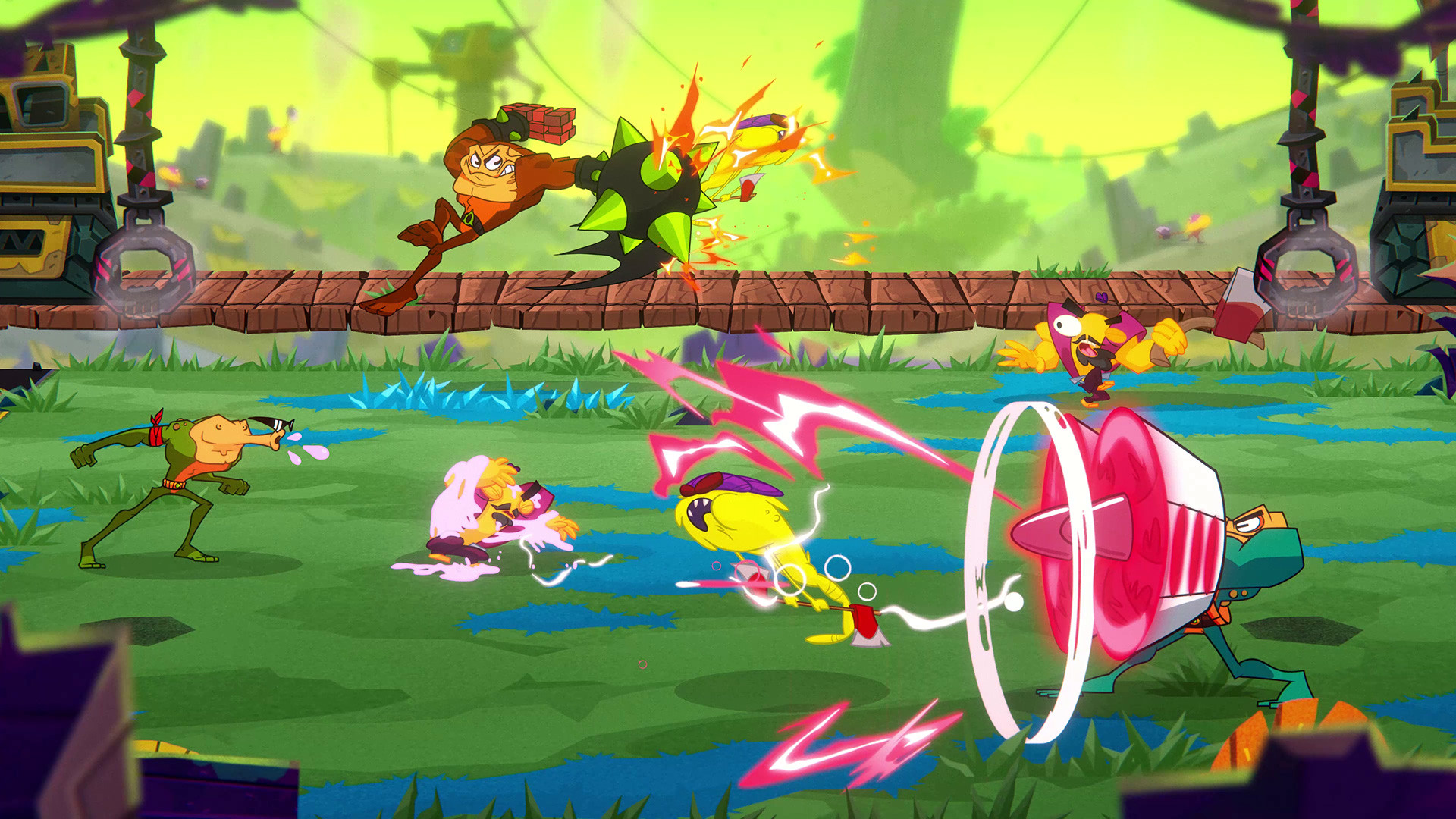
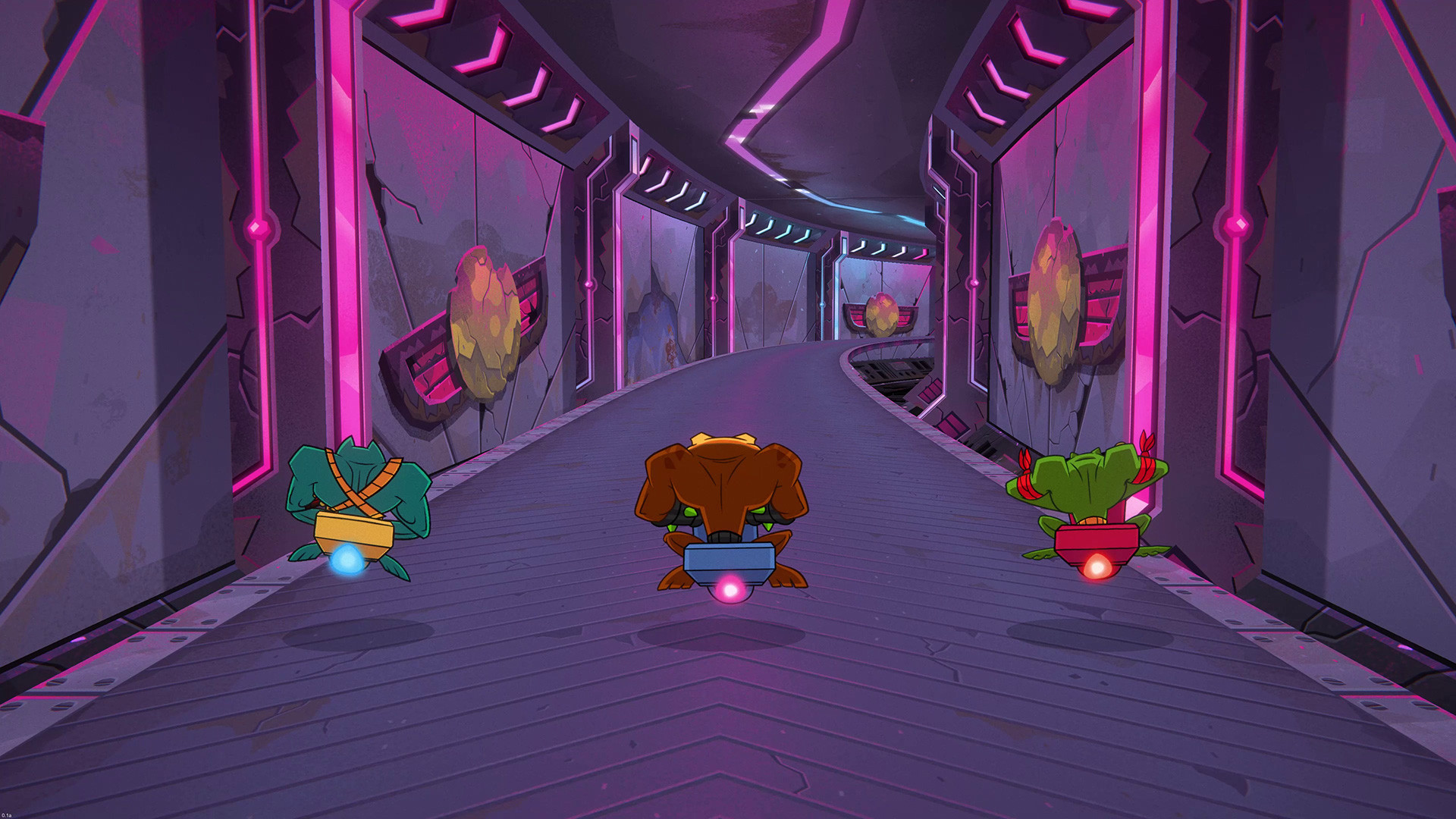
• Over-the-top combat with combos and hard-hitting morph attacks • Wild, varied gameplay sequences for all types of gamers • Hand-drawn animation feels like playing a cartoon • Drop-in couch co-op for three players
Battletoads is not natively available for macOS, but it is perfectly playable via Xbox Cloud Gaming with a stable internet connection.
What the world thinks
Battletoads is not natively available for macOS, but it is perfectly playable via Xbox Cloud Gaming with a stable internet connection.
Want to play Battletoads on Mac?
Battletoads is currently unplayable due to developer anti-cheat restrictions. Enter your email below, and we'll instantly ping you the exact split-second a compatibility patch or CrossOver update changes this status.
Comments
Share what worked for you running Battletoads on Mac.
Loading comments…