Native
Runs directly on Apple Silicon — no extra software.
Difficulty: EasyCost: $4.99Excellent

Runs natively on Apple Silicon, no extra software needed.
Overall rating: Not enough votes yet
Runs natively on Apple Silicon, no extra software needed.
BALL x PIT has a native Apple Silicon build — full Metal acceleration, best battery life, zero faff.
| Method | Quality | Difficulty | Cost | |
|---|---|---|---|---|
| NativePick | Excellent | Easy | Game price only |
BALL x PIT is a brick-breaking, ball-fusing, base-building survival roguelite. Batter hordes of enemies with ricocheting balls and gather the riches of the pit to expand your homestead, generate resources and recruit unique heroes.
A stellar example of native Apple Silicon optimization, offering high-refresh physics and low power consumption.

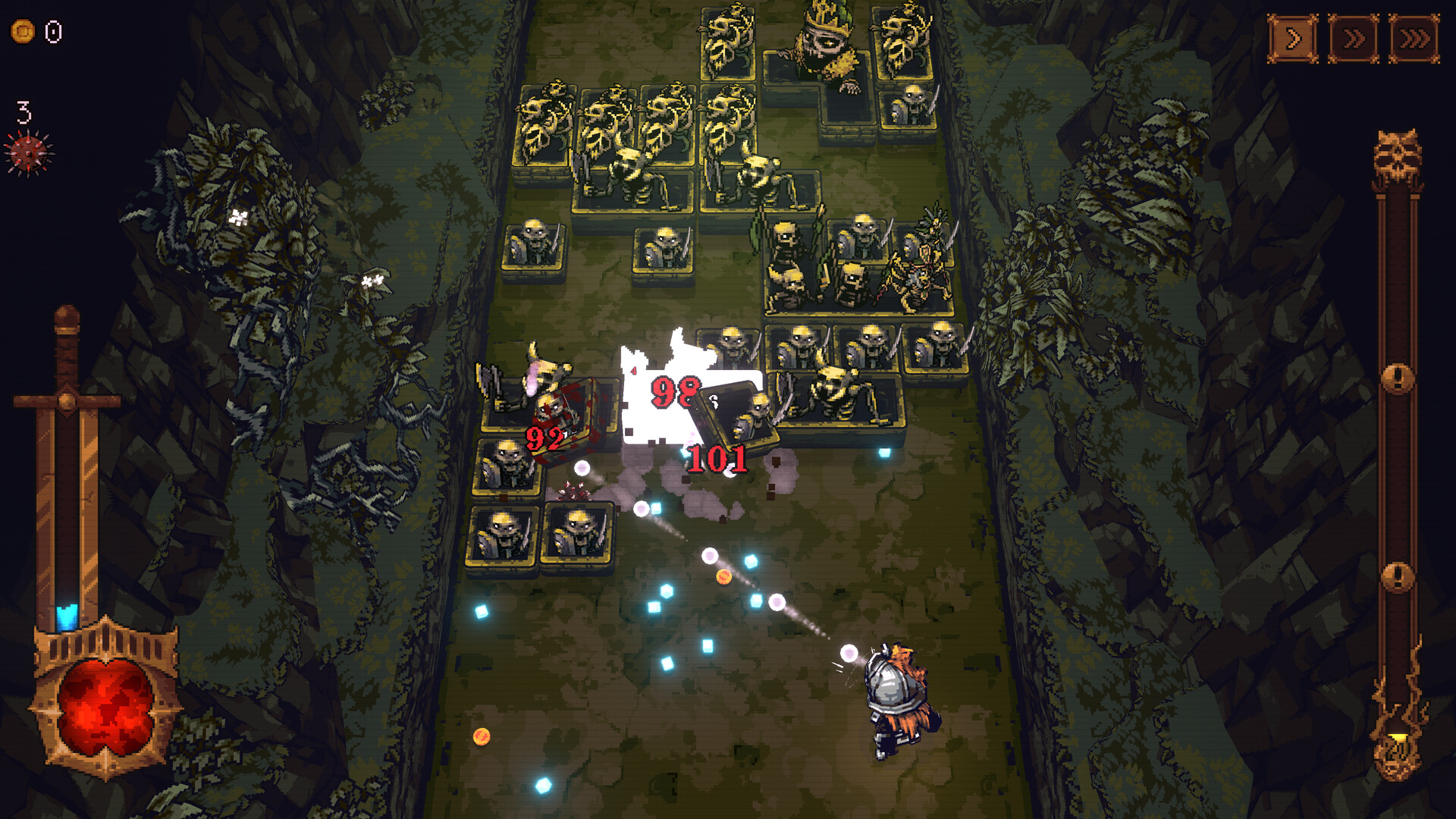
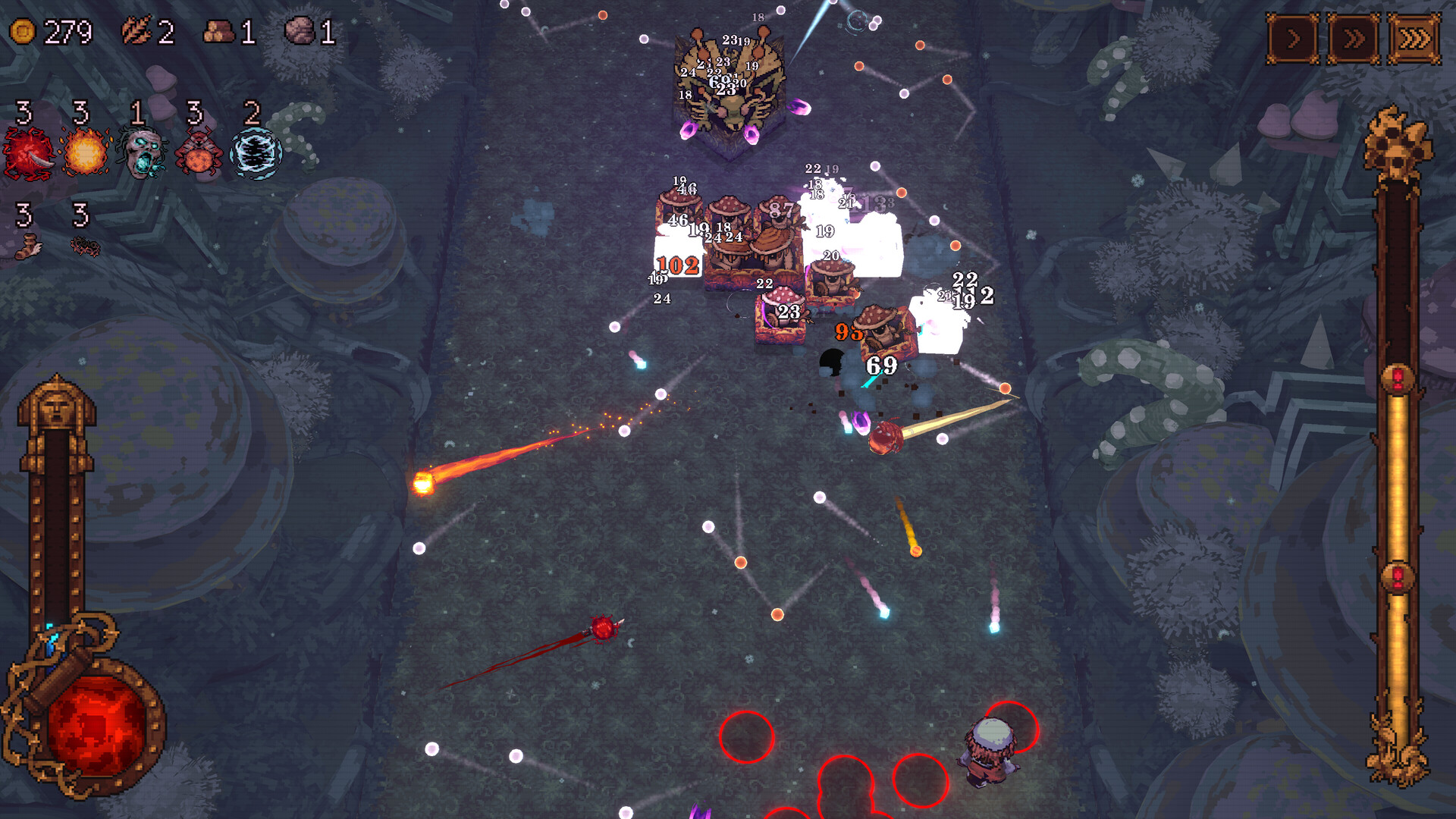
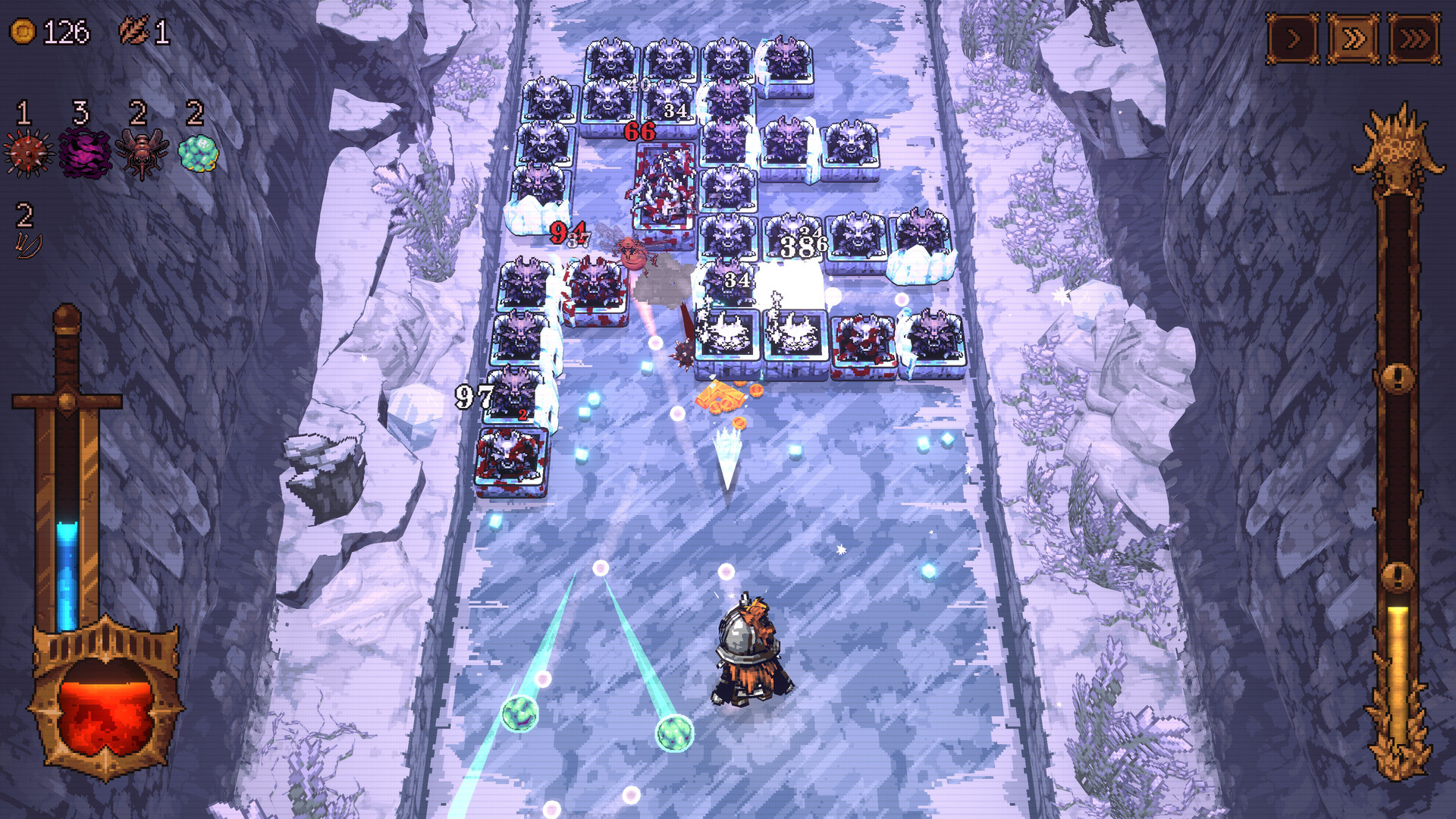
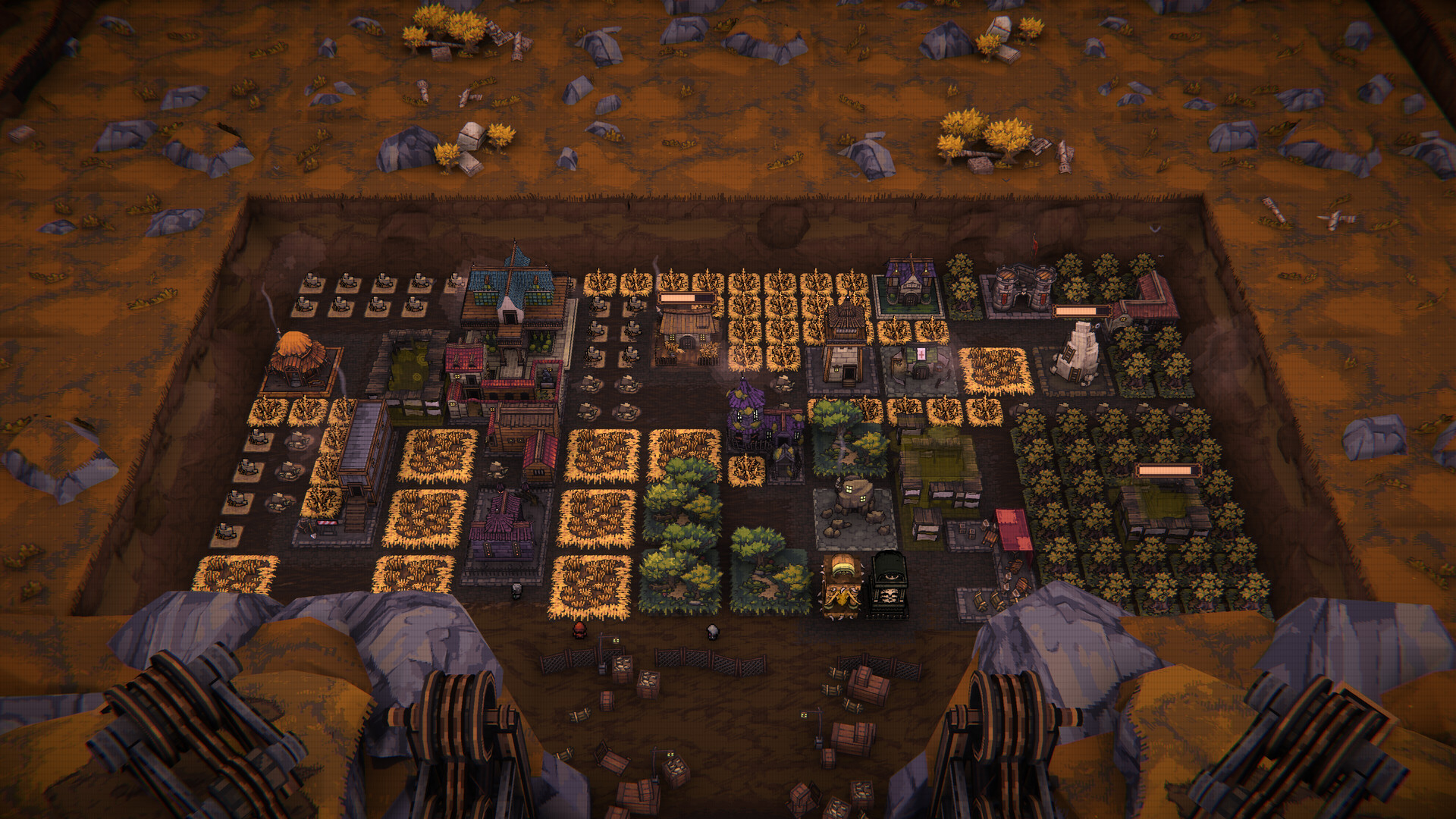

How BALL x PIT runs on your Mac, from our performance model and player reports.
See exactly how BALL x PIT will run on your Mac
Pick your chip and RAM for a personalised estimate.
A stellar example of native Apple Silicon optimization, offering high-refresh physics and low power consumption.
Here are all the options available, ranked by what we recommend first.
Runs directly on Apple Silicon — no extra software.
How each supported method stacks up on setup effort, time and runtime overhead.
Live prices compared across trusted PC key sellers — updates every few hours.
Loading per-platform notes…
Idiot-proof walkthroughs for every method.
BALL x PIT has a native Apple Silicon build, which is the gold standard for playing on a Mac. You get full Metal acceleration, best battery life, and no compatibility weirdness. Just buy it from the Mac App Store or Steam for Mac and play.
BALL x PIT has a native Apple Silicon build, so installing it natively is the best way to play it on your Mac. Runs directly on Apple Silicon — no extra software.
| Method | Quality | Difficulty | Cost |
|---|---|---|---|
| NativePick | Excellent | Easy | Game price only |
Share what worked for you running BALL x PIT on Mac.
Loading comments…