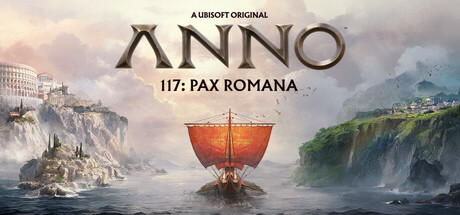
How to play Anno 117: Pax Romana on Mac
Not officially supported, and we have no verified way to run it on a Mac.
Overall rating: Not enough votes yet
Not officially supported, and we have no verified way to run it on a Mac.
Anno 117: Pax Romana
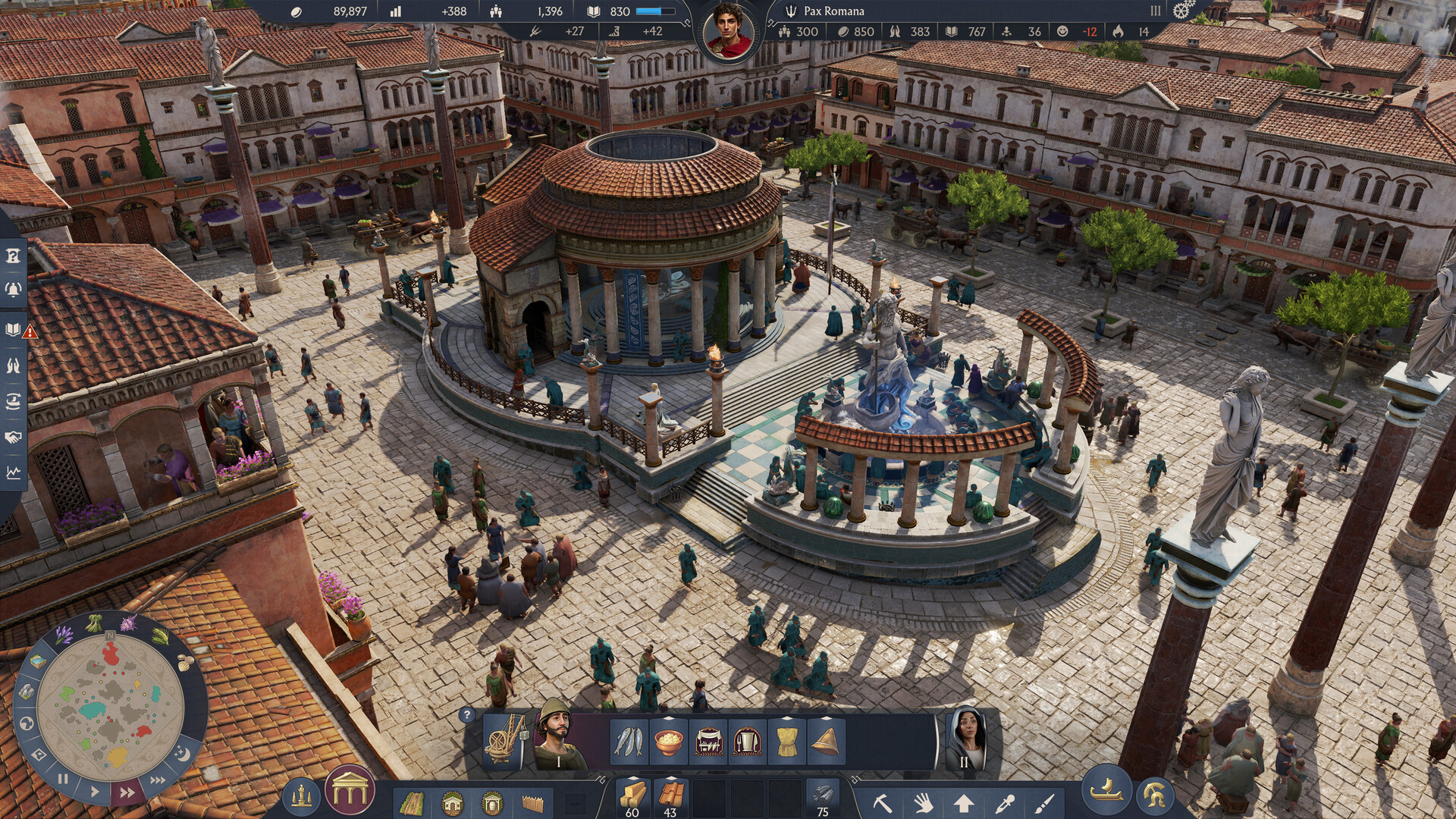
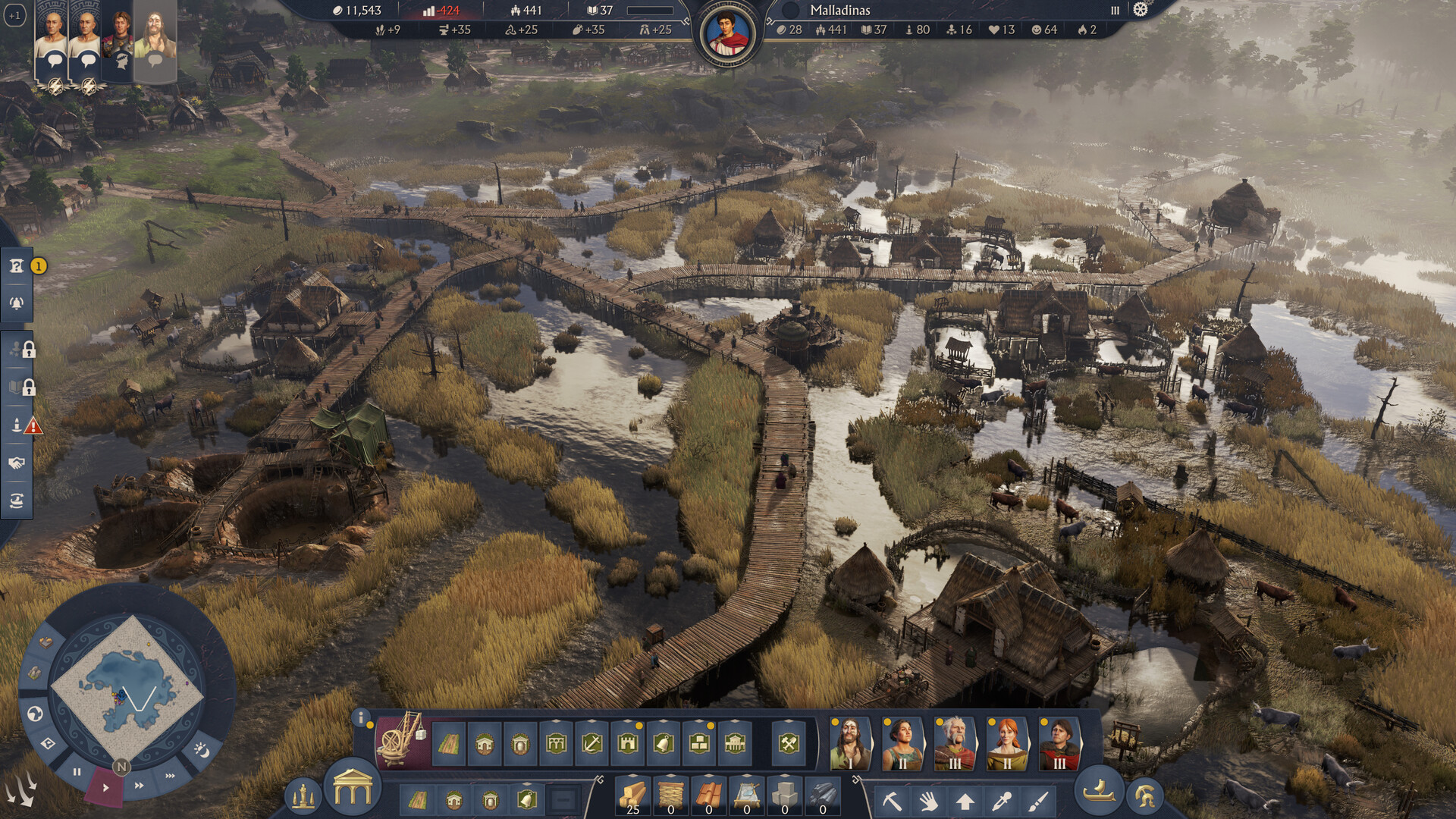
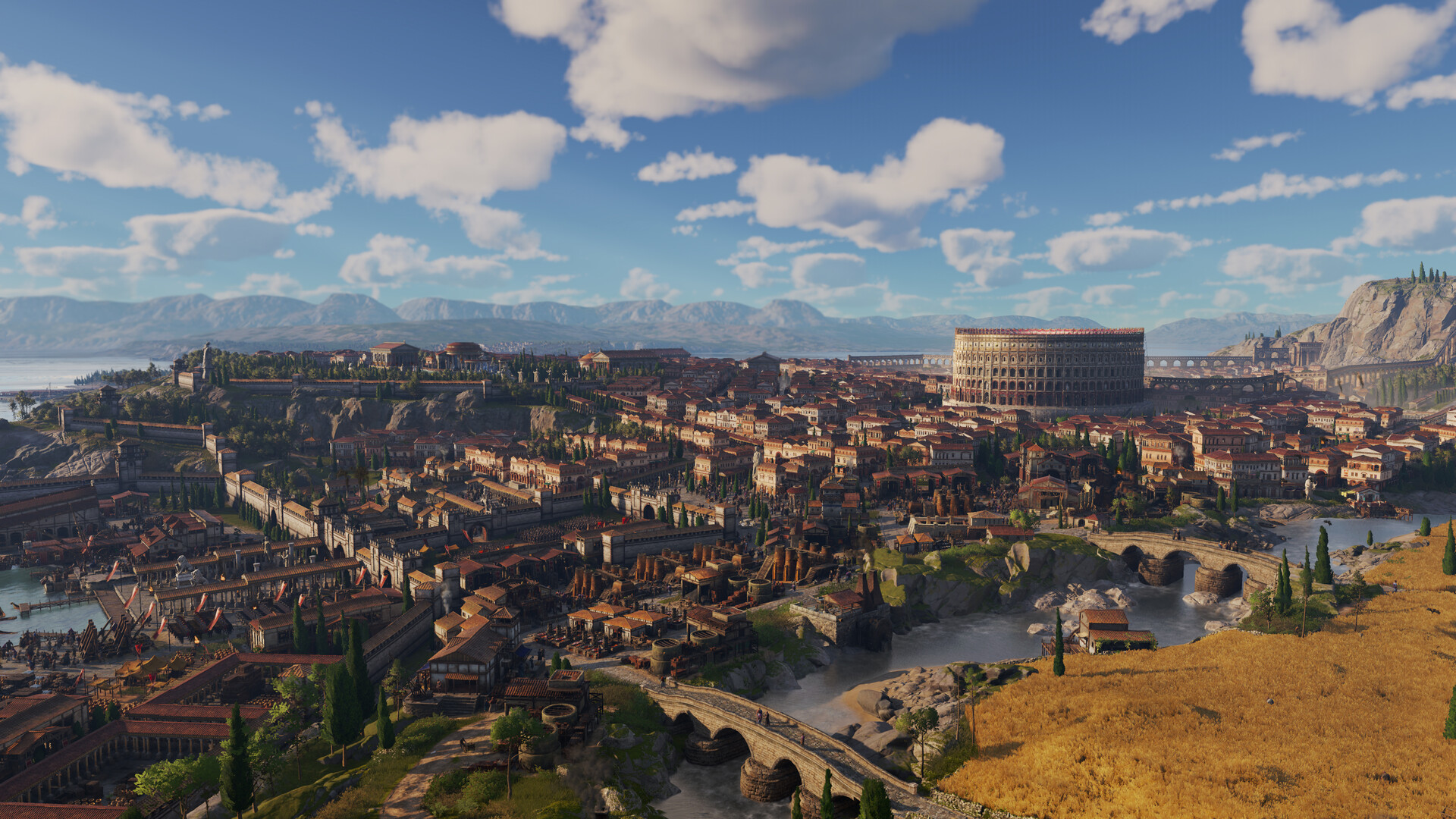
Shape the Roman Empire in this genre-defining strategic builder game. Build cities while expanding your influence through Roman provinces. Govern using your economic prowess, diplomatic skills, or military might.
As an unreleased title with no native macOS support, cloud gaming via GeForce NOW is the only guaranteed way to play at launch, while CrossOver/GPTK remains a 'maybe' pending Ubisoft Connect compatibility.

What the world thinks
Parallels Desktop:
Not recommended for this title. The overhead of virtualizing Windows 11 combined with the heavy GPU requirements of the Anno Engine typically results in sub-30 FPS performance on base M-series chips.
As an unreleased title with no native macOS support, cloud gaming via GeForce NOW is the only guaranteed way to play at launch, while CrossOver/GPTK remains a 'maybe' pending Ubisoft Connect compatibility.
Want to play Anno 117: Pax Romana on Mac?
Anno 117: Pax Romana is currently unplayable due to developer anti-cheat restrictions. Enter your email below, and we'll instantly ping you the exact split-second a compatibility patch or CrossOver update changes this status.
Comments
Share what worked for you running Anno 117: Pax Romana on Mac.
Loading comments…