How to play Age of Empires II (Retired) on Mac
Strategy · 2013
Not officially supported, and we have no verified way to run it on a Mac.
Overall rating: Tricky to run on Mac · 0% of 1 players say it runs well
Not officially supported, and we have no verified way to run it on a Mac.
Age of Empires II (Retired)
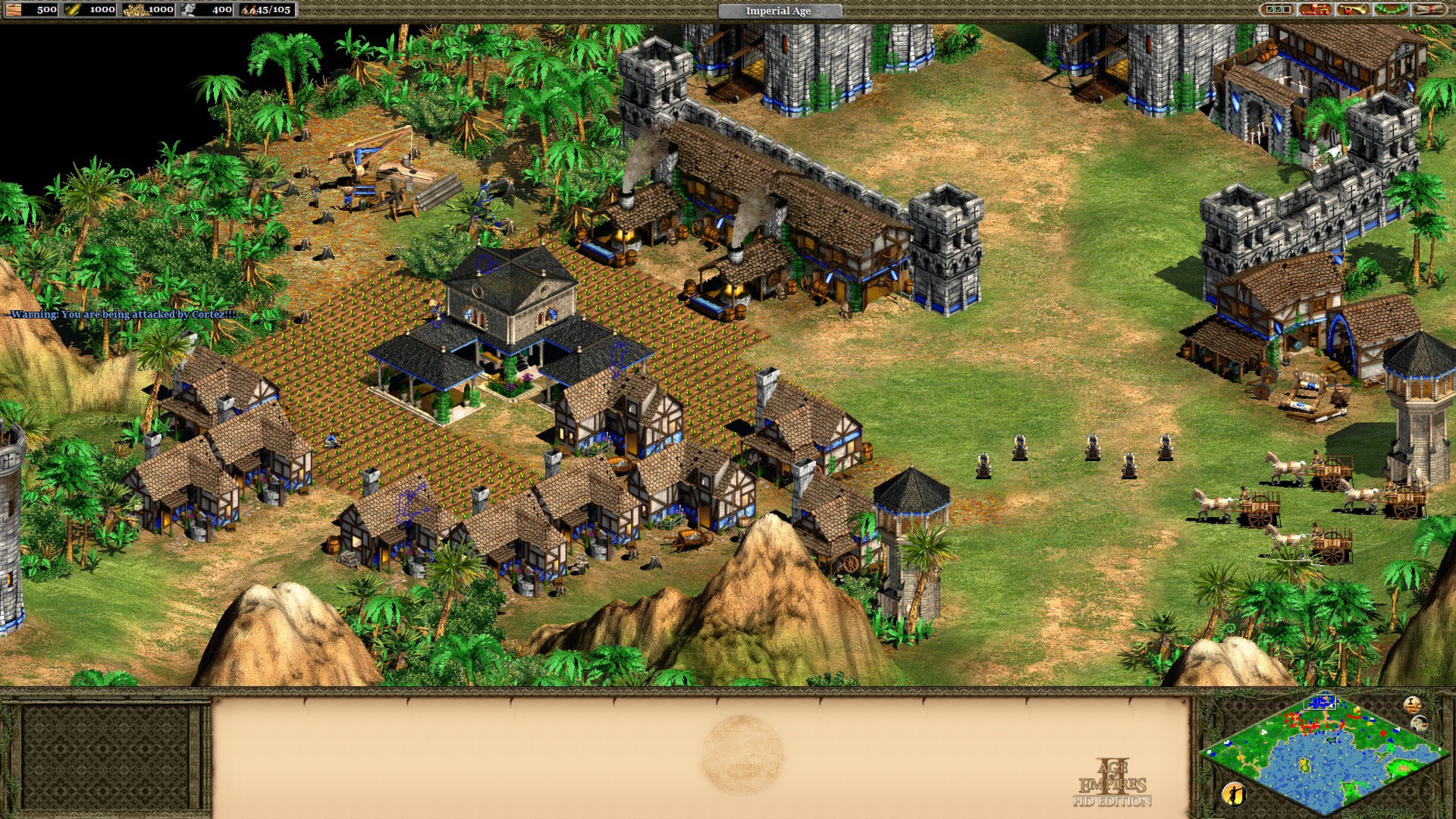
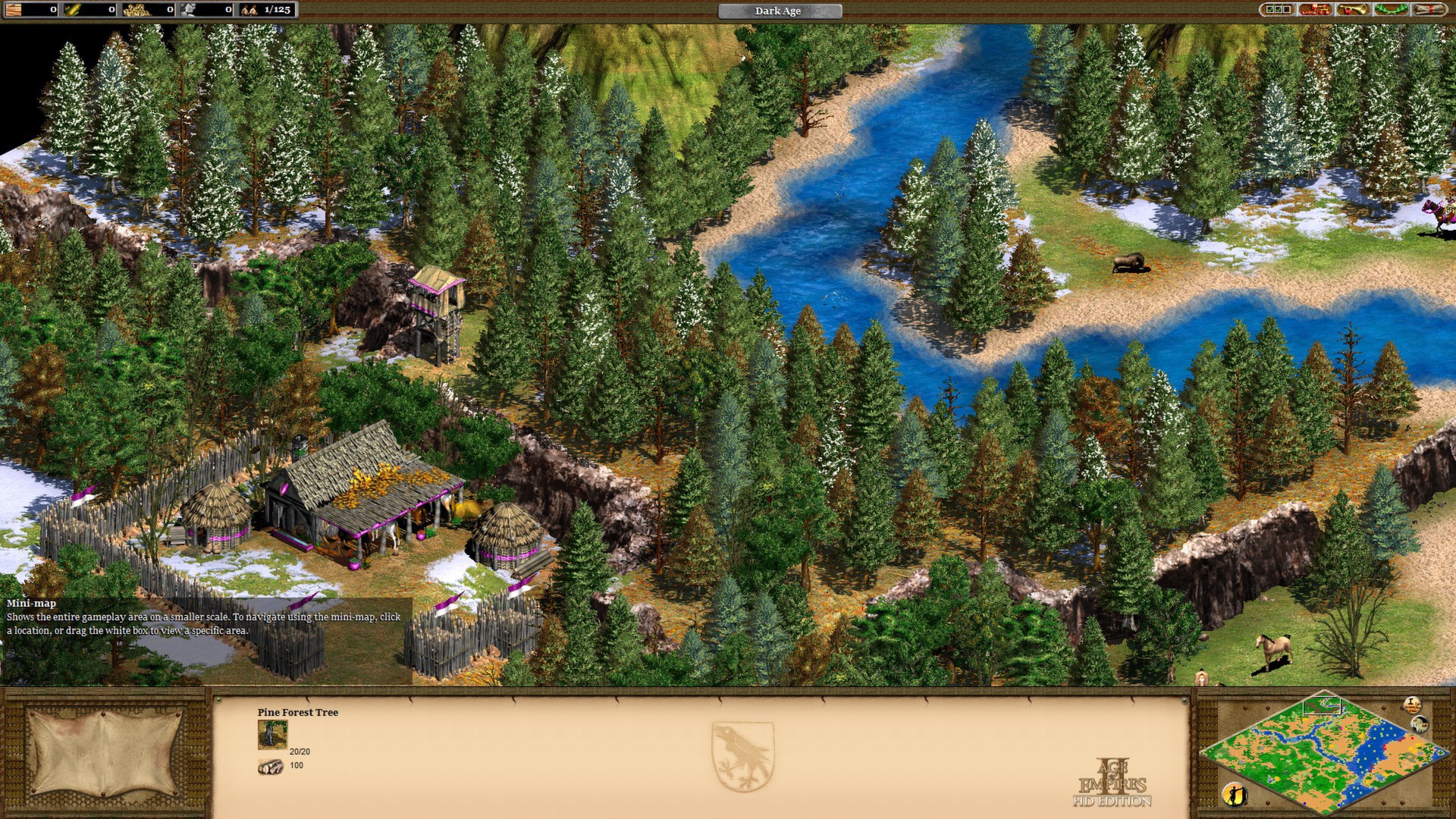
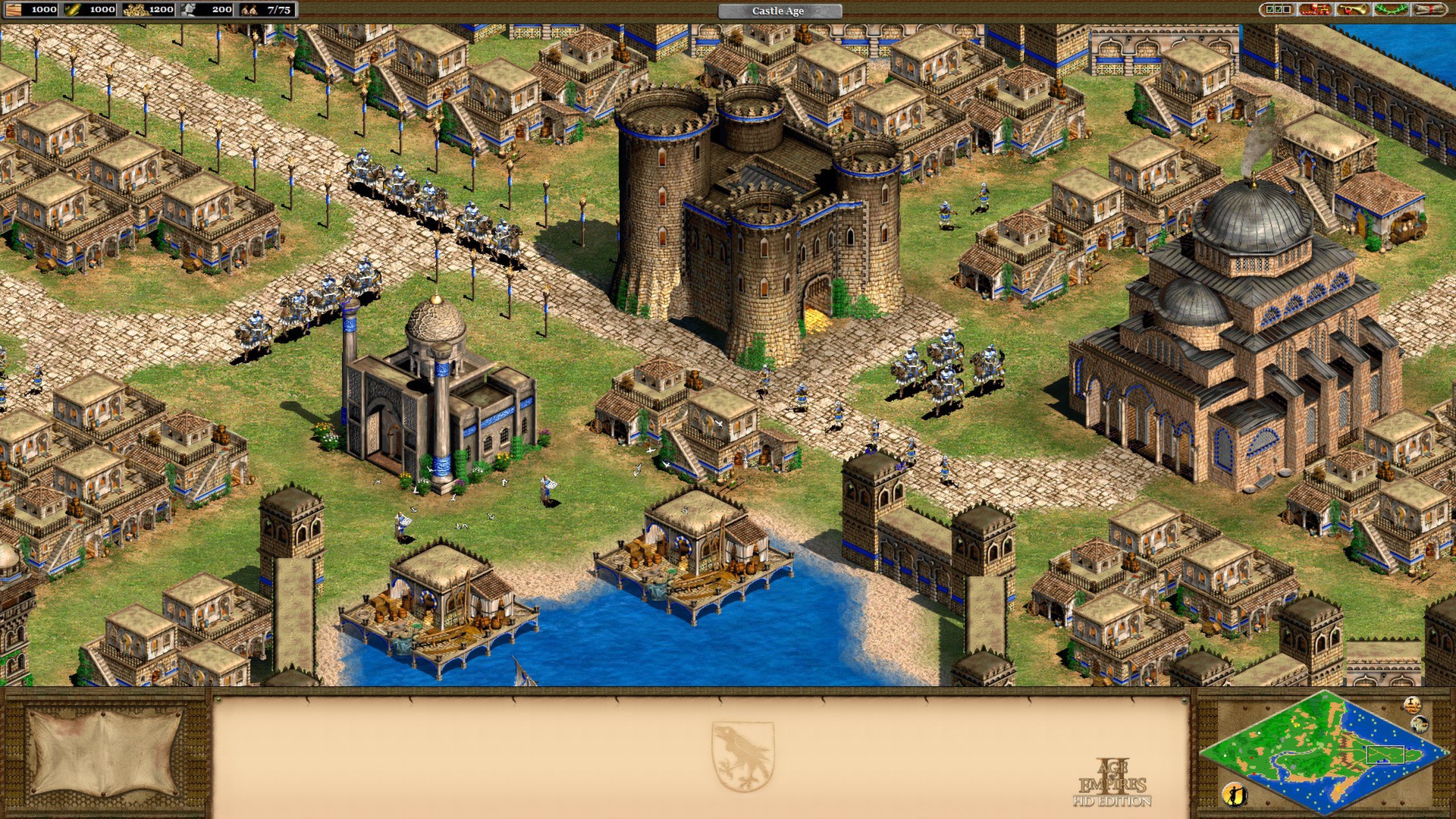
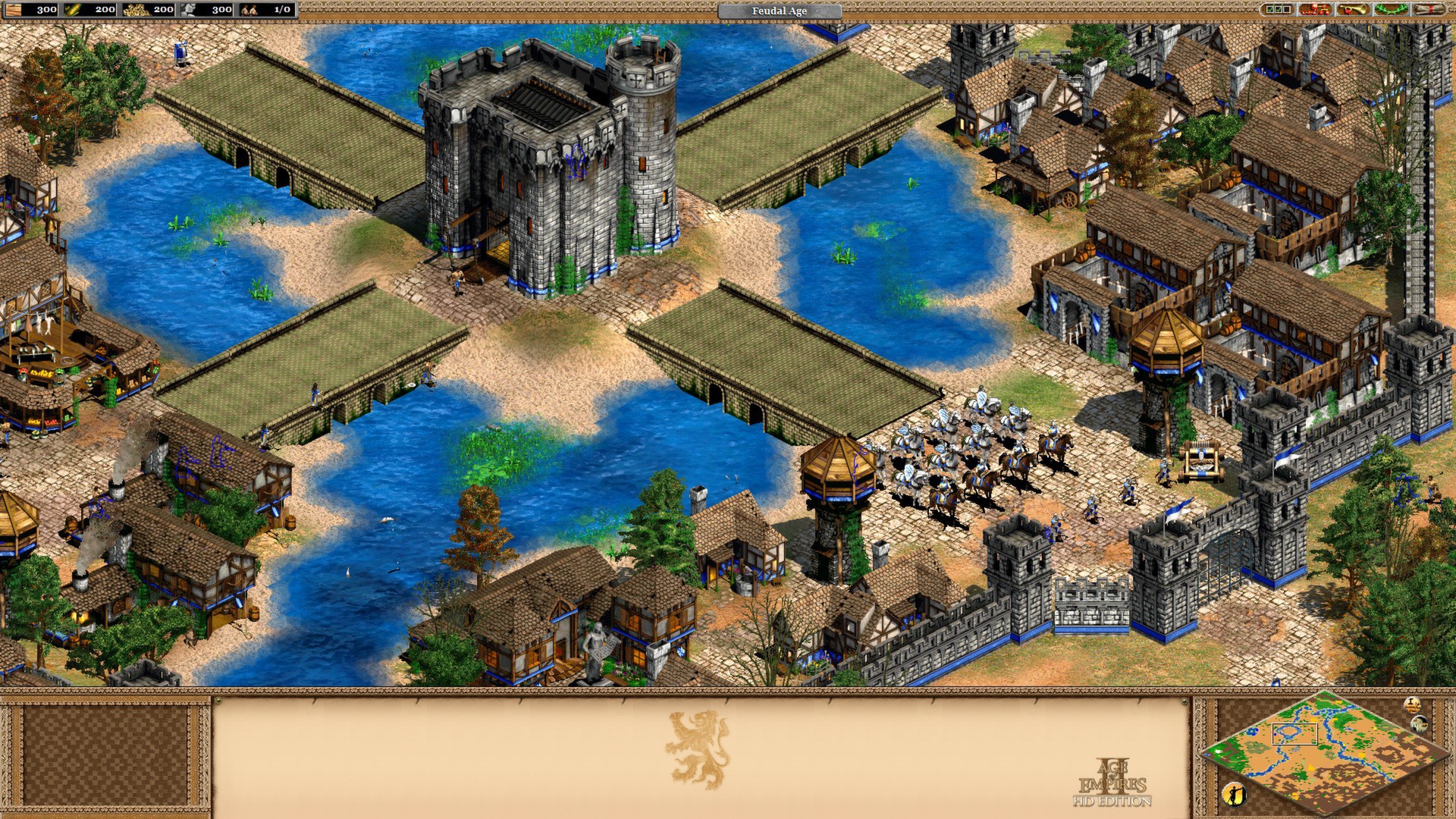
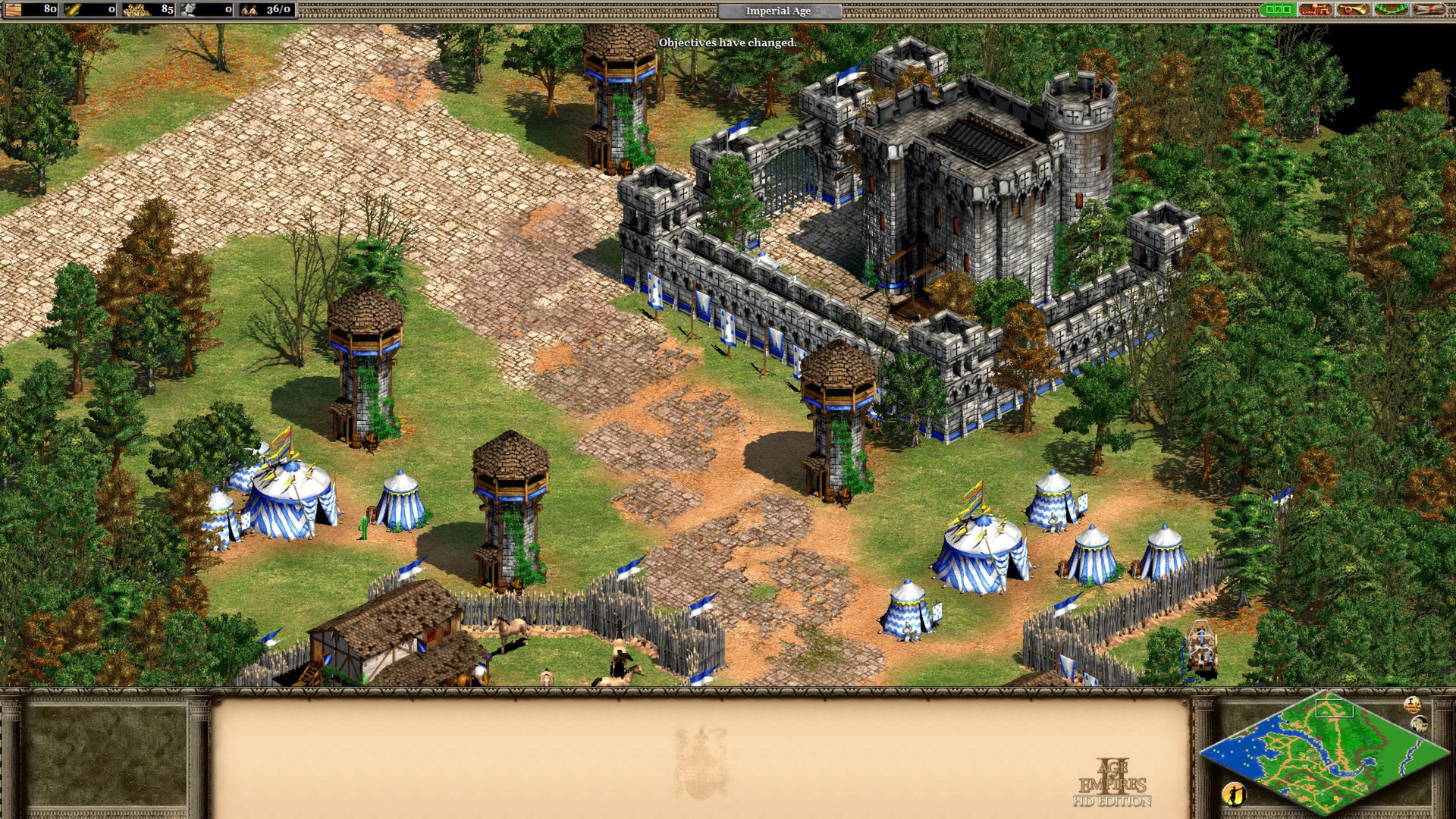
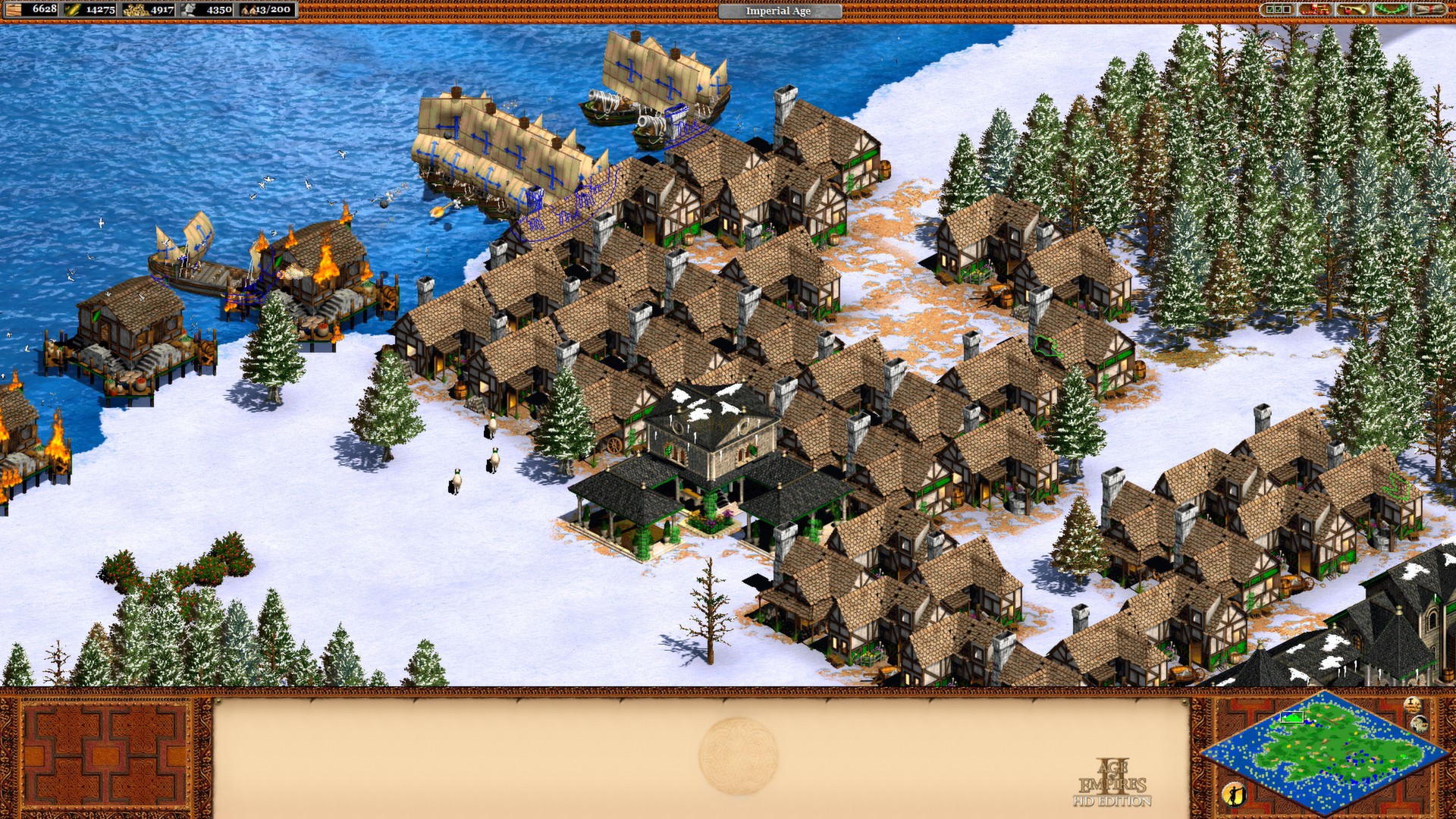
Age of Empires II has been re-imagined in high definition. With the release of Age of Empires II: Definitive Edition, this product will not be updated further.
The game runs very well on Apple Silicon through Wine-based translation layers like CrossOver or Porting Kit, though the 2013 launcher requires a manual file rename to bypass crashes.
What the world thinks
The game runs very well on Apple Silicon through Wine-based translation layers like CrossOver or Porting Kit, though the 2013 launcher requires a manual file rename to bypass crashes.
Want to play Age of Empires II (Retired) on Mac?
Age of Empires II (Retired) is currently unplayable due to developer anti-cheat restrictions. Enter your email below, and we'll instantly ping you the exact split-second a compatibility patch or CrossOver update changes this status.
Comments
Share what worked for you running Age of Empires II (Retired) on Mac.
Loading comments…