← Back
Age of Empires II: Definitive Edition cover art
Native

How to play Age of Empires II: Definitive Edition on Mac

Strategy · 2019

Runs natively on Apple Silicon — no extra software needed.

Overall rating: Runs great on Mac · 100% of 7 players say it runs well

Your setup
Detect your Mac to see whether Age of Empires II: Definitive Edition will run.

Runs natively on Apple Silicon — no extra software needed.

How to run Age of Empires II: Definitive Edition on your Mac in 2026

Best path: Native Mac build

Age of Empires II: Definitive Edition has a native Apple Silicon build — full Metal acceleration, best battery life, zero faff.

MethodQualityDifficultyCost
NativePickExcellentEasyGame price only

Age of Empires II: Definitive Edition

84
Metacritic

42 Civilizations, 229 Campaign Missions, Singleplayer, Co-Op, Multiplayer, In-Game Editor, Mods, Cross-play...It is good to be the king.

While not natively compiled for macOS, the game runs exceptionally well through translation layers like CrossOver, maintaining full multiplayer functionality and high performance on M-series chips.

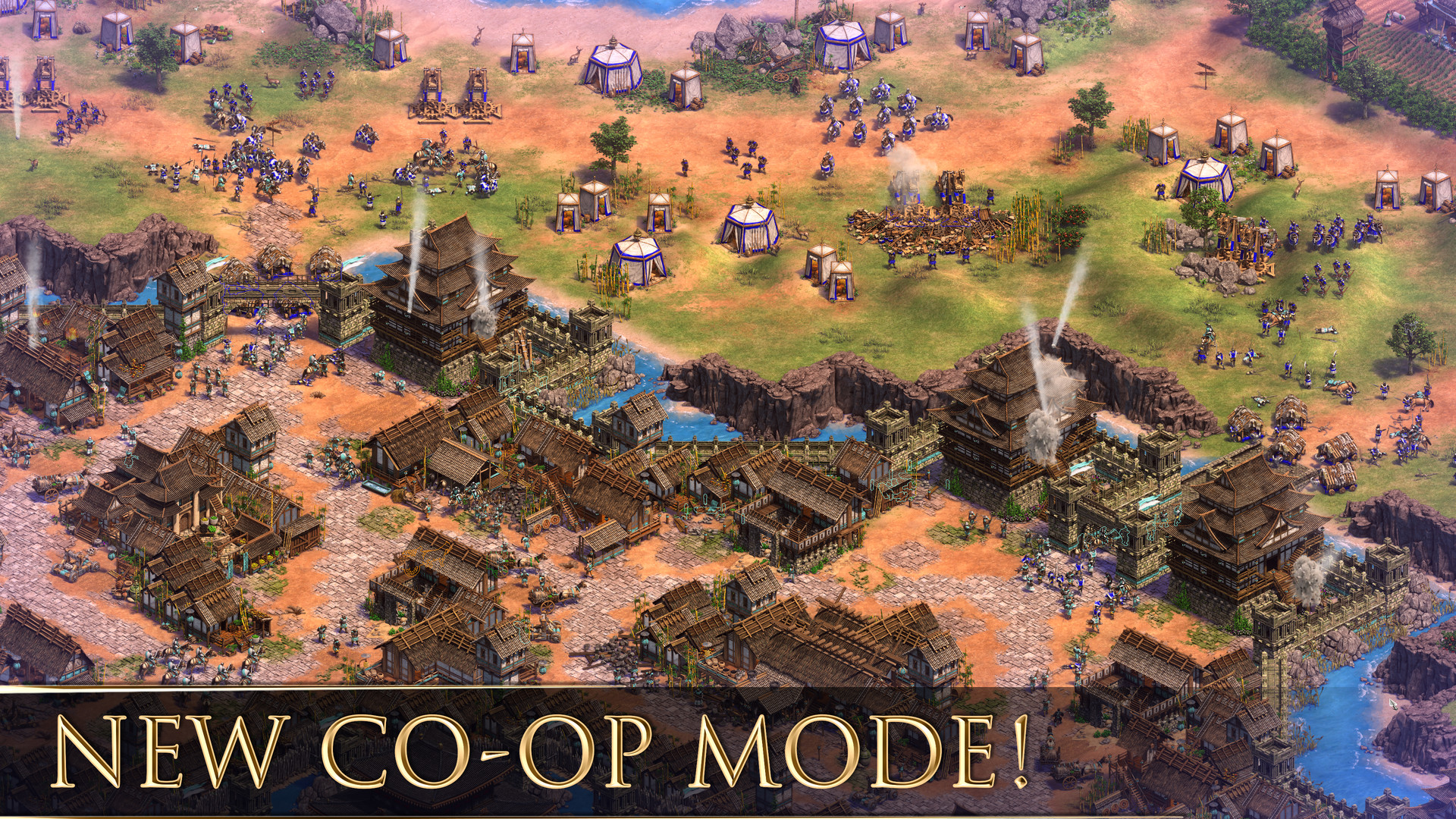
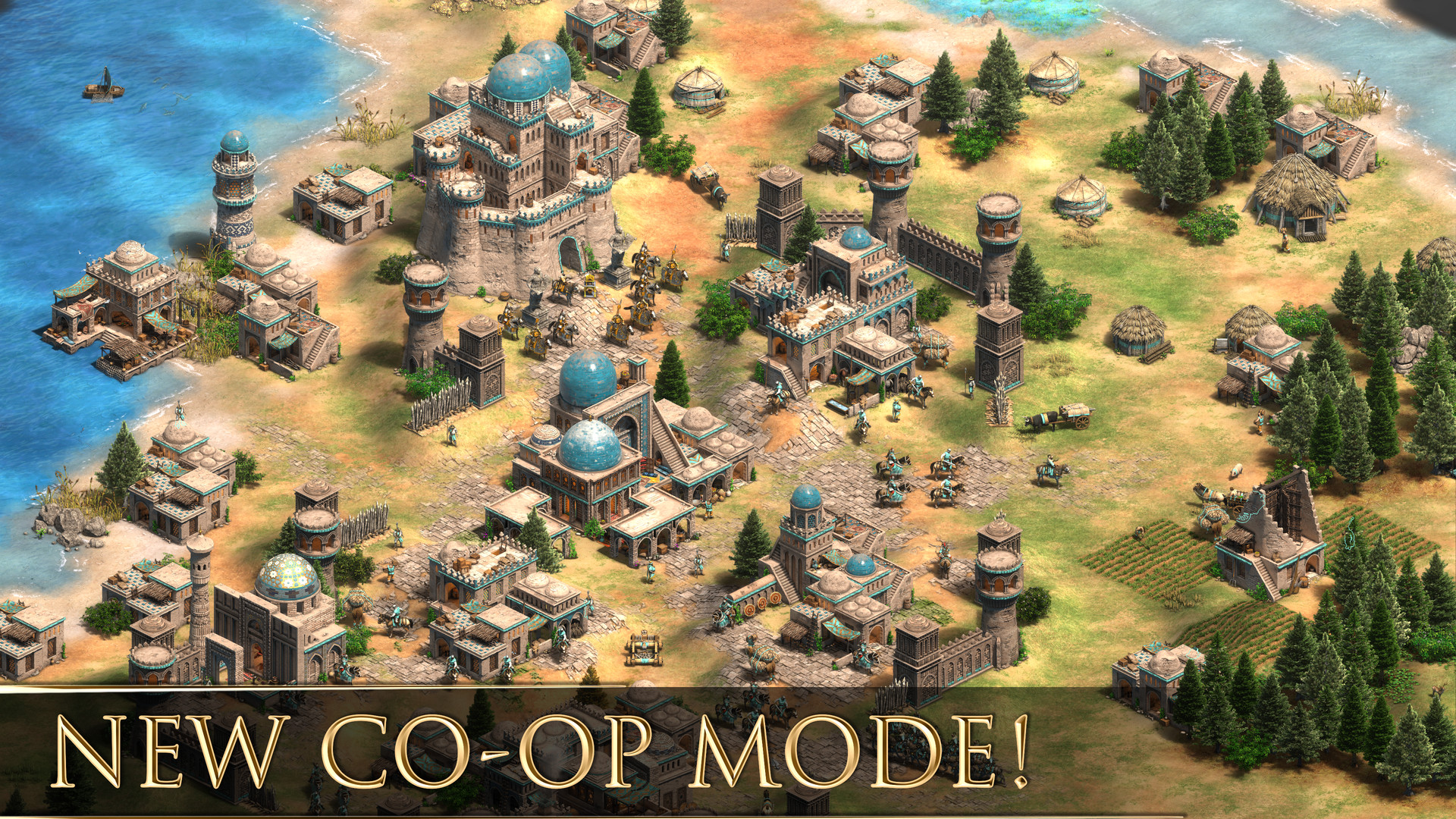
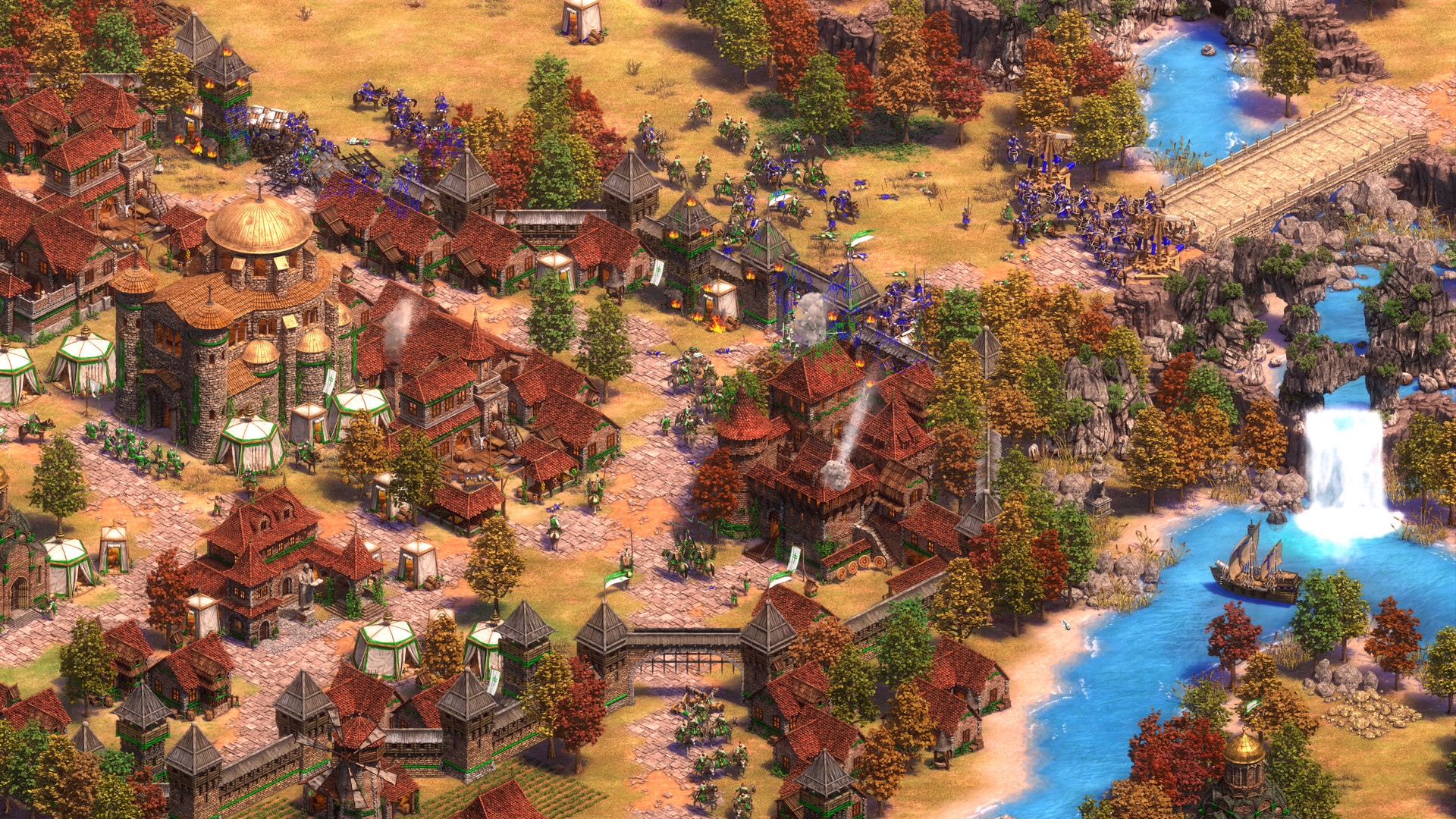
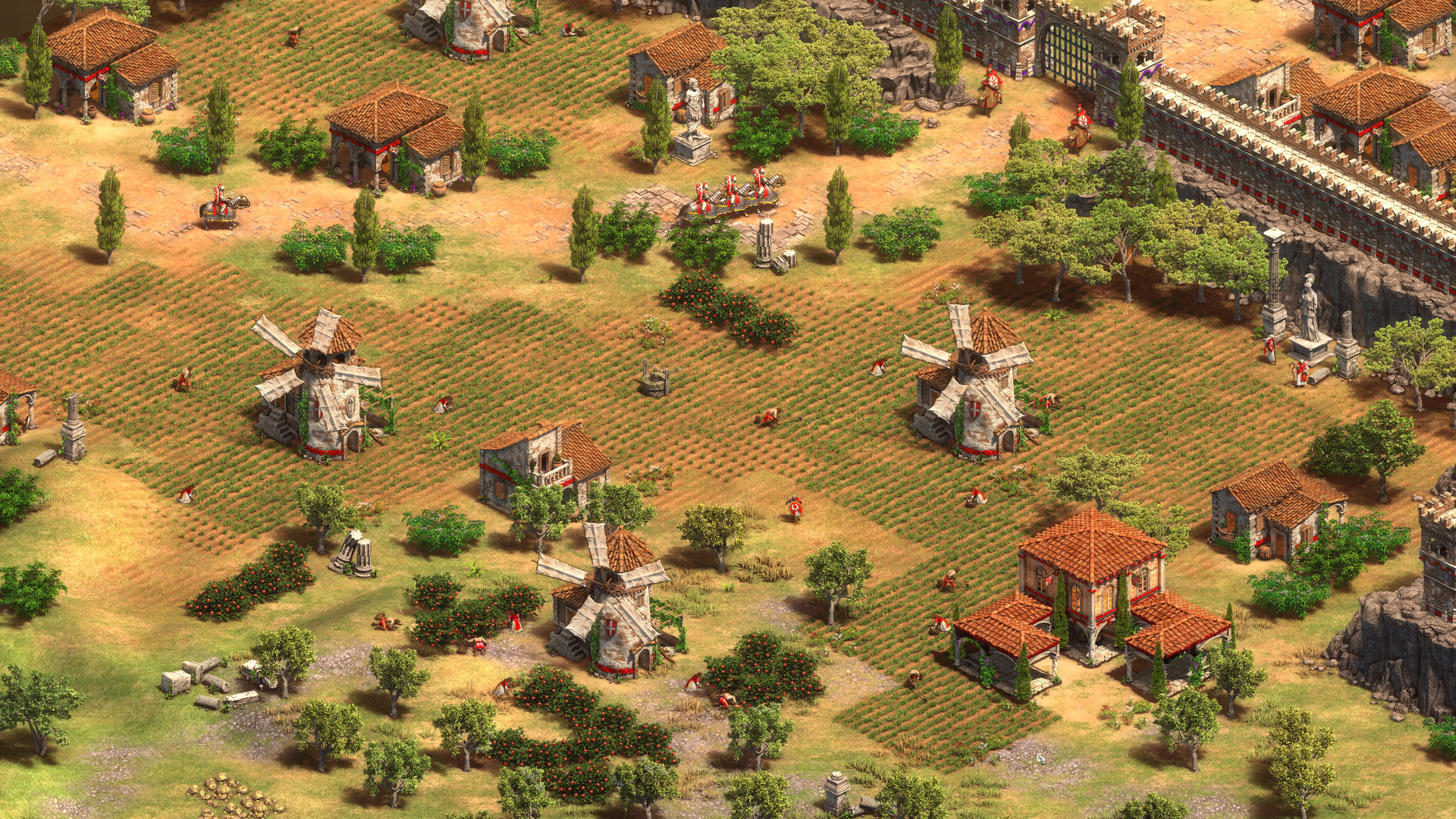
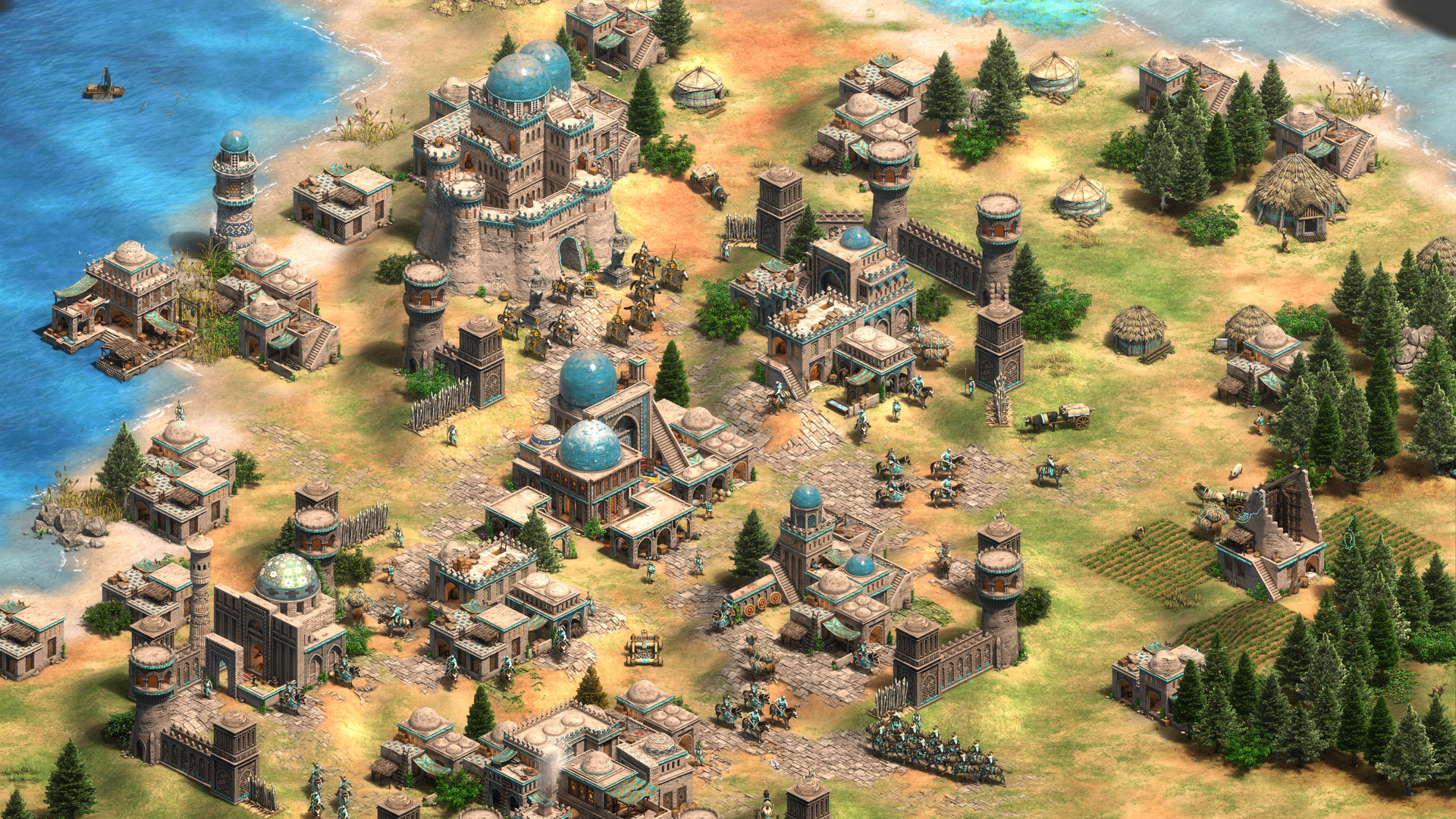
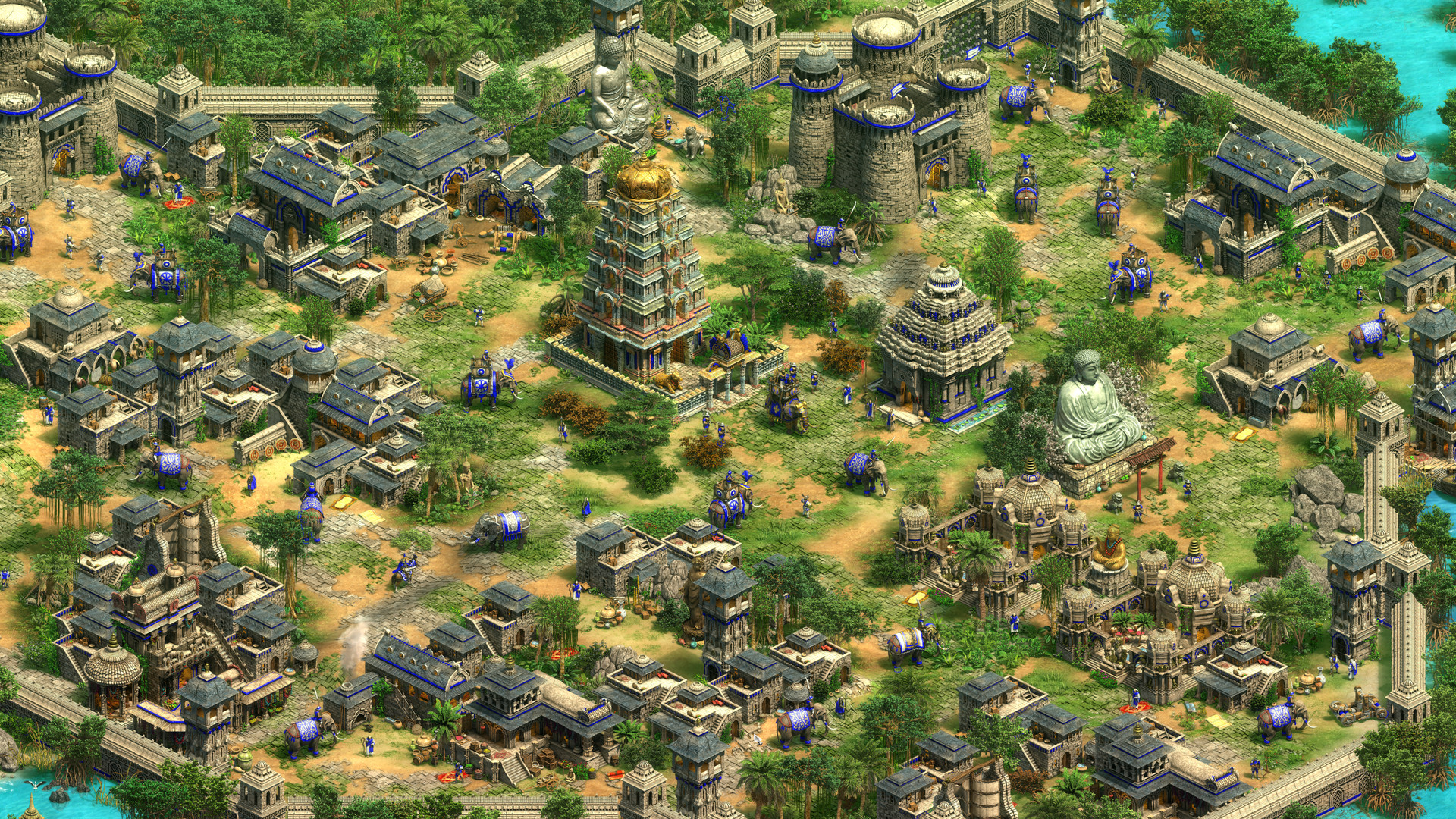
Age of Empires II: Definitive Edition screenshot 1Age of Empires II: Definitive Edition screenshot 2Age of Empires II: Definitive Edition screenshot 3Age of Empires II: Definitive Edition screenshot 4Age of Empires II: Definitive Edition screenshot 5Age of Empires II: Definitive Edition screenshot 6

What the world thinks

  1. Install CrossOver: Download and install the latest version of CrossOver.
  2. Install Steam: In CrossOver, click 'Install' and search for Steam. Create a new bottle (Windows 10 64-bit).
  3. Disable DirectPlay Errors: If you encounter a 'DirectPlay' prompt, let CrossOver install the dependency. If the game crashes at the main menu, go to the bottle settings in the right sidebar and ensure 'D3DMetal' is toggled OFF and 'MSync' is toggled ON.
  4. Multiplayer Fix: To play online, you must install the 'ucrtbase' library into your Steam bottle via the 'Install Software into Bottle' menu. This prevents desync issues during matches.
  • Whisky (Free): A great free alternative to CrossOver using GPTK. Use a Windows 10 bottle, install Steam, and disable the 'Steam Overlay' to improve frame rate stability.
  • Parallels Desktop: Not recommended for competitive multiplayer due to high overhead, but viable for single-player campaigns. It handles the UI scaling better than translation layers but results in roughly 30% lower FPS.

Performance

How Age of Empires II: Definitive Edition runs on your Mac, from our performance model and player reports.

See exactly how Age of Empires II: Definitive Edition will run on your Mac

Pick your chip and RAM for a personalised estimate.

Best way to play it on Mac

While not natively compiled for macOS, the game runs exceptionally well through translation layers like CrossOver, maintaining full multiplayer functionality and high performance on M-series chips.

See if this is the right method for your setup

Ways to play Age of Empires II: Definitive Edition on Mac

Here are all the options available, ranked by what we recommend first.

Recommended

Native

Runs directly on Apple Silicon — no extra software.

Difficulty: EasyCost: Game price onlyExcellent
Compare methods at a glance

Lower = better

How each supported method stacks up on setup effort, time and runtime overhead.

  • NativeNativeTop pick
    Setup
    Simple
    Time
    5 min
    Overhead
    Low

Where to buy Age of Empires II: Definitive Edition

Live prices compared across trusted PC key sellers — updates every few hours.

Platform-by-platform reliability

Loading per-platform notes…

Step-by-step setup guides

Idiot-proof walkthroughs for every method.

How to run Age of Empires II: Definitive Edition on Mac with Native

Excellent· Native

Age of Empires II: Definitive Edition has a native Apple Silicon build, which is the gold standard for playing on a Mac. You get full Metal acceleration, best battery life, and no compatibility weirdness. Just buy it from the Mac App Store or Steam for Mac and play.

Step-by-step

  1. Use the verified store link on this page, or open the store where you already own Age of Empires II: Definitive Edition.
  2. Confirm the product page lists macOS / Apple Silicon support.
  3. Install and launch — no extra tools needed.

Video proof

Our recommendation

For most Mac players we recommend Native as the fastest, smoothest way to play Age of Empires II: Definitive Edition. Runs directly on Apple Silicon — no extra software.

MethodQualityDifficultyCost
NativePickExcellentEasyGame price only

Comments

Share what worked for you running Age of Empires II: Definitive Edition on Mac.

Be kind. No spam.

Loading comments…

Frequently asked questions