Native
Runs directly on Apple Silicon — no extra software.
Difficulty: EasyCost: $5.99 (Steam)Excellent

Indie · 2019
Runs natively on Apple Silicon, no extra software needed.
Overall rating: Runs great on Mac · 100% of 1 players say it runs well
Runs natively on Apple Silicon, no extra software needed.
A Dance of Fire and Ice has a native Apple Silicon build — full Metal acceleration, best battery life, zero faff.
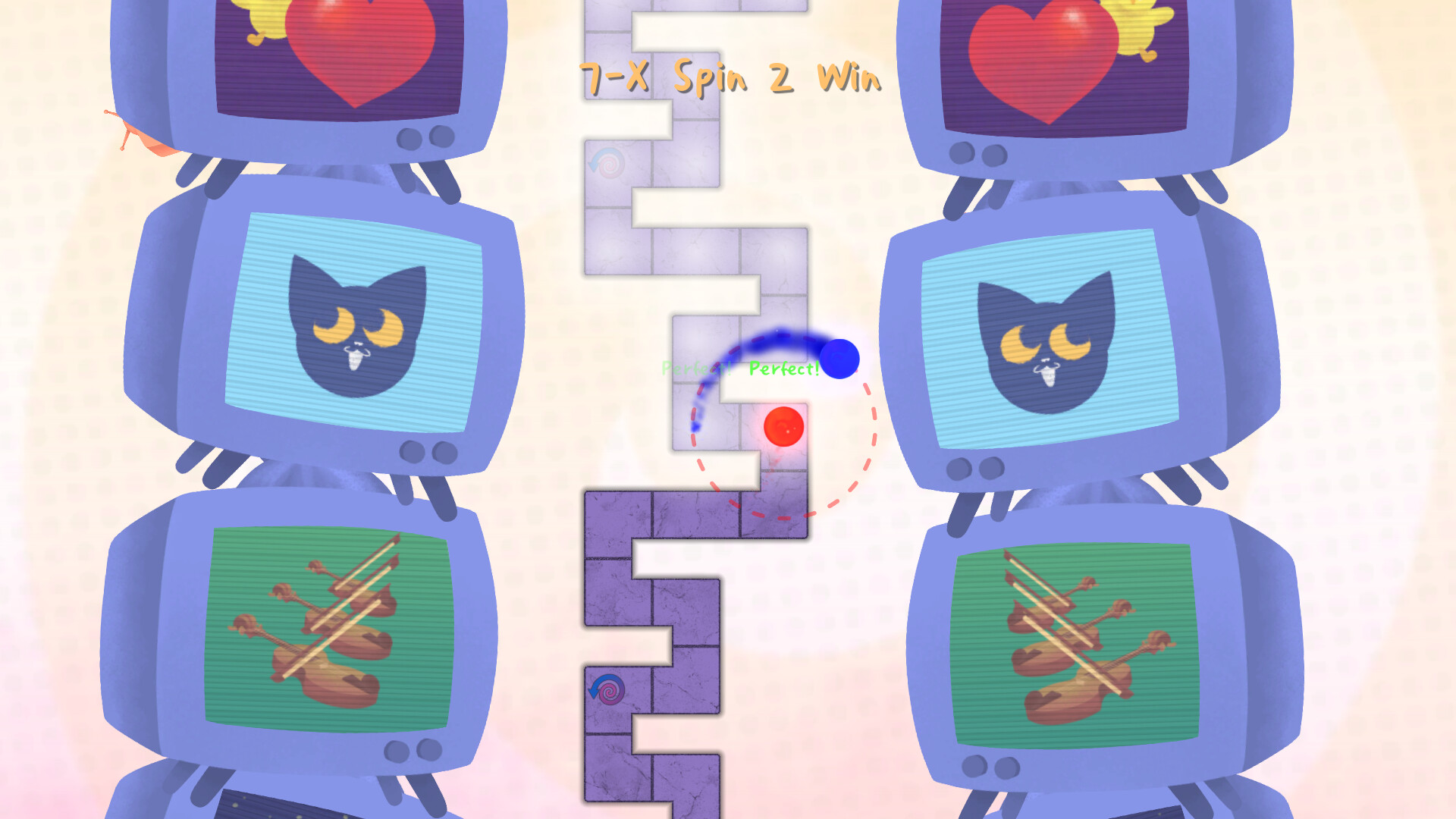
A Dance of Fire and Ice is a strict rhythm game. Keep your focus as you guide two orbiting planets along a winding path without breaking their perfect equilibrium.
A Dance of Fire and Ice runs natively on macOS with exceptional performance and perfect stability across the entire M1-M4 chip range.


How A Dance of Fire and Ice runs on your Mac, from our performance model and player reports.
See exactly how A Dance of Fire and Ice will run on your Mac
Pick your chip and RAM for a personalised estimate.
A Dance of Fire and Ice runs natively on macOS with exceptional performance and perfect stability across the entire M1-M4 chip range.
Here are all the options available, ranked by what we recommend first.
Runs directly on Apple Silicon — no extra software.
Full Windows 11 ARM inside macOS.
How each supported method stacks up on setup effort, time and runtime overhead.
Live prices compared across trusted PC key sellers — updates every few hours.
Loading per-platform notes…
Idiot-proof walkthroughs for every method.
A Dance of Fire and Ice has a native Apple Silicon build, which is the gold standard for playing on a Mac. You get full Metal acceleration, best battery life, and no compatibility weirdness. Just buy it from the Mac App Store or Steam for Mac and play.
Using Parallels to play A Dance of Fire and Ice means running a full copy of Windows 11 ARM inside macOS. This is the most "it just works" approach for games that don't behave under CrossOver, and DirectX 11 is hardware-accelerated. You'll need a Windows license and roughly 80 GB of disk space.
A Dance of Fire and Ice has a native Apple Silicon build, so installing it natively is the best way to play it on your Mac. Runs directly on Apple Silicon — no extra software.
| Method | Quality | Difficulty | Cost |
|---|---|---|---|
| NativePick | Excellent | Easy | Game price only |
| Parallels | Estimate | Medium | $99/year + Windows licence |
Share what worked for you running A Dance of Fire and Ice on Mac.
Loading comments…