Boosteroid
Needs 25+ Mbps internet, wired ideal.
Difficulty: EasyCost: $9.95 / monthExcellent

FPS · 2024
Best played by streaming from the cloud to your Mac.
Overall rating: Not enough votes yet
Best played by streaming from the cloud to your Mac.
We'll measure your download speed and read what your browser will share, then re-rank the methods for you. Takes ~3 seconds.
Boosteroid streams Hunt: Showdown 1896 from a high-end remote GPU straight to your Mac. Nothing to install, plays at high settings even on a base M1.
Heads up: Boosteroid streams the game but doesn't include a copy — you'll still need to own Hunt: Showdown 1896 on a supported store ().
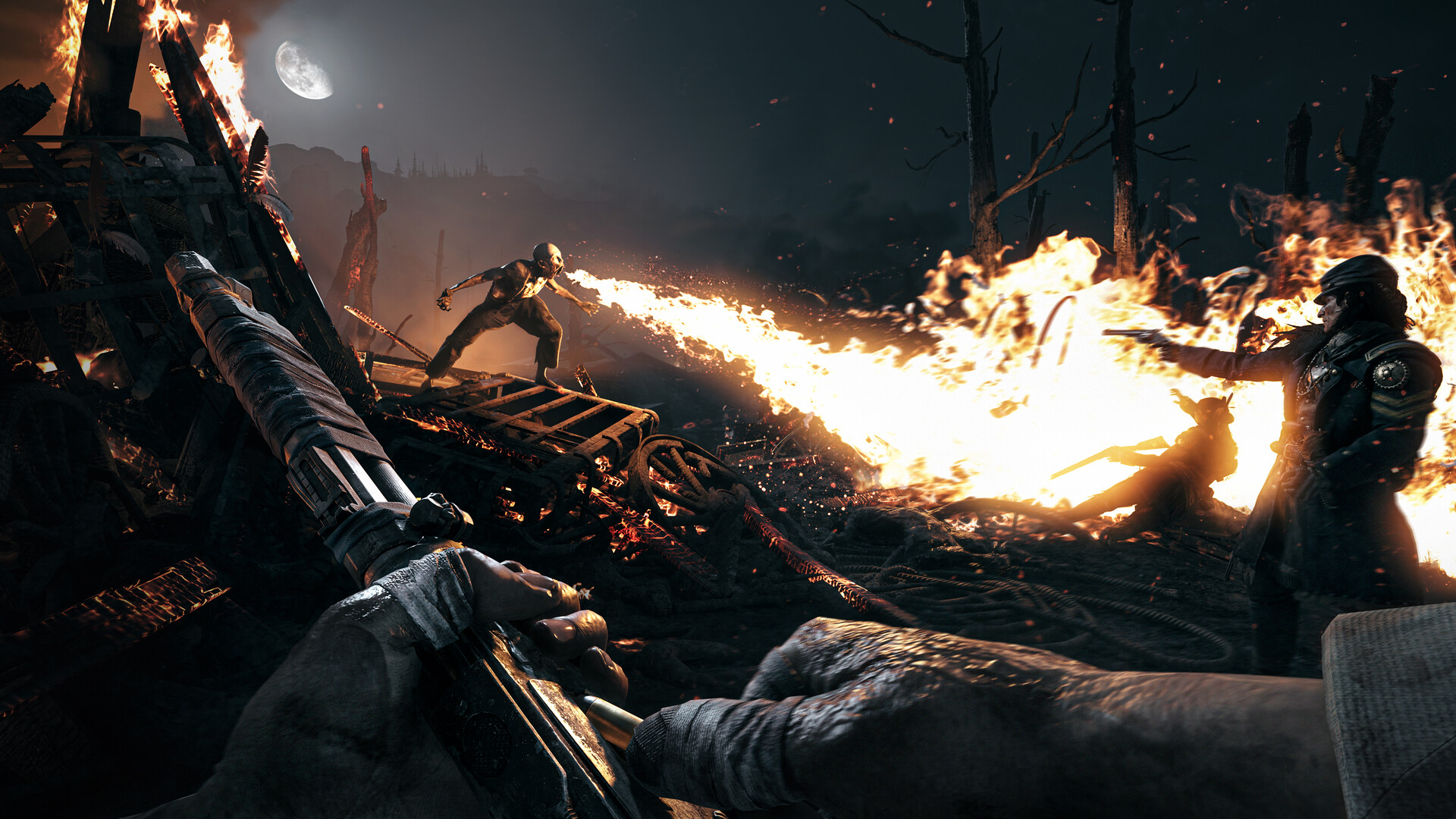
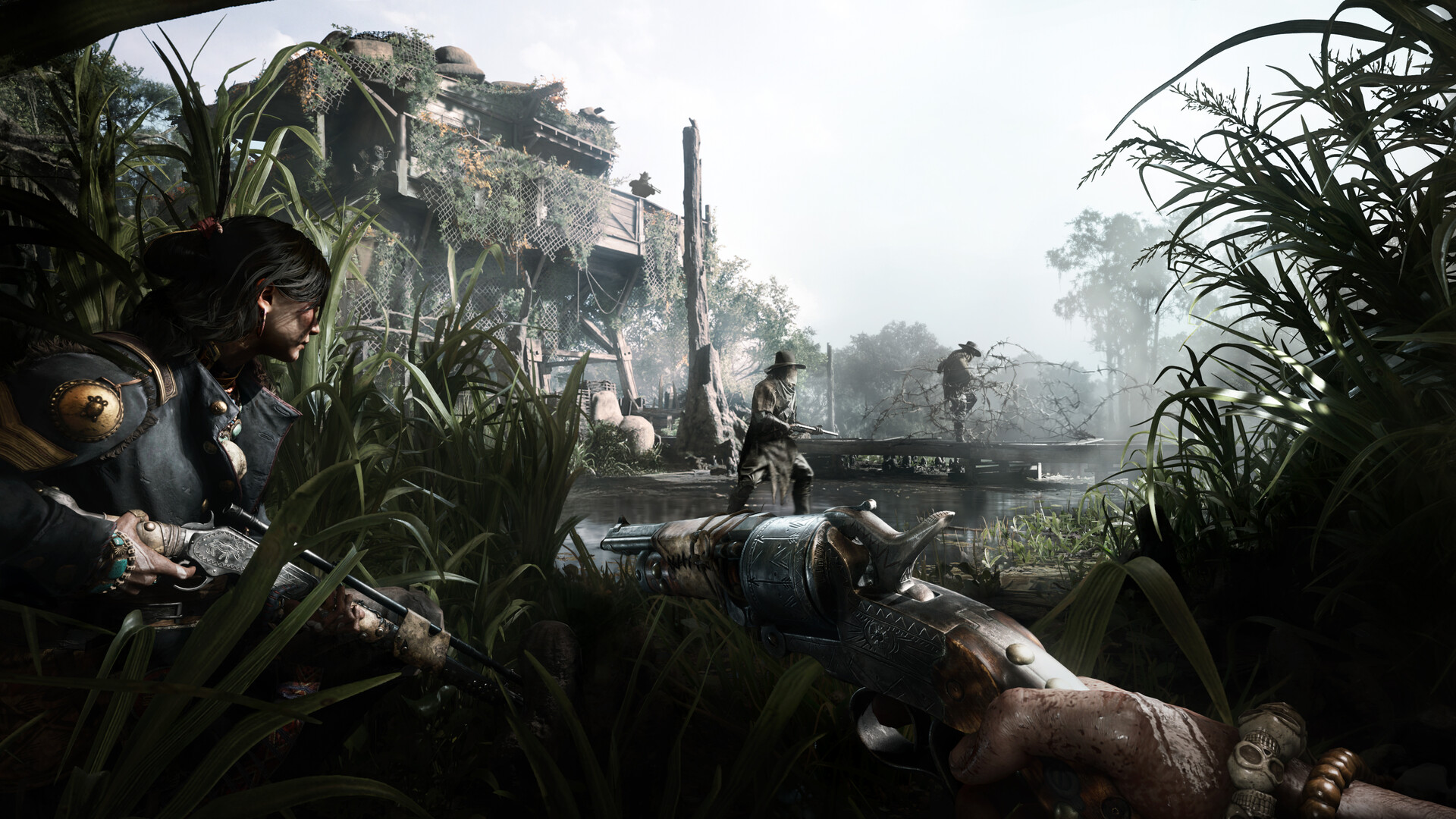
This unforgiving PvPvE first-person shooter pits hunters against each other in a desperate race to track and kill monstrous targets. Explore a dark, Louisiana bayou setting as you balance risk and reward, fighting both AI monsters and rival players for valuable bounties.
EasyAntiCheat in kernel mode blocks compatibility layers — stream via cloud streaming services.
“Smart pacing, gorgeous art direction and combat that consistently surprises. A genuine must-play.”
“A massive, beautiful and endlessly rewarding experience that sets a new bar for the genre.”
“An astounding achievement in interactive entertainment, and one of the best games of this generation.”

What each M-series Mac can realistically handle. Tap any chip to report your experience.
EasyAntiCheat in kernel mode blocks compatibility layers — stream via Boosteroid or GeForce NOW.
Boosteroid and GeForce NOW are also available for cloud performance on a strong connection.
Needs 25+ Mbps internet, wired ideal.
Needs 25+ Mbps internet, wired ideal.
How each supported method stacks up on setup effort, time and runtime overhead.
Checking which partner stores stock this game…
Loading per-platform notes…
Idiot-proof walkthroughs for every method.
Streaming Hunt: Showdown 1896 through Boosteroid is the fastest way to start playing on a Mac — there's nothing to install, no Windows VM, no compatibility layer. The game runs on a remote GPU and your Mac just receives the video, which means even a base M1 MacBook Air can play the most demanding AAA titles at high settings. The tradeoff is that you need a stable internet connection (ideally wired or 5GHz Wi-Fi with 25+ Mbps down) and a subscription.
Streaming Hunt: Showdown 1896 through GeForce NOW is the fastest way to start playing on a Mac — there's nothing to install, no Windows VM, no compatibility layer. The game runs on a remote GPU and your Mac just receives the video, which means even a base M1 MacBook Air can play the most demanding AAA titles at high settings. The tradeoff is that you need a stable internet connection (ideally wired or 5GHz Wi-Fi with 25+ Mbps down) and a subscription.
For most Mac players we recommend Boosteroid as the fastest, smoothest way to play Hunt: Showdown 1896. Needs 25+ Mbps internet, wired ideal.
| Method | Quality | Difficulty | Cost |
|---|---|---|---|
| BoosteroidPick | Excellent | Easy | $9.95 / month |
| GeForce NOW | Playable | Easy | Free / $9.99 per month |
Share what worked for you running Hunt: Showdown 1896 on Mac.
Loading comments…